


- Zeit
- 0 ms
- Speicher
- 0.0 MB
- SQL
- +1
Über
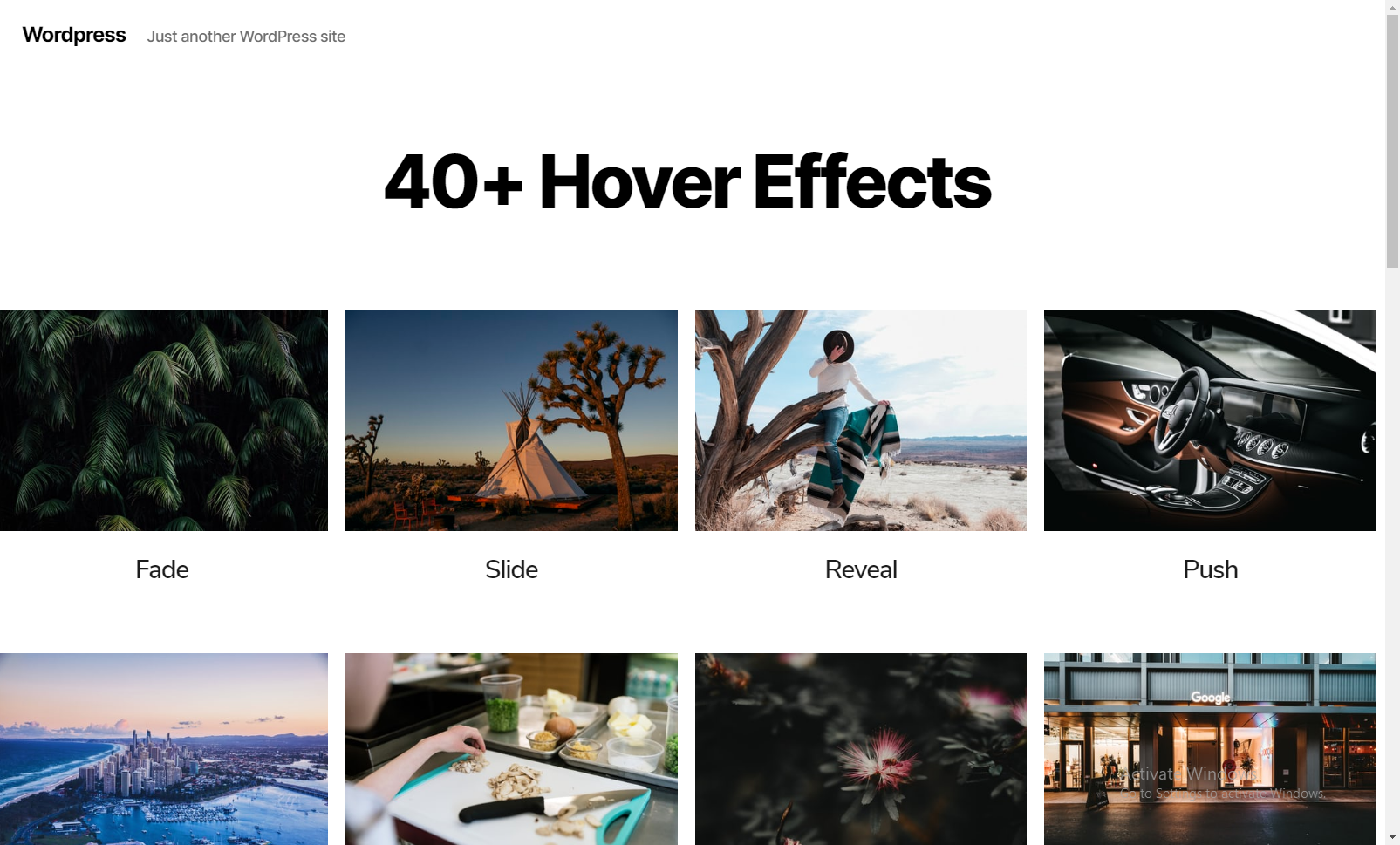
Image Hover Effects Addon for Elementor Page Builder is the best in class addon that lets you set customized hover effects for your image. It gives attention to detail by allowing you to align text, change background, set borders and offers a number of other features. This free plugin has over 40 image hover effects ranging from fade and push to zoom and blur. A pre-set combination of two or more effects is also available. It creates an interactive space for the users to your website.
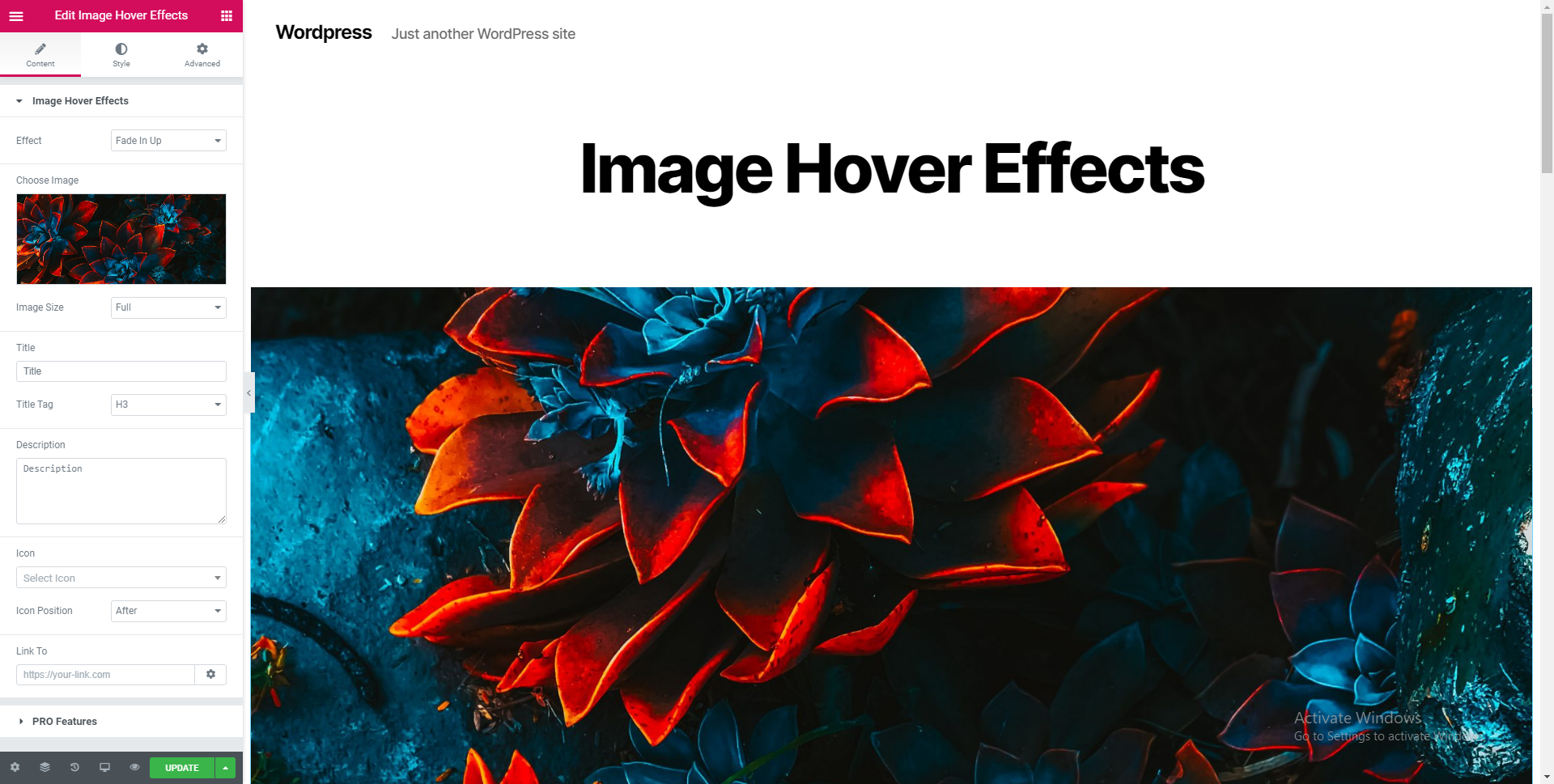
Add title and description to your image, set the title tag, add icons, link to a page or a website and do a lot more. Whenever you scroll the cursor over the image, the hover effect is effectuated to display the title and description.
Mehr lesen Weniger anzeigen
The widget add-on is designed for use by both beginners and advanced users. You can either change the appearance of the effect with the click of a few buttons or choose to add custom HTML or CSS attributes.
Background: Set a background color to the effect. You can also choose set a transparent background.
Horizontal Alignment: Align the title and description to the left, center, right with horizontal alignment.
Vertical Alignment: Align the title and description to the top, middle or bottom with vertical alignment.
Padding: Set the padding to the content over the effect.
Border Radius: You can use this feature to trim off the sharp edges of the image to give it a smoother touch.
Title: Set a title color that compliments the background. Using the ‘Typography’ option, you can choose the font, font size, weight, case, style (italic, bold, etc.), decoration (overline, underline, etc.), line height and letter spacing of the title.
Description: Similarly, you can choose the color and the typography options for your description under this option.
Icon: Set the icon’s color, it’s size and the space between the icon and the title.
Image Hover Effects for Elementor comes with CSS3 styles that add stunning yet mellow and pleasant hover effects to your images. Let your images fade in or fade out, slide, flip, shutter, zoom, fold, roll, etc with just a click. There’s no coding involved. Image hover effects keeps things simple and elegant. If you’ve got multiple images to be displayed, then you can simply copy the style and paste it onto another image. You also have the option to duplicate the image. The hover effects from Image Hover Effects are fully responsive, and can accommodate to very small and extra-large devices. They’re designed using flexible and robust CSS.
From an SEO perspective, adding title tags, headings and descriptions to your images is indispensable. Title tags and descriptions almost always garner a click from the user whereas keywords in titles and headings can help your website rank higher in search results.
Image Hover Effects for Elementor lets you do all that and more in just a span of few seconds. Just add the title of your image to the Title field and set the tag (H1-H6, paragraph, span). Then add the description to the Description field. That’s all there is to it. Now you can customize the look of your text to being neat and crisp or wild and artistic or choose from a multitude of other choices.
Another important factor is linking to specific pages or interlinking to drive traffic. Image Hover Effects provides an option to link your image to a specified URL. You can copy the link to which your users should be directed to (when they click the image) and paste it in the field under the ‘Link To’ section.
On any WordPress website that supports Elementor! Be it a blogging site, a news website or even an e-commerce or e-learning website, Image Hover Effects works flawless. Since there are over 40 hover effects, you can use a combination of styles to work wonders with your images. But why should you stop there? Try our Pro version. The Pro version offers over 150+ hover effects and a number of other perks as well.
Hover effects demo | Emage Hover Effects (Pro) | Buy Emage Hover Effects
Beschreibung veröffentlicht von Blocksera auf WordPress.org, lizenziert unter GPLv3 or later.
Tags
addons
css effects
elementor
elementor widget
image hover effects
Screenshots
Screenshots veröffentlicht von Blocksera auf WordPress.org, lizenziert unter GPLv3 or later.
Historie nach Version
Versionsdetails anzeigen (1 Version)
Historie nach Version
Versionsdetails anzeigen (1 Version)
Wie sich das Plugin von Version zu Version entwickelt.
| Version | Homepage | Admin | Letzter Scan |
|---|---|---|---|
| v1.4.5 | 4 Scans | 1 Scan | vor 3 Monaten |
Alternativen in derselben Kategorie
Weitere Plugins der Kategorie page builder, von der Community gemessen, vom leichtesten zum schwersten sortiert.
- Zeit
- 494 ms
- Speicher
- 10.0 MB
- SQL
- +84
Noch nicht genug Scans für eine Bewertung (4 erhalten).
Noch nicht genug Scans für eine Bewertung (4 erhalten).
Noch nicht genug Scans für eine Bewertung (2 erhalten).
Noch nicht genug Scans für eine Bewertung (2 erhalten).
Scan-Verlauf
Einzelnes Scan-Protokoll anzeigen (5 Scans)
Scan-Verlauf
Einzelnes Scan-Protokoll anzeigen (5 Scans)
| Datum | Version | Kontext | Score | Bewertung | Zeit | Speicher |
|---|---|---|---|---|---|---|
| vor 3 Monaten | v1.4.5 | Homepage | 100/100 | A | 0 ms | 0.0 MB |
| vor 3 Monaten | v1.4.5 | Admin | 85/100 | A | 189 ms | 0.0 MB |
| vor 3 Monaten | v1.4.5 | Homepage | 68/100 | B | 181 ms | 0.0 MB |
| vor 3 Monaten | v1.4.5 | Homepage | 63/100 | C | 262 ms | 0.0 MB |
| vor 3 Monaten | v1.4.5 | Homepage | 63/100 | C | 246 ms | 0.0 MB |