Score d'impact
Footprint Score sur les deux contextes les plus représentatifs.
1 scans · dernier scan il y a 5 jours
Score Homepage
Impact mesuré sur la page d'accueil publique
Score Admin
Impact mesuré dans l'administration WordPress
À propos
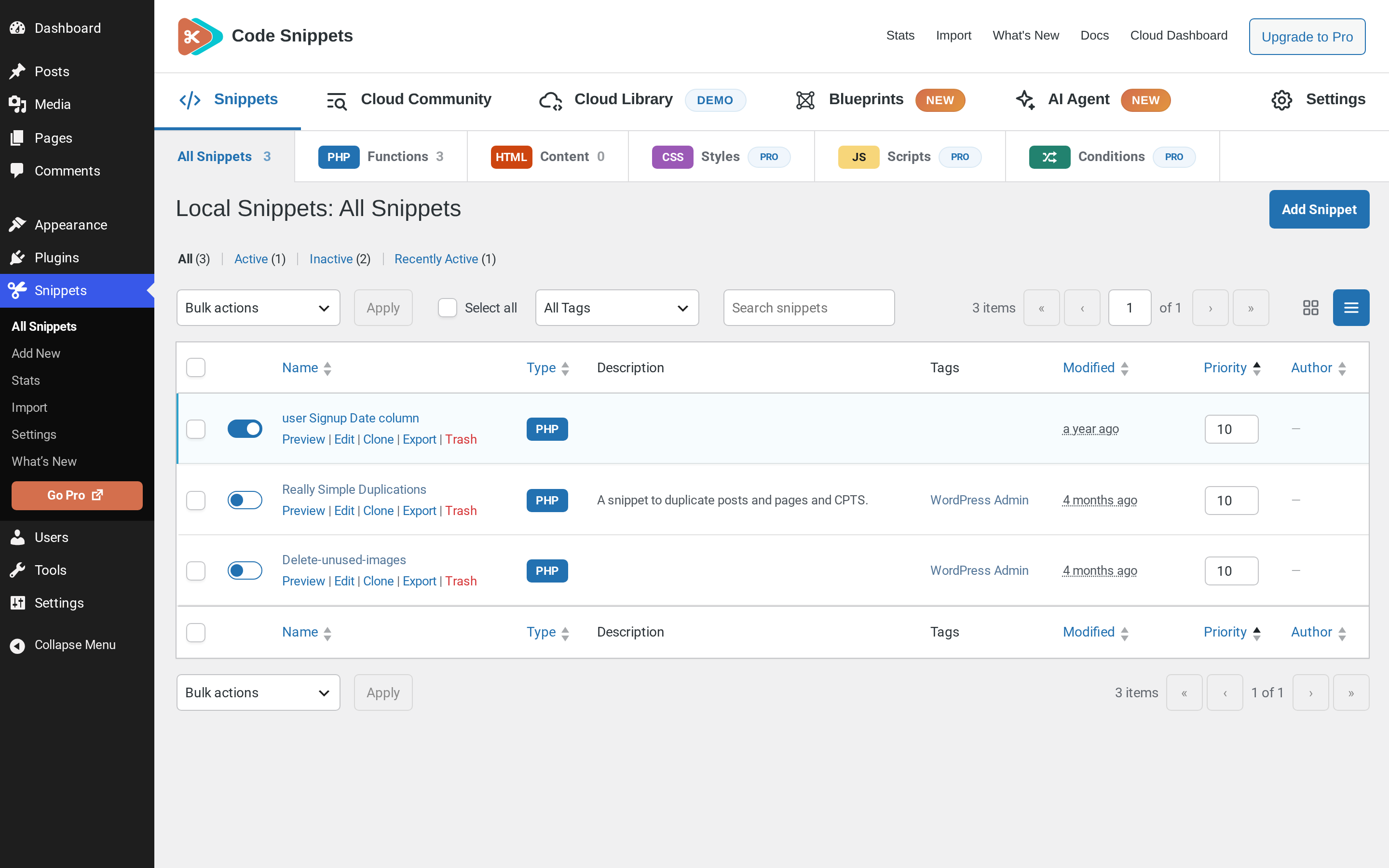
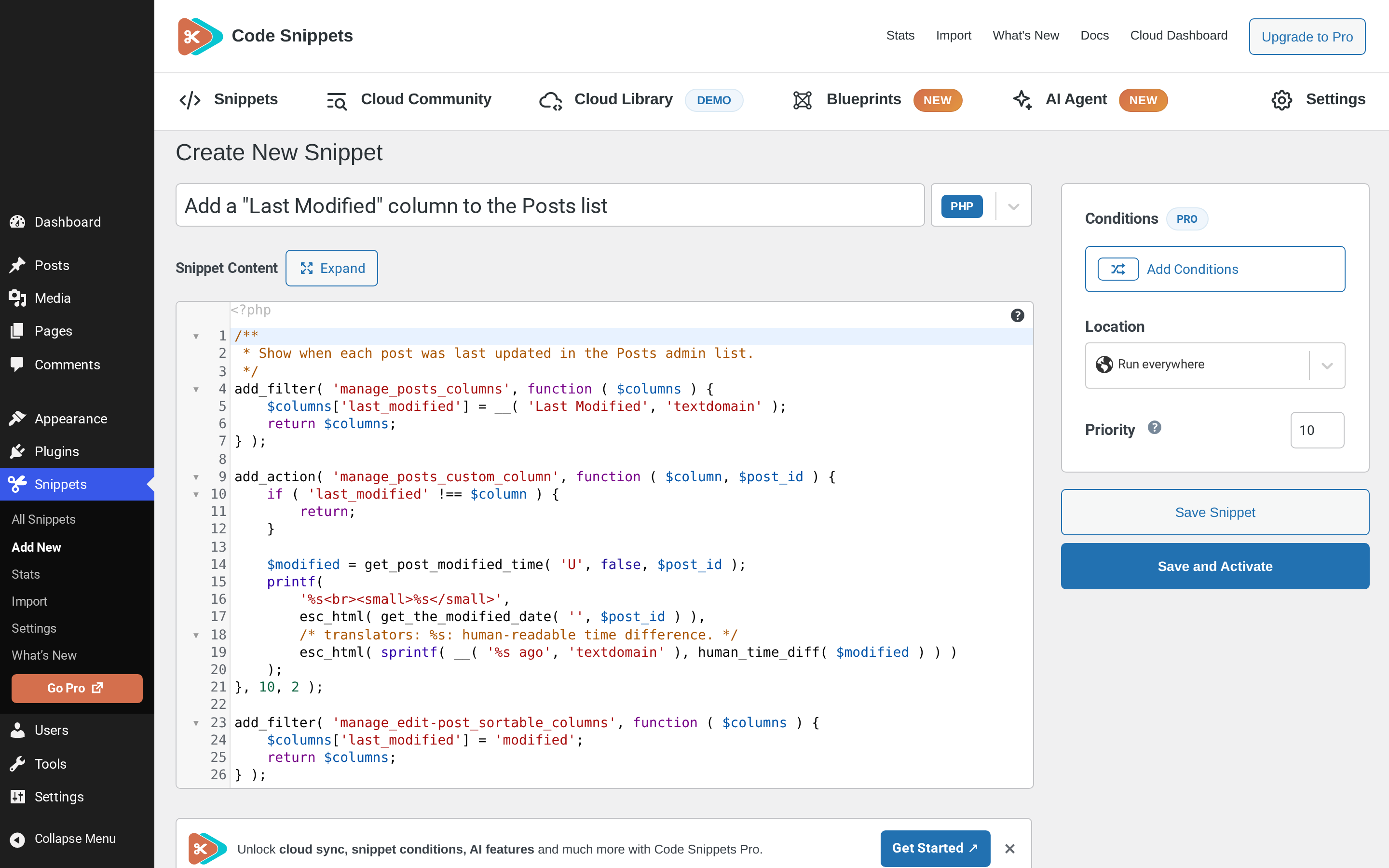
Code Snippets gives you a dedicated WordPress dashboard for creating, organising and managing custom code. Add PHP functionality and reusable HTML content, choose where PHP snippets run, and activate or deactivate snippets individually.
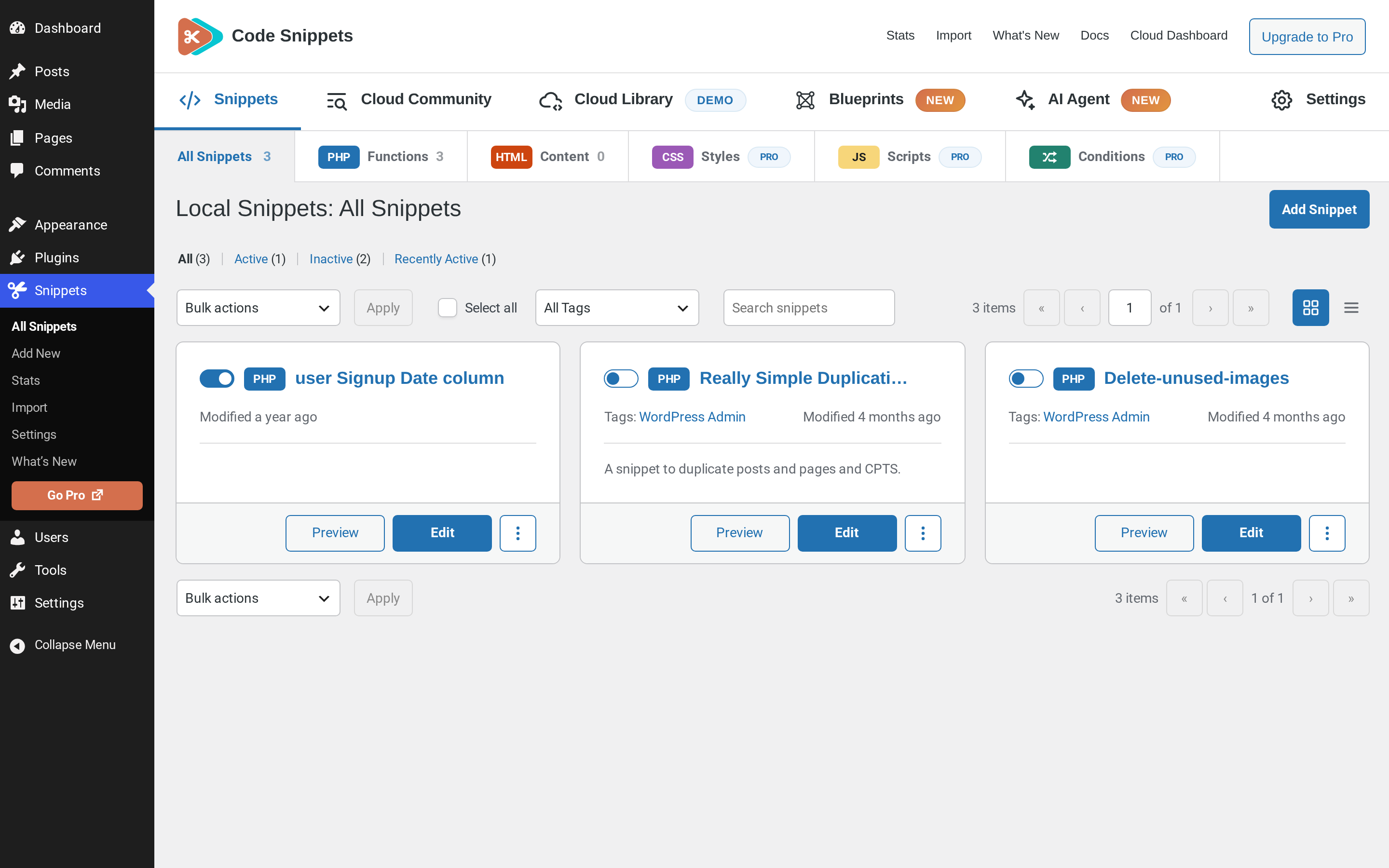
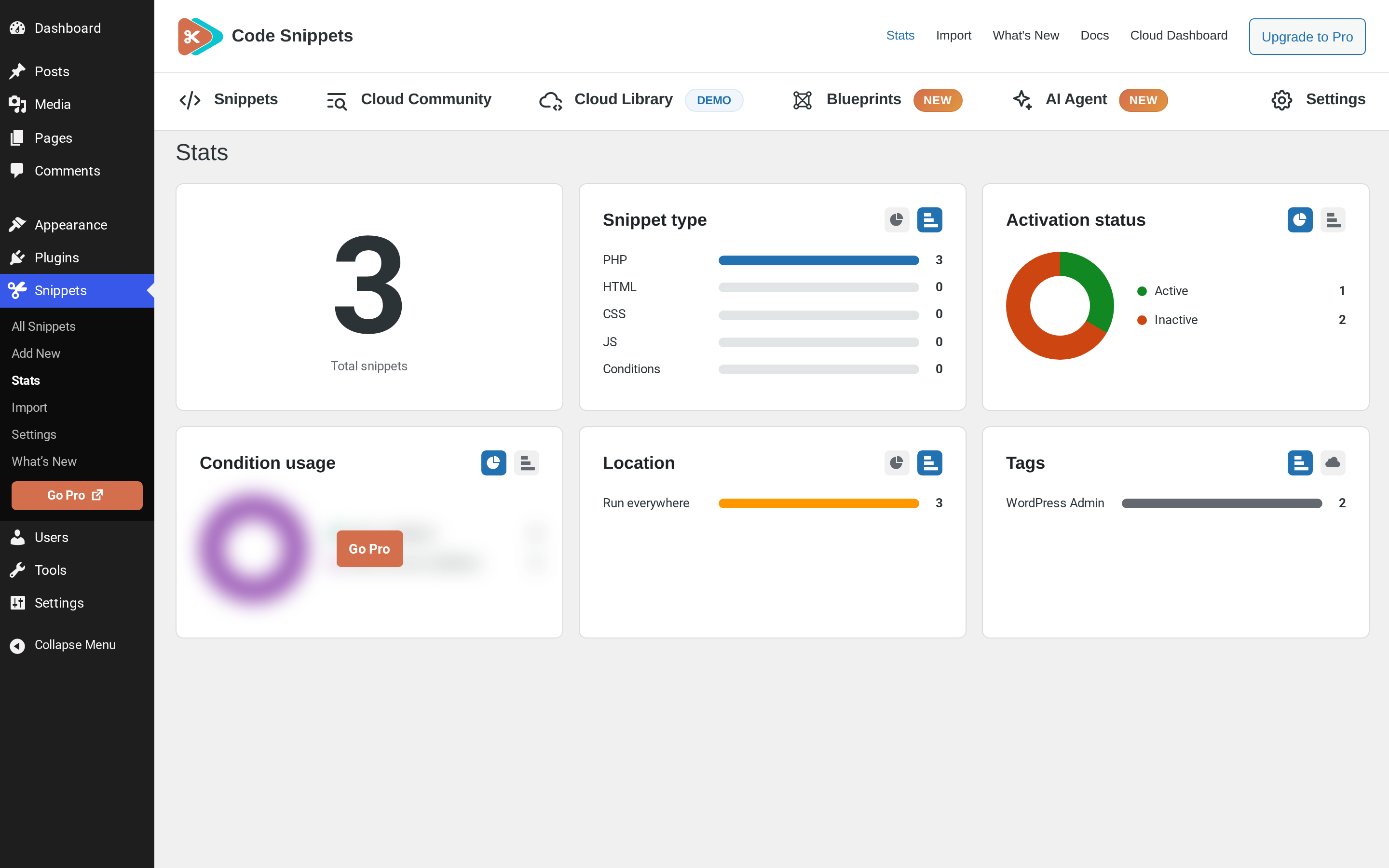
Find snippets with search, tags and filters, switch between table and card views, and preview code without opening the editor. Lock important snippets to help prevent accidental changes, and use the Stats overview to see snippet totals and breakdowns.
See the plugin in use, including features from both the free and Pro editions. The Pro features listed below require the relevant Pro access.
Lire la suite Réduire
Want AI-assisted code creation and advanced controls? Code Snippets Pro adds the AI Agent, snippet revisions, visual display conditions, CSS and JavaScript snippets, and connected Cloud workflows.
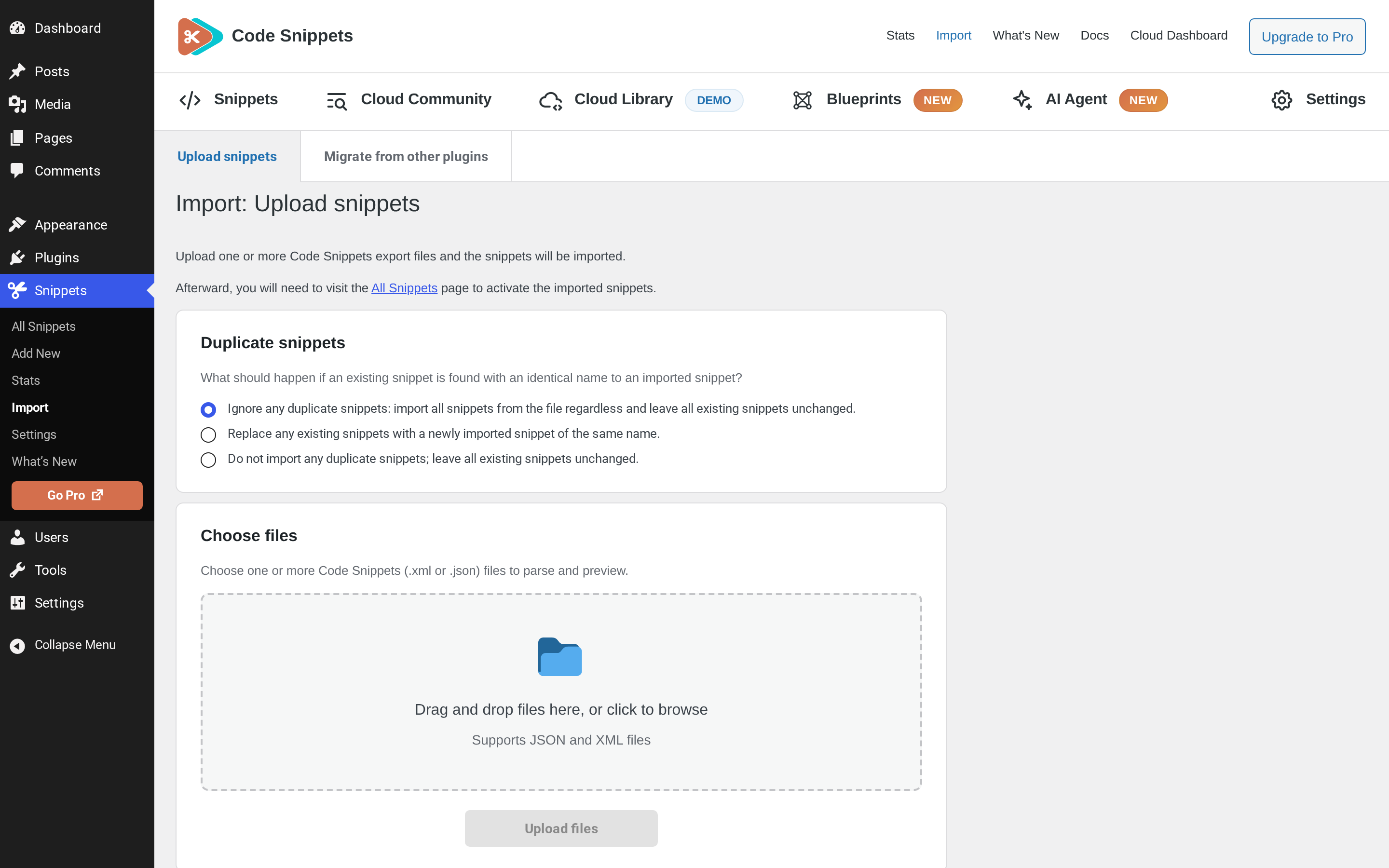
Your snippets stay separate from your theme files. Browse Community Cloud for shared snippets, and use import and export to reuse your code across sites.
Code Snippets has been available on WordPress.org since 2012 and is active on 1 million+ WordPress installations.
PHP snippets execute code on your site. Only use code you trust, review it before activation and keep a current backup. Safe Mode helps with recovery; it does not make every snippet safe or guarantee that every error can be prevented.
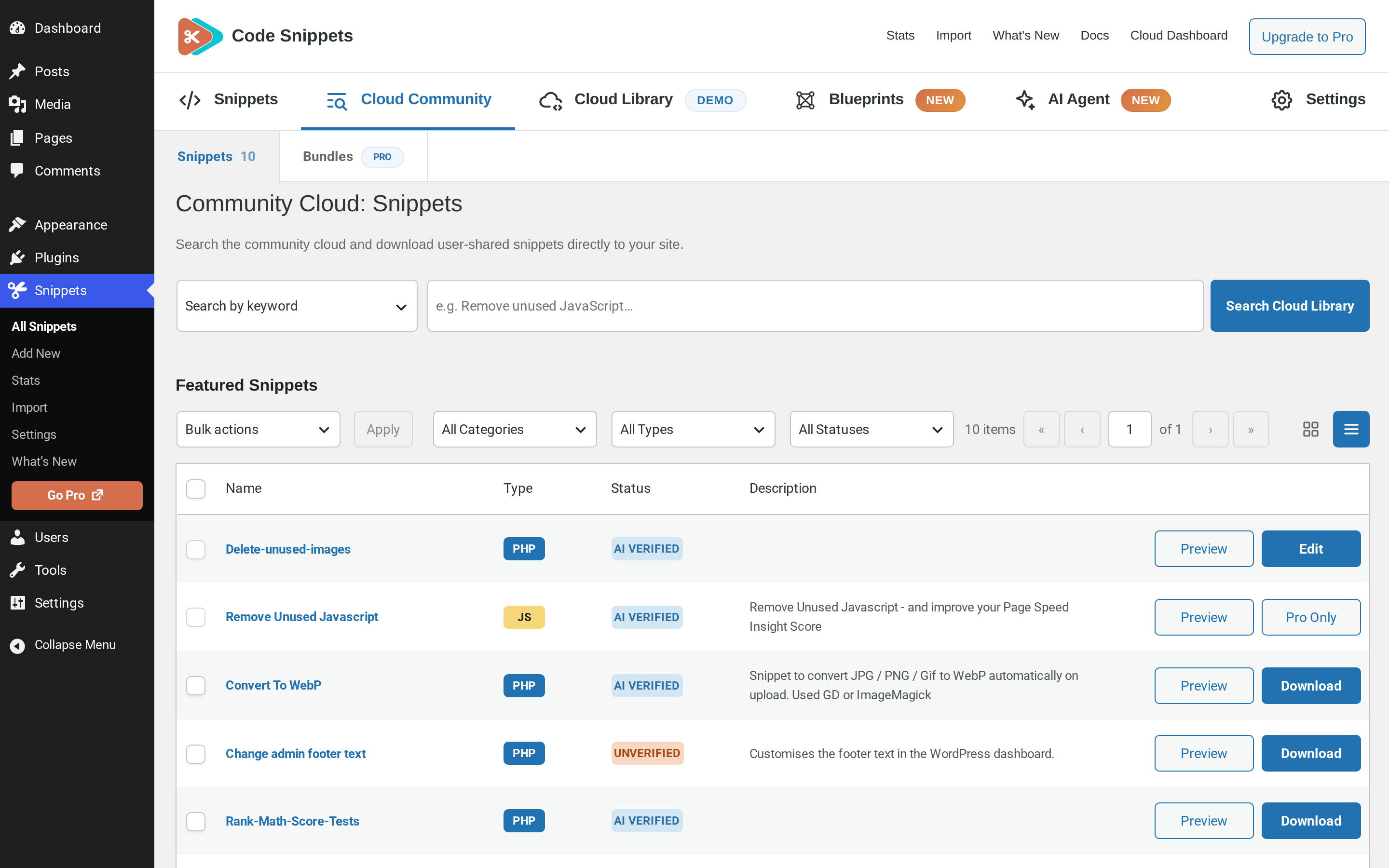
Browse the community-powered Code Snippets Cloud library from inside WordPress. Search user-shared snippets, preview their code and download snippet types supported by your edition.
A Cloud account is not required to create and run local PHP and HTML snippets. Personal Cloud library, synchronisation and deployment workflows require a connected account and the relevant Pro access.
Code Snippets Pro extends the free plugin with additional code types, editing tools and connected workflows:
Cloud-connected Pro features require the appropriate licence and a connected Code Snippets Cloud account. Local PHP and HTML snippets do not require a Cloud account. The free plugin includes interactive demos of selected Pro workflows; using the full tools requires Pro access.
Find Code Snippets useful? Leave a review on WordPress.org to share your experience and help others decide whether the plugin suits their needs.
Thank you to everyone who helps make Code Snippets available in different languages. See the translation contributors or contribute a translation.
Description publiée par Code Snippets Pro sur WordPress.org, sous licence GPL-2.0-or-later.
Captures d'écran
Captures publiées par Code Snippets Pro sur WordPress.org, sous licence GPL-2.0-or-later.