Score d'impact
Footprint Score sur les deux contextes les plus représentatifs.
0 scans · dernier scan il y a 22 heures
Score Homepage
Impact mesuré sur la page d'accueil publique
Score Admin
Impact mesuré dans l'administration WordPress
À propos
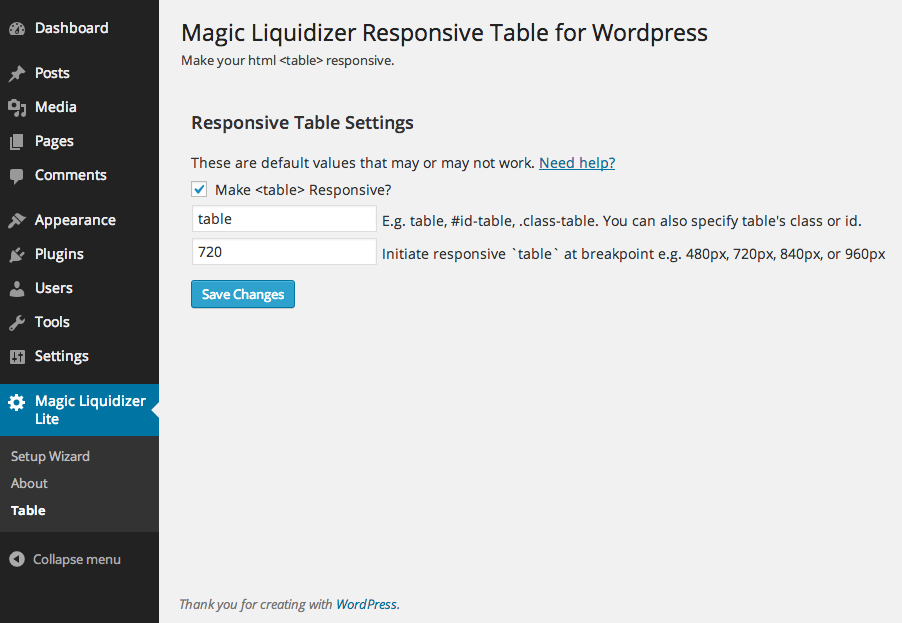
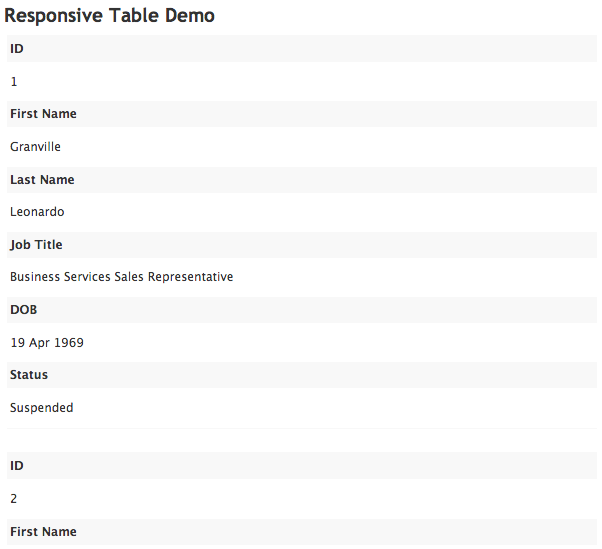
A simple and lightweight WordPress plugin that transforms your normal HTML table into mobile responsive table. It’s a must have Responsive Web Design (RWD) tool for developing your website. Page tables may overlap in small screens or when dragging your browser to minimizing it for mobile screens simulation especially when the table contains large contents such as texts and images. So this is your solution!
Magic Liquidizer Responsive Table plugin – is just one of many features of Magic Liquidizer for a complete Responsive Web Design solution such as images, texts, forms, tables, navigation menu, and other HTML elements.
The demonstration link below is where Magic Liquidizer plugin used, minus anything else, just observe the Responsive Table function. See it in action by following this DEMO.
Lire la suite Réduire
If you like this plugin, good ratings is much appreciated.
For more information kindly check InnoveDesigns.com Responsive Table article. and leave a message via our contact form for further concerns. Also you can join the project on GitHub Magic-Liquidizer-Responsive-Table Project.
Description publiée par Elvin D sur WordPress.org, sous licence GPLv3 or later.
Captures d'écran
Captures publiées par Elvin D sur WordPress.org, sous licence GPLv3 or later.