
- Temps
- 465 ms
- Mémoire
- 46.0 MB
- SQL
- +71
À propos
Plugin Demo | Documentation | Support | Tutorials | Get Pro
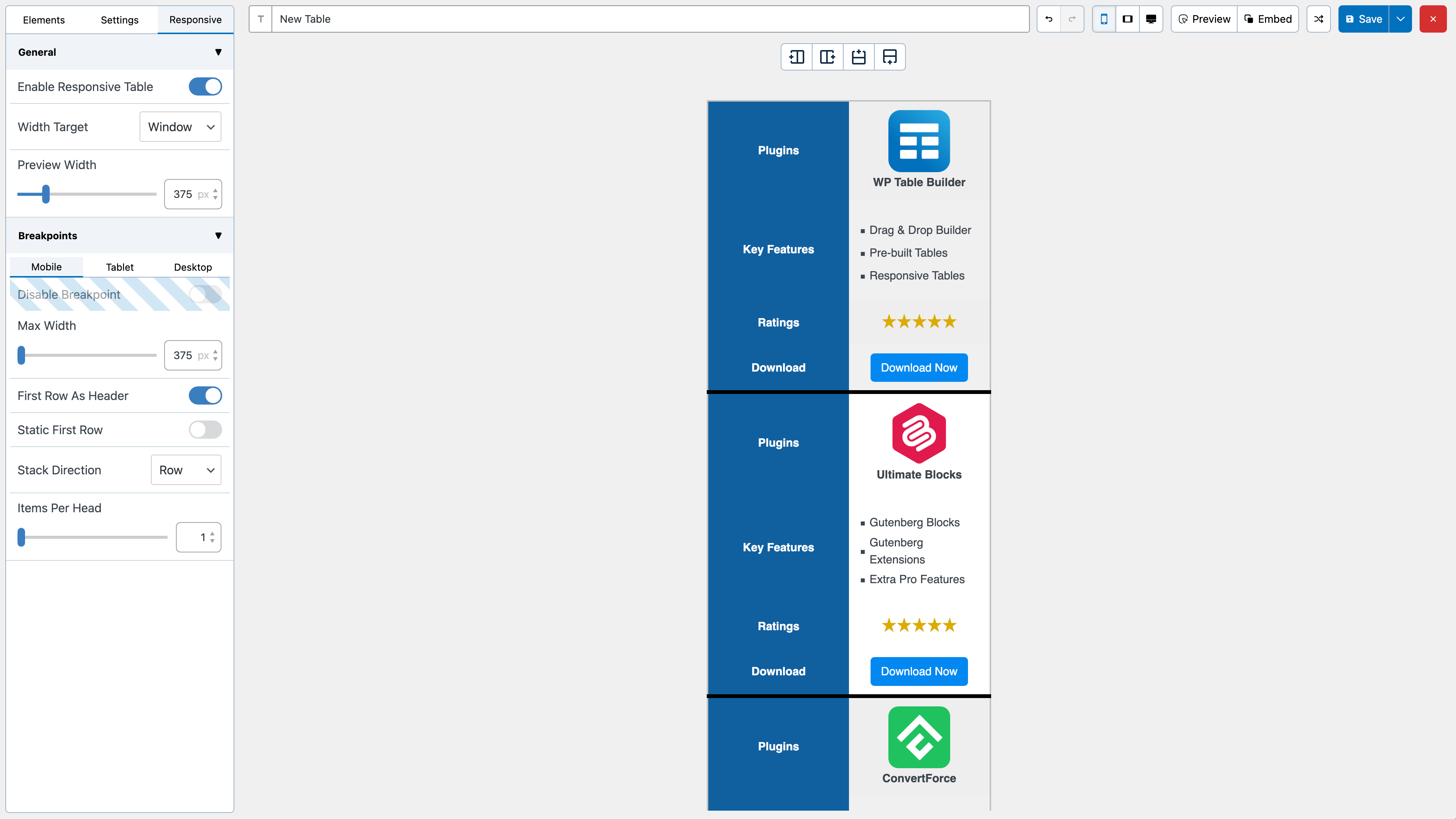
WP Table Builder is a drag and drop table builder plugin for WordPress. It’s insanely easy to create responsive tables with WP Table Builder.
WP Table Builder is perfect for creating comparison tables, pricing tables, list tables and many more.
Lire la suite Réduire
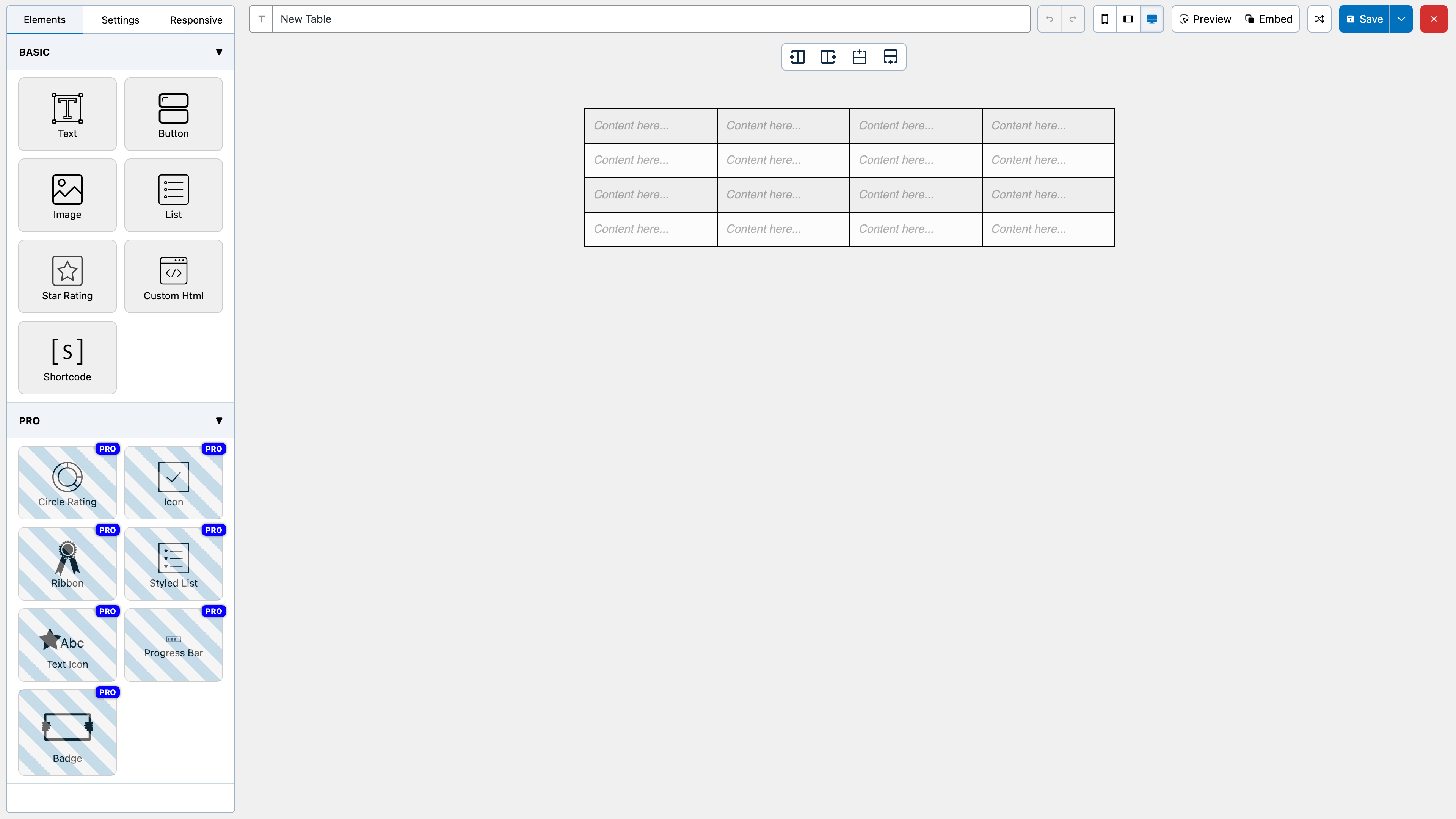
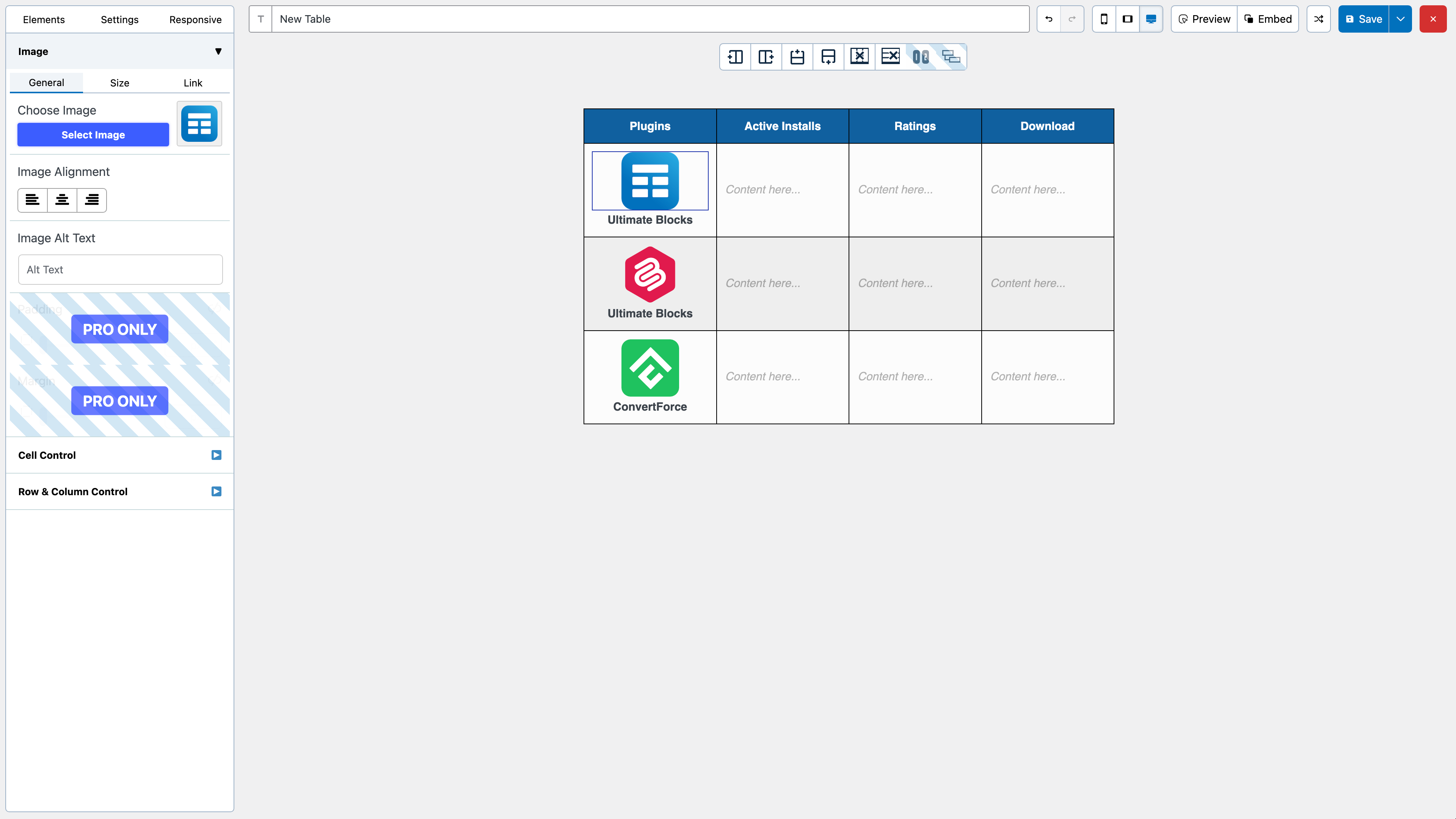
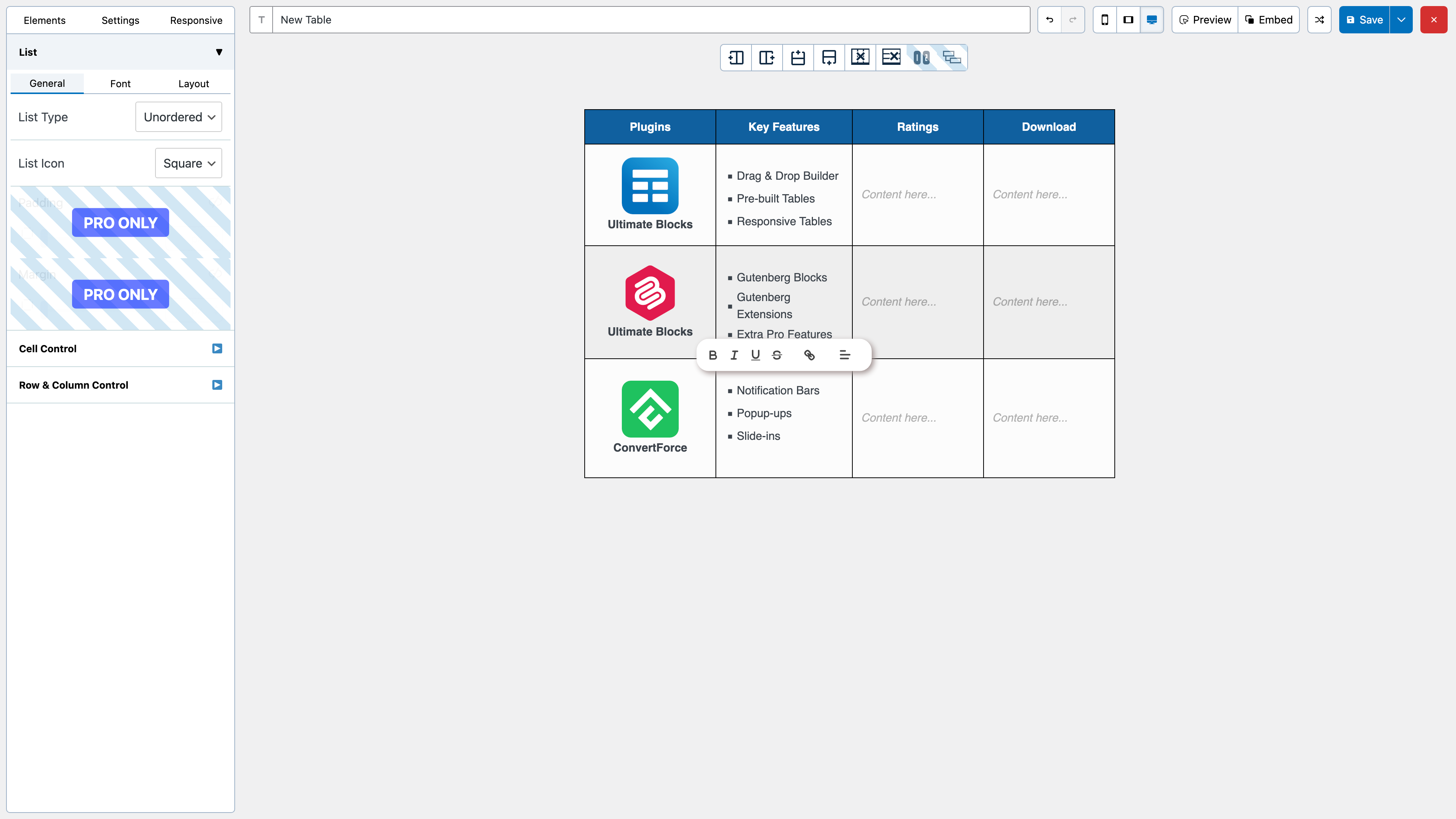
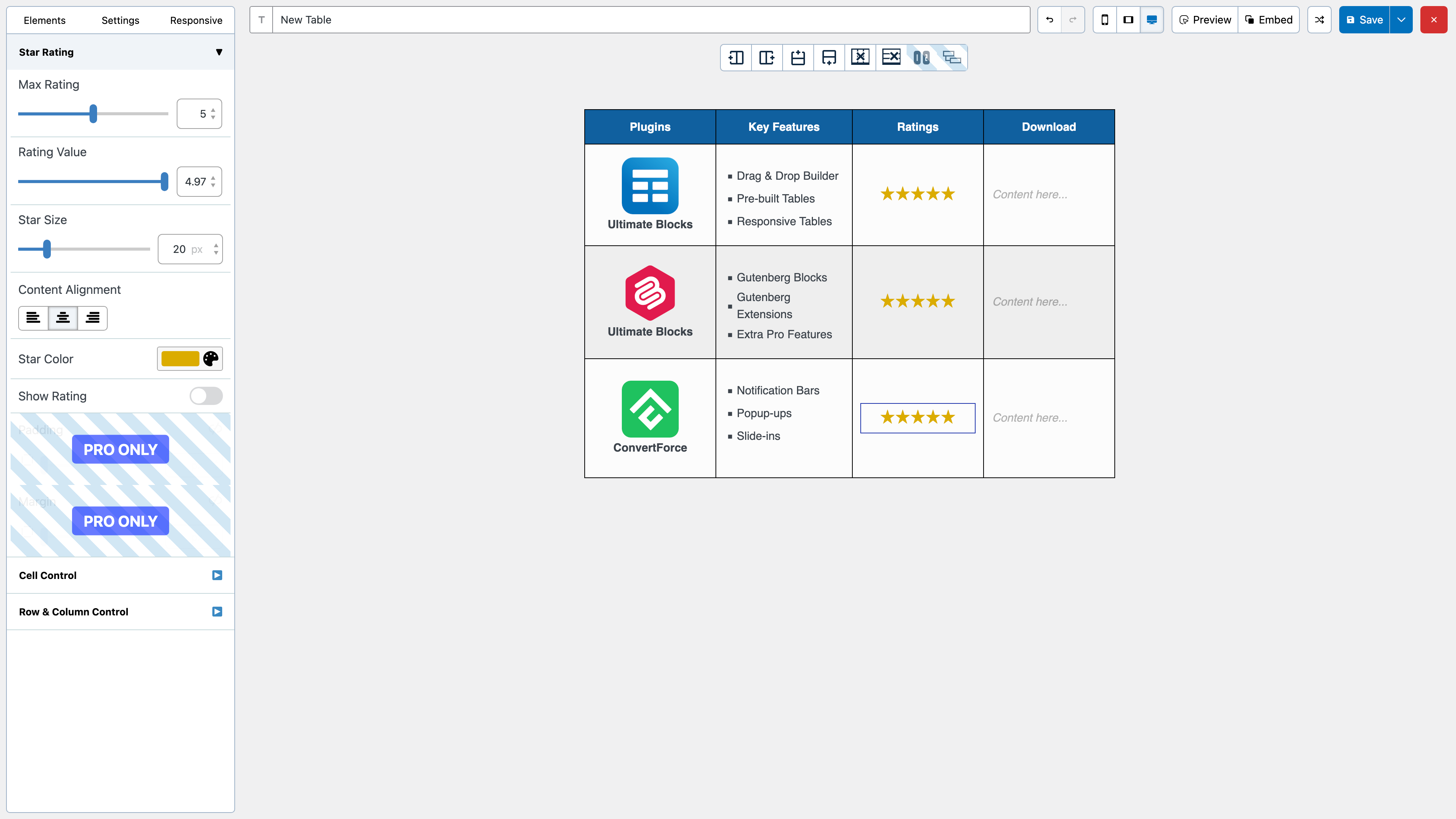
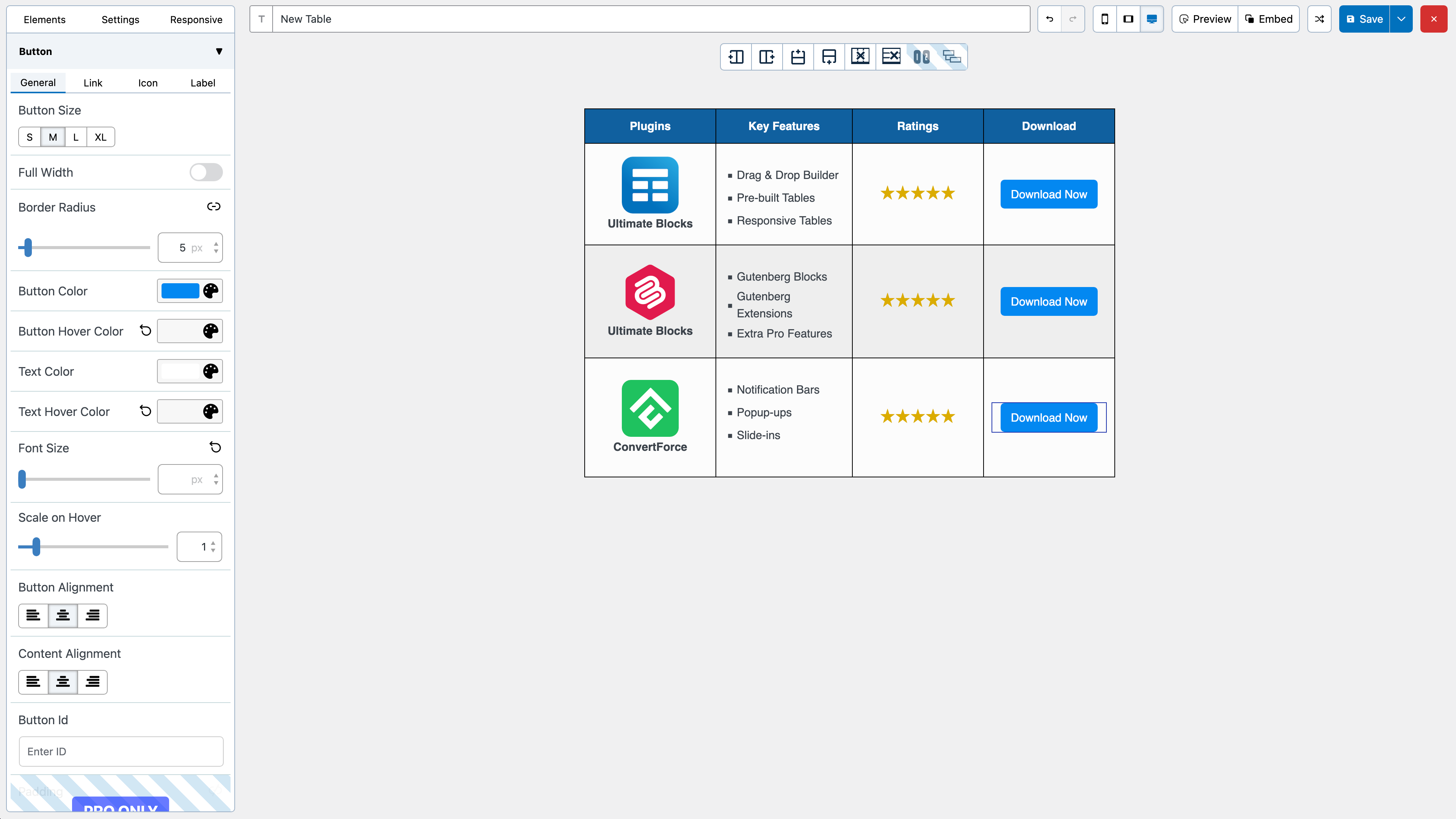
The builder comes with 7 elements right now. You can add the following elements in a table:
All the elements come with customization options of their own.
We have a cell management mode which comes with options like Add New Row, Add New Column, Merge Cells, Split Cells and many more.
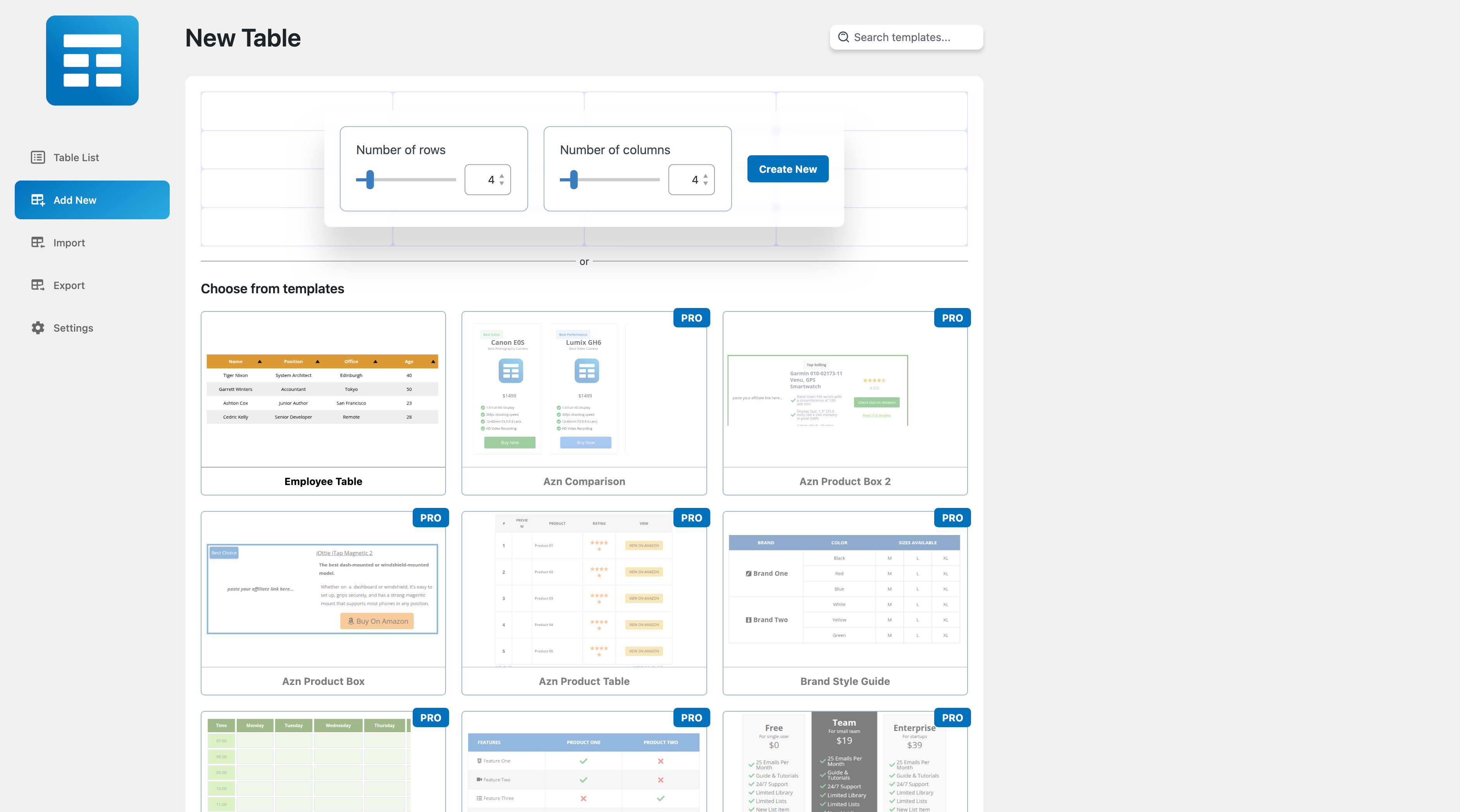
After you install the plugin, you will see a Table Builder menu. Go to Table Builder > Add New.
You will be able select column number and row number. Once you select that, click on Generate. The table will be generated.
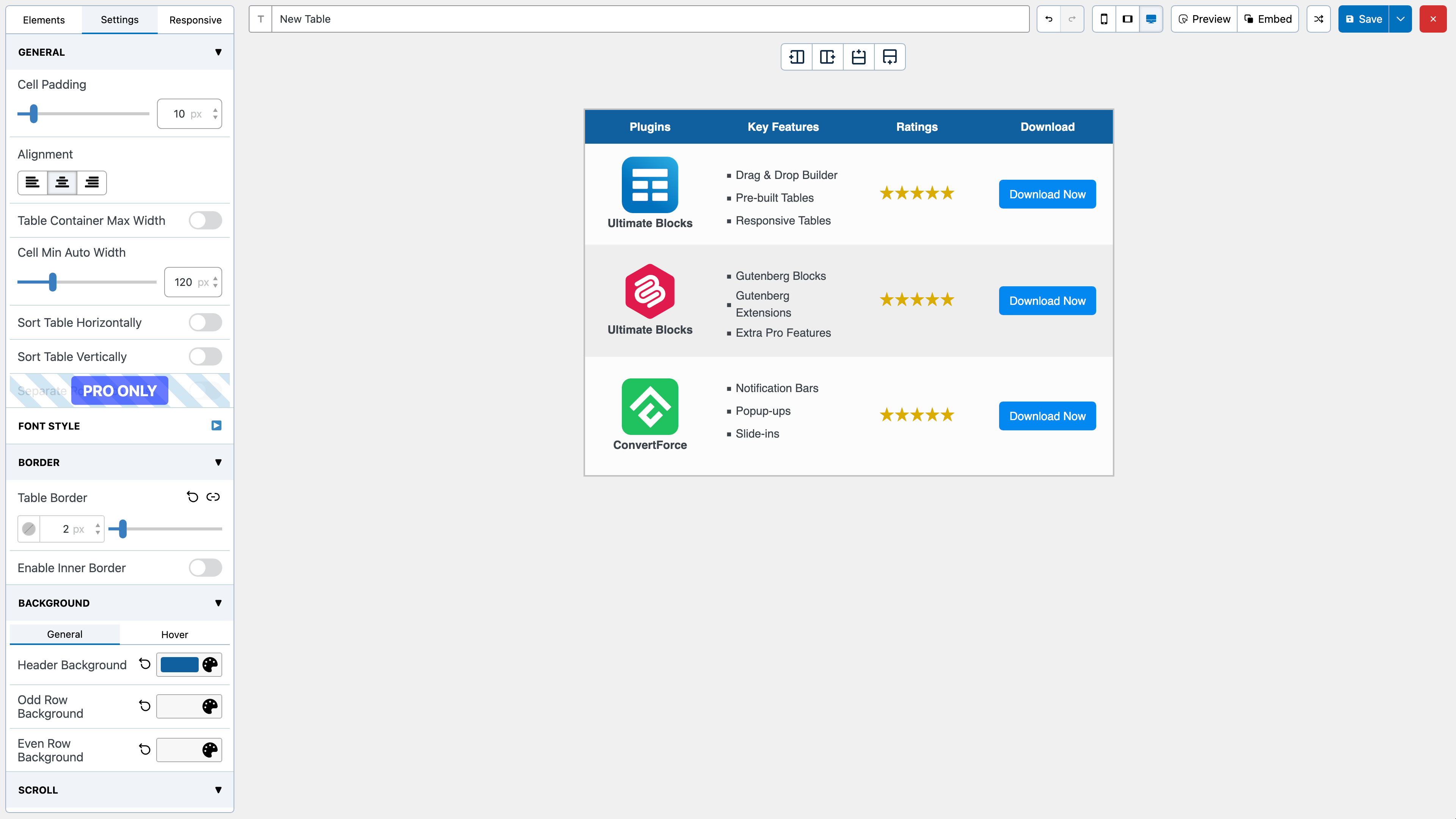
You can then drag and drop elements from the left panel into the table cells. Once you are done adding and editing elements, click on Save to save the tables.
After the table is saved, you can embed it in post and pages by using a shortcode. Click on ‘Embed’ on the top to get the shortcode.
You can also get the shortcode from the ‘All Tables’ list under ‘Table Builder’ menu.
You can import tables from CSV or XML files. You can import both single and multiple CSV or XML files. Multiple files will have to be zipped.
You can also import tables from TablePress plugin.
Just like importing you can export the tables to CSV or XML files.
If you are looking to move tables created with WP Table Builder to another site, XML is the better choice as it will preserve table settings.
Tags
drag-and-drop
table
Table Builder
Captures d'écran
Aperçus fournis par l'auteur sur wordpress.org.
Historique par version
Voir le détail par version (1 versions)
Historique par version
Voir le détail par version (1 versions)
Comment le plugin évolue de version en version.
| Version | Homepage | Admin | Dernier scan |
|---|---|---|---|
| v2.2.2 | 2 scans | — | il y a 4 heures |
Alternatives dans la même catégorie
D'autres plugins page builder mesurés par la communauté, classés du plus léger au plus lourd.
- Temps
- 0 ms
- Mémoire
- 0.0 MB
- SQL
- +2
Pas encore assez de scans pour publier le score (3 reçus).
Pas encore assez de scans pour publier le score (1 reçus).
Pas encore assez de scans pour publier le score (4 reçus).
Pas encore assez de scans pour publier le score (2 reçus).
Historique des scans
Voir le journal des scans individuels (2 scans)
Historique des scans
Voir le journal des scans individuels (2 scans)
| Date | Version | Contexte | Score | Grade | Temps | Mémoire |
|---|---|---|---|---|---|---|
| il y a 4 heures | v2.2.2 | Homepage | 100/100 | A | 0 ms | 0.0 MB |
| il y a 4 heures | v2.2.2 | Homepage | 100/100 | A | 0 ms | 0.0 MB |