




Ancora troppe poche scansioni per pubblicare il punteggio (1 ricevute).
Informazioni
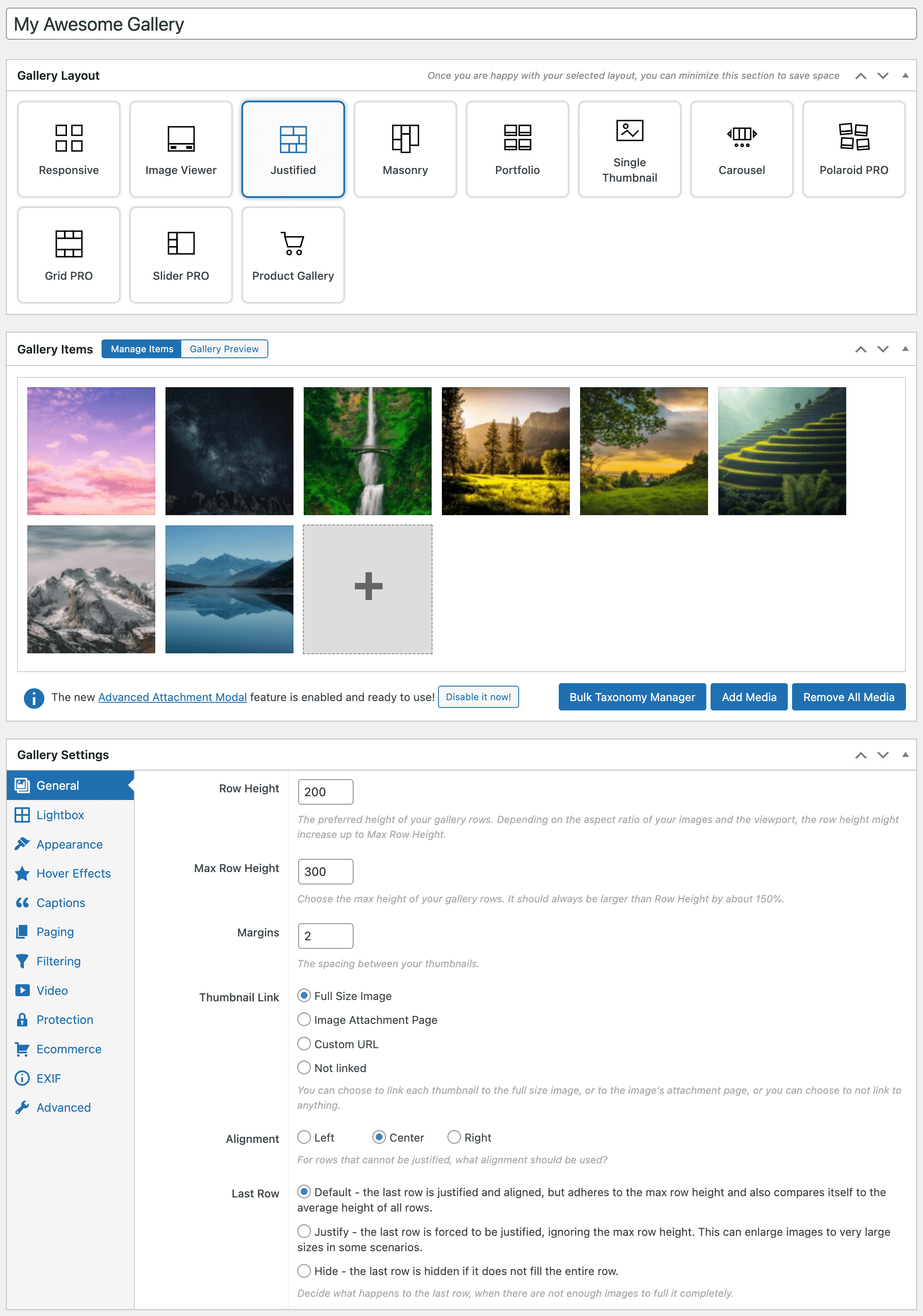
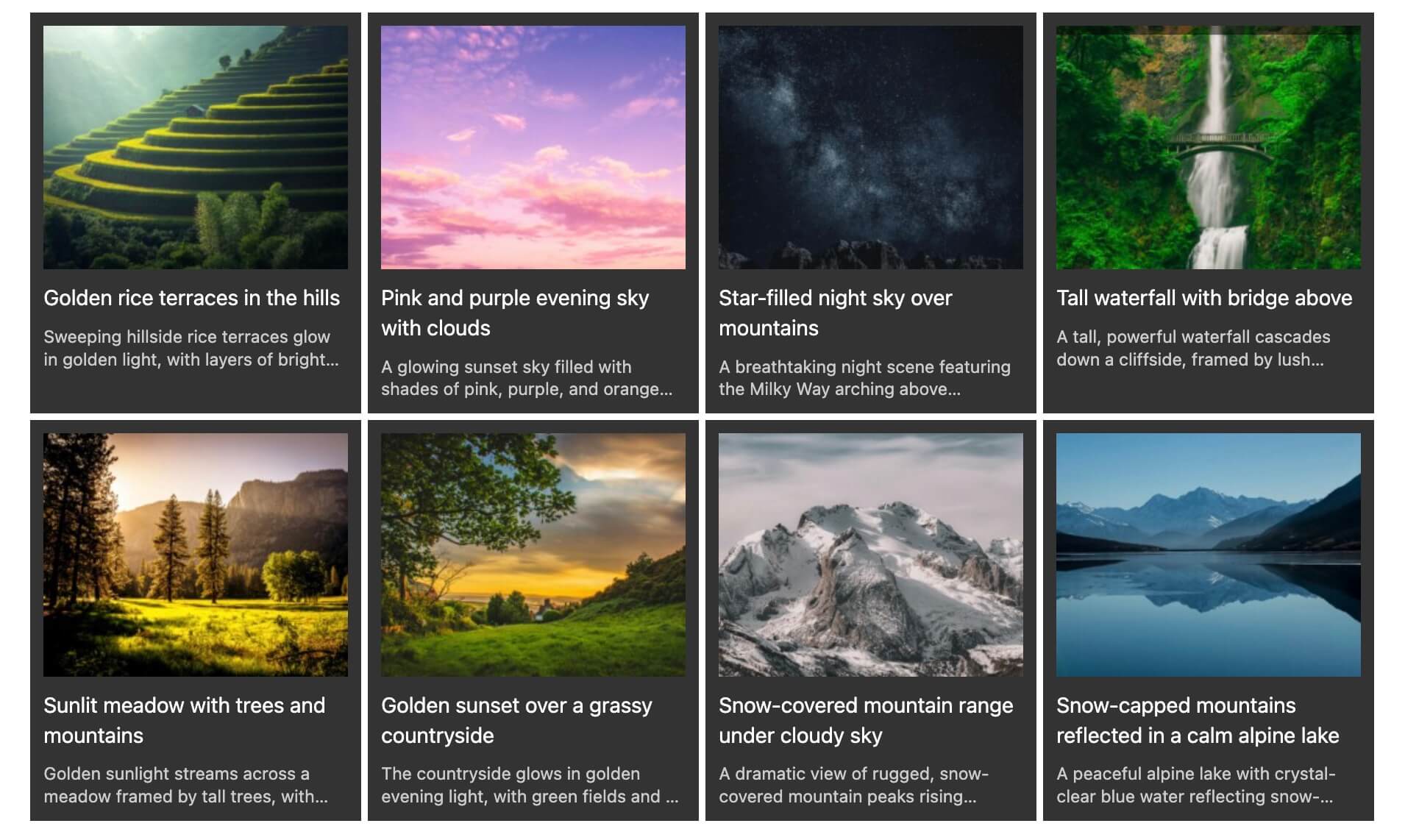
FooGallery helps you create fast, responsive WordPress photo galleries, image galleries, masonry galleries, portfolio galleries, albums, and lightbox galleries using a drag-and-drop gallery builder. It is built for site owners, photographers, designers, bloggers, and agencies who need attractive galleries without custom code.
Leggi tutto Mostra meno
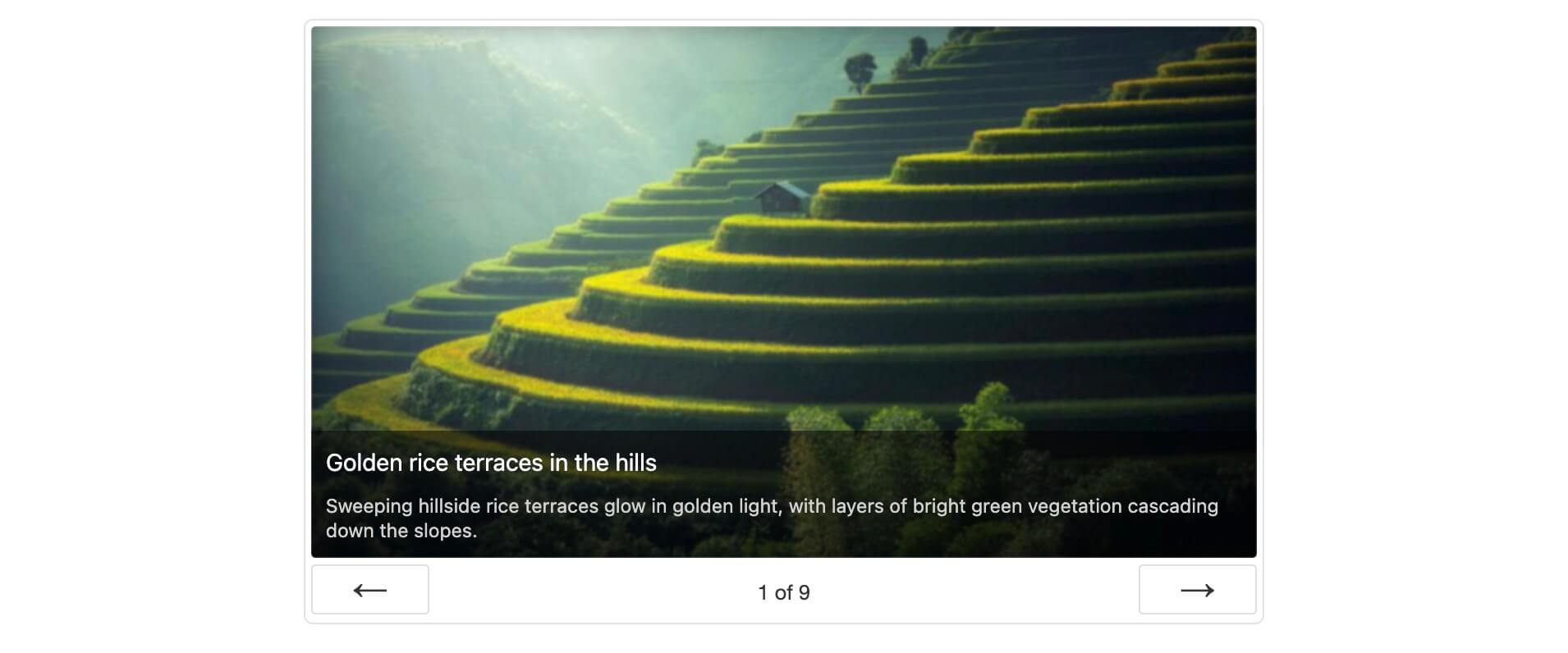
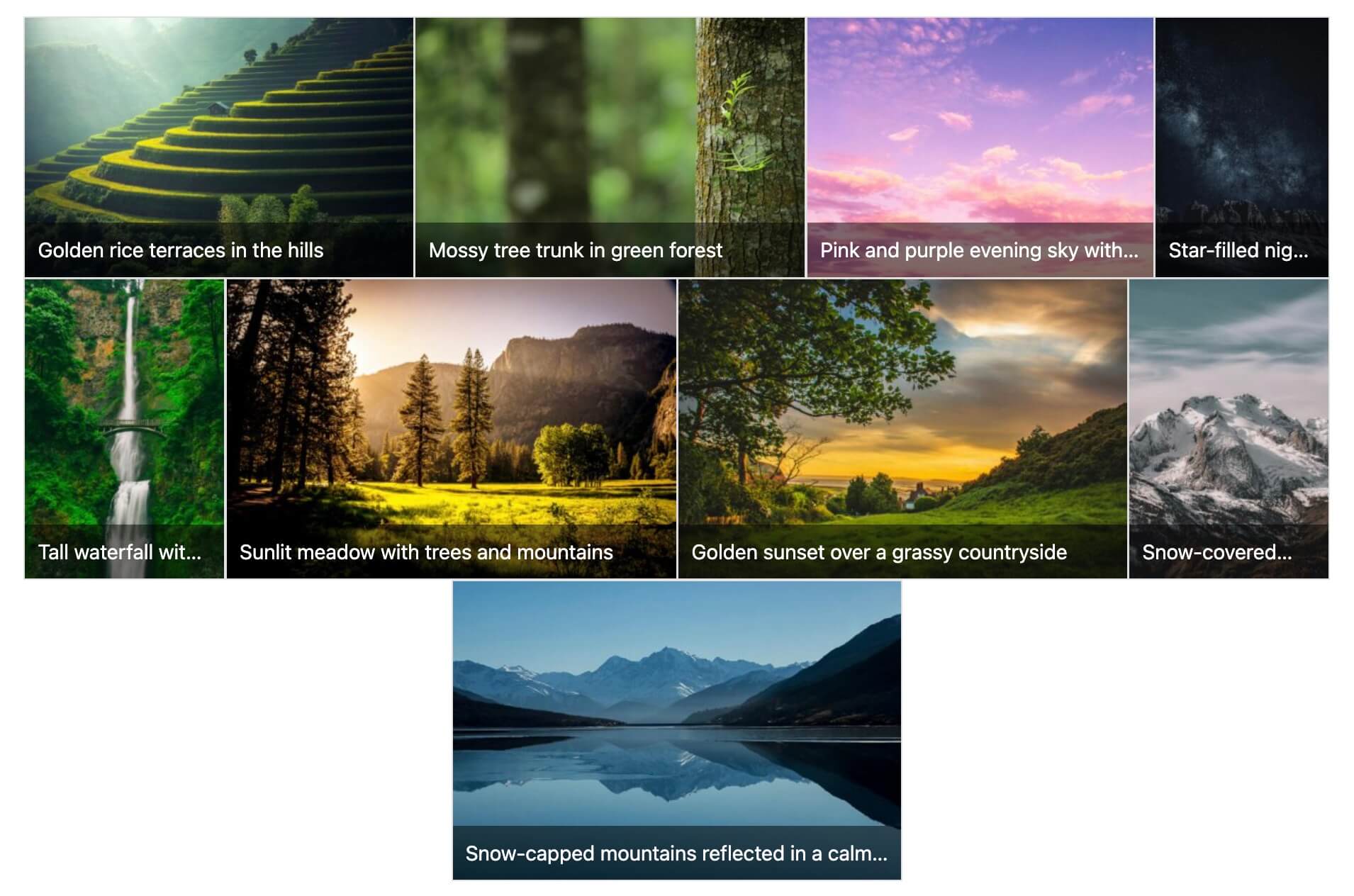
Design galleries with live previews, a visual layout selector, mobile controls, the WordPress block editor, and shortcodes. FooGallery includes seven free gallery layouts including Responsive, Image Viewer, Masonry, Portfolio, Justified, Single Thumbnail, and Carousel. FooGallery Pro adds video galleries, filtering, dynamic galleries, advanced pagination, WooCommerce selling tools, watermarking, mobile settings, and image protection.
Launch Your Own FooGallery Demo (Backend included)
FooGallery Free includes the Masonry Gallery layout for arranging portrait and landscape images together in a responsive, staggered grid without cropping them to one shape. Choose the thumbnail width and spacing to suit your photos. View the Masonry Gallery demo.
FooGallery PRO Expert and PRO Commerce let you mix images and videos in the same gallery. Import videos from YouTube, YouTube Shorts, Vimeo, or use self-hosted videos from your Media Library. View video gallery demos.
FooGallery PRO Commerce includes image watermarking and per-gallery right-click protection. Add built-in repeating watermarks or your own custom watermark image to help identify and protect gallery images. View the watermarking demo.
FooGallery PRO Commerce connects FooGallery galleries with WooCommerce. Build galleries from WooCommerce products, link gallery images to individual products, or use one master product with variations for every image in a gallery, including add-to-cart and purchased-image download workflows. Explore the WooCommerce integration.
As your image library grows, it becomes harder to spot missing files, large source images, and accessibility issues one gallery at a time. FooGallery’s built-in Media Audit brings these checks into one report so you can see what needs attention and decide what to fix first.
Open FooGallery > Media Audit to scan your galleries and media library. The scan runs in the background and shows progress as it works. Results include practical guidance and links to affected images and galleries, helping you investigate issues without searching through your library manually.
Use Media Audit to identify missing image files, review large source images that take up storage, and find images whose alternative text may need attention. Each report shows what was checked and any limitations, so incomplete checks are clear. You can download the report and run another scan after making improvements.
It is enabled by default and can be turned off for the whole plugin from FooGallery > Features.
FooGallery PRO adds professional-level features and integrations for photographers, agencies, and eCommerce users.
PRO Starter Plan
Our PRO Starter plan is our most affordable plan and includes features that take your WordPress galleries to the next level! PRO Starter is mostly for photographers or website owners that want better-looking galleries and lightboxes.
PRO Expert Plan
Our PRO Expert plan unlocks exactly what you would expect – expert-level features! Our most popular plan is for professional photographers and website owners who want to invest in how their galleries look and work.
PRO Commerce Features
Our PRO Commerce plan is for the photographers who make a living from selling their photos online. We have integrated with WooCommerce, to bring you innovative tools to help you sell more with hardly any effort.
PRO Addons
We also have a collection of powerful add-ons available to enhance your gallery experience. All the Addons work with the FREE version too!
How to Create a Photo Gallery in WordPress
Integrations and Compatibility
Documentation
Tag
Gallery Plugin
image gallery
masonry gallery
photo gallery
wordpress gallery plugin
Schermate
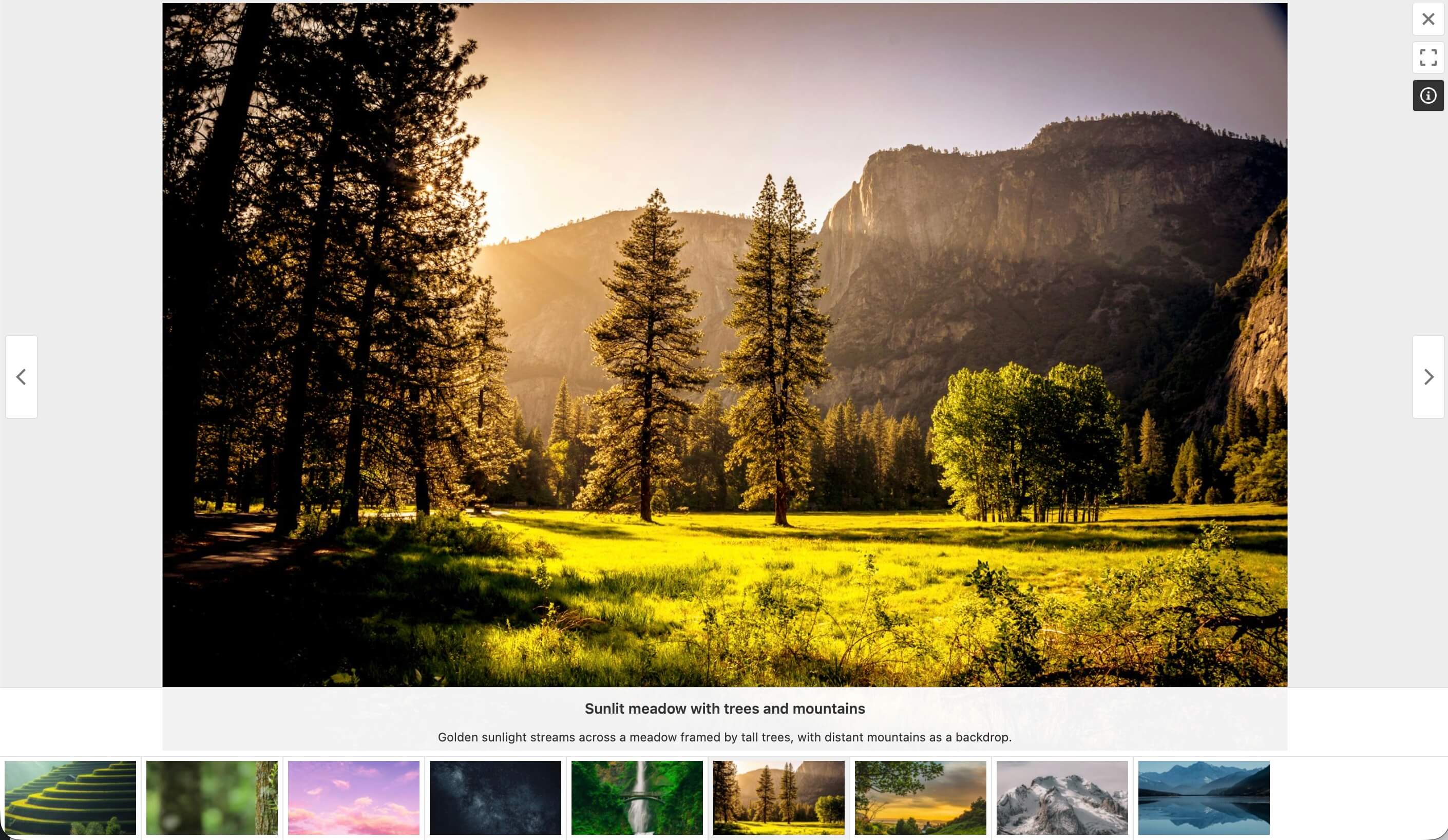
Anteprime fornite dall'autore su wordpress.org.
Storico per versione
Mostra il dettaglio per versione (1 versioni)
Storico per versione
Mostra il dettaglio per versione (1 versioni)
Come evolve il plugin di versione in versione.
| Versione | Homepage | Admin | Ultima scansione |
|---|---|---|---|
| v3.3.7 | 2 scansioni | — | 4 ore fa |
Alternative nella stessa categoria
Altri plugin media misurati dalla community, ordinati dal più leggero al più pesante.
Ancora troppe poche scansioni per pubblicare il punteggio (1 ricevute).
Ancora troppe poche scansioni per pubblicare il punteggio (1 ricevute).
I
Instant Images – One-click Image Uploads from Unsplash, Openverse, Pixabay, Pexels, and Giphy
···
instant-images
Ancora troppe poche scansioni per pubblicare il punteggio (1 ricevute).
Ancora troppe poche scansioni per pubblicare il punteggio (2 ricevute).
Ancora troppe poche scansioni per pubblicare il punteggio (1 ricevute).
Storico delle scansioni
Mostra il registro delle singole scansioni (2 scansioni)
Storico delle scansioni
Mostra il registro delle singole scansioni (2 scansioni)
| Data | Versione | Contesto | Punteggio | Grade | Tempo | Memoria |
|---|---|---|---|---|---|---|
| 4 ore fa | v3.3.7 | Homepage | 98/100 | A | 0 ms | 0.0 MB |
| 4 ore fa | v3.3.7 | Homepage | 98/100 | A | 0 ms | 0.0 MB |