

Ainda sem análises suficientes para publicar a pontuação (1 recebidas).
Sobre
Brevo’s plugin for WooCommerce is the easiest way to integrate your store and send better communications.
Trusted by over 600,000 businesses worldwide, Brevo is an all-in-one marketing platform for engaging with your contacts and building better customer relationships through targeted and meaningful communication.
1. Install, and activate the plugin in your WooCommerce store.
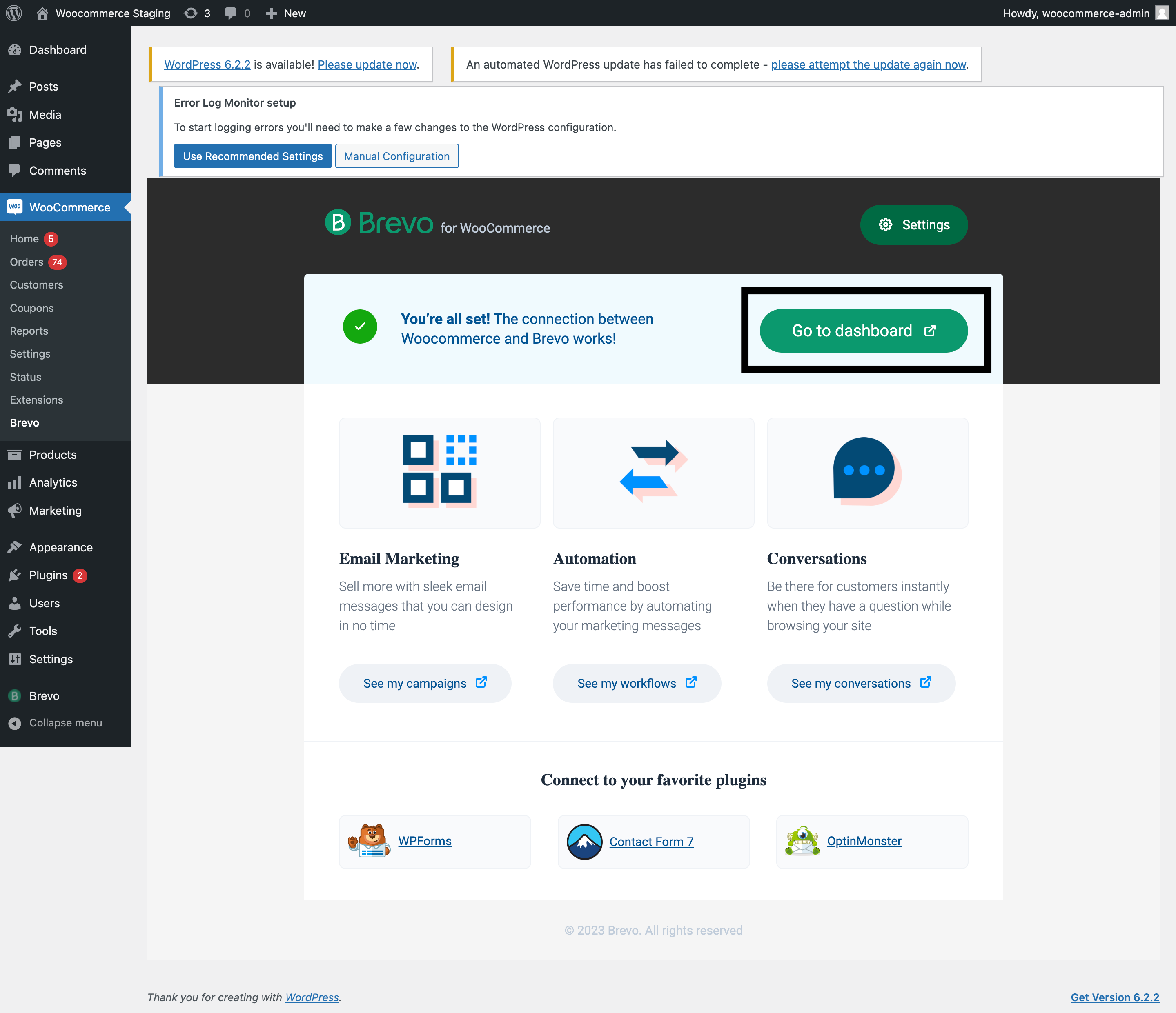
2. Create a Brevo account or log into an existing account.
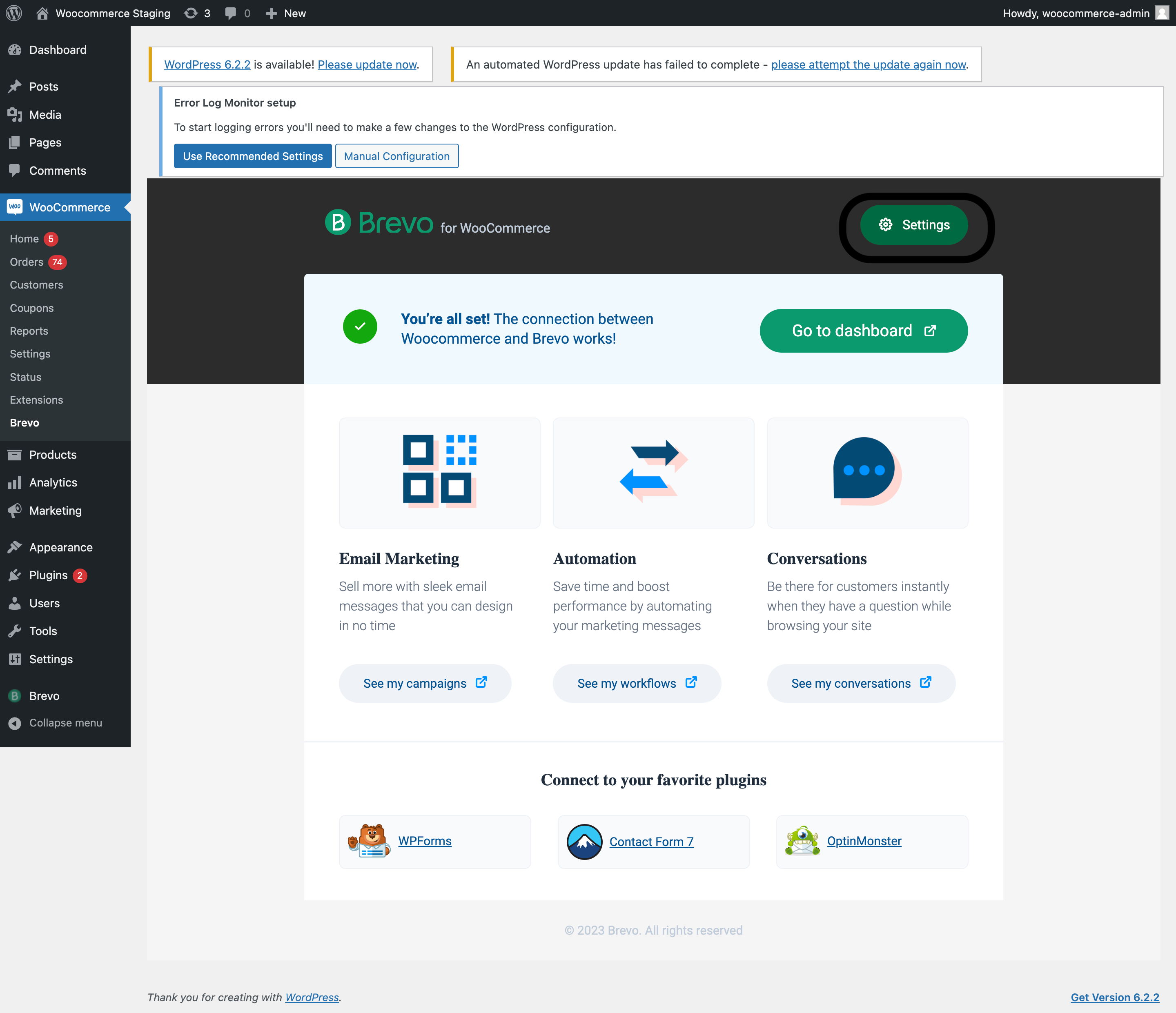
3. Sync WooCommerce data to Brevo (lead and/or customer).
Ler mais Mostrar menos
After you sync your historical and new WooCommerce store data with Brevo to better manage your customers and their orders,
you can deploy effective email and SMS campaigns, improve transactional email deliverability, and track detailed metrics including delivery, open and click rates.
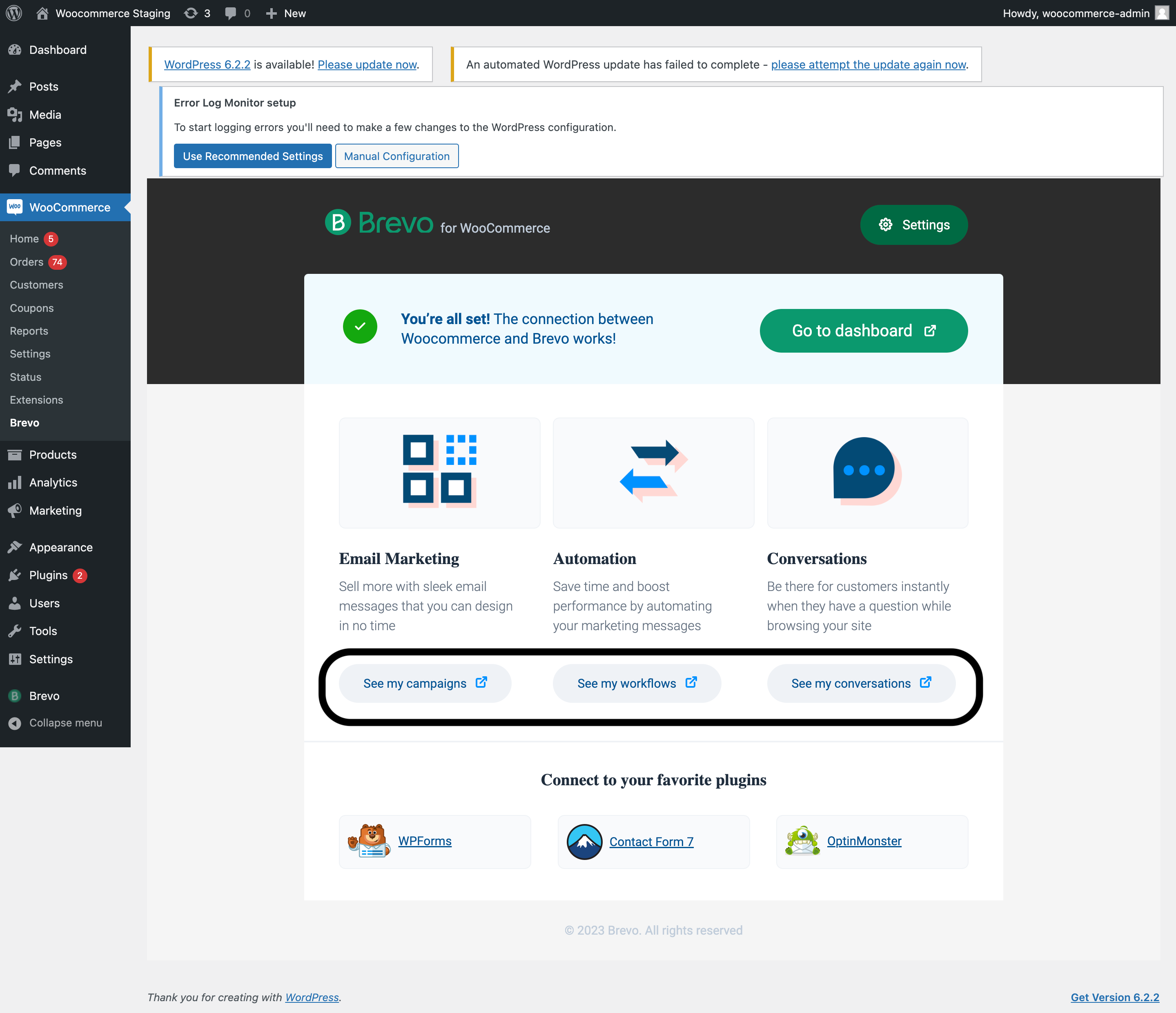
Promote your brand and grow your business with beautifully designed emails. Our easy to use template builder allows you to create personalized messages and build meaningful relationships with your contacts.
Email Marketing features:
Learn more with the free Brevo Email Marketing academy and these hands-on tutorials:
WooCommerce Email Marketing: A Beginner’s Guide
Certification for Email Marketing
Brevo offers a flexible and versatile marketing automation platform.
The Brevo Tracker script lets you track web behavior from your contacts to use alongside email engagement data to create complex automation workflows that save you time and help you scale and grow your business.
How does Marketing Automation work?
Marketing Automation features:
Brevo marketing automation allows you to create a wide range of automated workflows that help you grow your store by improving engagement, increasing traffic & revenue, and building relationships. Marketing automation is free up to 2,000 contacts
Learn with free Brevo Marketing Automation academy and these hands-on tutorials:
WooCommerce Abandoned Cart Email Strategies to Recover More Orders
Certification for Marketing Automation
Live Chat and messaging platform for sales and support
Find new customers and provide instant customer service via a chat widget on your website, or use Facebook Messenger, Instagram Direct, and WhatsApp to drive traffic to your site, increase sales and average order value through live conversations.
Brevo Conversations is free for 1 user.
Conversations features:
GDPR compliance, in itself, is never truly finished. It’s an ongoing process that requires regular monitoring and confirmation.
Brevo is proud to be continuously working to maintain GDPR compliance in order to remain a trusted third-party software provider for our users.
The Brevo API allows you to programmatically execute a wide range of code operations which are also available through the user interface.
This plugin was created by Brevo.
Descrição publicada por Brevo em WordPress.org, sob a licença GNU General Public License v2.0 or later.
Etiquetas
Email Marketing
marketing automation
newsletter
sms
woocommerce
Capturas de ecrã
Capturas publicadas por Brevo em WordPress.org, sob a licença GNU General Public License v2.0 or later.
Histórico por versão
Ver o detalhe por versão (2 versões)
Histórico por versão
Ver o detalhe por versão (2 versões)
Como o plugin evolui de versão em versão.
| Versão | Homepage | Admin | Última análise |
|---|---|---|---|
| v4.0.58 | 1 análise | — | há 2 meses |
| v4.0.55 | 2 análises | 1 análise | há 3 meses |
Alternativas na mesma categoria
Outros plugins ecommerce medidos pela comunidade, ordenados do mais leve ao mais pesado.
Ainda sem análises suficientes para publicar a pontuação (1 recebidas).
Ainda sem análises suficientes para publicar a pontuação (1 recebidas).
Ainda sem análises suficientes para publicar a pontuação (1 recebidas).
Ainda sem análises suficientes para publicar a pontuação (1 recebidas).
Ainda sem análises suficientes para publicar a pontuação (1 recebidas).
Histórico de scans
Ver o registo de análises individuais (4 análises)
Histórico de scans
Ver o registo de análises individuais (4 análises)
| Data | Versão | Contexto | Pontuação | Nota | Tempo | Memória |
|---|---|---|---|---|---|---|
| há 2 meses | v4.0.58 | Homepage | 90/100 | A | 327 ms | 0.0 MB |
| há 3 meses | v4.0.55 | Admin | 98/100 | A | 0 ms | 0.0 MB |
| há 3 meses | v4.0.55 | Homepage | 99/100 | A | 0 ms | 0.0 MB |
| há 3 meses | v4.0.55 | Homepage | 99/100 | A | 11 ms | 0.0 MB |