







Aún no hay suficientes escaneos para publicar la puntuación (1 recibidos).
Acerca de
The gallery plugin that doesn’t fight back.
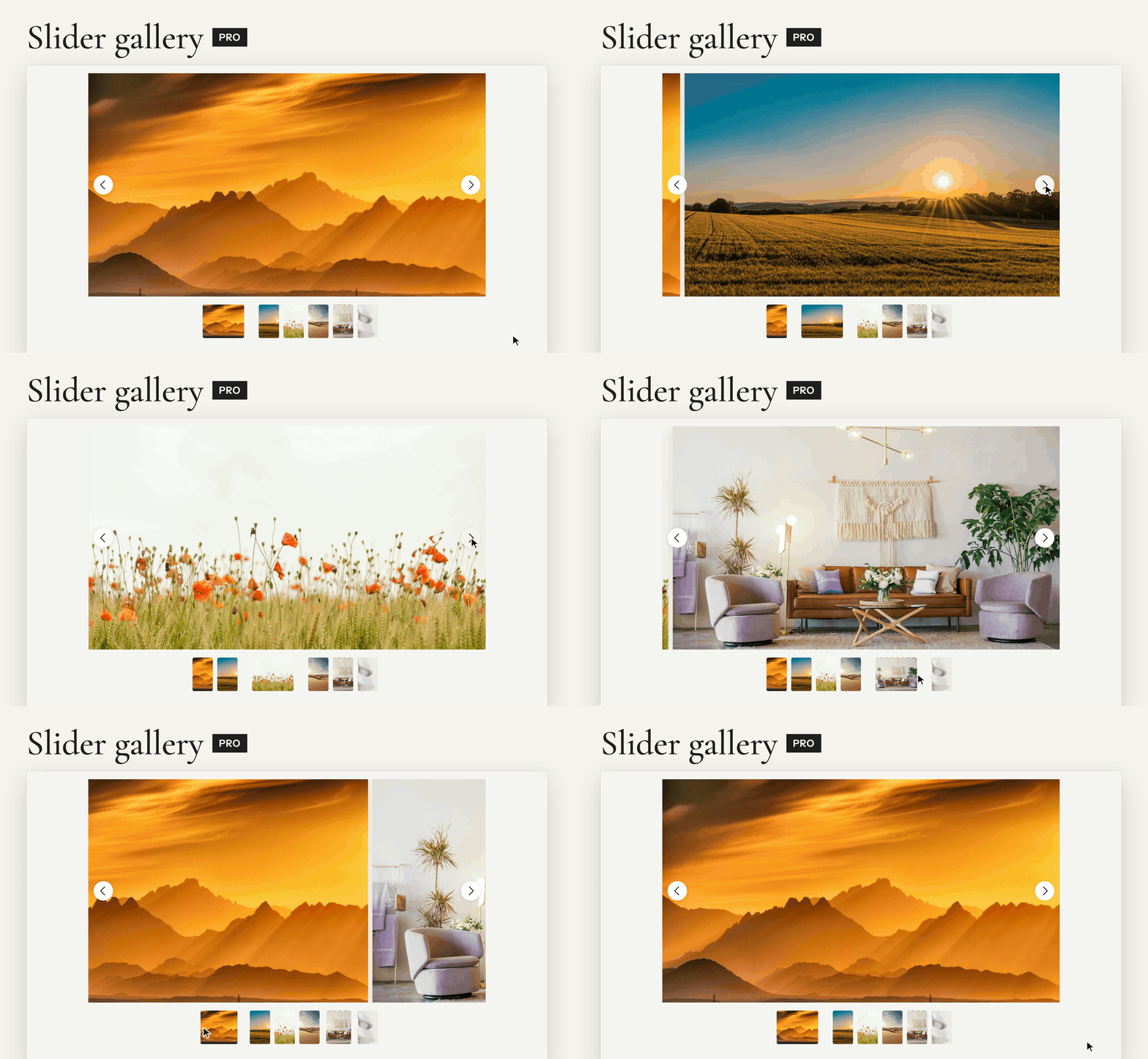
Modula is a WordPress image and photo gallery plugin used on 160,000+ sites. Build a responsive gallery or a portfolio: add your photos, pick a layout and publish, with no code. Modula 3.0 rebuilt the editor from scratch, and everything in the first part of this page is in the free plugin, including a connection to your own AI assistant.
Modula includes an MCP connection at no cost. Connect Claude, ChatGPT, Cursor, VS Code, Codex or any other client that supports MCP, then ask for what you want in plain words:
Leer más Mostrar menos
You stay in control of what it can reach:
You use your own AI account. Modula adds no API key, credits or extra charge. Connect your AI assistant.
Ask your assistant to write alt text, titles, captions or descriptions for one image, one gallery or your whole Media Library. It looks at the image itself, not the filename, and writes in the language you ask for. Tell it to fill in only what’s missing, and your existing text stays as it is.
The text is saved on the image in your Media Library, so every gallery that uses the image gets it.
Prefer not to connect an assistant? Smart Captions writes titles, captions and alt text from inside Modula, using a Modula AI key and credits instead of your own AI account. How credits work.
Switch layouts whenever you like: same photos, same gallery. Add a content block to put your own text between the photos.
The Motion tab has 11 entrance animations, including Rise, Darkroom and Aperture, plus hover effects such as Zoom, Lift, Tilt, Spotlight and Pan. You see each one on your gallery as you pick it. One switch turns motion off on phones, and another setting turns it off for visitors who ask for less animation.
Add a gallery with the block editor, the Classic Editor, a shortcode like [modula id="123"] or a PHP snippet. Modula also works with Elementor, Beaver Builder and Divi. Developers can list, convert and restore galleries from WP-CLI with wp modula gallery.
Coming from another gallery plugin? See «Can I move my old galleries to Modula?» in the FAQ.
Everything above stays free. Compare Free and Pro or see what each plan includes:
With Pro, your AI assistant can also work with albums, presets and other Pro features.
Galleries work without any of the services below. The plugin connects to them only in these cases.
Modula AI (ai.wpchill.com), run by WPChill. Used only when you use Smart Captions or «Describe the change instead».
Your AI assistant. If you connect one, what it reads on your site goes to that AI provider under its own terms. That can include gallery data, settings, image text and, when you ask it to look at images, the image files. You choose the provider and approve the connection.
MCP Adapter. The AI connection needs this separate plugin from WordPress.org. Modula can install it for you from wordpress.org when you ask it to.
Usage data (telemetry.wpchill.com). Sent only if you choose Enable Telemetry in the notice Modula shows you. It is anonymous usage data about how the plugin is used.
Notices and offers (wp-modula.com). The plugin requests admin notices and upgrade offers from https://wp-modula.com/wp-json/notification/v1/get and https://wp-modula.com/wp-json/upsells/v1/get. These requests include no gallery, image or user data.
Sharing buttons. If you turn them on, they send visitors to the service they pick, such as X or Facebook, only when they click.
Privacy policy: https://wp-modula.com/privacy-policy/
Descripción publicada por WP Chill en WordPress.org, bajo licencia GNU General Public License v3.0 or later.
Etiquetas
Gallery Plugin
image gallery
responsive gallery
video gallery
wordpress gallery plugin
Capturas de pantalla
Capturas publicadas por WP Chill en WordPress.org, bajo licencia GNU General Public License v3.0 or later.
Historial por versión
Ver el detalle por versión (1 versión)
Historial por versión
Ver el detalle por versión (1 versión)
Cómo evoluciona el plugin versión a versión.
| Versión | Homepage | Admin | Último escaneo |
|---|---|---|---|
| v3.0.22 | — | 2 escaneos | hace 1 día |
Alternativas en la misma categoría
Otros plugins media medidos por la comunidad, ordenados del más ligero al más pesado.
Aún no hay suficientes escaneos para publicar la puntuación (3 recibidos).
Aún no hay suficientes escaneos para publicar la puntuación (3 recibidos).
Aún no hay suficientes escaneos para publicar la puntuación (1 recibidos).
Aún no hay suficientes escaneos para publicar la puntuación (3 recibidos).
Aún no hay suficientes escaneos para publicar la puntuación (2 recibidos).
Historial de escaneos
Ver el registro de escaneos individuales (2 escaneos)
Historial de escaneos
Ver el registro de escaneos individuales (2 escaneos)
| Fecha | Versión | Contexto | Puntuación | Nota | Tiempo | Memoria |
|---|---|---|---|---|---|---|
| hace 1 día | v3.0.22 | Admin | 62/100 | C | 325 ms | 2.0 MB |
| hace 2 días | v3.0.22 | Admin | 56/100 | C | 424 ms | 2.0 MB |