
Puntuación de impacto
Footprint Score en los dos contextos más representativos.
1 escaneos · último escaneo hace 2 meses
Score Homepage
Impacto medido en la página de inicio pública
v3.3.4 · 1 escaneo · Puntuación consolidada sobre 90 días · 1 versiones
Lo que añade a cada carga de página
- Tiempo añadido
- 0 ms
- Memoria añadida
- 0.0 MB
- Consultas SQL
- +0
- Archivos CSS/JS
- +1
- Llamadas externas
- 0
Score Admin
Impacto medido en la administración WordPress
Acerca de
Boost your website with feature-rich tables that your visitors will love!
TablePress is the most popular and highest-rated WordPress table plugin.
Even more great features for you and your site’s visitors and priority email support are available with a Premium license plan of TablePress. Go check them out!
Leer más Mostrar menos
TablePress will handle a wide range of tables, from simple price lists to searchable directories and large datasets. Popular examples include:
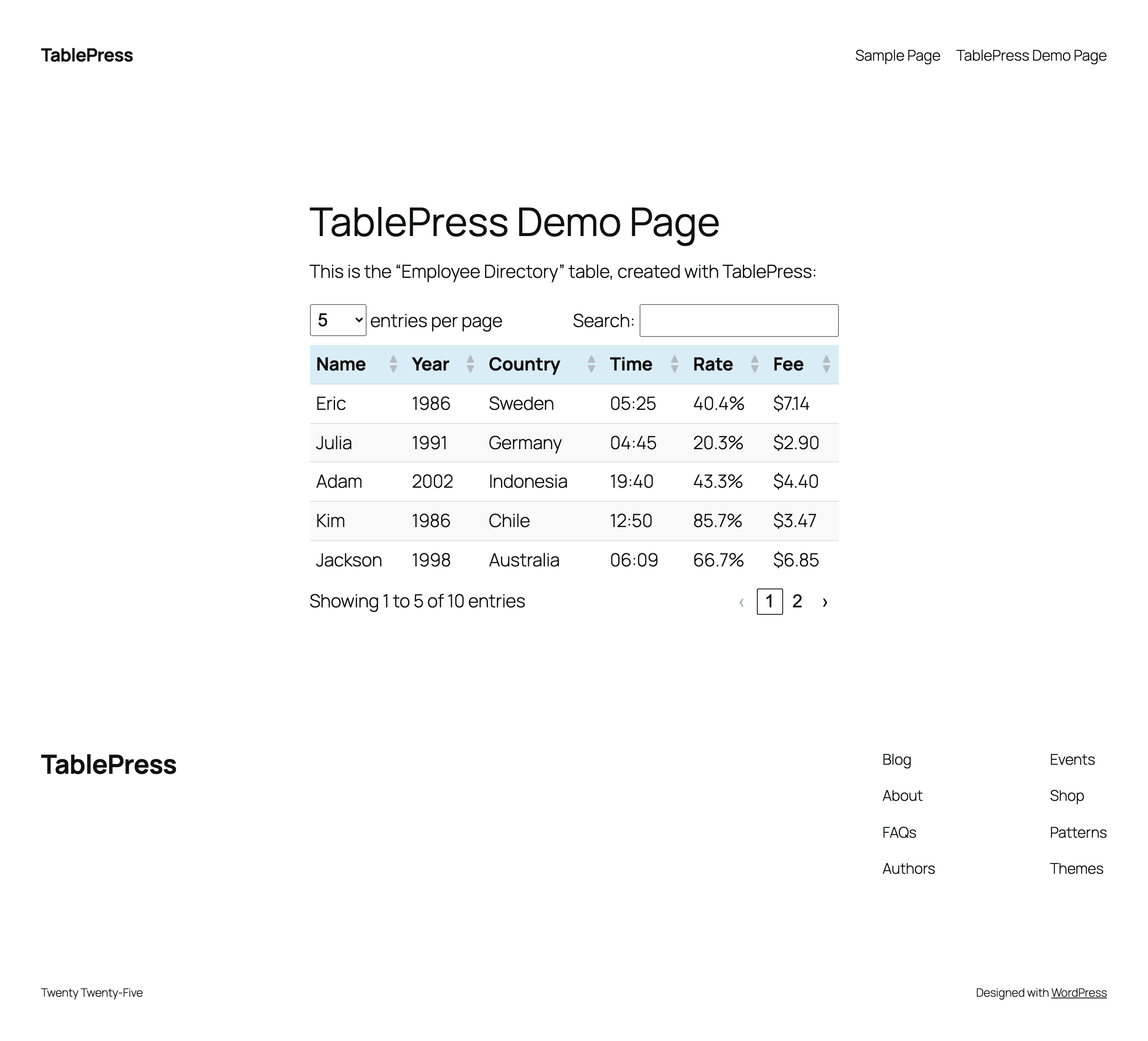
TablePress creates accessible HTML tables whose content can be searched by visitors, WordPress search, and search engines alike. Interactive features like sorting, filtering, and pagination include accessibility enhancements for screen readers and other assistive technologies.
This makes it easy for visitors to find relevant information, whether they are browsing a large directory, searching a product table, or using your site’s search function.
Visit tablepress.org for more information, take a look at example tables, or try TablePress on a free test site. For latest news, follow @TablePress on Twitter/X or subscribe to the TablePress Newsletter.
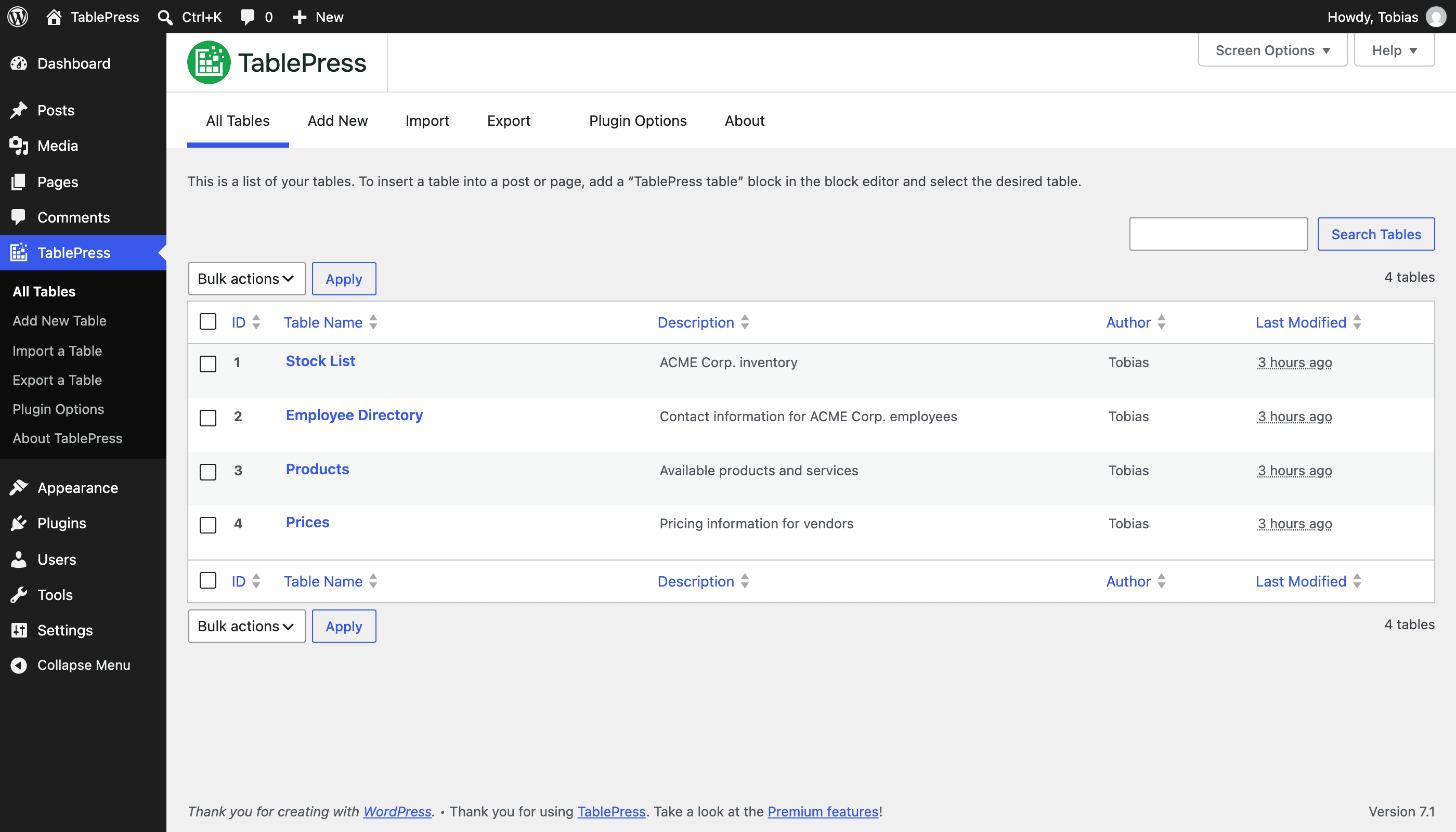
Después de instalar el plugin, puedes crear y gestionar tablas en la pantalla de «TablePress» en el escritorio de WordPress.
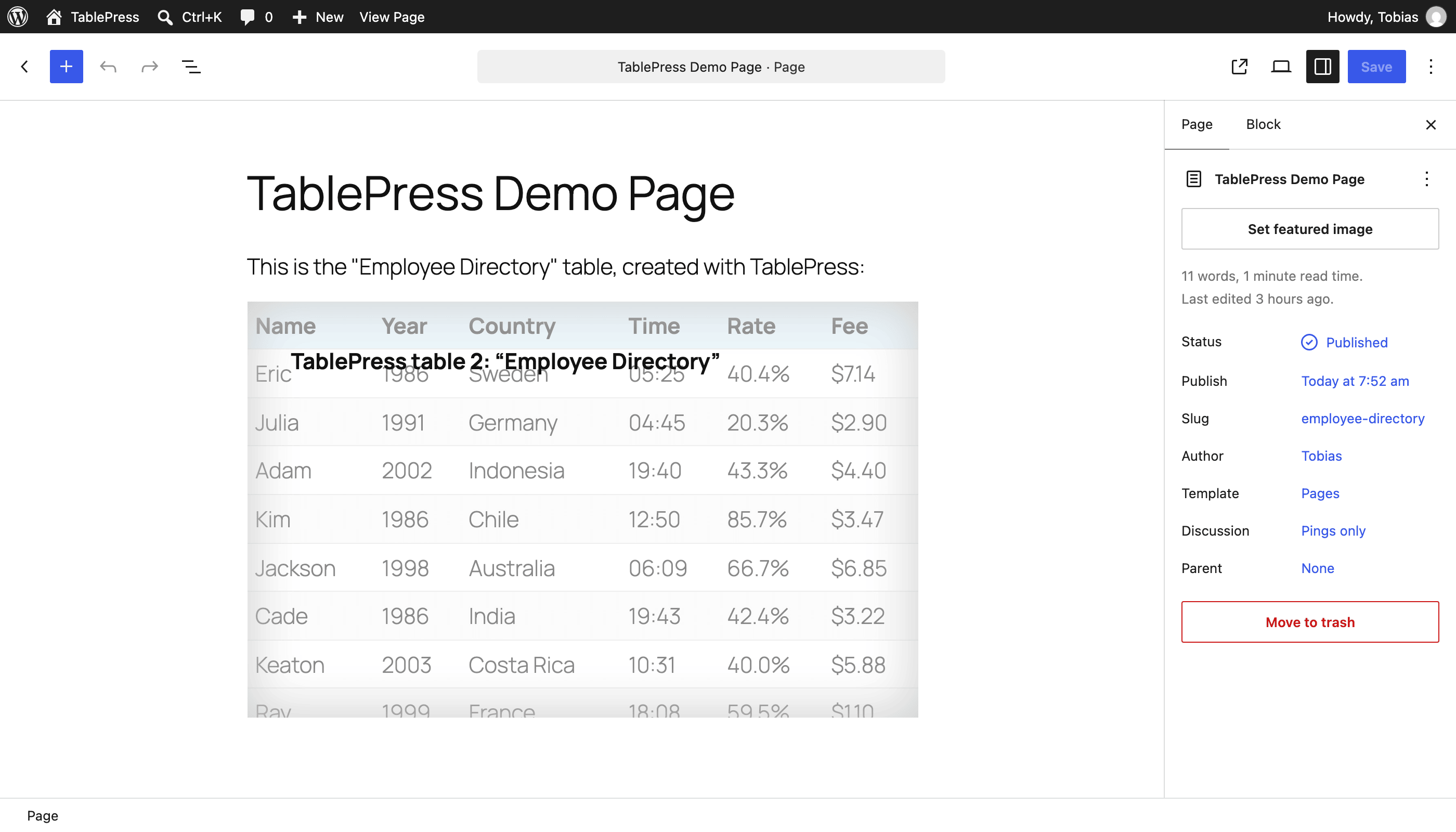
To insert a table into a post or page, add a «TablePress table» block in the block editor or a widget in the Elementor page builder and select the desired table or use Shortcodes with other page builders.
Beginner-friendly step-by-step tutorials, guides, and how-tos show how to achieve common and popular tasks with TablePress.
You can find examples for common styling changes via “Custom CSS” code on the TablePress FAQ page.
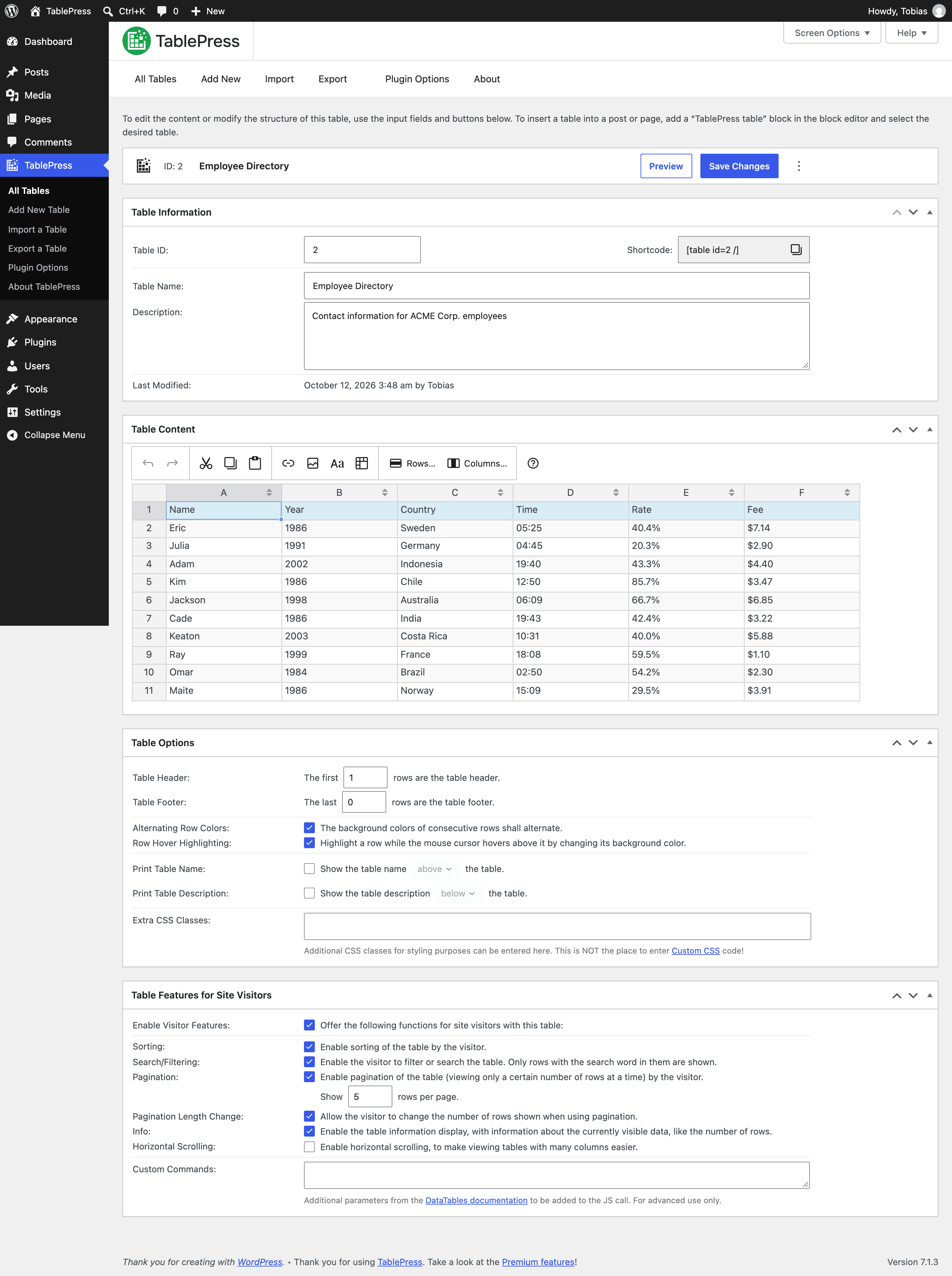
You may also add features like sorting, pagination, searching, filtering, alternating row colors, row highlighting, and more by enabling the corresponding options on a table’s “Edit” screen.
Need additional functionality for larger tables or advanced use cases? Premium license plans for TablePress add features such as:
Priority email support is also included. Check out the details on the TablePress website.
Descripción publicada por Tobias Bäthge en WordPress.org, bajo licencia GPLv2.
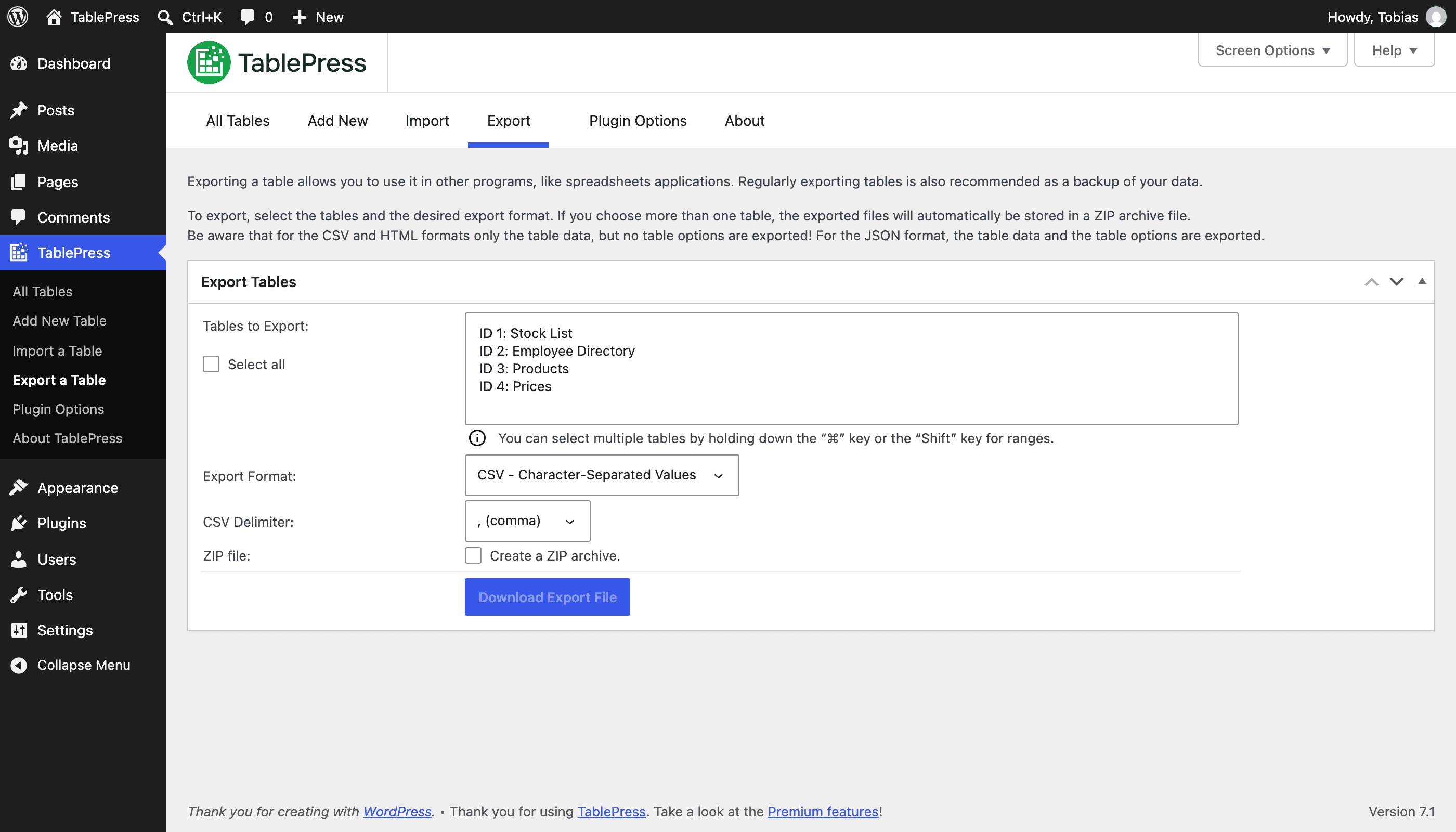
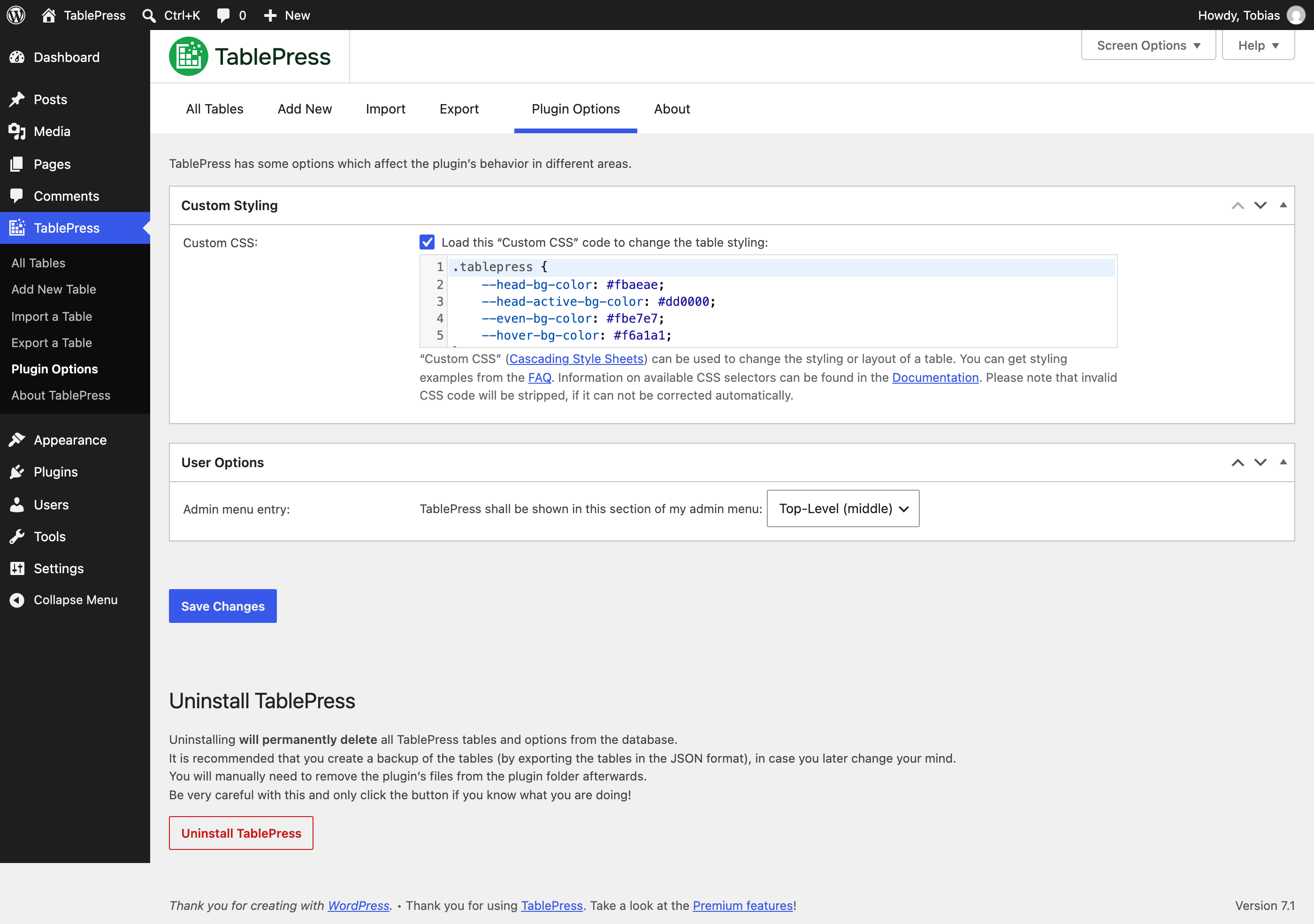
Capturas de pantalla
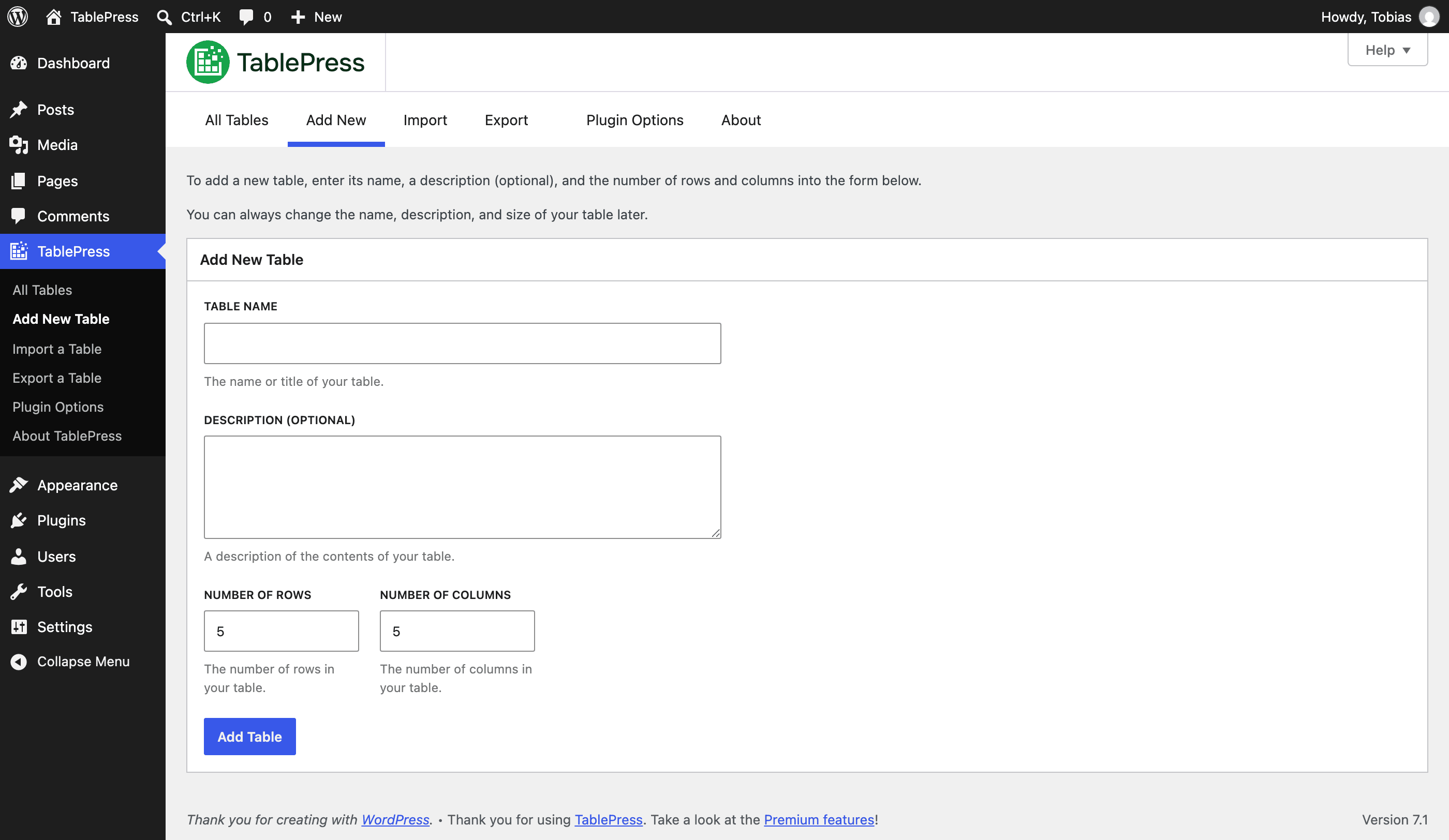
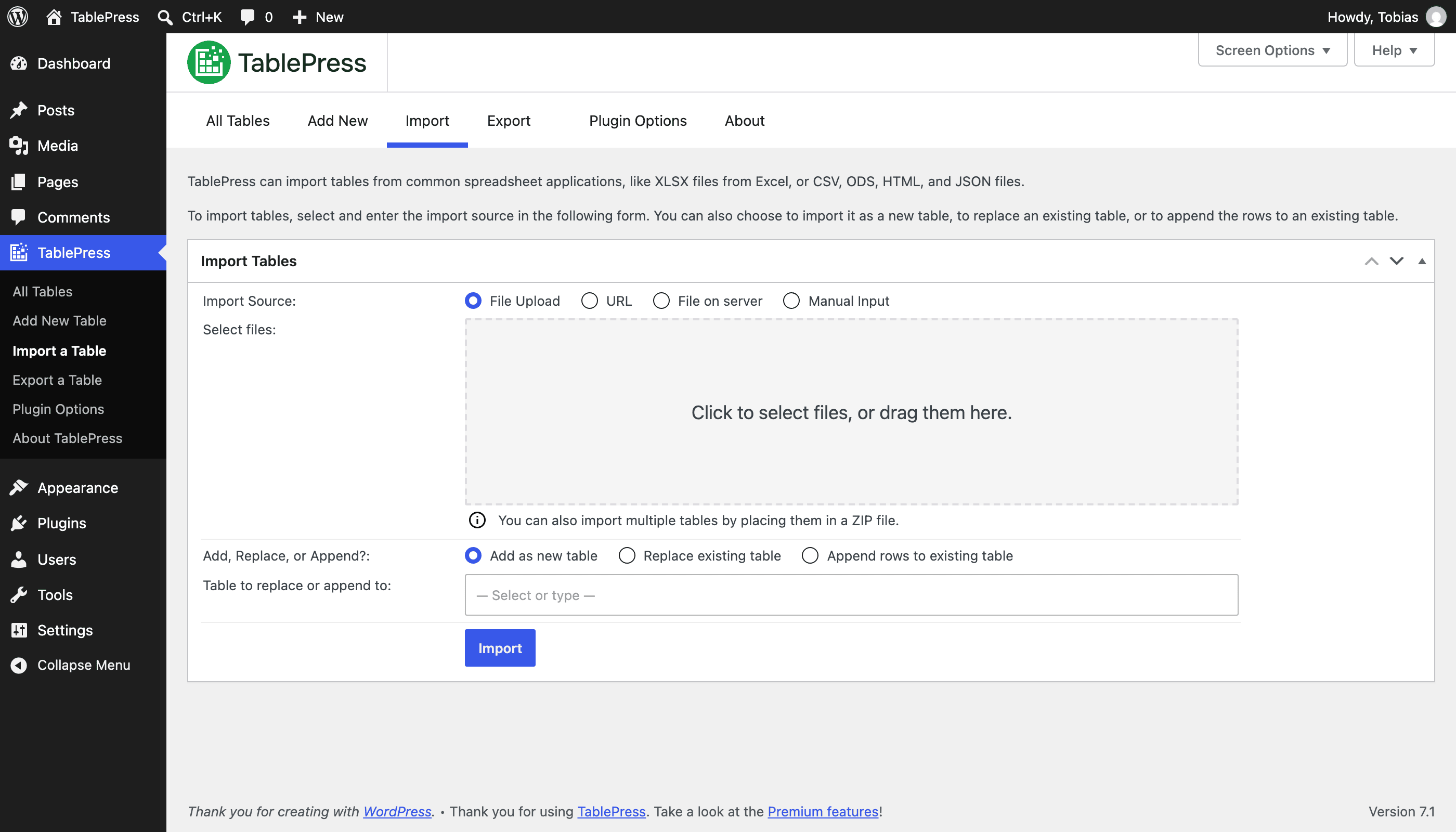
Capturas publicadas por Tobias Bäthge en WordPress.org, bajo licencia GPLv2.

Historial por versión
Ver el detalle por versión (1 versión)
Historial por versión
Ver el detalle por versión (1 versión)
Cómo evoluciona el plugin versión a versión.
| Versión | Homepage | Admin | Último escaneo |
|---|---|---|---|
| v3.3.4 | 1 escaneo | — | hace 2 meses |
Historial de escaneos
Ver el registro de escaneos individuales (1 escaneos)
Historial de escaneos
Ver el registro de escaneos individuales (1 escaneos)
| Fecha | Versión | Contexto | Puntuación | Nota | Tiempo | Memoria |
|---|---|---|---|---|---|---|
| hace 2 meses | v3.3.4 | Homepage | 100/100 | A | 0 ms | 0.0 MB |