
Score d'impact
Footprint Score sur les deux contextes les plus représentatifs.
2 scans · dernier scan il y a 1 mois
Score Homepage
Impact mesuré sur la page d'accueil publique
v1.12.0 · 2 scans · Score consolidé sur 90 jours · 1 versions
Ce que ça ajoute à chaque chargement de page
- Temps ajouté
- 17 ms
- Mémoire ajoutée
- 0.0 MB
- Requêtes SQL
- +0
- Fichiers CSS/JS
- +0
- Appels externes
- 0
Score Admin
Impact mesuré dans l'administration WordPress
À propos
This plugin brings the familiar Search and Replace functionality that PC users have grown accustomed to in Microsoft Word and Google Docs to the Block Editor.
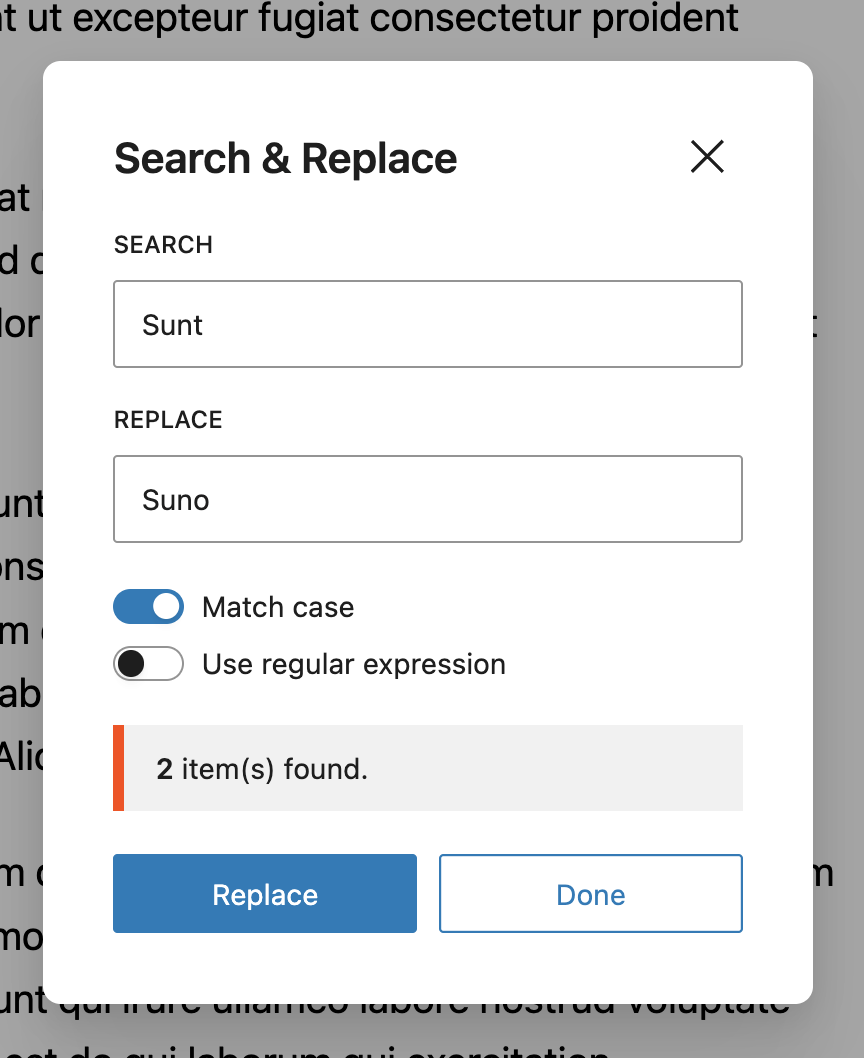
Now you can easily search and replace text right in the Block Editor. Its easy and does exactly what it says. You can also match the text case using the ‘Match Case | Expression’ toggle.
Our plugin comes with everything you need to find and replace text quicker and more efficiently.
Lire la suite Réduire
✔️ Search & Replace text, typos, keywords faster.
✔️ Shortcut Keys – CMD + F.
✔️ Match Case Sensitivity.
✔️ Custom Hooks to help you customize plugin behaviour.
✔️ Available in mutiple langauges such as Arabic, Chinese, Hebrew, Hindi, Russian, German, Italian, Croatian, Spanish & French languages.
✔️ Backward compatible, works with most WP versions.
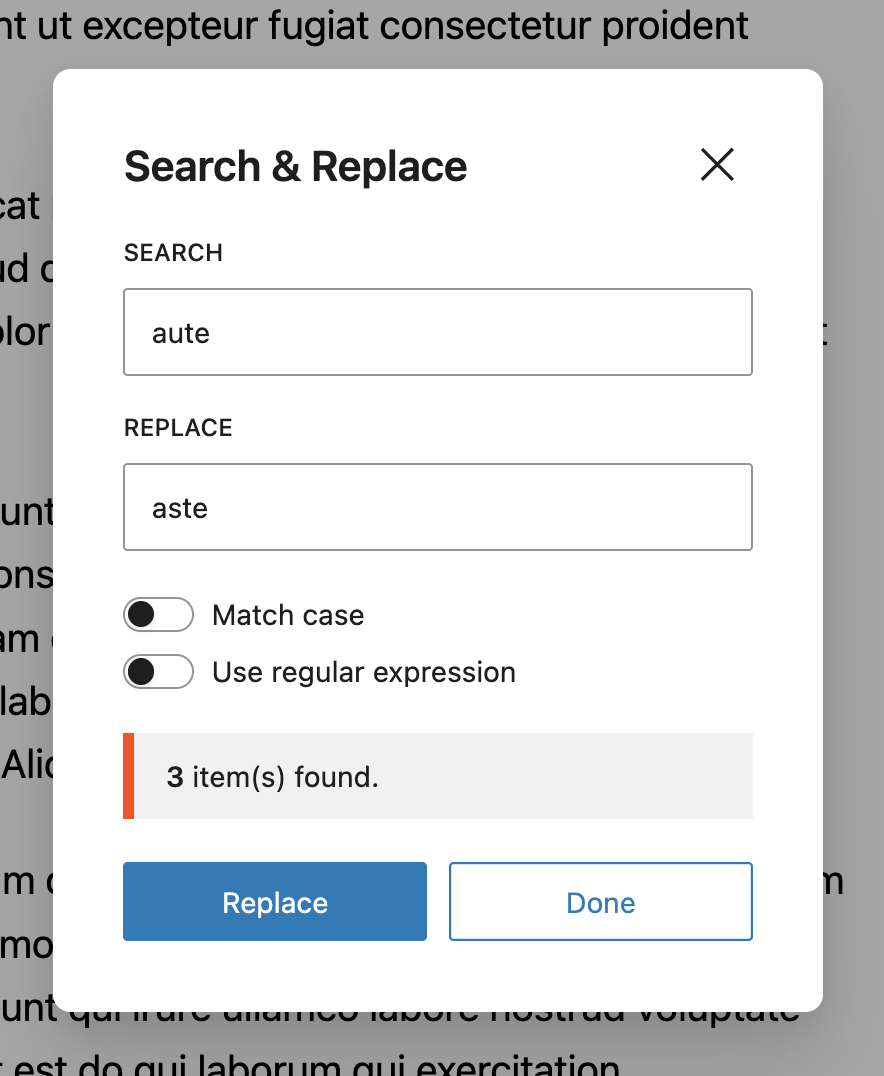
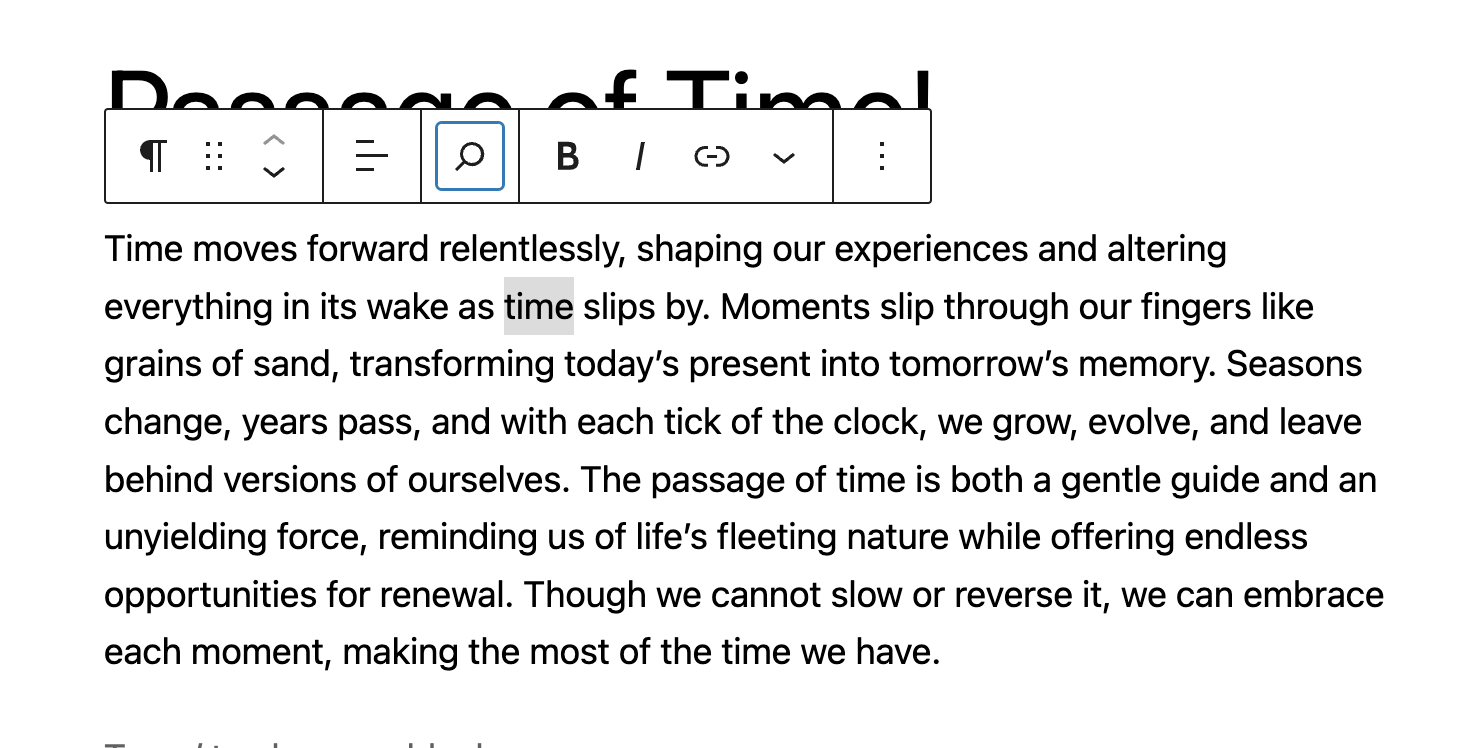
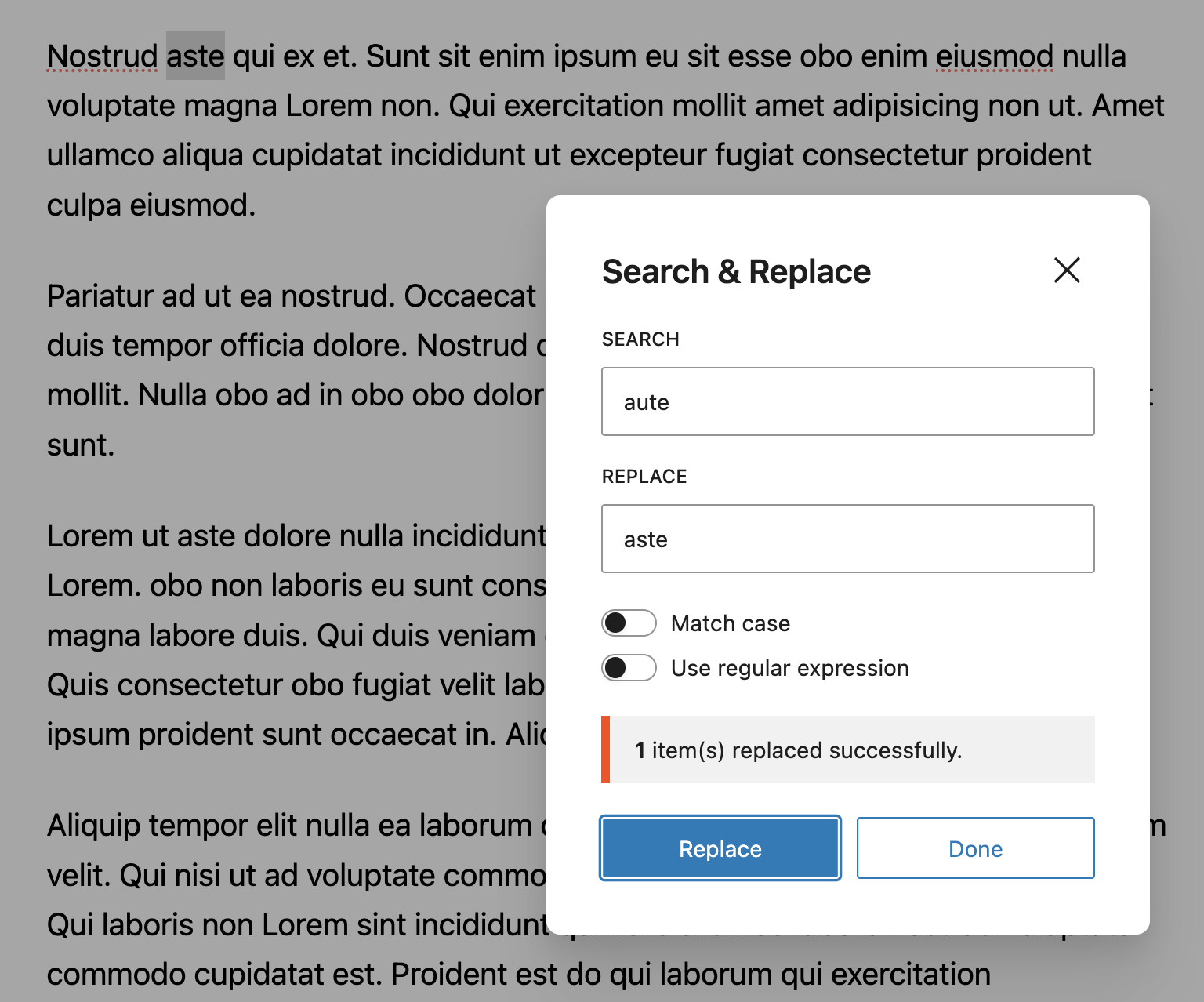
Create a new Post or open an existing Post. Locate the ‘Search and Replace’ icon at the top left corner of the Block Editor and click on it. Proceed to type in the text you wish to replace and click on ‘Replace’.
You can get a taste of how this works, by using the demo link.
To quickly access the Search and Replace modal, press CTRL + F. This will fire up the dialog box where you can quickly change things.
You can also select text on your Block Editor and use the Shortcut. This will grab the text you have selected and fire up your dialog box with the text already typed into it. This makes working with the Search and Replace tool faster.
The Search & Replace for Block Editor plugin is built to work right out of the box. Simply install, activate and start using.
Want to add your personal touch? All of our documentation can be found here. You can override the plugin’s behaviour with custom logic of your own using hooks.
If you’d like to contribute to the development of this plugin, you can find it on GitHub.
To build, clone repo and run npm install && npm run build
Description publiée par badasswp sur WordPress.org, sous licence GPLv2 or later.
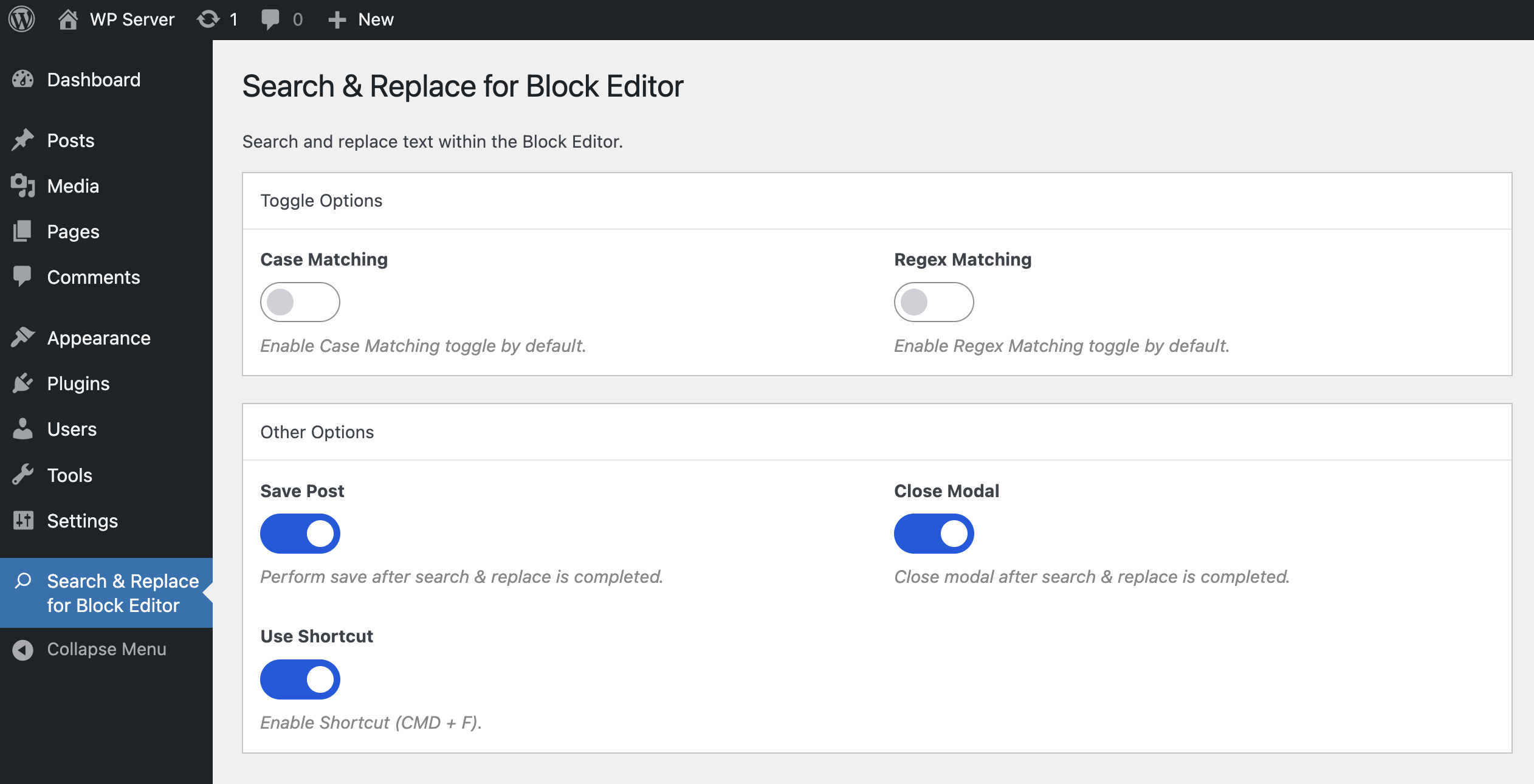
Captures d'écran
Captures publiées par badasswp sur WordPress.org, sous licence GPLv2 or later.

Historique par version
Voir le détail par version (1 version)
Historique par version
Voir le détail par version (1 version)
Comment le plugin évolue de version en version.
| Version | Homepage | Admin | Dernier scan |
|---|---|---|---|
| v1.12.0 | 2 scans | — | il y a 1 mois |
Historique des scans
Voir le journal des scans individuels (2 scans)
Historique des scans
Voir le journal des scans individuels (2 scans)
| Date | Version | Contexte | Score | Grade | Temps | Mémoire |
|---|---|---|---|---|---|---|
| il y a 1 mois | v1.12.0 | Homepage | 94/100 | A | 31 ms | 0.0 MB |
| il y a 2 mois | v1.12.0 | Homepage | 100/100 | A | 3 ms | 0.0 MB |