
Punteggio di impatto
Footprint Score sui due contesti più rappresentativi.
1 scansioni · ultima scansione 2 mesi fa
Score Homepage
Impatto misurato sulla home page pubblica
Score Admin
Impatto misurato nell'amministrazione WordPress
v3.10.6 · 1 scansione · Punteggio consolidato su 90 giorni · 1 versioni
Cosa aggiunge a ogni caricamento di pagina
- Tempo aggiunto
- 0 ms
- Memoria aggiunta
- 0.0 MB
- Query SQL
- +4
- File CSS/JS
- +1
- Chiamate esterne
- 0
Informazioni
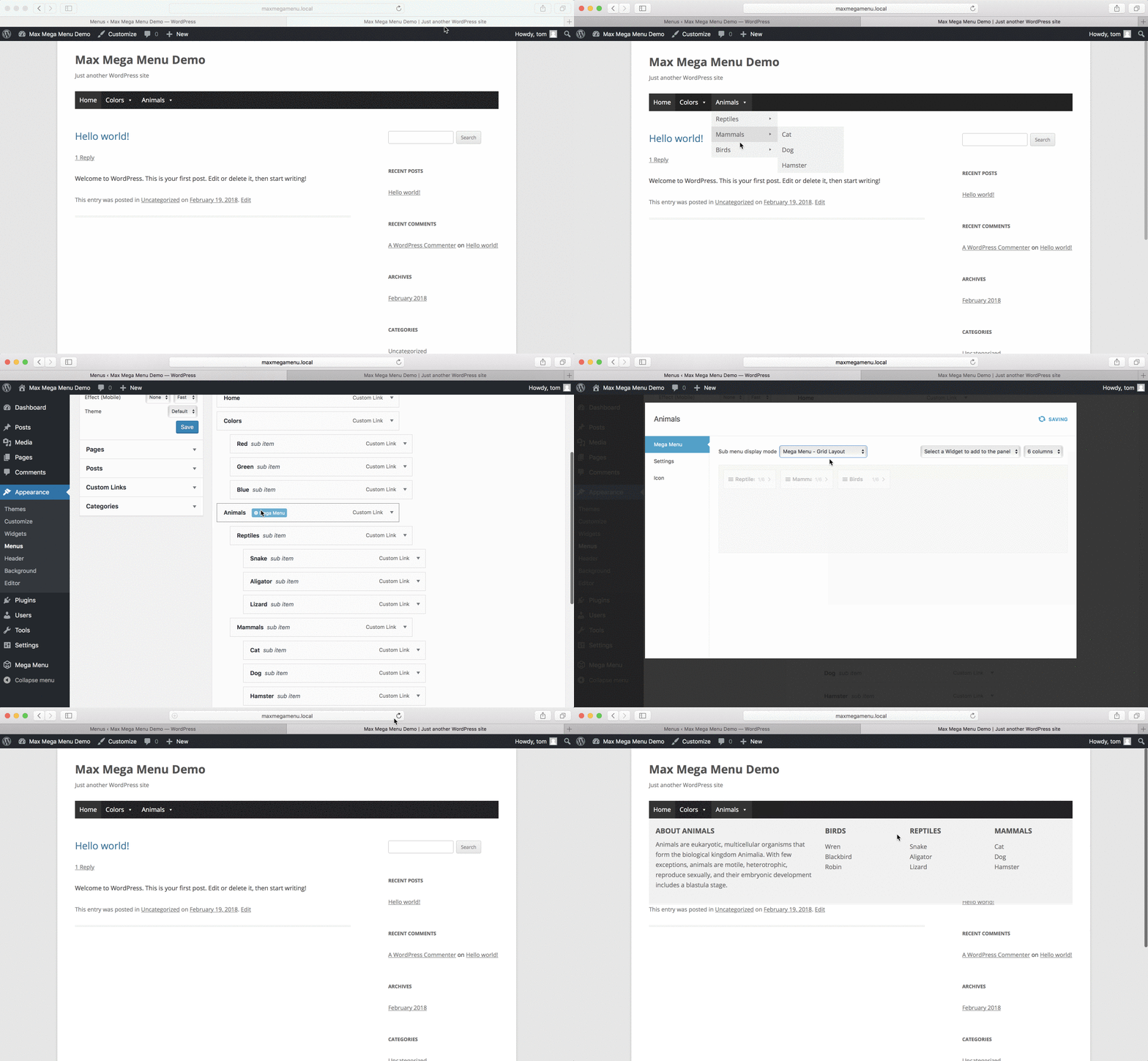
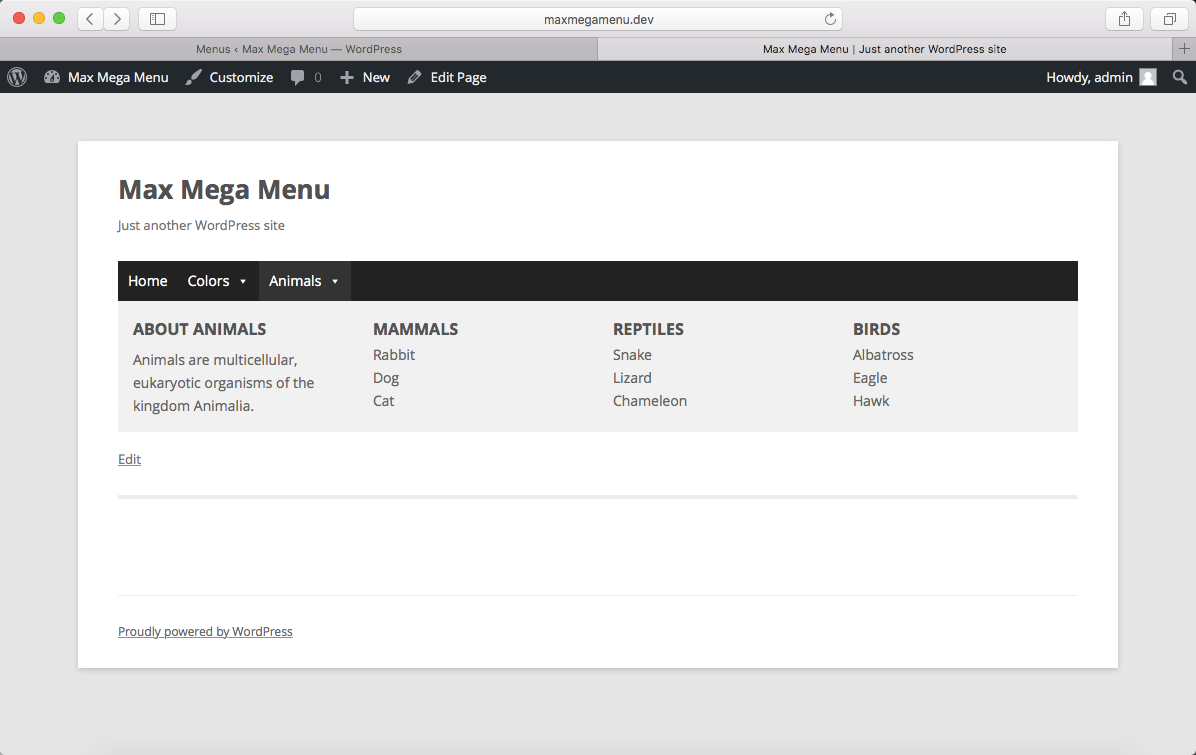
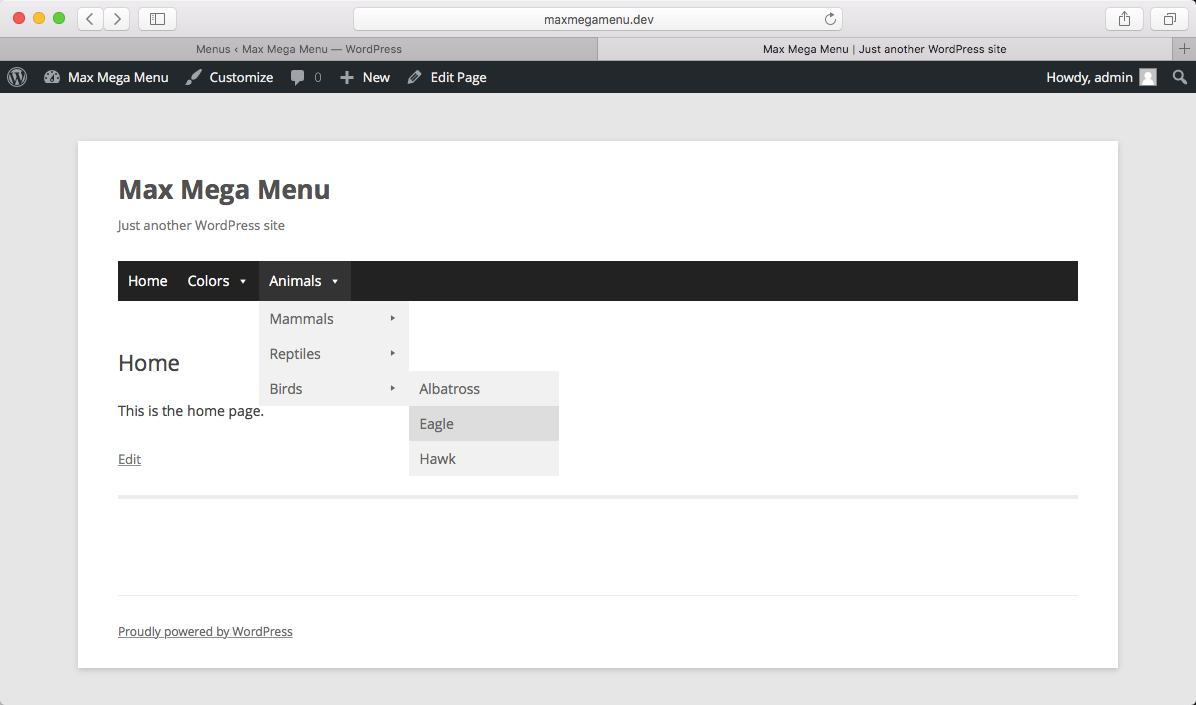
Max Mega Menu is a complete menu management plugin for WordPress, built for the block editor, page builders and classic themes.
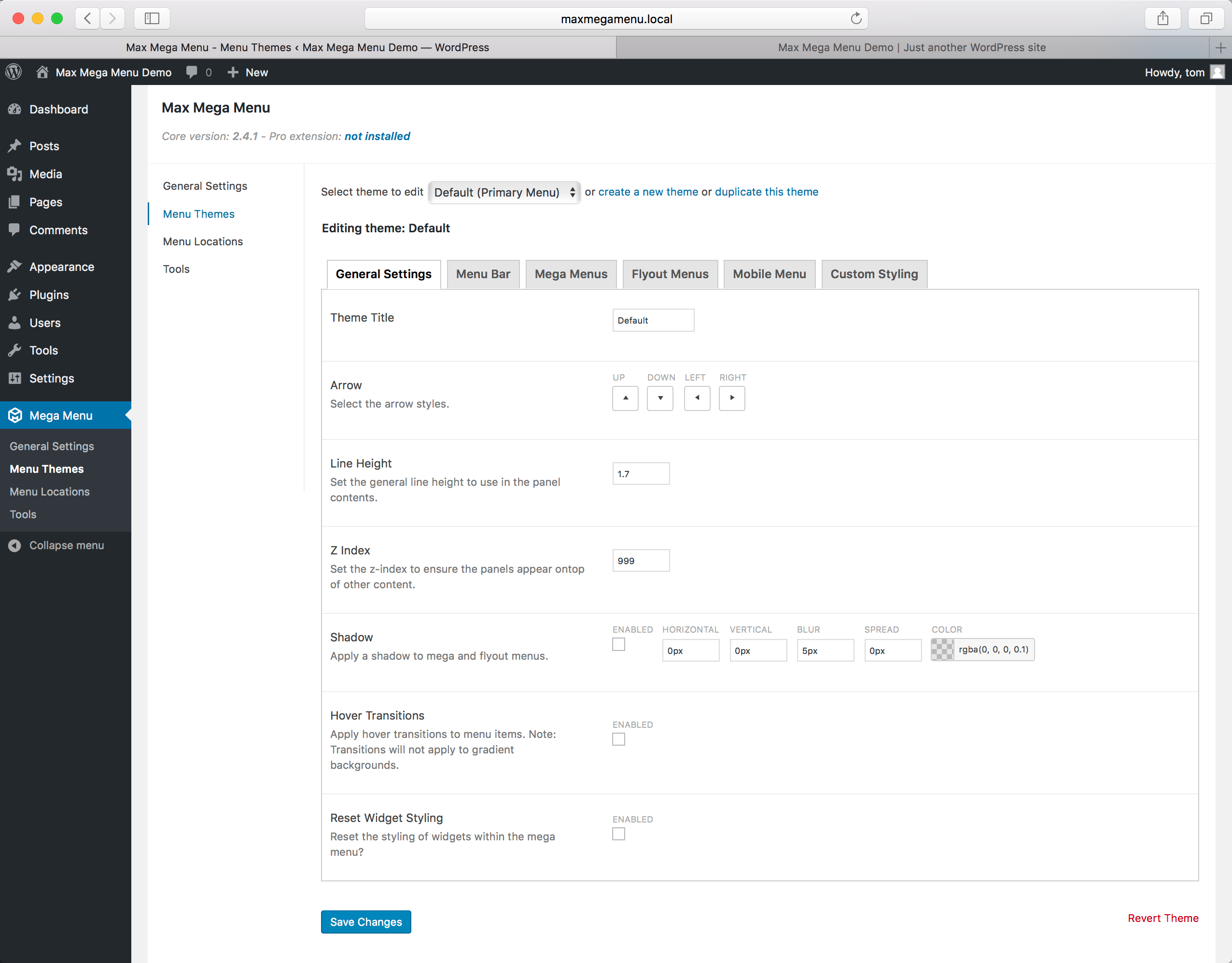
Create new menus from scratch or enhance your existing ones. With Max Mega Menu you can add WordPress widgets, blocks or custom HTML to your sub menus, style everything with the built in theme editor, and fine tune behaviour with powerful settings.
Place menus via a block, page builder element (Bricks, Breakdance, Divi & Elementor), shortcode, widget or wp_nav_menu. The result is a light weight, user friendly, accessible and touch ready mega menu with just a few clicks.
Leggi tutto Mostra meno
Documentation & Demo: https://www.megamenu.com
Max Mega Menu is developed with a focus on code quality, performance and usability.
Scopri di più: https://www.megamenu.com/upgrade/
Descrizione pubblicata da megamenu su WordPress.org, con licenza GPLv2 or later.
Schermate
Schermate pubblicate da megamenu su WordPress.org, con licenza GPLv2 or later.

Storico per versione
Mostra il dettaglio per versione (1 versione)
Storico per versione
Mostra il dettaglio per versione (1 versione)
Come evolve il plugin di versione in versione.
| Versione | Homepage | Admin | Ultima scansione |
|---|---|---|---|
| v3.10.6 | — | 1 scansione | 2 mesi fa |
Storico delle scansioni
Mostra il registro delle singole scansioni (1 scansioni)
Storico delle scansioni
Mostra il registro delle singole scansioni (1 scansioni)
| Data | Versione | Contesto | Punteggio | Grade | Tempo | Memoria |
|---|---|---|---|---|---|---|
| 2 mesi fa | v3.10.6 | Admin | 99/100 | A | 0 ms | 0.0 MB |