
Impact score
Footprint Score across the two most representative contexts.
1 scans · last scan 2 months ago
Homepage Score
Impact measured on the public homepage
Admin Score
Impact measured in the WordPress admin
v3.10.6 · 1 scan · Consolidated score over 90 days · 1 versions
What it adds to every page load
- Added time
- 0 ms
- Added memory
- 0.0 MB
- SQL queries
- +4
- CSS/JS files
- +1
- External calls
- 0
About
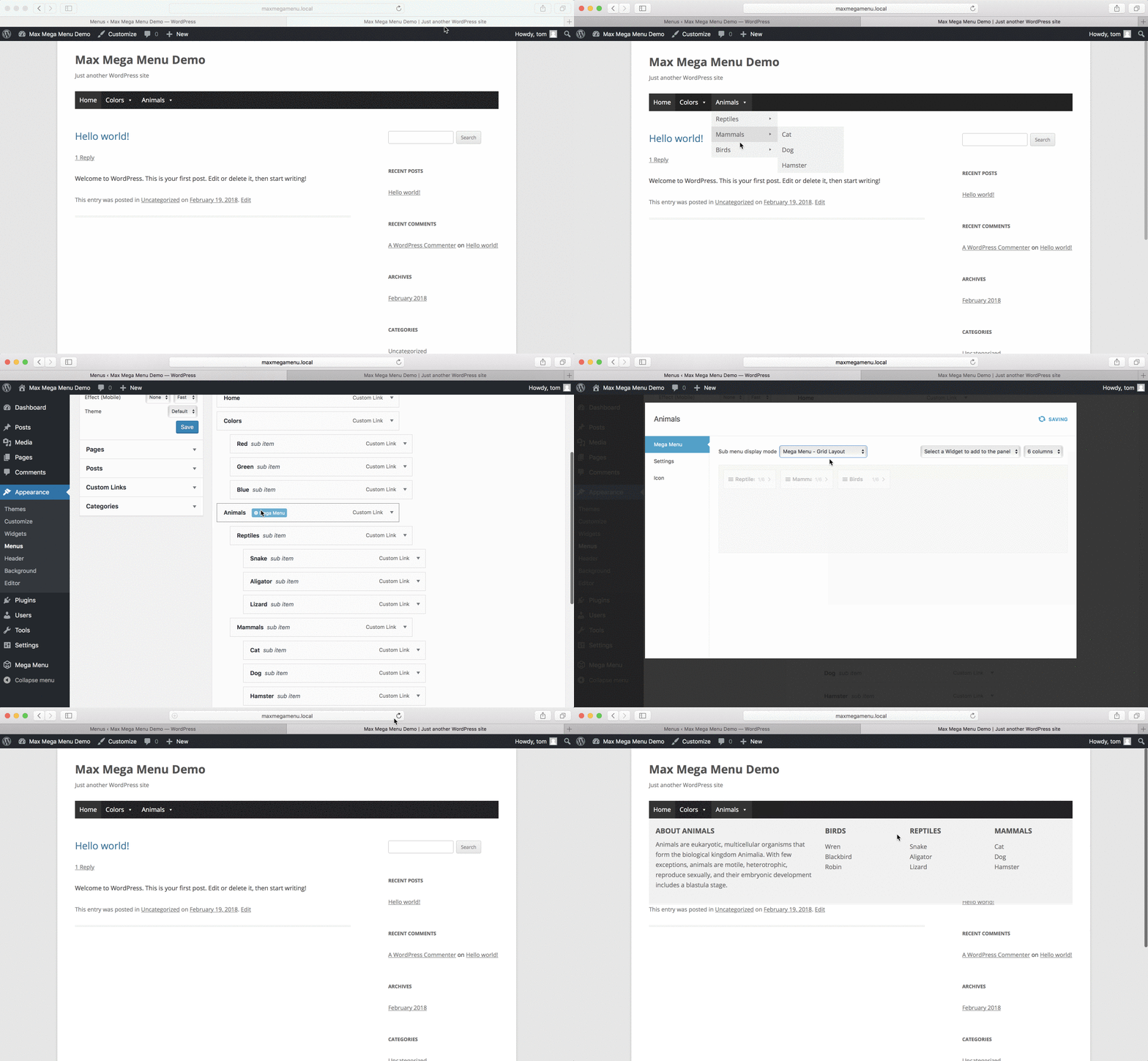
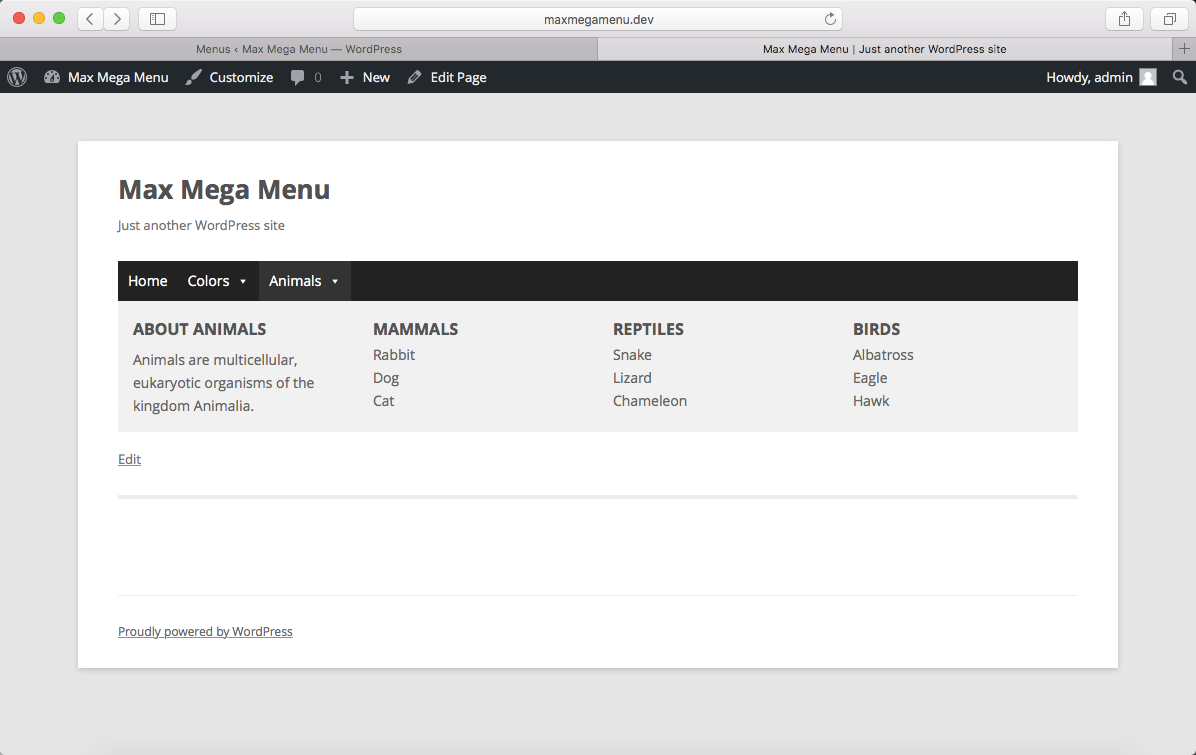
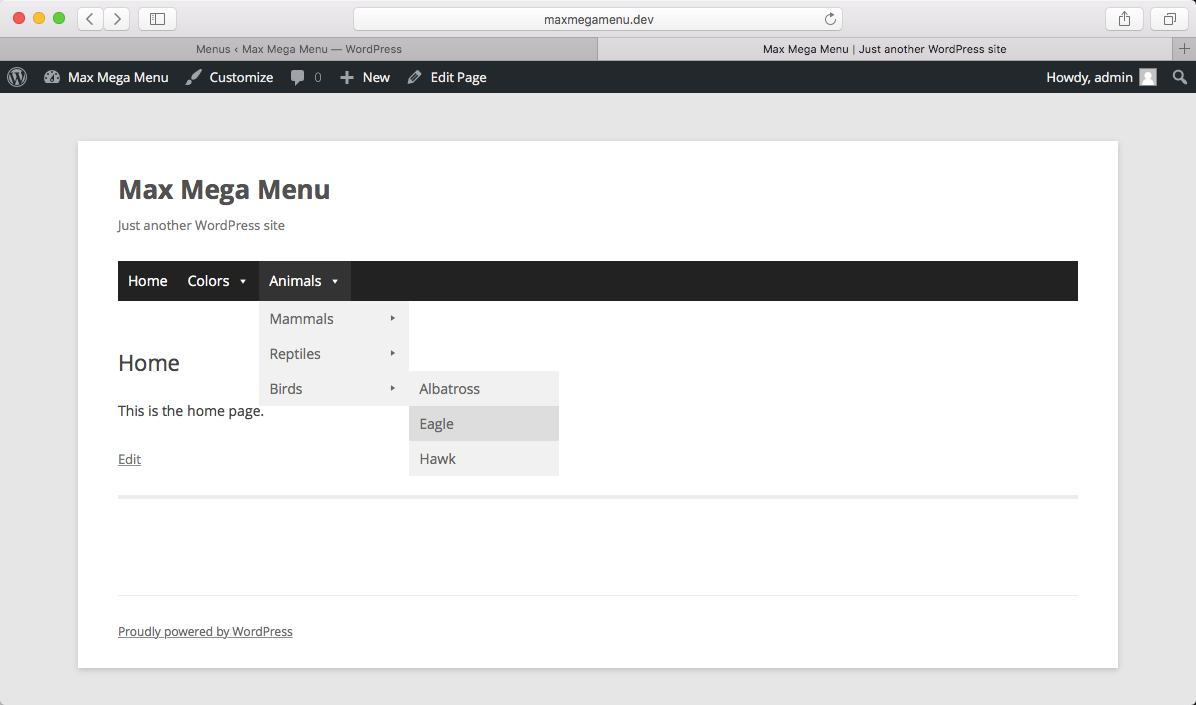
Max Mega Menu is a complete menu management plugin for WordPress, built for the block editor, page builders and classic themes.
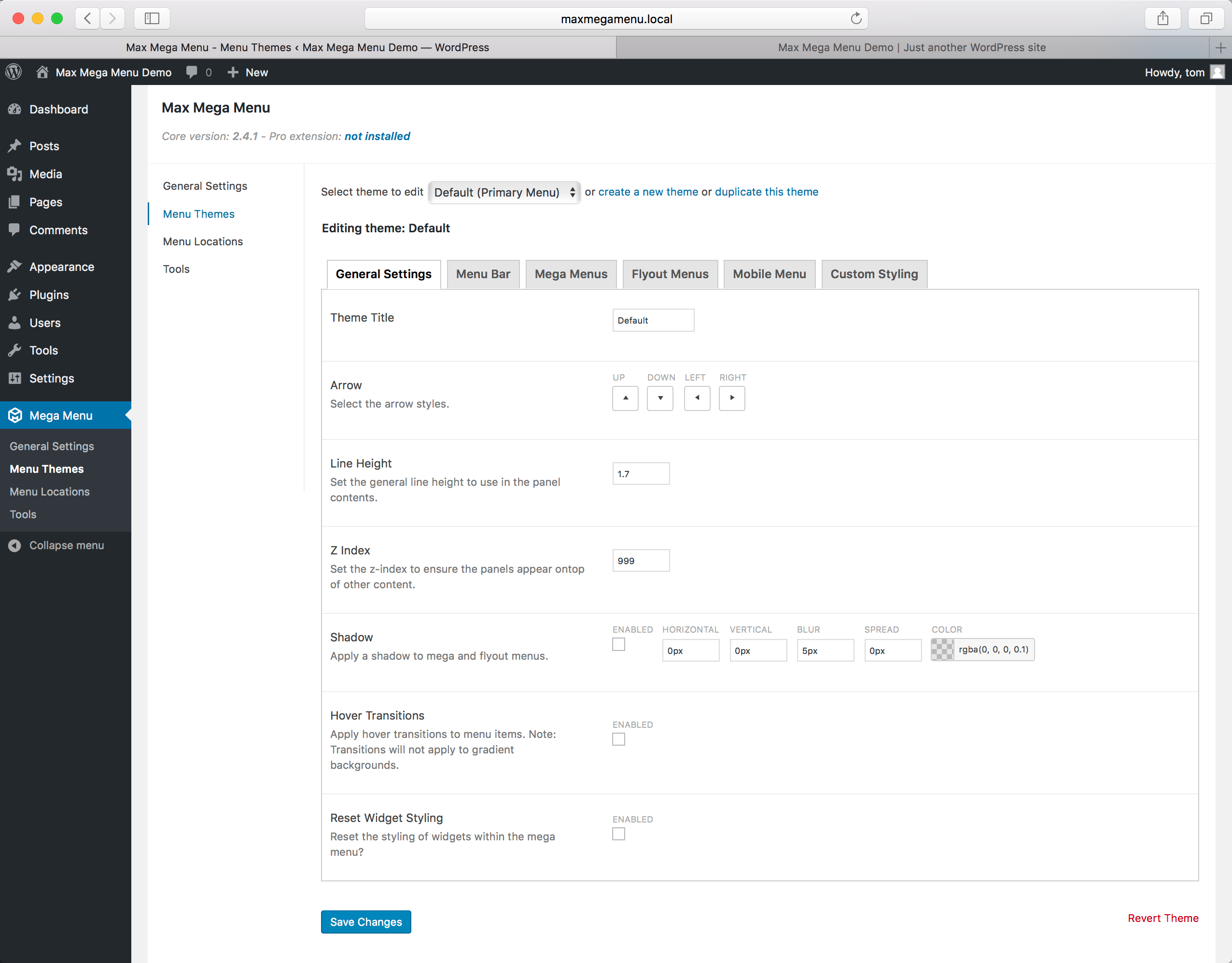
Create new menus from scratch or enhance your existing ones. With Max Mega Menu you can add WordPress widgets, blocks or custom HTML to your sub menus, style everything with the built in theme editor, and fine tune behaviour with powerful settings.
Place menus via a block, page builder element (Bricks, Breakdance, Divi & Elementor), shortcode, widget or wp_nav_menu. The result is a light weight, user friendly, accessible and touch ready mega menu with just a few clicks.
Read more Show less
Documentation & Demo: https://www.megamenu.com
Max Mega Menu is developed with a focus on code quality, performance and usability.
Find out more: https://www.megamenu.com/upgrade/
Description published by megamenu on WordPress.org, licensed under GPLv2 or later.
Screenshots
Screenshots published by megamenu on WordPress.org, licensed under GPLv2 or later.

Per-version history
Show per-version detail (1 version)
Per-version history
Show per-version detail (1 version)
How the plugin evolves version by version.
| Version | Homepage | Admin | Last scan |
|---|---|---|---|
| v3.10.6 | — | 1 scan | 2 months ago |
Scan history
Show individual scan log (1 scans)
Scan history
Show individual scan log (1 scans)
| Date | Version | Context | Score | Grade | Time | Memory |
|---|---|---|---|---|---|---|
| 2 months ago | v3.10.6 | Admin | 99/100 | A | 0 ms | 0.0 MB |