
Punteggio di impatto
Footprint Score sui due contesti più rappresentativi.
7 scansioni · ultima scansione 1 mese fa
Score Homepage
Impatto misurato sulla home page pubblica
v2.6.1 · 3 scansioni · Punteggio consolidato su 90 giorni · 1 versioni
Cosa aggiunge a ogni caricamento di pagina
- Tempo aggiunto
- 15 ms
- Memoria aggiunta
- 0.0 MB
- Query SQL
- +0
- File CSS/JS
- +0
- Chiamate esterne
- 0
Score Admin
Impatto misurato nell'amministrazione WordPress
Informazioni
The complete SVG solution for WordPress – secure, flexible, and easy to use.
SVG Support enables secure SVG uploads with powerful features for both basic users and developers:
✨ Key Features:
– Secure SVG uploads with automatic sanitization
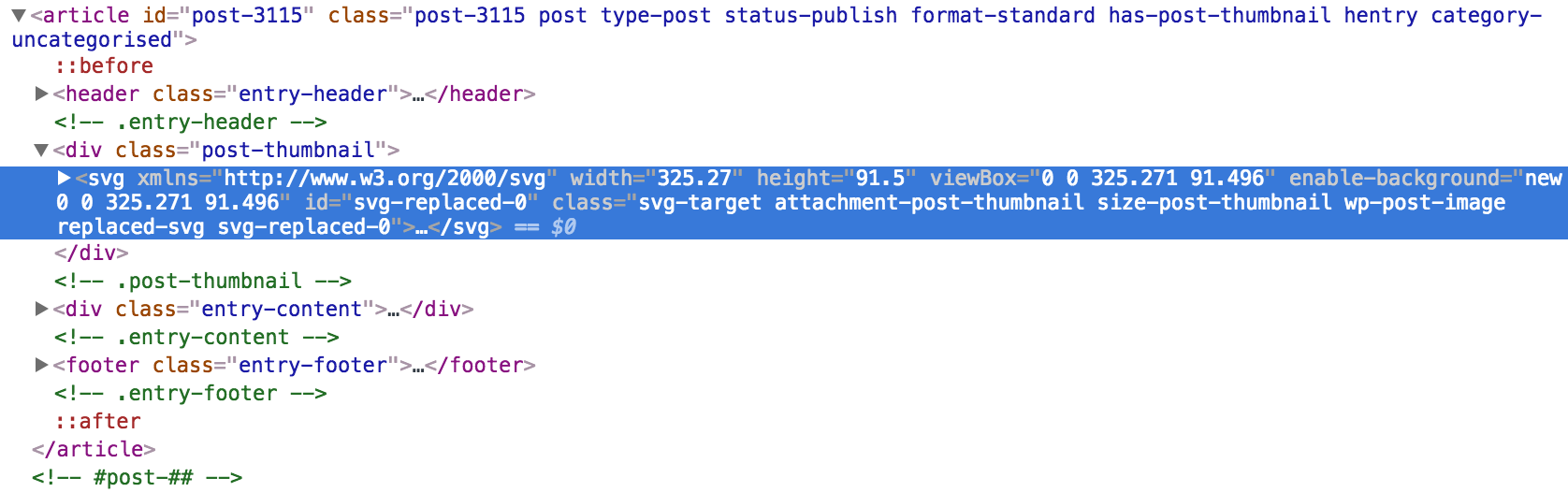
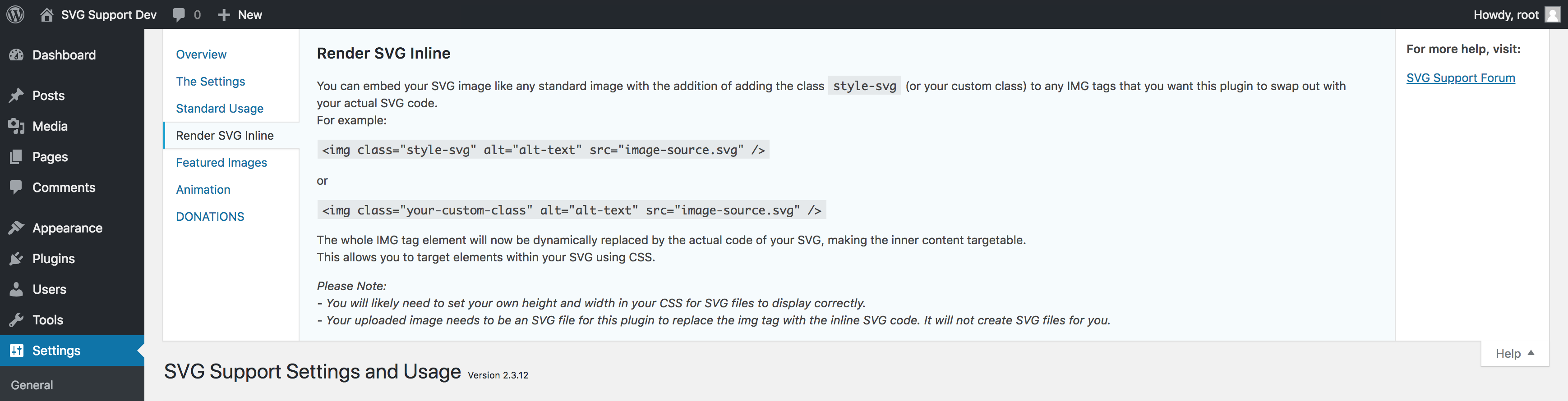
– Inline rendering for direct CSS/JS manipulation
– File size optimization through minification
– Role-based access control
– Advanced developer options
– Multisite compatible
– Full Block Editor (Gutenberg) compatibility
Leggi tutto Mostra meno
🔒 Security First:
– Built-in sanitization removes potentially harmful code
– Role-based upload restrictions
– Comprehensive MIME type validation
🎨 Designer Friendly:
– Direct styling of SVG elements
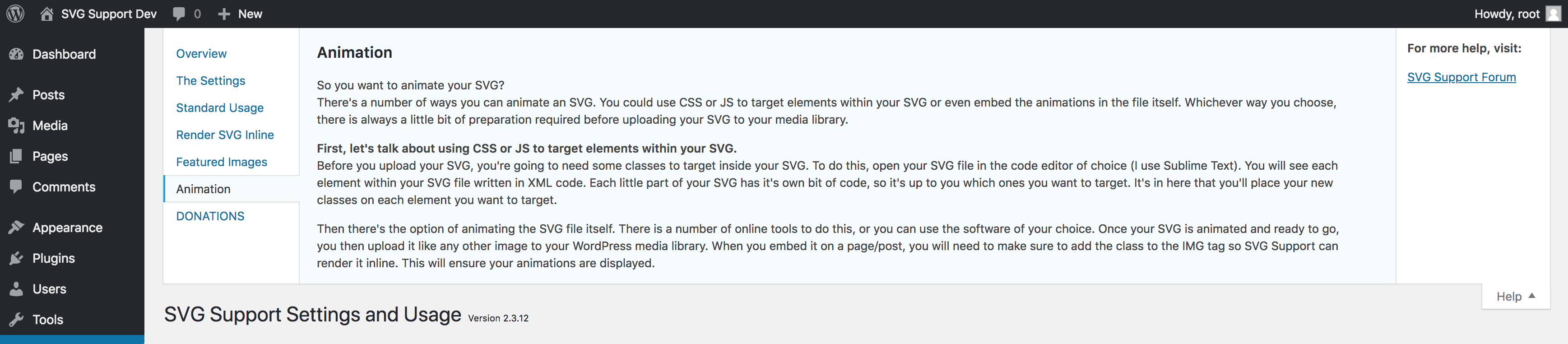
– Animation support
– Custom class targeting
– Automatic dimension handling
💻 Developer Ready:
– Advanced mode for additional features
– REST API support
– Gutenberg compatible
– Extensive hooks and filters
Basic Usage:
– First, install and activate SVG Support via your WordPress dashboard
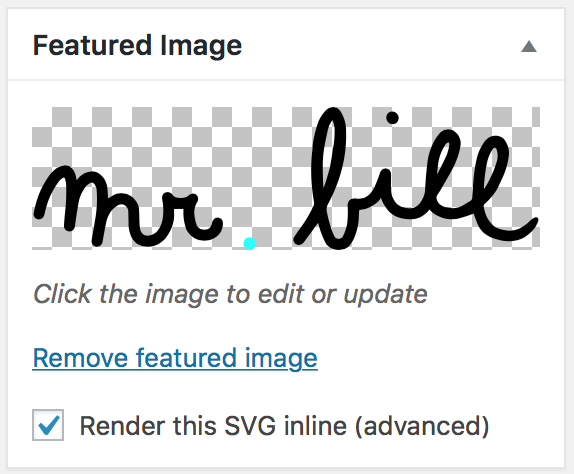
– Upload SVG files to your media library like any other image
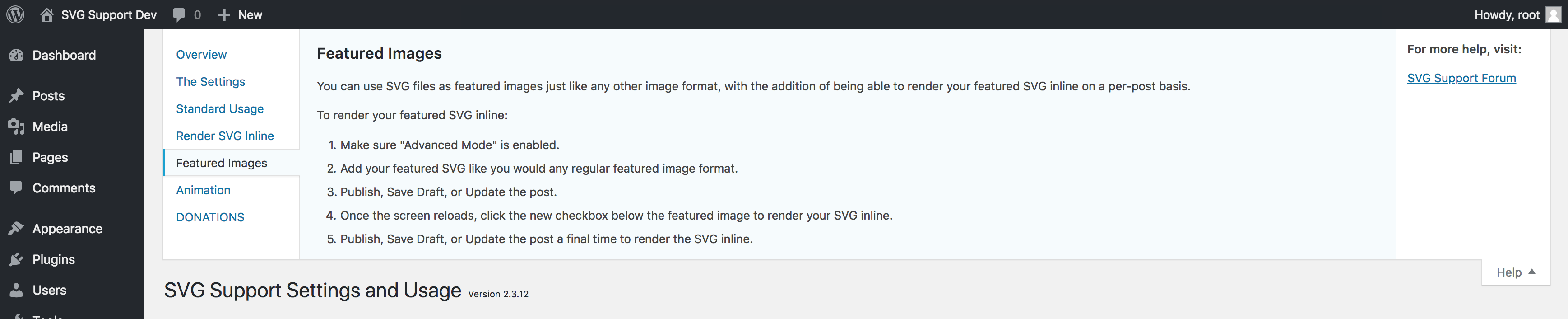
– Works seamlessly with Image blocks, Cover blocks and featured images
Advanced Usage:
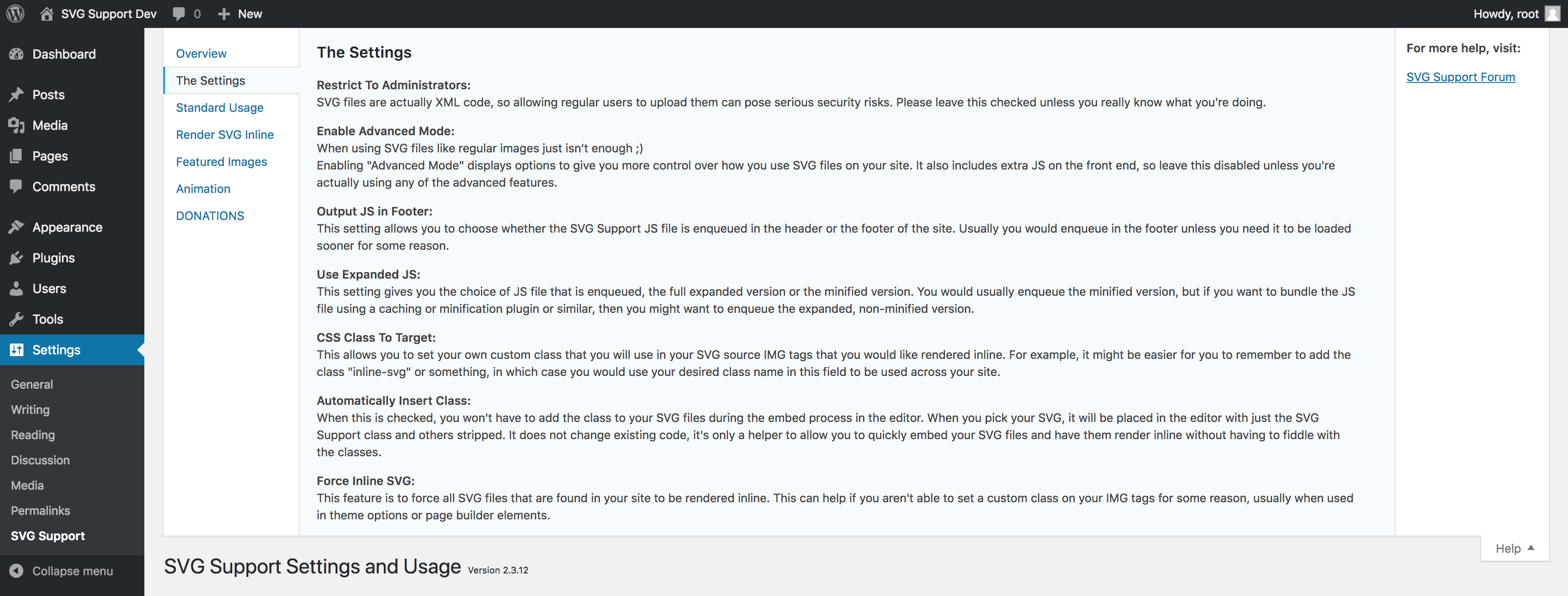
– Enable “Advanced Mode” for minification and inline rendering
– Customize with hooks and filters for tailored functionality
Block Editor Usage:
– Use Advanced Mode to enable inline rendering:
– Add the "style-svg" class to Image blocks
– Add the "style-svg" class to Cover blocks to render SVG backgrounds inline
– Use “Skip Nested SVGs” setting to control inline rendering of SVGs within Cover blocks
Classic Editor Usage:
– Use Advanced Mode to add the "style-svg" class to <img> tags for inline rendering
– Enable “Auto Insert Class” option for automatic class insertion in Classic Editor
Common Issues & Solutions:
– SVG not displaying? Ensure dimensions are set in CSS.
– Need help? Use the support tab and I will do my best to assist you.
With a single click, you can spin up a completely free test site to test SVG Support using TasteWP! No sign up, no cards, nothing! How cool is that? Give it a go:
Click Here to spin up a test site in seconds
SVG Support prioritizes security with automatic sanitization and role-based restrictions. Only trusted users should have upload permissions. Configure settings to balance functionality and security.
SVG Support does not send your data anywhere on its own — everything it does (uploads, sanitization, inline rendering) happens entirely on your own site.
The one exception is opt-in: the plugin’s settings screen offers a sign-up form for the SVG Support Pro waitlist. If — and only if — you type your email address into that form and submit it, your browser sends that email address, plus a fixed label marking the plugin settings screen as the source (utm_source=svg-support-plugin), to Kit (kit.com), the newsletter service used for SVG Support announcements. Nothing is transmitted if you never use the form, no information is collected in the background, and every email includes a one-click unsubscribe.
Kit terms of service: https://kit.com/terms
Kit privacy policy: https://kit.com/privacy
I’m open to your suggestions and feedback – Thanks for using SVG Support!
Follow @SVGSupport on Twitter
Follow @benbodhi on Twitter
Follow @benbodhi on Farcaster
Nota: spero che ti sia piaciuto questo plugin! Prenditi un momento per valutarlo.
The development version of SVG Support is maintained on GitHub. Feel free to contribute:
Contribute translations here. New to translating? Check the Translator Handbook.
Descrizione pubblicata da Benbodhi su WordPress.org, con licenza GPLv2 or later.
Schermate
Schermate pubblicate da Benbodhi su WordPress.org, con licenza GPLv2 or later.





Storico per versione
Mostra il dettaglio per versione (1 versione)
Storico per versione
Mostra il dettaglio per versione (1 versione)
Come evolve il plugin di versione in versione.
| Versione | Homepage | Admin | Ultima scansione |
|---|---|---|---|
| v2.6.1 | 3 scansioni | — | 1 mese fa |
Storico delle scansioni
Mostra il registro delle singole scansioni (7 scansioni)
Storico delle scansioni
Mostra il registro delle singole scansioni (7 scansioni)
| Data | Versione | Contesto | Punteggio | Grade | Tempo | Memoria |
|---|---|---|---|---|---|---|
| 1 mese fa | v2.6.1 | messages.page_type.custom | 98/100 | A | 0 ms | 0.0 MB |
| 1 mese fa | v2.6.1 | Homepage | 100/100 | A | 0 ms | 0.0 MB |
| 1 mese fa | v2.6.1 | messages.page_type.custom | 99/100 | A | 9 ms | 2.0 MB |
| 1 mese fa | v2.6.1 | messages.page_type.custom | 100/100 | A | 0 ms | 0.0 MB |
| 1 mese fa | v2.6.1 | Homepage | 100/100 | A | 15 ms | 0.0 MB |
| 1 mese fa | v2.6.1 | messages.page_type.custom | 100/100 | A | 0 ms | 0.0 MB |
| 1 mese fa | v2.6.1 | Homepage | 99/100 | A | 23 ms | 0.0 MB |