
Pontuação de impacto
Footprint Score nos dois contextos mais representativos.
7 análises · última análise há 1 mês
Score Homepage
Impacto medido na página inicial pública
v2.6.1 · 3 análises · Pontuação consolidada em 90 dias · 1 versões
O que acrescenta a cada carregamento de página
- Tempo adicionado
- 15 ms
- Memória adicionada
- 0.0 MB
- Consultas SQL
- +0
- Ficheiros CSS/JS
- +0
- Chamadas externas
- 0
Score Admin
Impacto medido na administração WordPress
Sobre
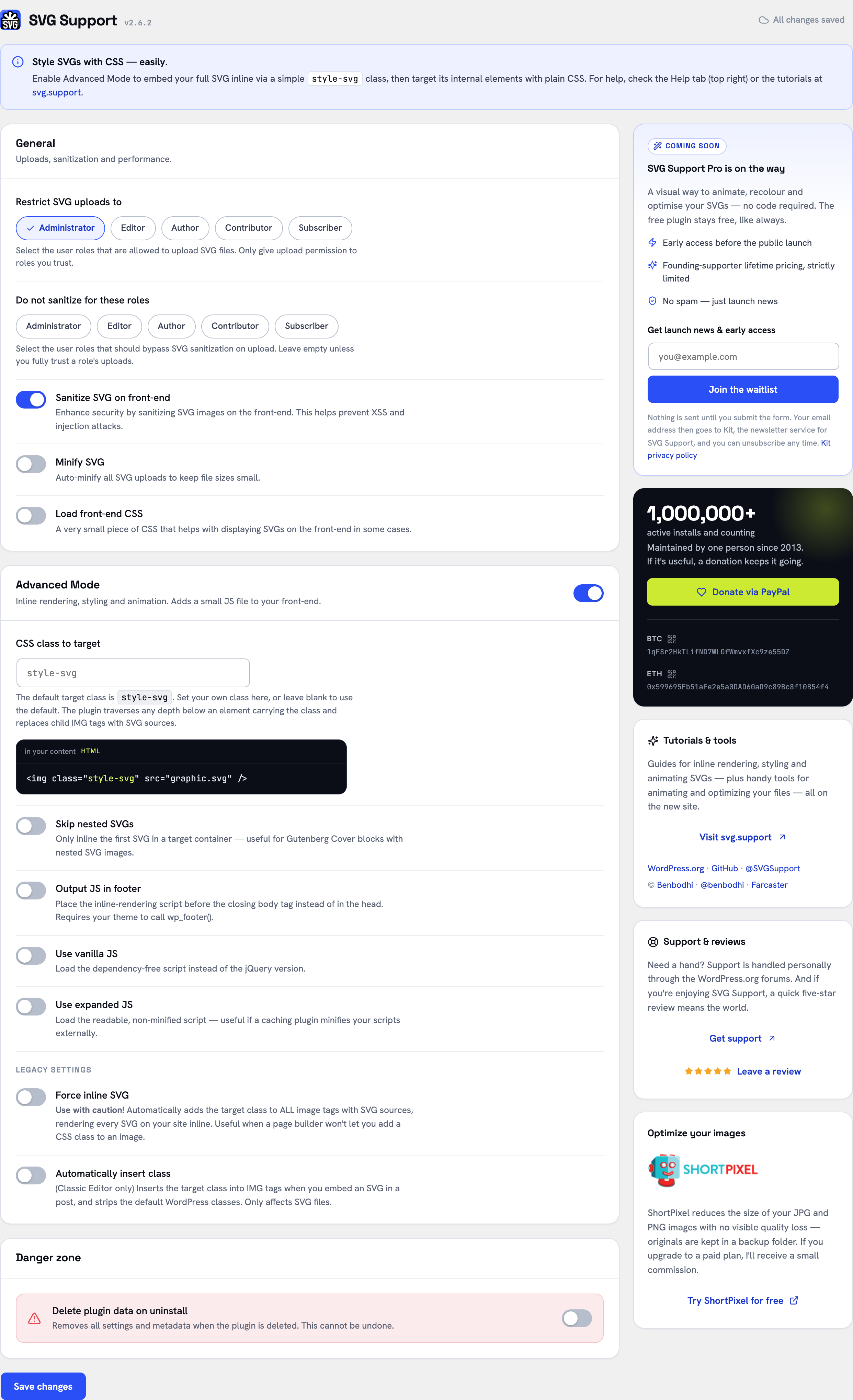
The complete SVG solution for WordPress – secure, flexible, and easy to use.
SVG Support enables secure SVG uploads with powerful features for both basic users and developers:
✨ Key Features:
– Secure SVG uploads with automatic sanitization
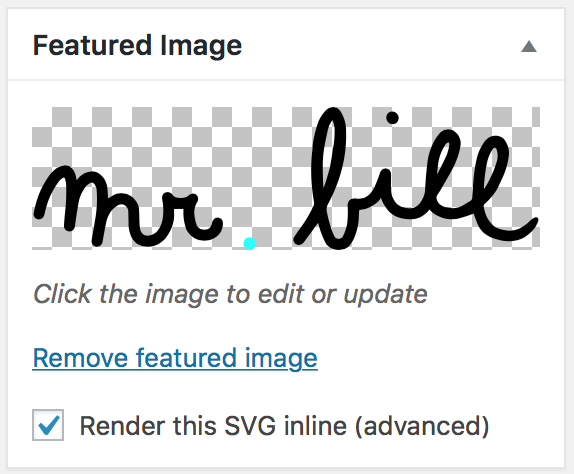
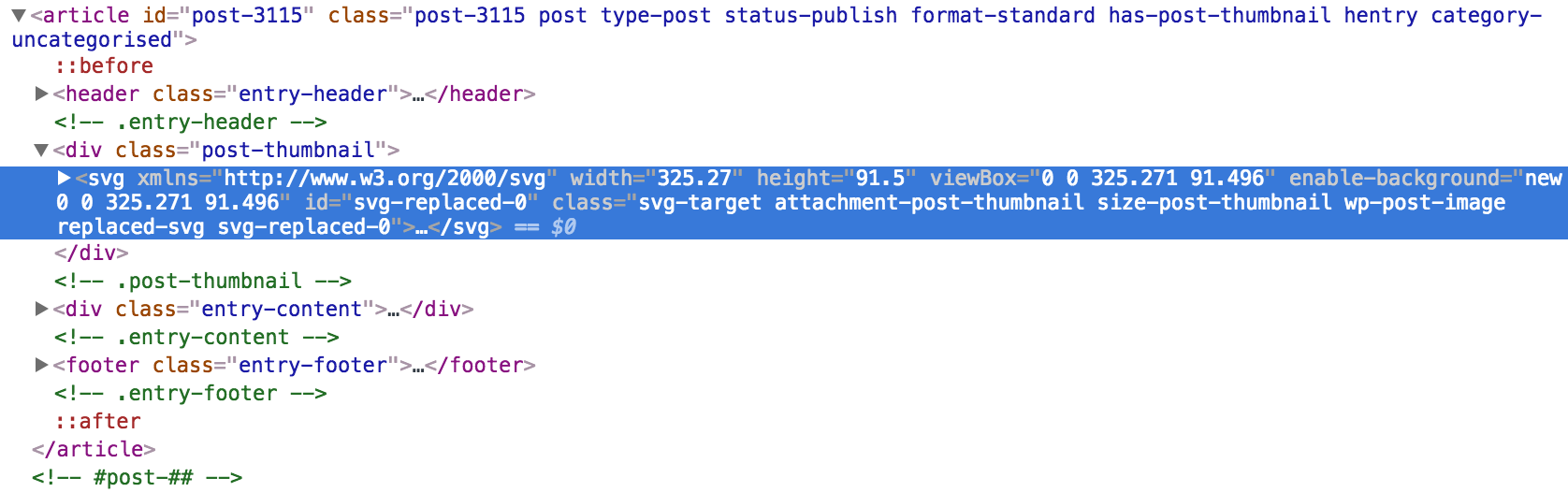
– Inline rendering for direct CSS/JS manipulation
– File size optimization through minification
– Role-based access control
– Advanced developer options
– Multisite compatible
– Full Block Editor (Gutenberg) compatibility
Ler mais Mostrar menos
🔒 Security First:
– Built-in sanitization removes potentially harmful code
– Role-based upload restrictions
– Comprehensive MIME type validation
🎨 Designer Friendly:
– Direct styling of SVG elements
– Animation support
– Custom class targeting
– Automatic dimension handling
💻 Developer Ready:
– Advanced mode for additional features
– REST API support
– Gutenberg compatible
– Extensive hooks and filters
Basic Usage:
– First, install and activate SVG Support via your WordPress dashboard
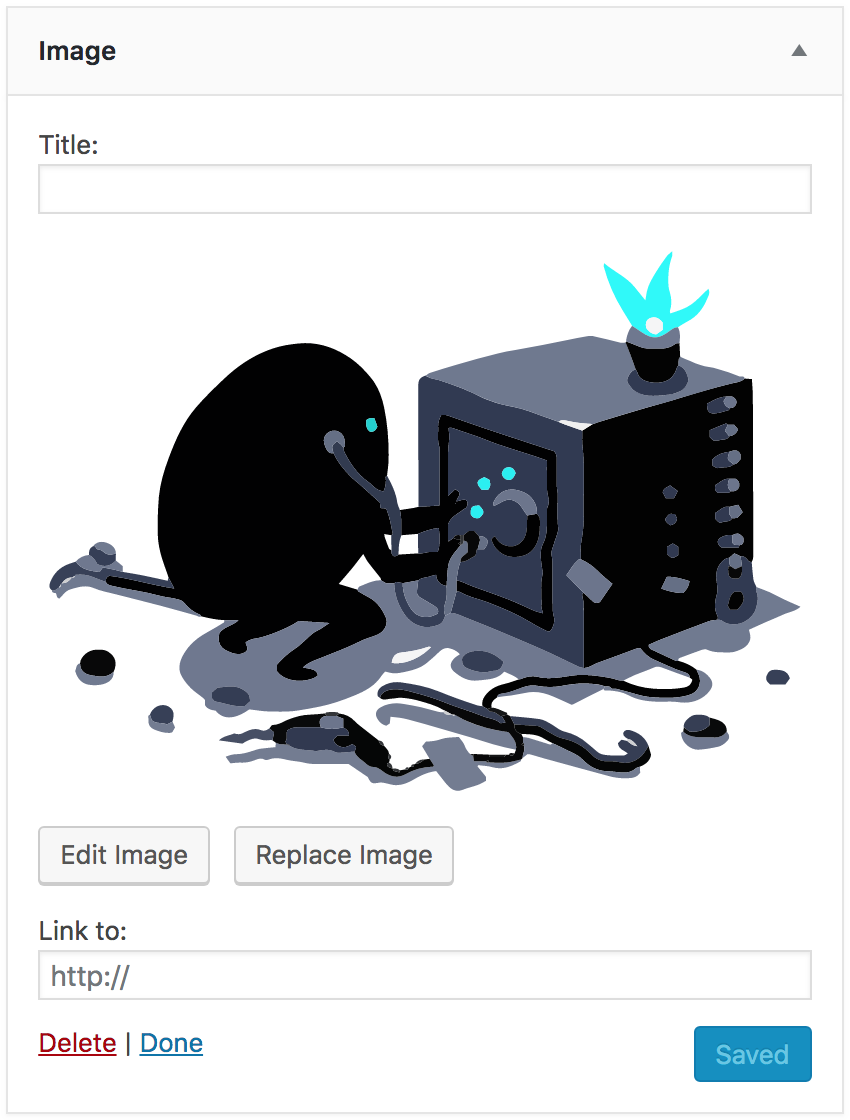
– Upload SVG files to your media library like any other image
– Works seamlessly with Image blocks, Cover blocks and featured images
Advanced Usage:
– Enable “Advanced Mode” for minification and inline rendering
– Customize with hooks and filters for tailored functionality
Block Editor Usage:
– Use Advanced Mode to enable inline rendering:
– Add the "style-svg" class to Image blocks
– Add the "style-svg" class to Cover blocks to render SVG backgrounds inline
– Use “Skip Nested SVGs” setting to control inline rendering of SVGs within Cover blocks
Classic Editor Usage:
– Use Advanced Mode to add the "style-svg" class to <img> tags for inline rendering
– Enable “Auto Insert Class” option for automatic class insertion in Classic Editor
Common Issues & Solutions:
– SVG not displaying? Ensure dimensions are set in CSS.
– Need help? Use the support tab and I will do my best to assist you.
With a single click, you can spin up a completely free test site to test SVG Support using TasteWP! No sign up, no cards, nothing! How cool is that? Give it a go:
Click Here to spin up a test site in seconds
SVG Support prioritizes security with automatic sanitization and role-based restrictions. Only trusted users should have upload permissions. Configure settings to balance functionality and security.
SVG Support does not send your data anywhere on its own — everything it does (uploads, sanitization, inline rendering) happens entirely on your own site.
The one exception is opt-in: the plugin’s settings screen offers a sign-up form for the SVG Support Pro waitlist. If — and only if — you type your email address into that form and submit it, your browser sends that email address, plus a fixed label marking the plugin settings screen as the source (utm_source=svg-support-plugin), to Kit (kit.com), the newsletter service used for SVG Support announcements. Nothing is transmitted if you never use the form, no information is collected in the background, and every email includes a one-click unsubscribe.
Kit terms of service: https://kit.com/terms
Kit privacy policy: https://kit.com/privacy
I’m open to your suggestions and feedback – Thanks for using SVG Support!
Follow @SVGSupport on Twitter
Follow @benbodhi on Twitter
Follow @benbodhi on Farcaster
Note: I hope you like this plugin! Please take a moment to rate it.
The development version of SVG Support is maintained on GitHub. Feel free to contribute:
Contribute translations here. New to translating? Check the Translator Handbook.
Descrição publicada por Benbodhi em WordPress.org, sob a licença GPLv2 or later.
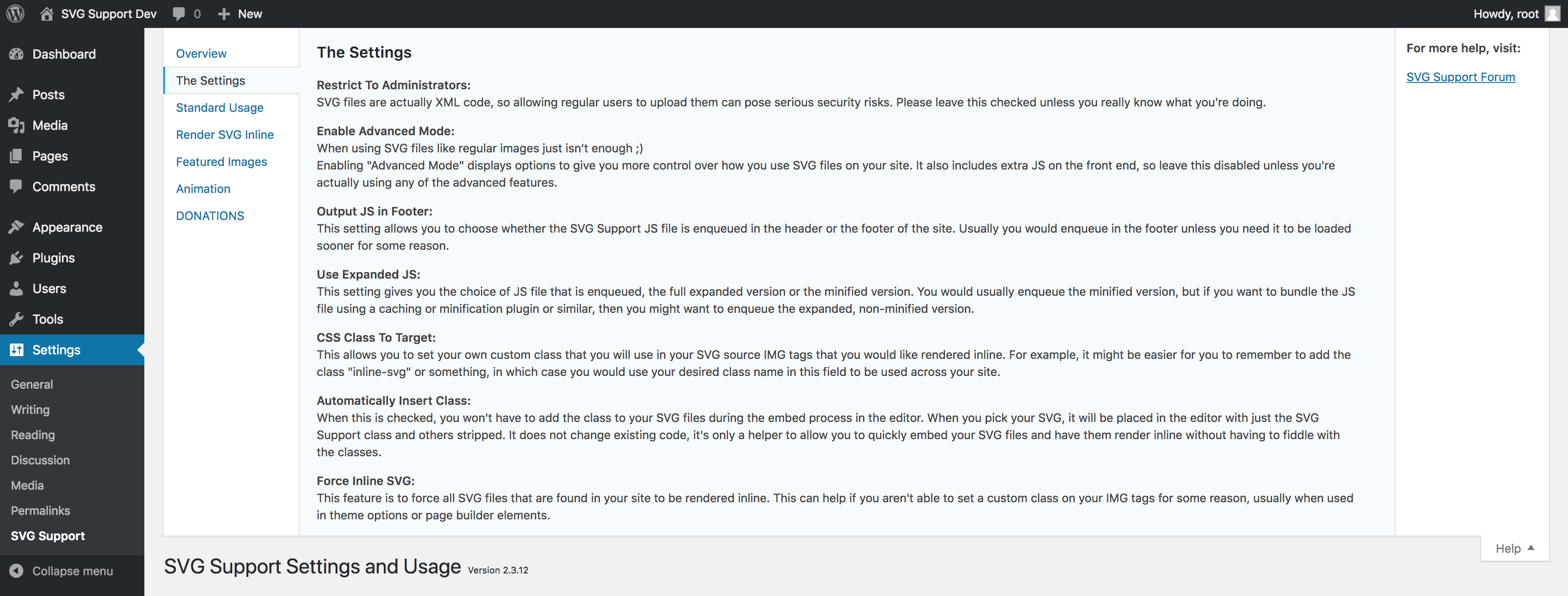
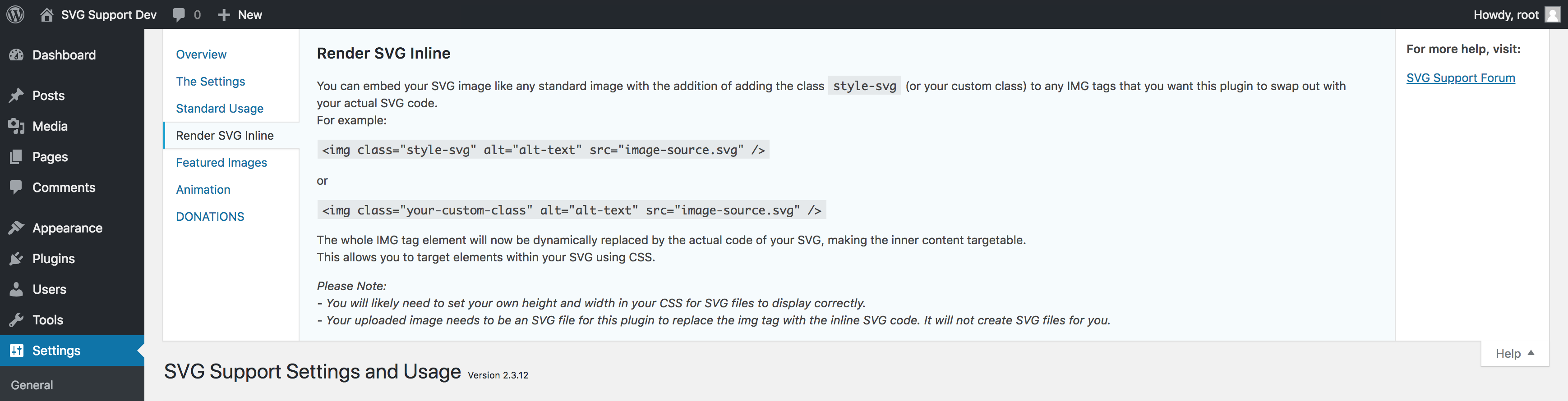
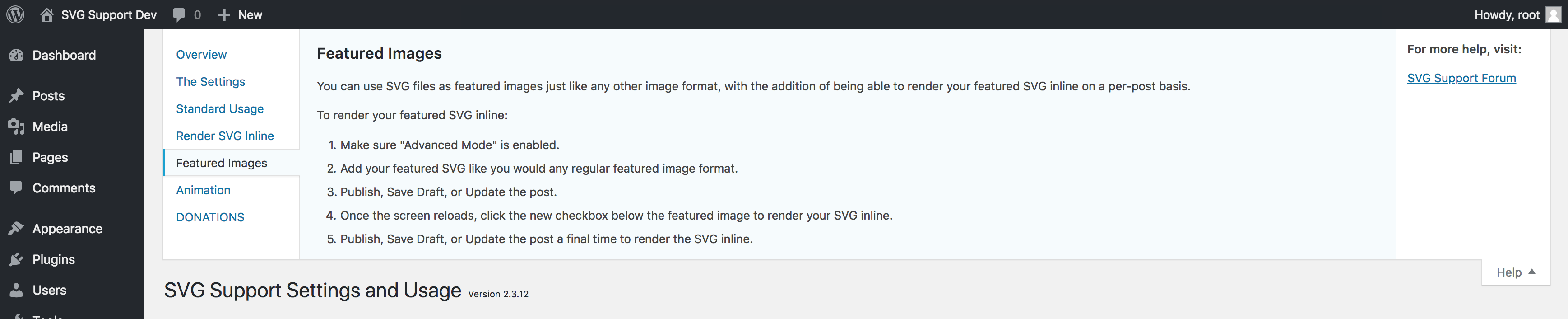
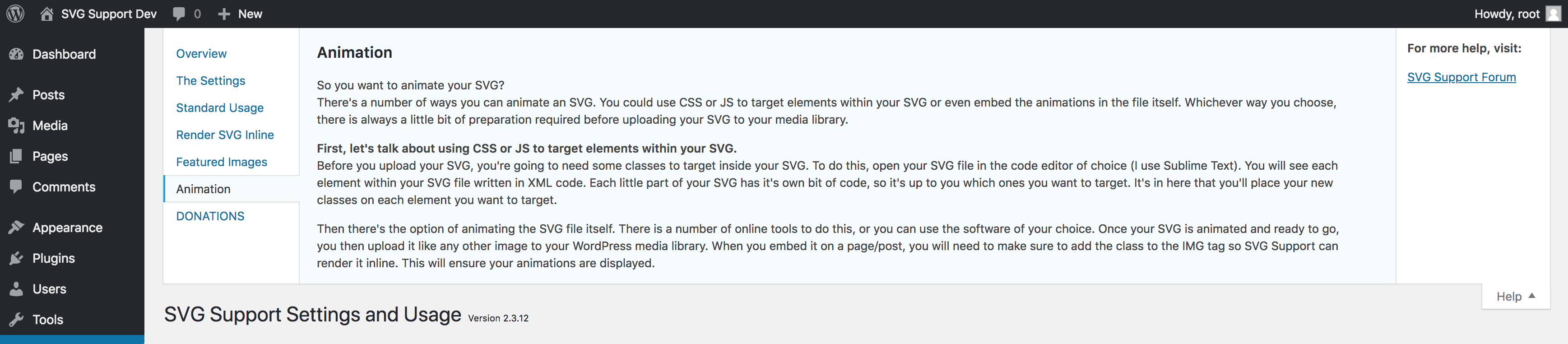
Capturas de ecrã
Capturas publicadas por Benbodhi em WordPress.org, sob a licença GPLv2 or later.



Histórico por versão
Ver o detalhe por versão (1 versão)
Histórico por versão
Ver o detalhe por versão (1 versão)
Como o plugin evolui de versão em versão.
| Versão | Homepage | Admin | Última análise |
|---|---|---|---|
| v2.6.1 | 3 análises | — | há 1 mês |
Histórico de scans
Ver o registo de análises individuais (7 análises)
Histórico de scans
Ver o registo de análises individuais (7 análises)
| Data | Versão | Contexto | Pontuação | Nota | Tempo | Memória |
|---|---|---|---|---|---|---|
| há 1 mês | v2.6.1 | messages.page_type.custom | 98/100 | A | 0 ms | 0.0 MB |
| há 1 mês | v2.6.1 | Homepage | 100/100 | A | 0 ms | 0.0 MB |
| há 1 mês | v2.6.1 | messages.page_type.custom | 99/100 | A | 9 ms | 2.0 MB |
| há 1 mês | v2.6.1 | messages.page_type.custom | 100/100 | A | 0 ms | 0.0 MB |
| há 1 mês | v2.6.1 | Homepage | 100/100 | A | 15 ms | 0.0 MB |
| há 1 mês | v2.6.1 | messages.page_type.custom | 100/100 | A | 0 ms | 0.0 MB |
| há 1 mês | v2.6.1 | Homepage | 99/100 | A | 23 ms | 0.0 MB |