
- Tempo
- 0 ms
- Memoria
- 0.0 MB
- SQL
- +6
Informazioni
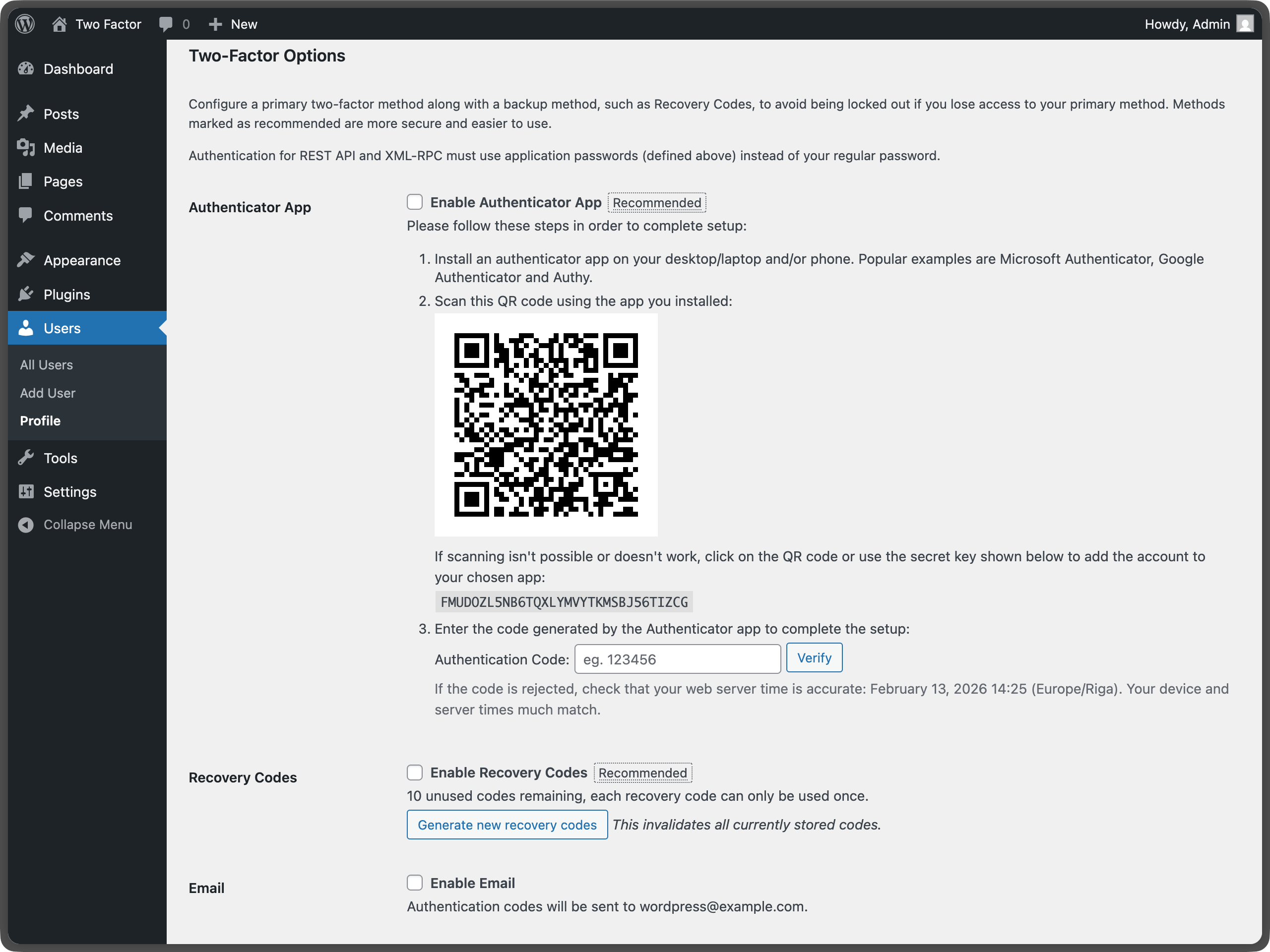
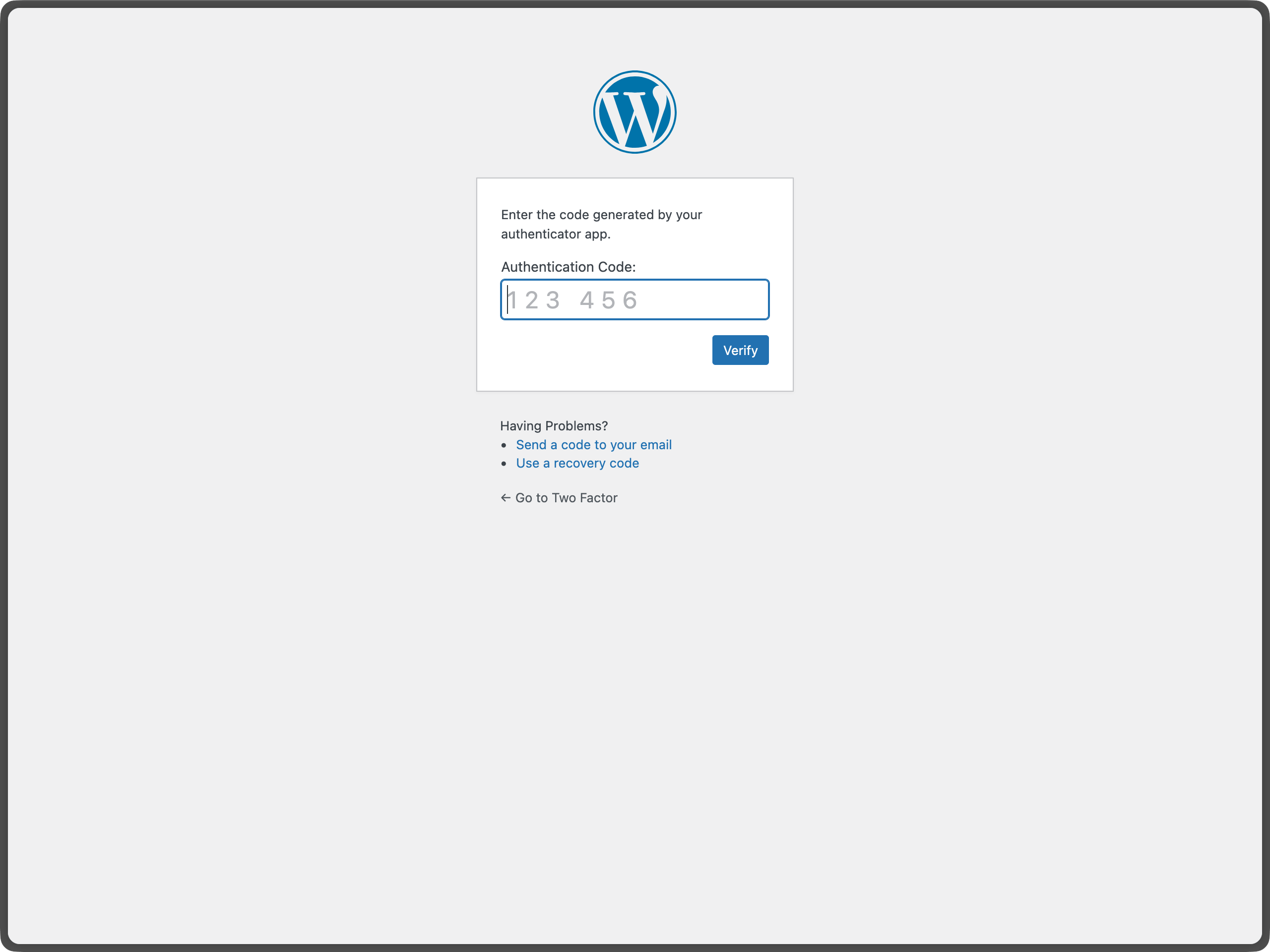
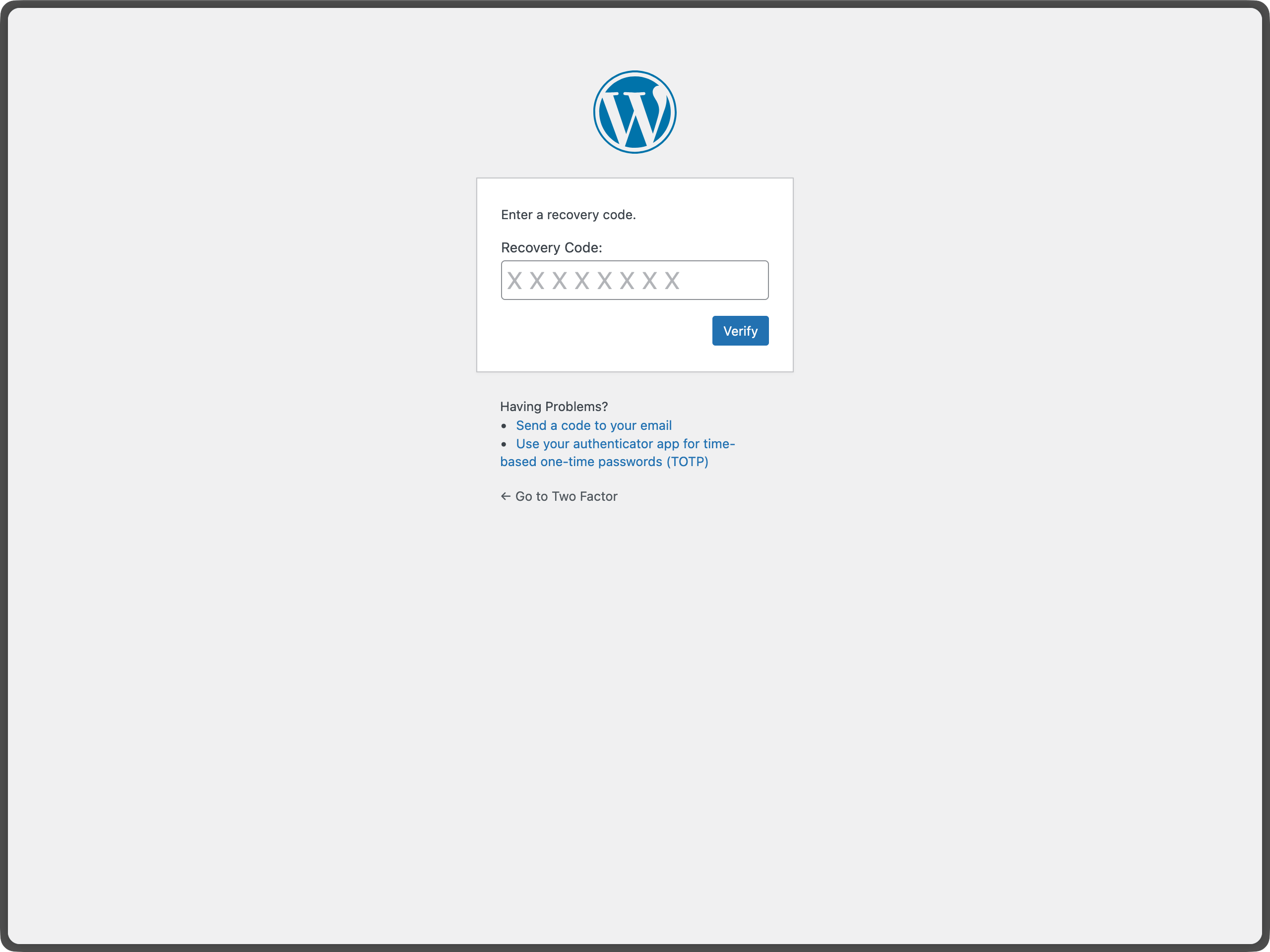
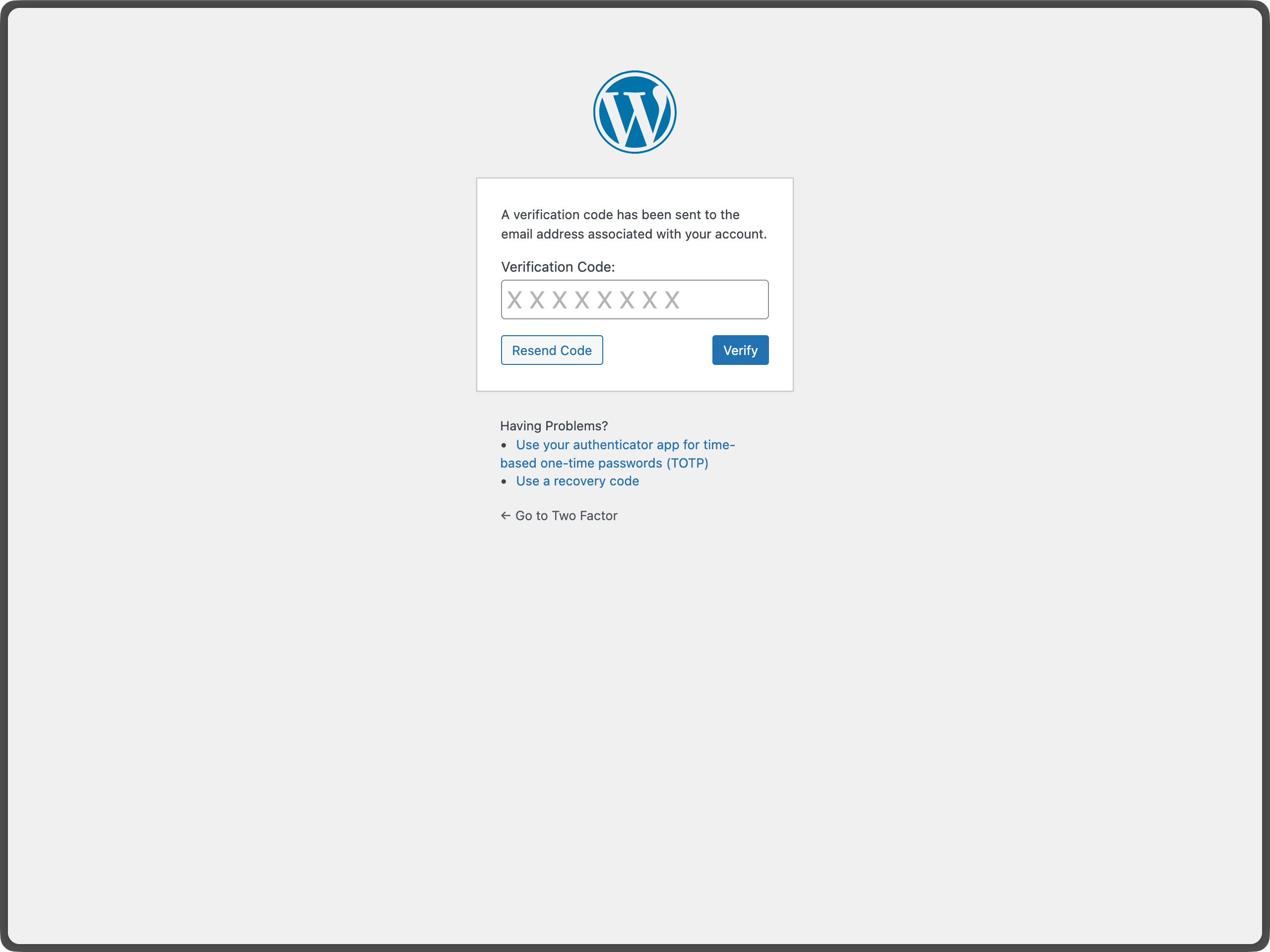
The Two-Factor plugin adds an extra layer of security to your WordPress login by requiring users to provide a second form of authentication in addition to their password. This helps protect against unauthorized access even if passwords are compromised.
Important: Each user must individually configure their two-factor authentication settings.
For more information about two-factor authentication in WordPress, see the WordPress Advanced Administration Security Guide.
Leggi tutto Mostra meno
Approfondisci e per saperne di più vedi quest’articolo.
Ecco una lista dei filtri degli hook forniti dal plugin:
The plugin includes a wp two-factor WP-CLI namespace for managing two-factor authentication from the command line. All commands accept a user by ID, login, or email.
Run wp help two-factor for the full list, or wp help two-factor <command> for options and examples for a specific command.
To redirect users to a specific URL after completing the two-factor challenge, use WordPress Core built-in login_redirect filter. The filter works the same way as in a standard WordPress login flow:
Descrizione pubblicata da WordPress.org su WordPress.org, con licenza GPL-2.0-or-later.
Tag
2FA
authentication
MFA
security
totp
Schermate
Schermate pubblicate da WordPress.org su WordPress.org, con licenza GPL-2.0-or-later.
Storico per versione
Mostra il dettaglio per versione (1 versione)
Storico per versione
Mostra il dettaglio per versione (1 versione)
Come evolve il plugin di versione in versione.
| Versione | Homepage | Admin | Ultima scansione |
|---|---|---|---|
| v0.16.0 | — | 1 scansione | 2 mesi fa |
Alternative nella stessa categoria
Altri plugin security misurati dalla community, ordinati dal più leggero al più pesante.
Ancora troppe poche scansioni per pubblicare il punteggio (1 ricevute).
Ancora troppe poche scansioni per pubblicare il punteggio (1 ricevute).
Ancora troppe poche scansioni per pubblicare il punteggio (1 ricevute).
Ancora troppe poche scansioni per pubblicare il punteggio (1 ricevute).
Ancora troppe poche scansioni per pubblicare il punteggio (3 ricevute).
Storico delle scansioni
Mostra il registro delle singole scansioni (1 scansioni)
Storico delle scansioni
Mostra il registro delle singole scansioni (1 scansioni)
| Data | Versione | Contesto | Punteggio | Grade | Tempo | Memoria |
|---|---|---|---|---|---|---|
| 2 mesi fa | v0.16.0 | Admin | 99/100 | A | 26 ms | 0.0 MB |