
- Tiempo
- 0 ms
- Memoria
- 0.0 MB
- SQL
- +6
Acerca de
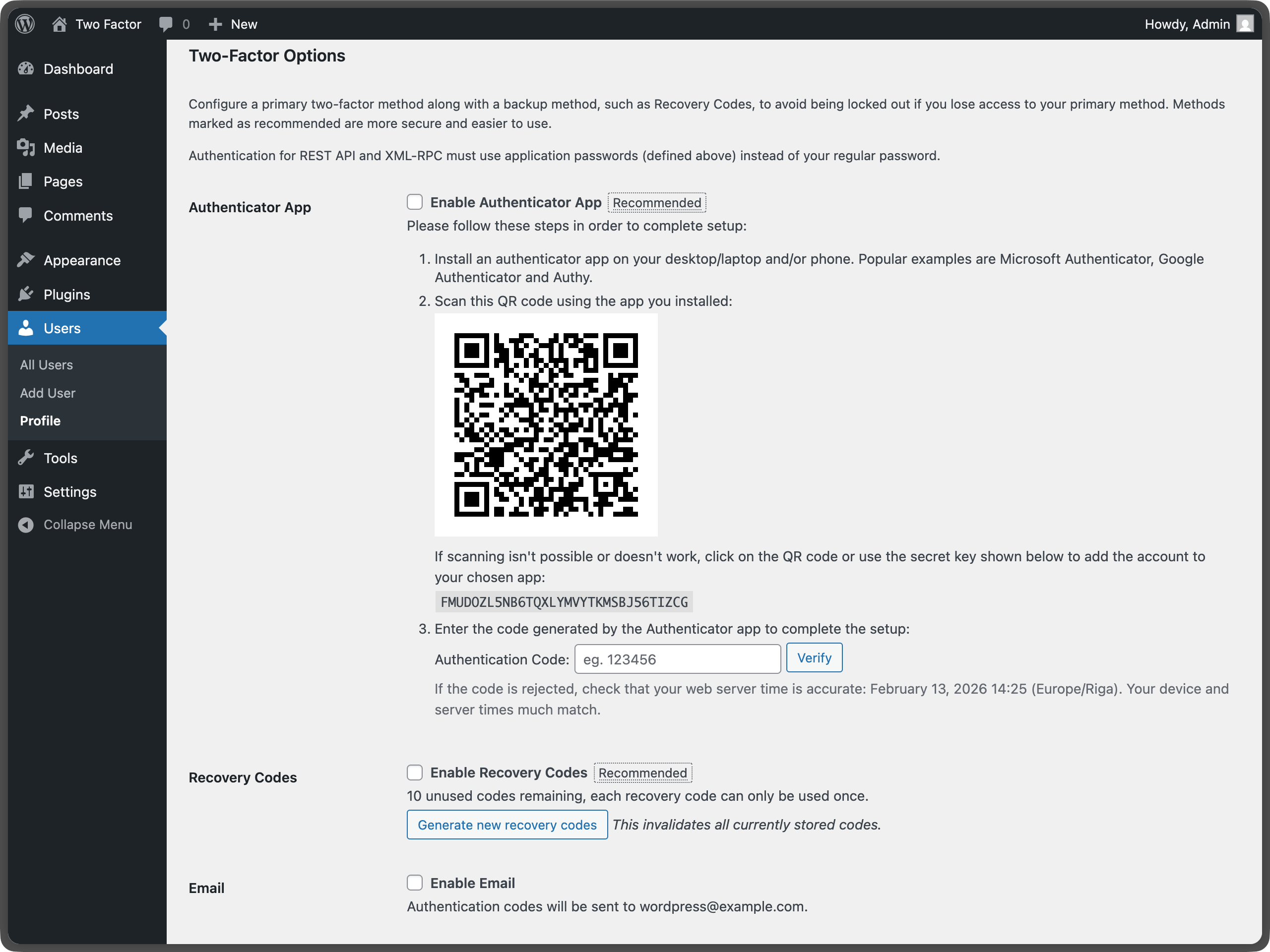
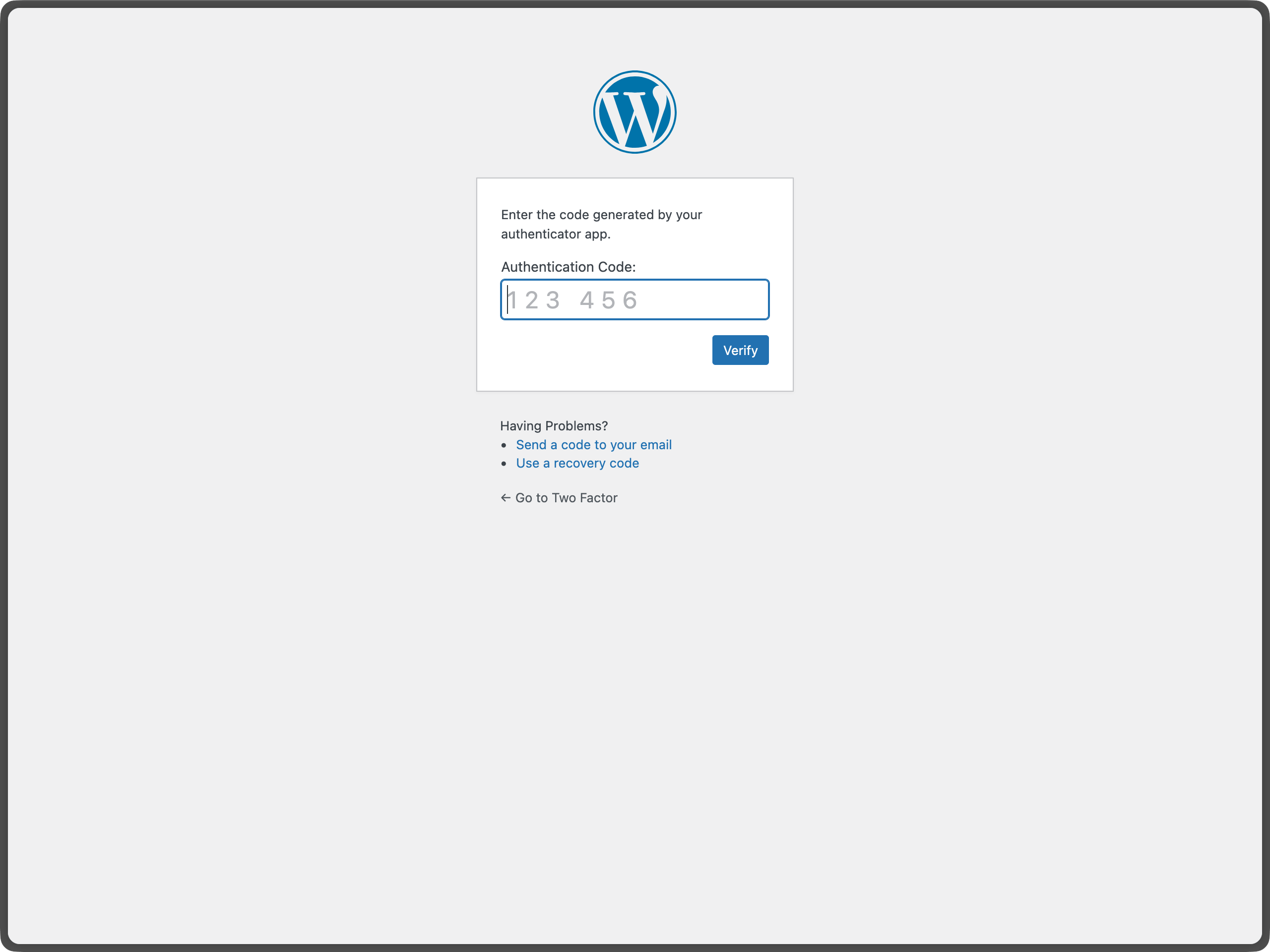
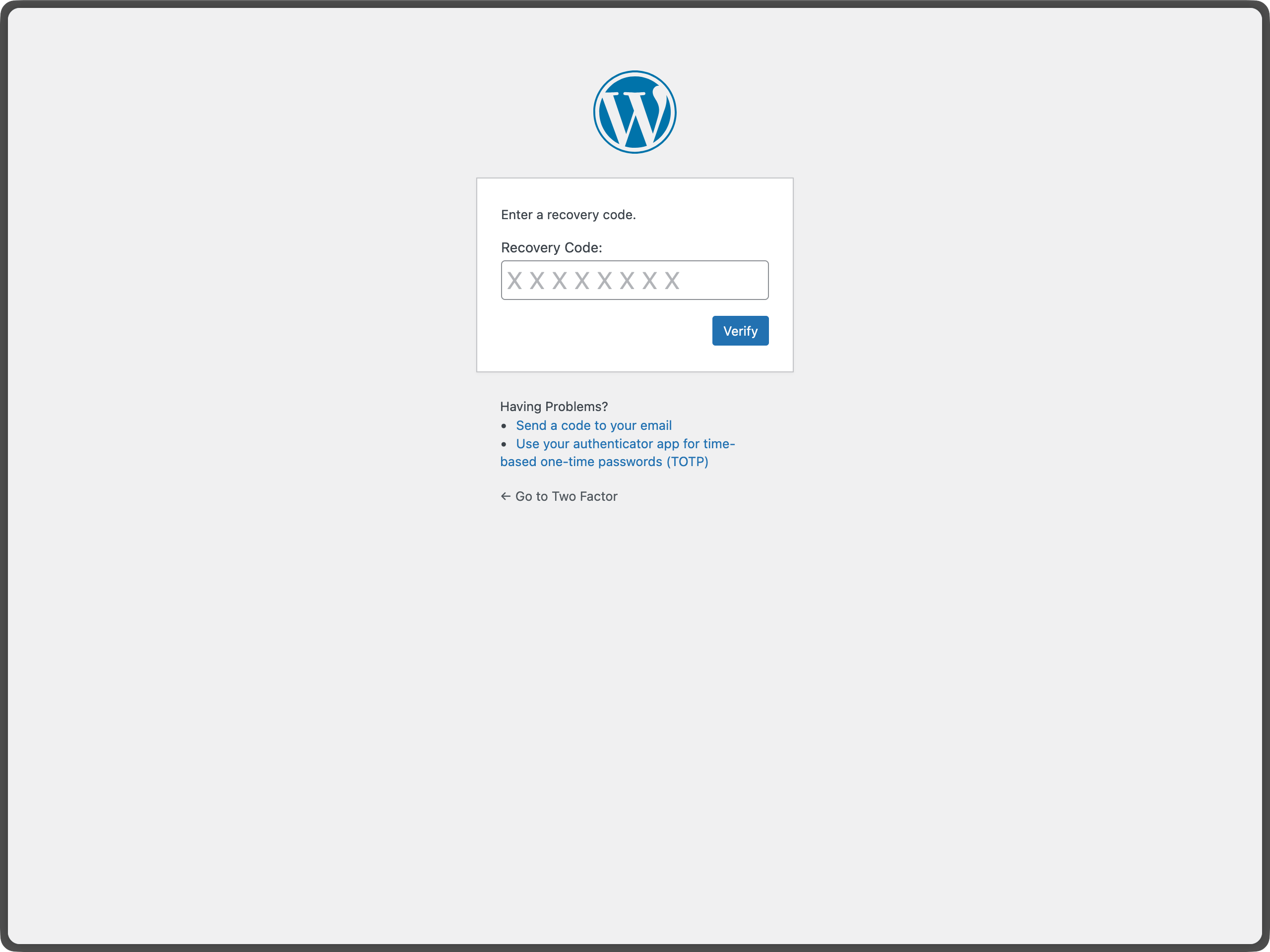
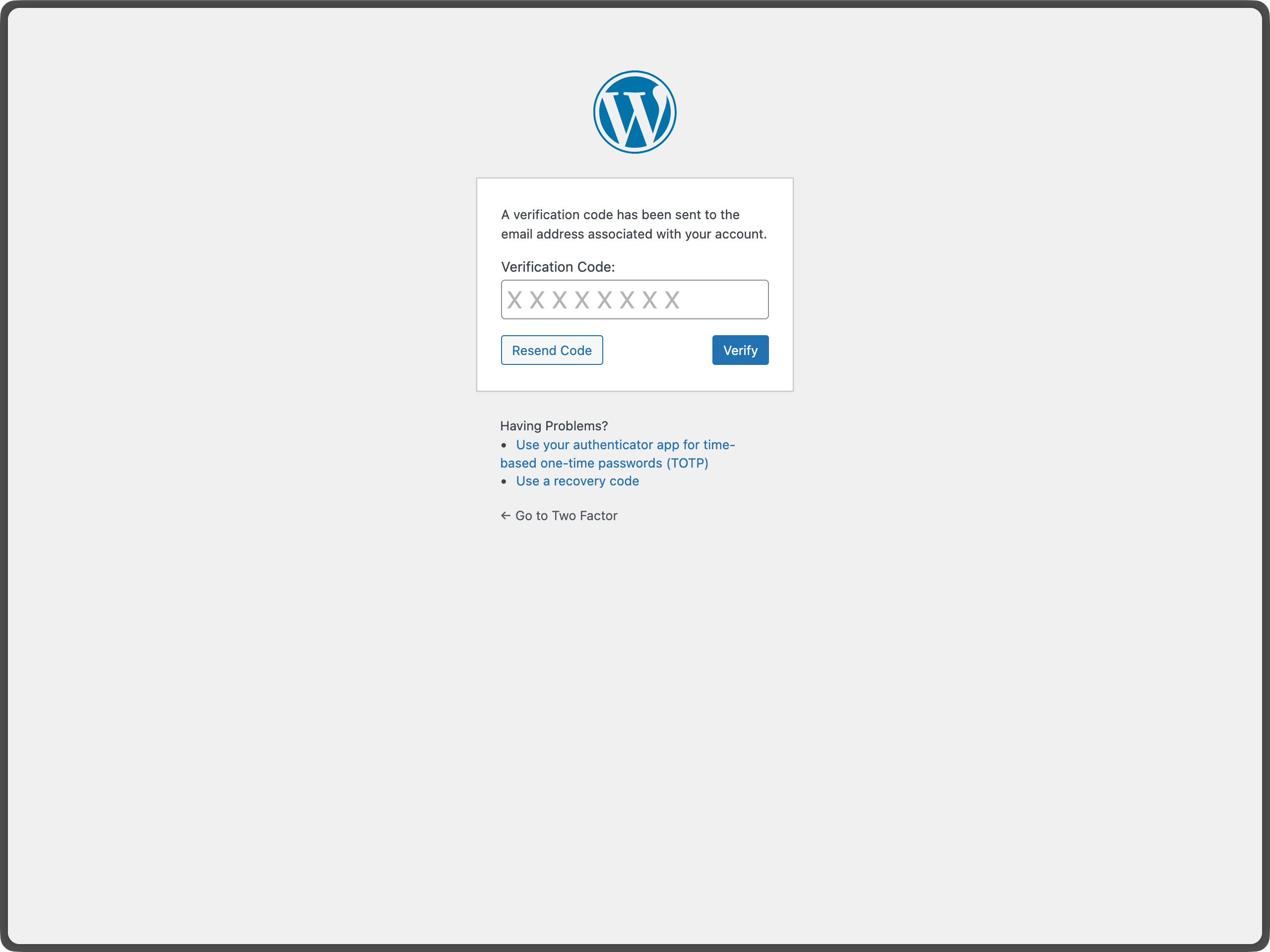
The Two-Factor plugin adds an extra layer of security to your WordPress login by requiring users to provide a second form of authentication in addition to their password. This helps protect against unauthorized access even if passwords are compromised.
Important: Each user must individually configure their two-factor authentication settings.
For more information about two-factor authentication in WordPress, see the WordPress Advanced Administration Security Guide.
Leer más Mostrar menos
Para más antecedentes, consulta esta entrada.
Aquí hay una lista de ganchos de acción y filtro proporcionados por el plugin:
The plugin includes a wp two-factor WP-CLI namespace for managing two-factor authentication from the command line. All commands accept a user by ID, login, or email.
Run wp help two-factor for the full list, or wp help two-factor <command> for options and examples for a specific command.
To redirect users to a specific URL after completing the two-factor challenge, use WordPress Core built-in login_redirect filter. The filter works the same way as in a standard WordPress login flow:
Descripción publicada por WordPress.org en WordPress.org, bajo licencia GPL-2.0-or-later.
Etiquetas
2FA
authentication
MFA
security
totp
Capturas de pantalla
Capturas publicadas por WordPress.org en WordPress.org, bajo licencia GPL-2.0-or-later.
Historial por versión
Ver el detalle por versión (1 versión)
Historial por versión
Ver el detalle por versión (1 versión)
Cómo evoluciona el plugin versión a versión.
| Versión | Homepage | Admin | Último escaneo |
|---|---|---|---|
| v0.16.0 | — | 1 escaneo | hace 2 meses |
Alternativas en la misma categoría
Otros plugins security medidos por la comunidad, ordenados del más ligero al más pesado.
Aún no hay suficientes escaneos para publicar la puntuación (1 recibidos).
Aún no hay suficientes escaneos para publicar la puntuación (1 recibidos).
Aún no hay suficientes escaneos para publicar la puntuación (1 recibidos).
Aún no hay suficientes escaneos para publicar la puntuación (1 recibidos).
Aún no hay suficientes escaneos para publicar la puntuación (3 recibidos).
Historial de escaneos
Ver el registro de escaneos individuales (1 escaneos)
Historial de escaneos
Ver el registro de escaneos individuales (1 escaneos)
| Fecha | Versión | Contexto | Puntuación | Nota | Tiempo | Memoria |
|---|---|---|---|---|---|---|
| hace 2 meses | v0.16.0 | Admin | 99/100 | A | 26 ms | 0.0 MB |