
Not enough scans yet to publish the score (1 received).
About
accessWidget, accessiBe’s leading AI-powered web accessibility solution, helps make your website accessible and ADA compliant based on WCAG, allowing you to generate more business and traffic.
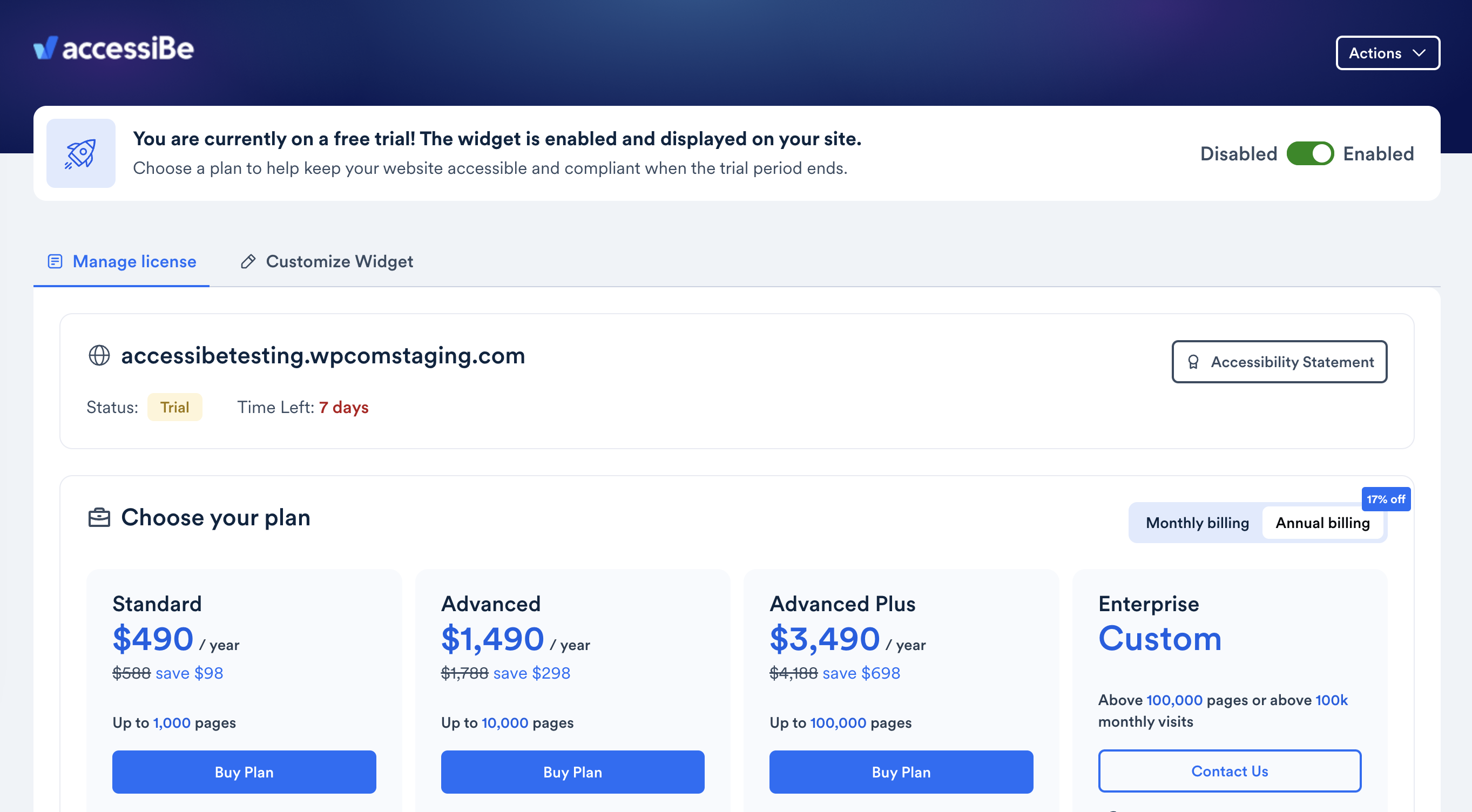
You can explore accessWidget with a 7-day free trial; no credit card required.
Ensuring that your WordPress website is accessible to all visitors, including individuals with disabilities, is critical for a number of reasons.
Read more Show less
First and foremost, adjusting your website so that it is accessible is a moral and ethical imperative. There is also the matter of meeting legal obligations, under laws such as the Americans with Disabilities Act (ADA) and the European Accessibility Act (EAA).
But it’s important to realize that making your WordPress accessible and ADA-compliant greatly impacts its business potential.
An accessible website allows you to appeal to a new audience base (which commands trillions in annual expendable income), as well as to enhance your brand reputation.
With accessWidget, accessiBe’s accessibility plugin for ADA compliance, your website is adjusted so that it welcomes all visitors, including those with disabilities.
accessWidget leverages the power of AI to run an automated audit of your website to identify and remediate accessibility issues existing on a code level. This results in your website being compatible with assistive technology like screen readers, and fully navigable via keyboard.
accessWidget is quick and easy to install, and automatically scans and remediates inaccessible elements on your website every 24 hours, ensuring ongoing accessibility, without touching your source code.
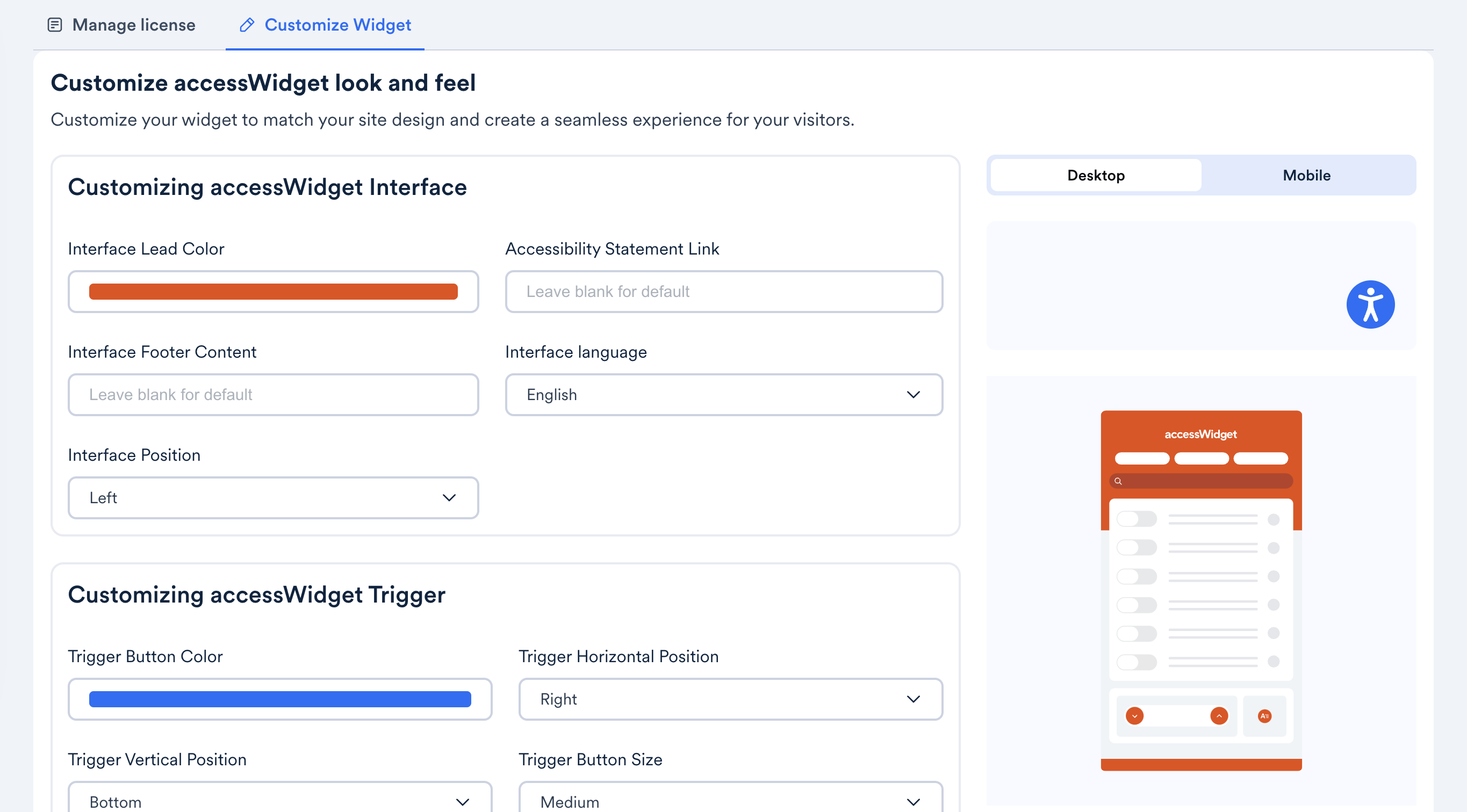
accessWidget will also present website visitors with an accessibility interface, through which they can adjust design elements to better fit their needs.
With accessWidget, website visitors can increase font size and change font types, adjust color contrasts, and stop animations, among many other options.
You can explore the accessWidget plugin with a 7-day free trial; no credit card required.
Description published by accessiBe on WordPress.org, licensed under GPLv2 or later.
Tags
accessibility
ada
wcag
web accessibility
wordpress accessibility
Screenshots
Screenshots published by accessiBe on WordPress.org, licensed under GPLv2 or later.
Per-version history
Show per-version detail (1 version)
Per-version history
Show per-version detail (1 version)
How the plugin evolves version by version.
| Version | Homepage | Admin | Last scan |
|---|---|---|---|
| v2.13 | 1 scan | — | 2 months ago |
Alternatives in the same category
Other ecommerce plugins measured by the community, ranked from lightest to heaviest.
Not enough scans yet to publish the score (1 received).
Not enough scans yet to publish the score (1 received).
Not enough scans yet to publish the score (1 received).
Not enough scans yet to publish the score (1 received).
Not enough scans yet to publish the score (1 received).
Scan history
Show individual scan log (1 scans)
Scan history
Show individual scan log (1 scans)
| Date | Version | Context | Score | Grade | Time | Memory |
|---|---|---|---|---|---|---|
| 2 months ago | v2.13 | Homepage | 100/100 | A | 0 ms | 0.0 MB |