
Impact score
Footprint Score across the two most representative contexts.
5 scans · last scan 2 months ago
Homepage Score
Impact measured on the public homepage
v3.3.1 · 1 scan · Consolidated score over 90 days · 1 versions
What it adds to every page load
- Added time
- 0 ms
- Added memory
- 20.0 MB
- SQL queries
- +29
- CSS/JS files
- +0
- External calls
- 0
Admin Score
Impact measured in the WordPress admin
v3.3.1 · 2 scans · Consolidated score over 90 days · 1 versions
What it adds to every page load
- Added time
- 111 ms
- Added memory
- 20.0 MB
- SQL queries
- +4
- CSS/JS files
- +2
- External calls
- 0
About
FORMERLY WP OFFLOAD S3 LITE
This plugin automatically copies images, videos, documents, and any other media added through WordPress’ media uploader to Amazon S3, DigitalOcean Spaces or Google Cloud Storage. It then automatically replaces the URL to each media file with their respective Amazon S3, DigitalOcean Spaces or Google Cloud Storage URL or, if you have configured Amazon CloudFront or another CDN with or without a custom domain, that URL instead. Image thumbnails are also copied to the bucket and delivered through the correct remote URL.
Read more Show less
Uploading files directly to your Amazon S3, DigitalOcean Spaces or Google Cloud Storage account is not currently supported by this plugin. They are uploaded to your server first, then copied to the bucket. There is an option to automatically remove the files from your server once they are copied to the bucket however.
If you’re adding this plugin to a site that’s been around for a while, your existing media files will not be copied to or served from Amazon S3, DigitalOcean Spaces or Google Cloud Storage. Only newly uploaded files will be copied to and served from the bucket. The pro upgrade has an upload tool to handle existing media files.
Image Optimization
Although WP Offload Media doesn’t include image optimization features, we work closely with the author of EWWW Image Optimizer to ensure they always work well together. Not only do we recommend EWWW Image Optimizer but we officially support its integration with WP Offload Media.
PRO Upgrade with Email Support and More Features
The video below runs through the pro upgrade features…
Description published by WP Engine on WordPress.org, licensed under GPLv2.
Screenshots
Screenshots published by WP Engine on WordPress.org, licensed under GPLv2.
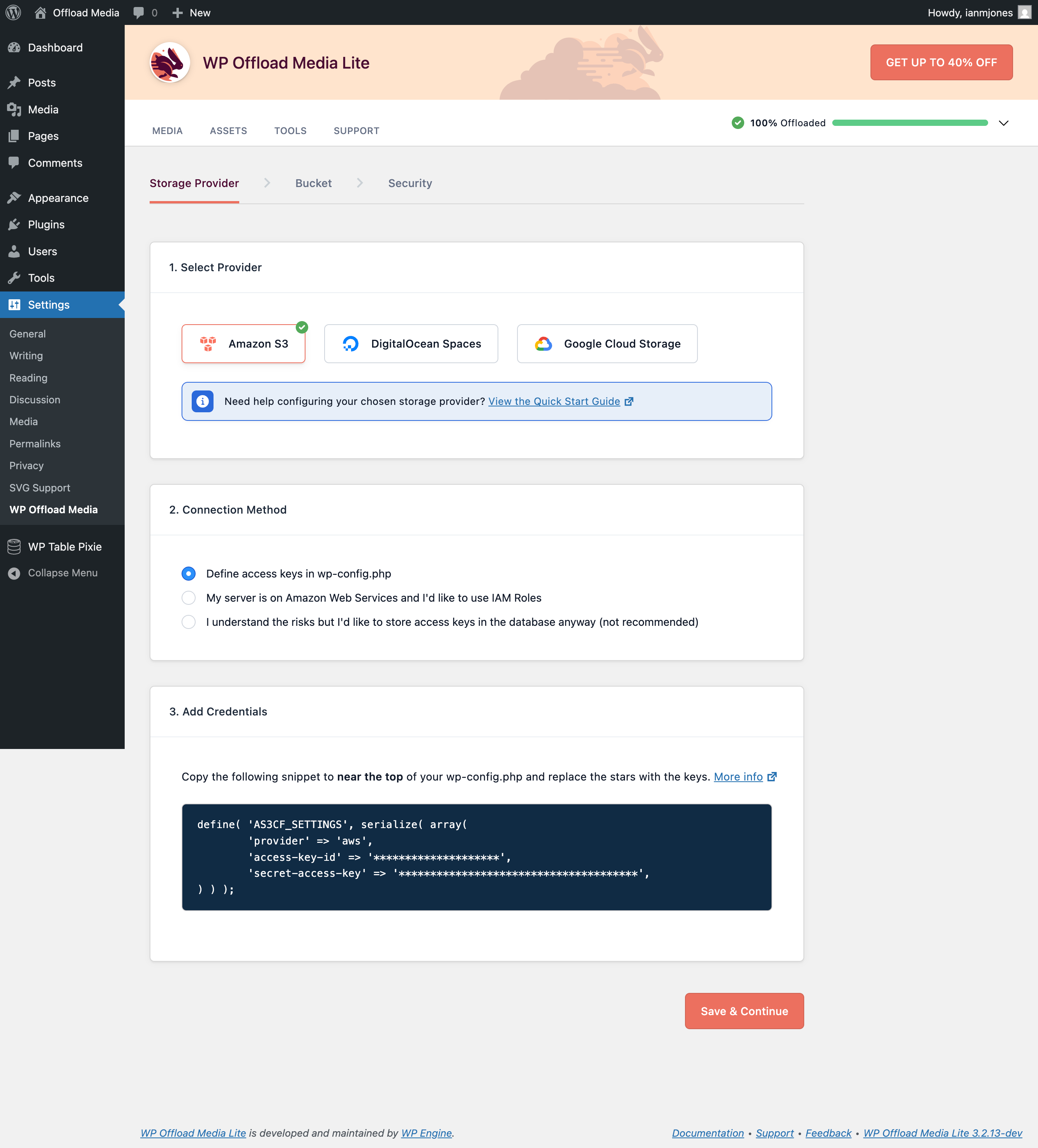
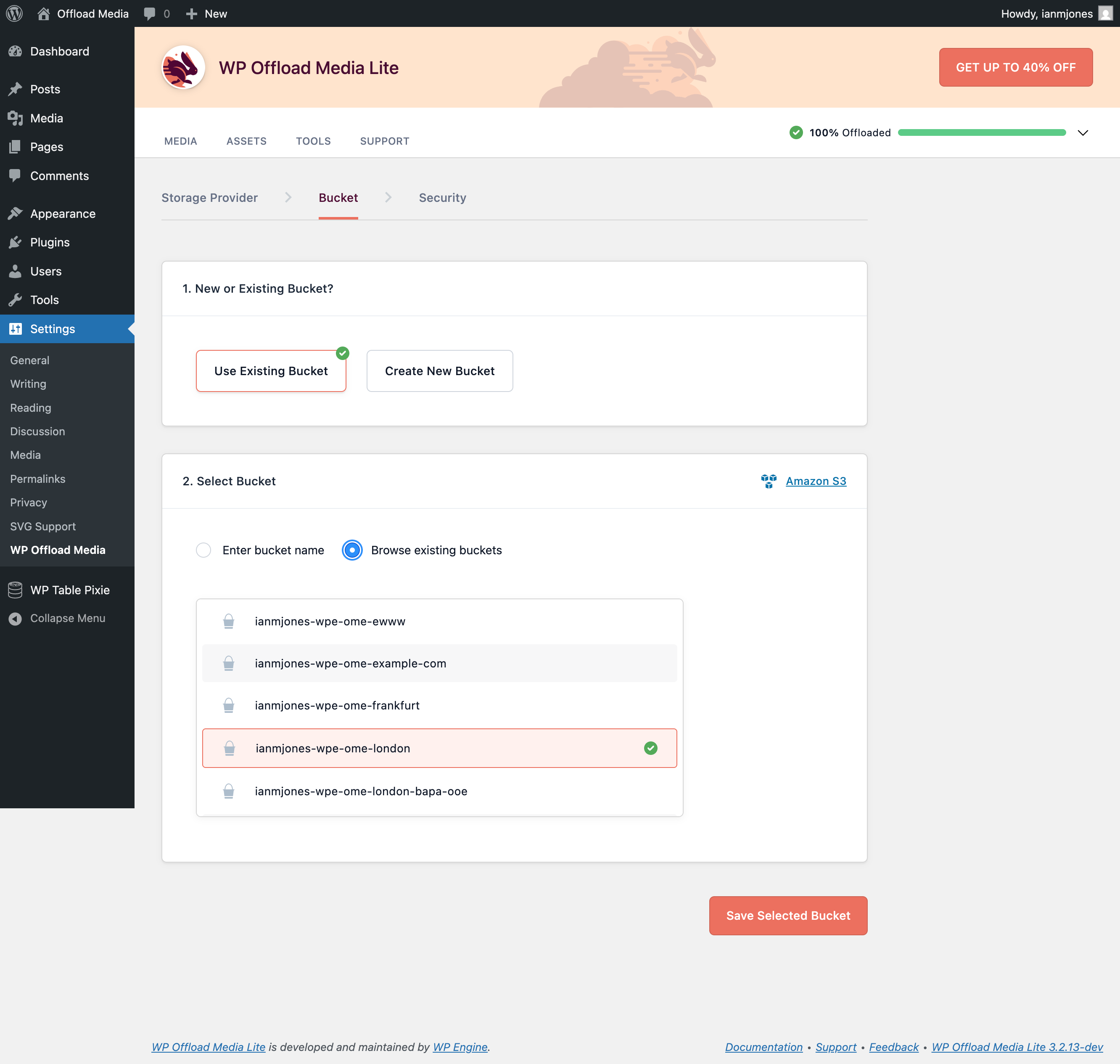
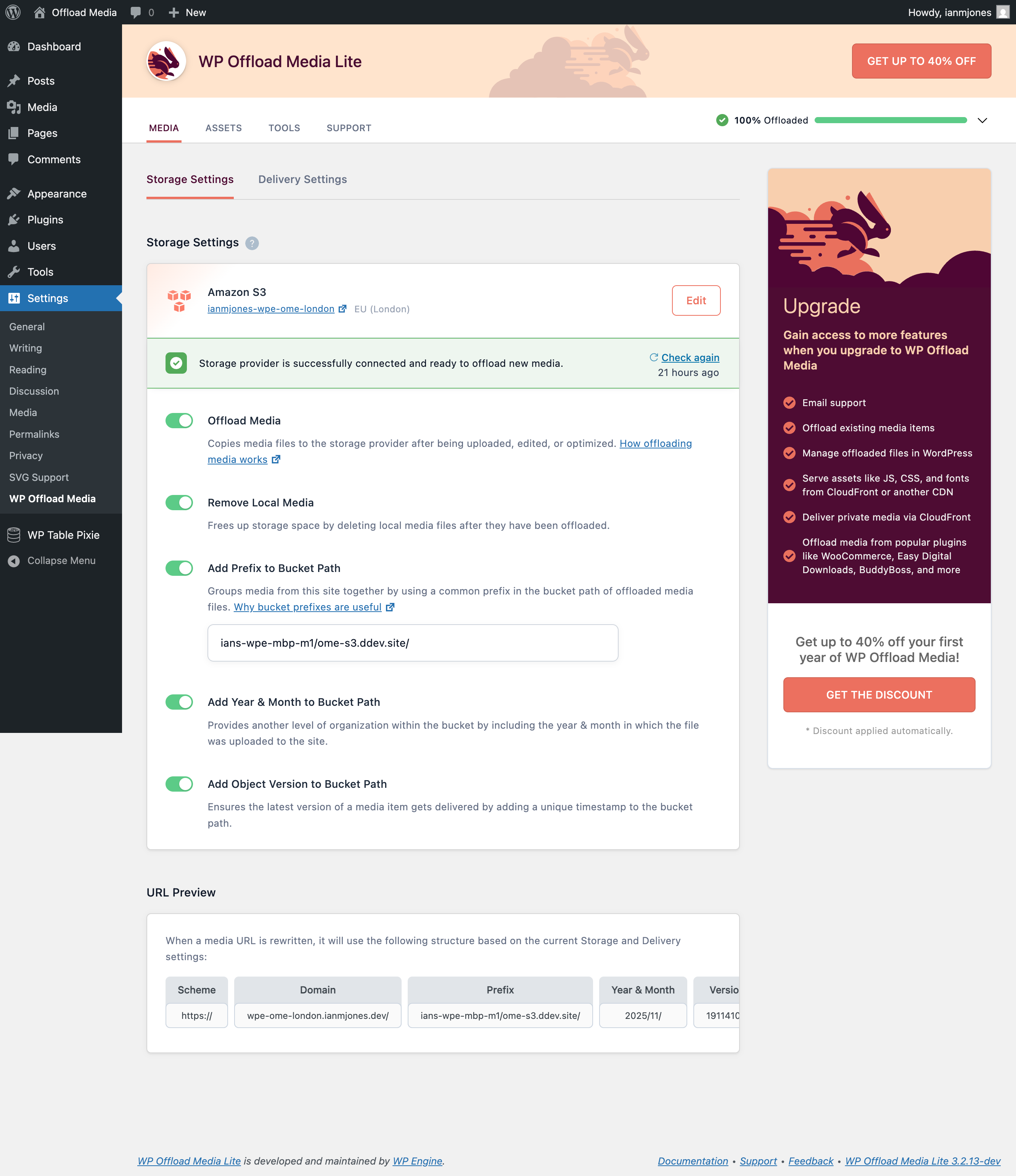
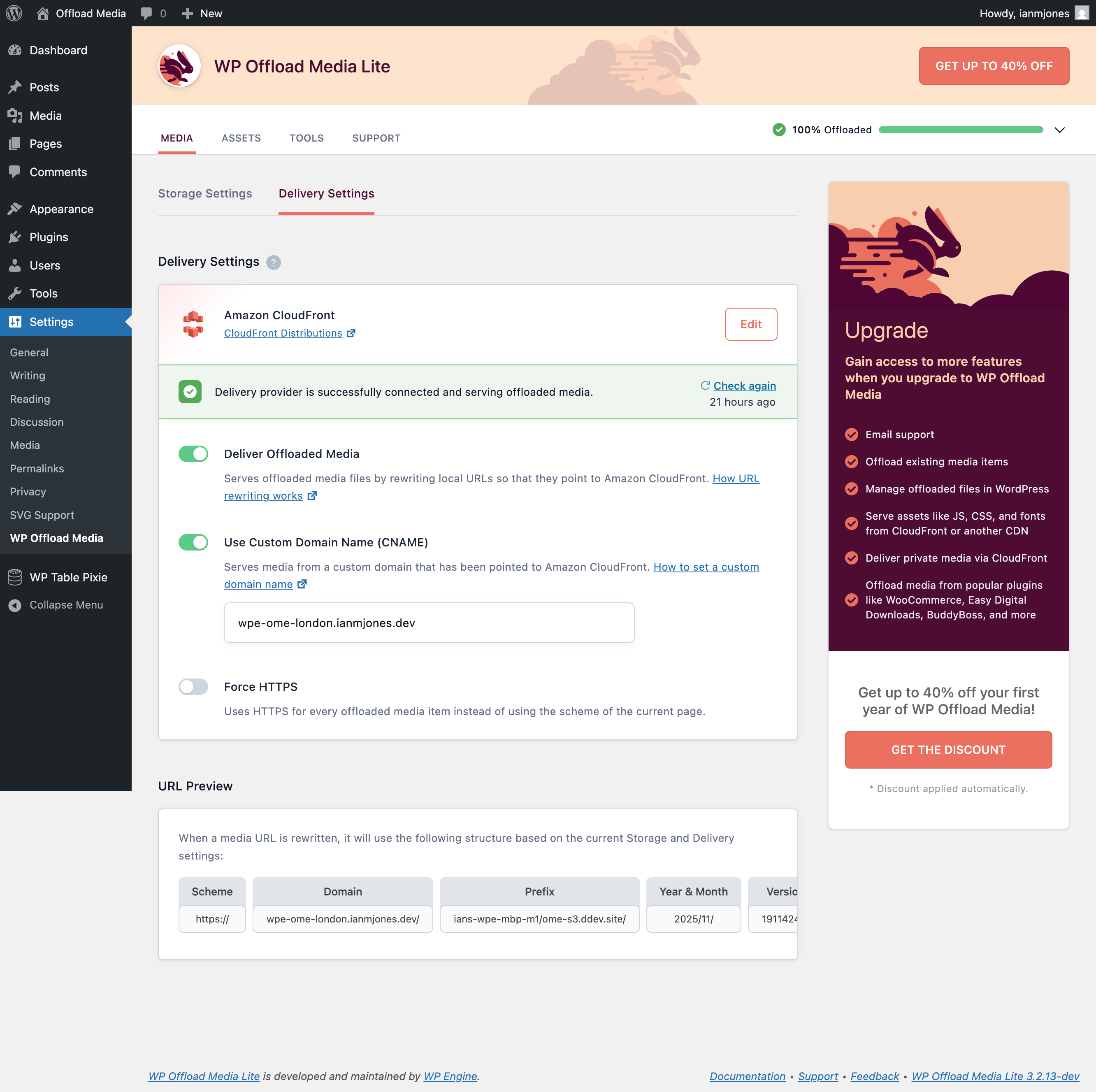
Per-version history
Show per-version detail (1 version)
Per-version history
Show per-version detail (1 version)
How the plugin evolves version by version.
| Version | Homepage | Admin | Last scan |
|---|---|---|---|
| v3.3.1 | 1 scan | 2 scans | 3 months ago |
Scan history
Show individual scan log (3 scans)
Scan history
Show individual scan log (3 scans)
| Date | Version | Context | Score | Grade | Time | Memory |
|---|---|---|---|---|---|---|
| 3 months ago | v3.3.1 | Admin | 80/100 | B | 109 ms | 20.0 MB |
| 3 months ago | v3.3.1 | Admin | 80/100 | B | 112 ms | 20.0 MB |
| 3 months ago | v3.3.1 | Homepage | 84/100 | B | 0 ms | 20.0 MB |