



Not enough scans yet to publish the score (1 received).
About
The documentation for GravityWP – Merge Tags is available on GravityWP.com.
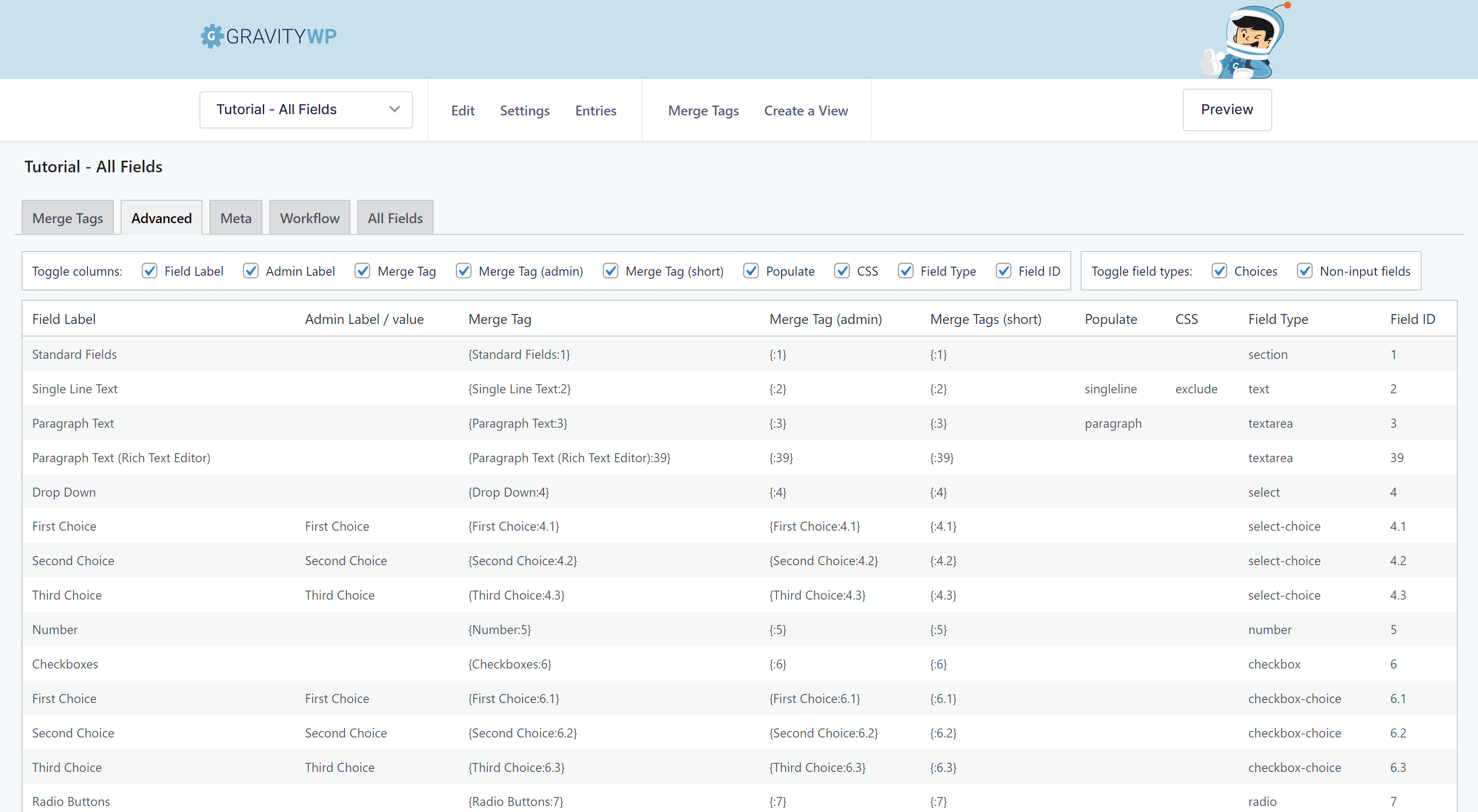
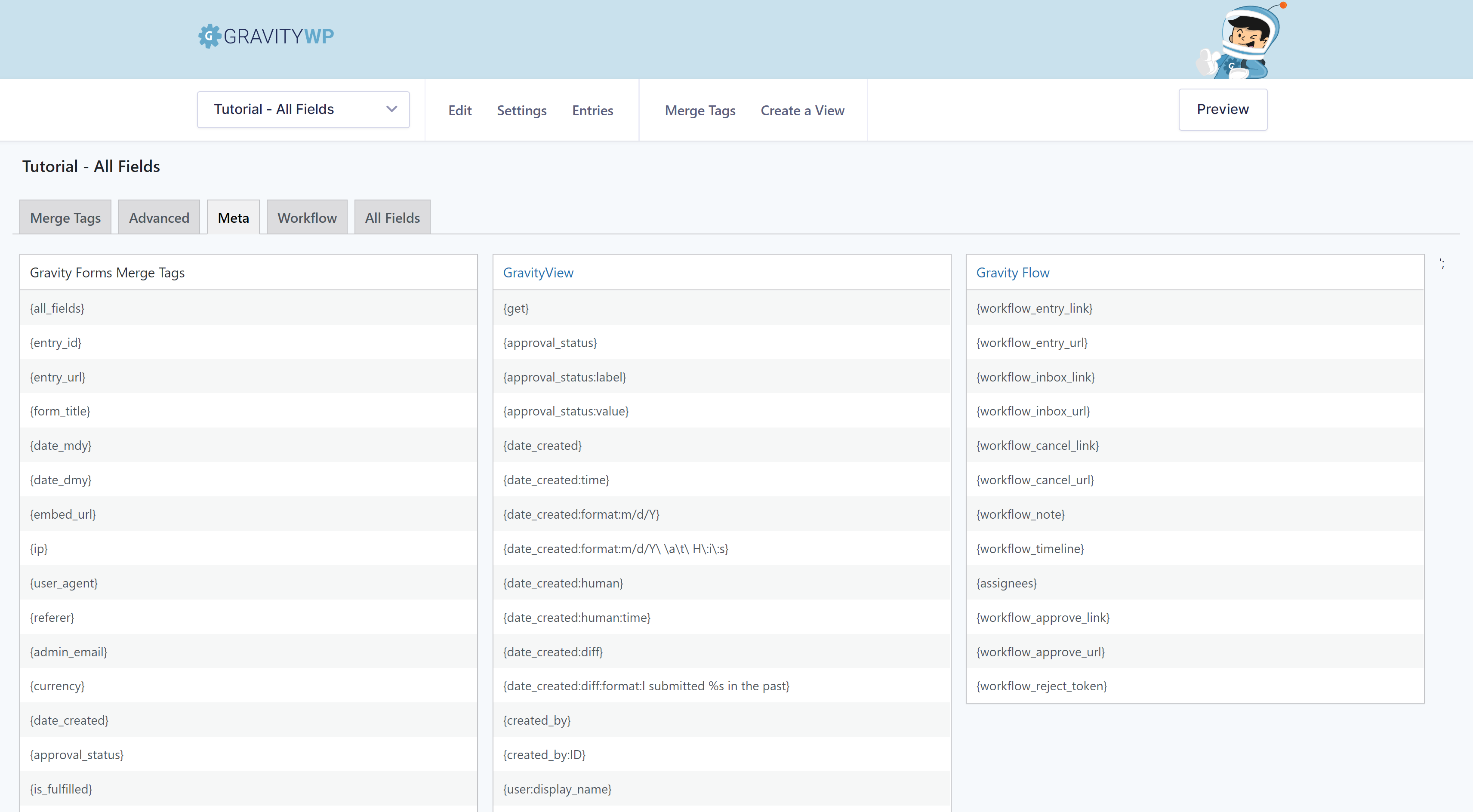
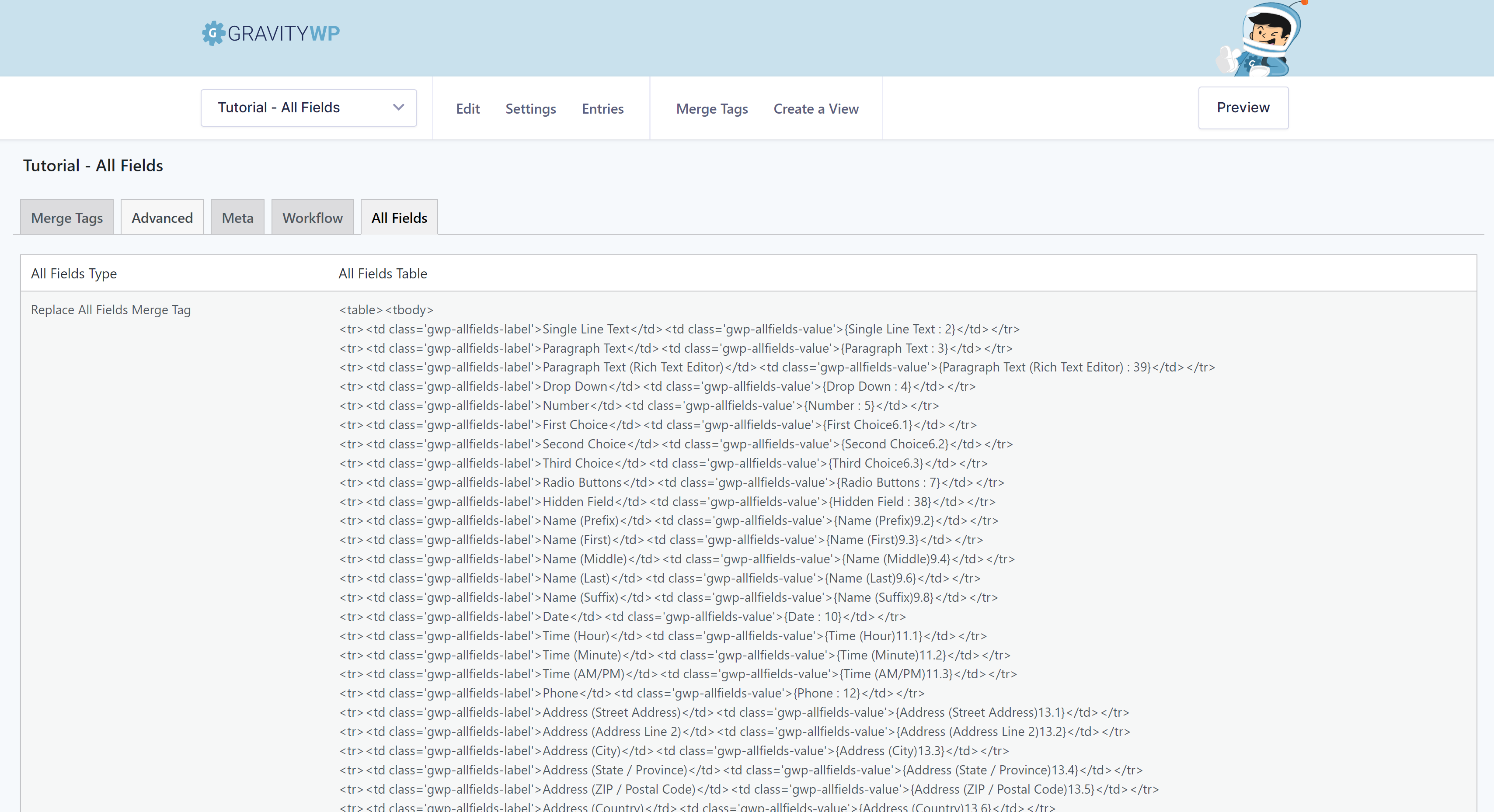
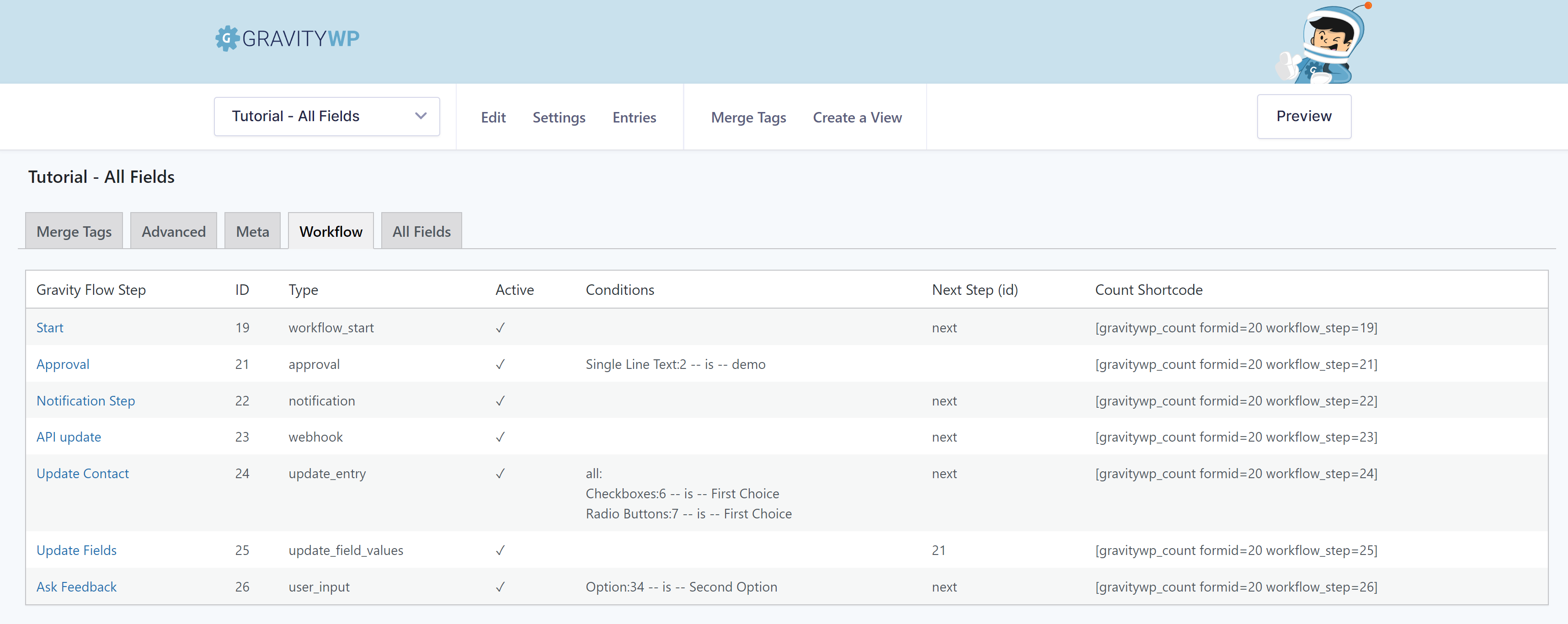
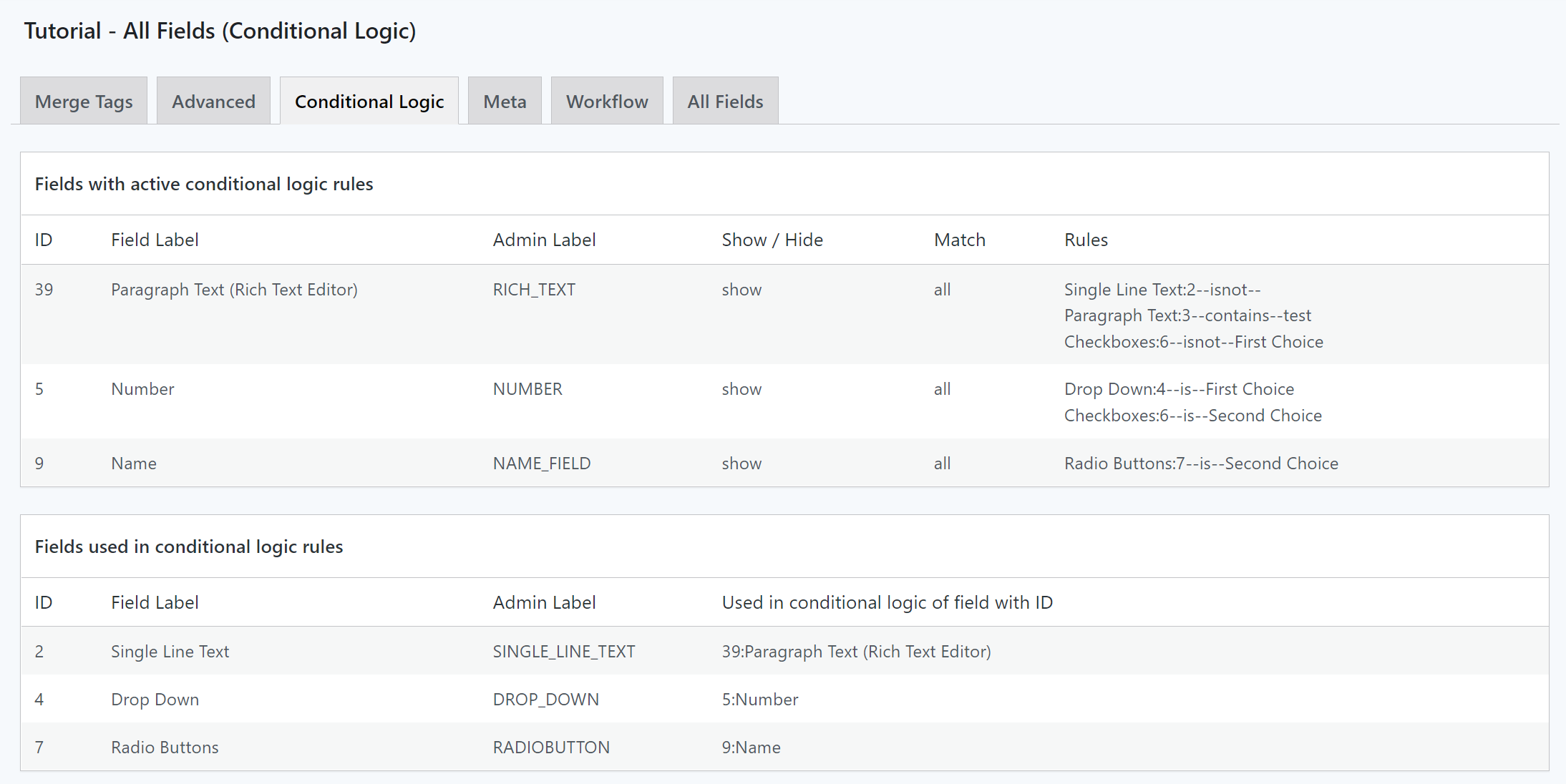
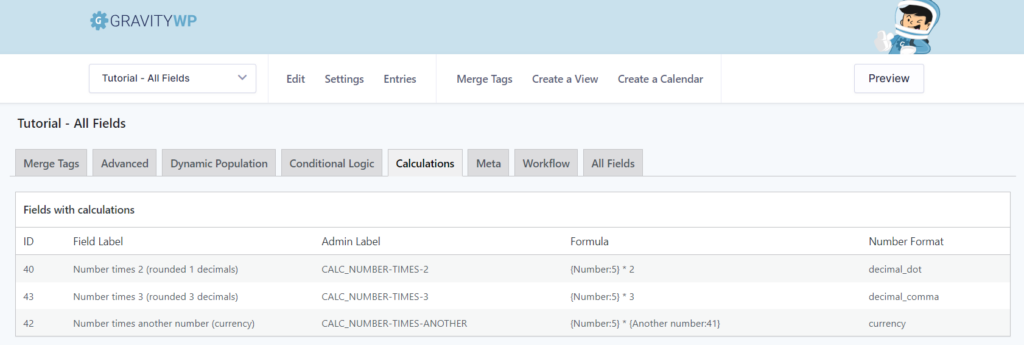
This Gravity Forms Add-on adds an admin page to your WordPress back-end with a list of all the merge tags in your form. Besides that it gives you information (in different tabs) about field types (for example text, radio, hidden, select, email, checkbox, etc), Standard (Meta) Gravity Forms Merge Tags (and Merge Tags from GravityView and Gravity Flow), a replacement for the all_fields Merge Tag (with or without fileuploads) and Gravity Flow Step information.
So… no more clicking on a dropdown to select the Merge Tag you need, but just copy and paste it from the list. And have a quick overview of all relevant information available for every specific Gravity Form on your site, copy it to Excel and use it in a way that suits your needs.
Read more Show less
The plugin adds a link in the toolbar above the Gravity Form you’re working on and a menu link in de Forms submenu.
Description published by GravityWP on WordPress.org, licensed under GPLv2 or later.
Tags
form
gravity forms
merge tag
mergetag
mergetags
Screenshots
Screenshots published by GravityWP on WordPress.org, licensed under GPLv2 or later.
Per-version history
Show per-version detail (1 version)
Per-version history
Show per-version detail (1 version)
How the plugin evolves version by version.
| Version | Homepage | Admin | Last scan |
|---|---|---|---|
| v1.4.5 | 1 scan | — | 2 months ago |
Alternatives in the same category
Other forms plugins measured by the community, ranked from lightest to heaviest.
Not enough scans yet to publish the score (3 received).
Not enough scans yet to publish the score (2 received).
Not enough scans yet to publish the score (3 received).
Not enough scans yet to publish the score (1 received).
Not enough scans yet to publish the score (3 received).
Scan history
Show individual scan log (1 scans)
Scan history
Show individual scan log (1 scans)
| Date | Version | Context | Score | Grade | Time | Memory |
|---|---|---|---|---|---|---|
| 2 months ago | v1.4.5 | Homepage | 100/100 | A | 0 ms | 0.0 MB |