
Impact score
Footprint Score across the two most representative contexts.
5 scans · last scan 2 months ago
Homepage Score
Impact measured on the public homepage
v1.7.1 · 3 scans · Consolidated score over 90 days · 1 versions
What it adds to every page load
- Added time
- 0 ms
- Added memory
- 0.0 MB
- SQL queries
- +0
- CSS/JS files
- +0
- External calls
- 0
Admin Score
Impact measured in the WordPress admin
v1.7.1 · 2 scans · Consolidated score over 90 days · 1 versions
What it adds to every page load
- Added time
- 0 ms
- Added memory
- 0.0 MB
- SQL queries
- +1
- CSS/JS files
- +0
- External calls
- 0
About
This plugin will perform a number of checks on your WordPress installation to detect common configuration errors and known issues, and also allows plugins and themes to add their own checks.
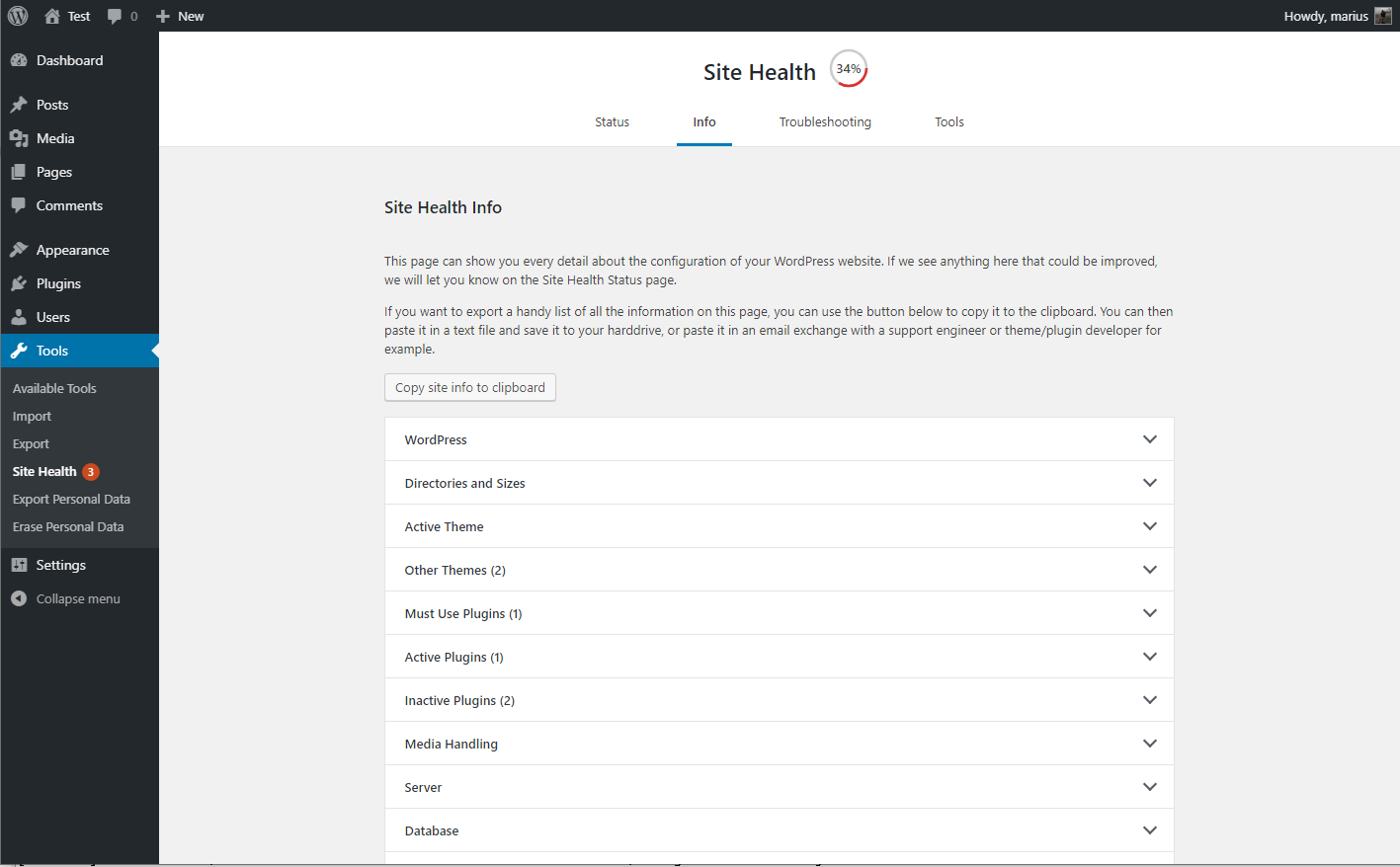
The debug section, which allows you to gather information about your WordPress and server configuration that you may easily share with support representatives for themes, plugins or on the official WordPress.org support forums.
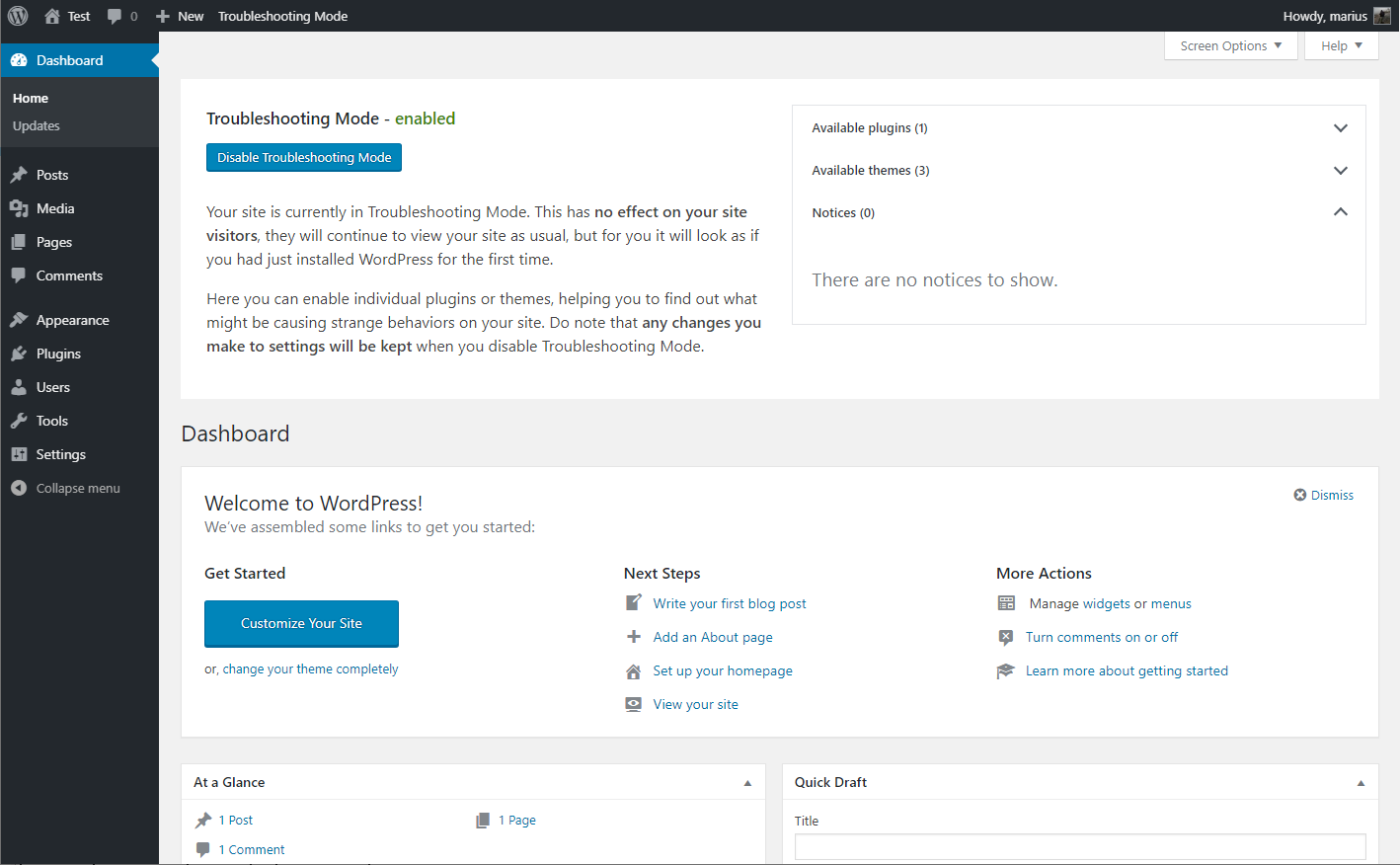
Troubleshooting allows you to have a clean WordPress session, where all plugins are disabled, and a default theme is used, but only for your user until you disable it or log out.
Read more Show less
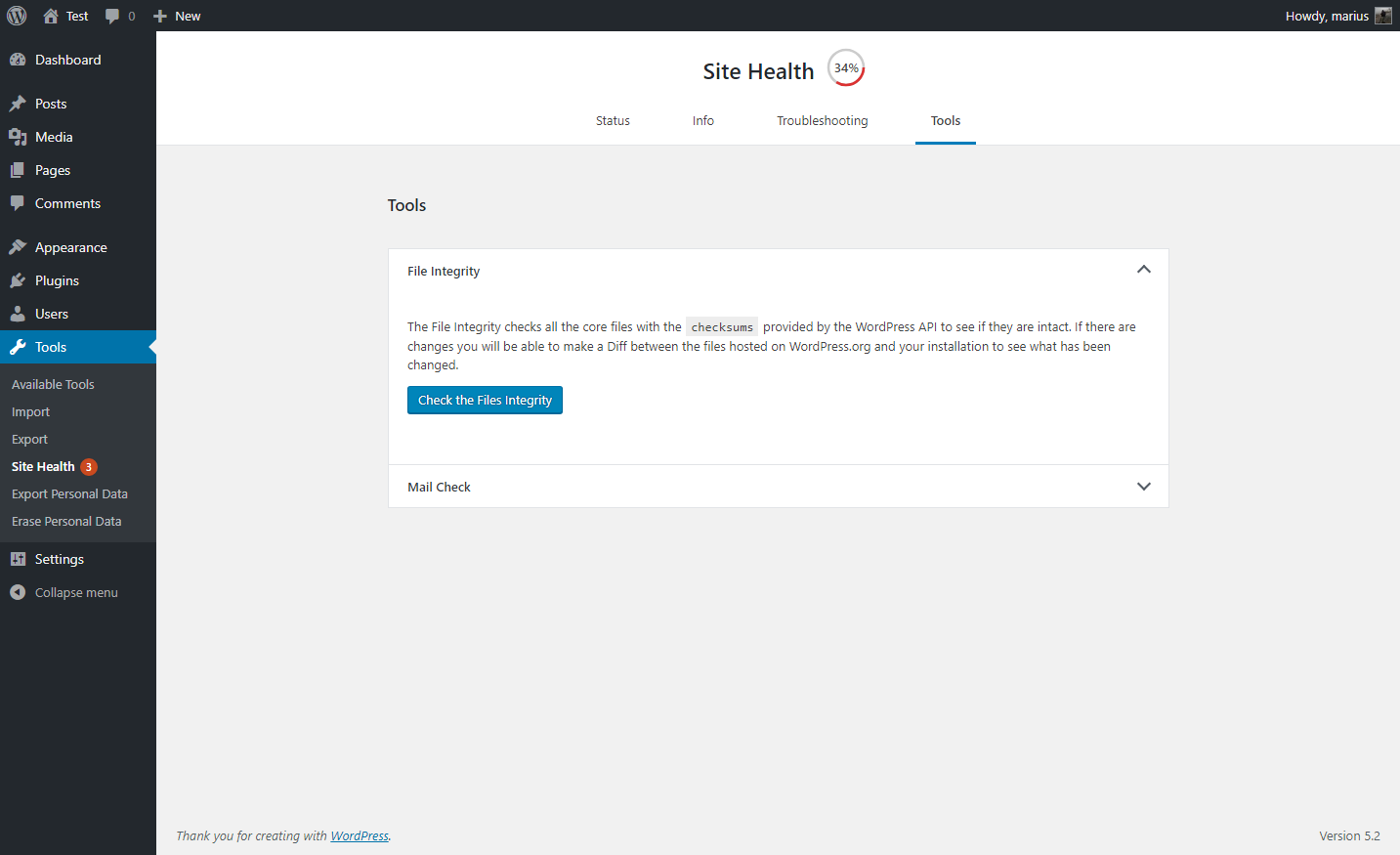
The Tools section allows you to check that WordPress files have not been tampered with, that emails can be sent, and if your plugins are compatible with any PHP version updates in the future.
For a more extensive example of how to efficiently use the Health Check plugin, check out the WordPress.org support team handbook page about this plugin.
Feedback is welcome both through the WordPress.org forums, the GitHub project page, or on Slack in either #forums or #core-site-health.
Description published by WordPress.org on WordPress.org, licensed under GPLv2.
Screenshots
Screenshots published by WordPress.org on WordPress.org, licensed under GPLv2.

Per-version history
Show per-version detail (1 version)
Per-version history
Show per-version detail (1 version)
How the plugin evolves version by version.
| Version | Homepage | Admin | Last scan |
|---|---|---|---|
| v1.7.1 | 3 scans | 2 scans | 2 months ago |
Scan history
Show individual scan log (5 scans)
Scan history
Show individual scan log (5 scans)
| Date | Version | Context | Score | Grade | Time | Memory |
|---|---|---|---|---|---|---|
| 2 months ago | v1.7.1 | Homepage | 100/100 | A | 0 ms | 0.0 MB |
| 2 months ago | v1.7.1 | Homepage | 100/100 | A | 0 ms | 0.0 MB |
| 3 months ago | v1.7.1 | Admin | 96/100 | A | 0 ms | 0.0 MB |
| 3 months ago | v1.7.1 | Admin | 100/100 | A | 0 ms | 0.0 MB |
| 3 months ago | v1.7.1 | Homepage | 100/100 | A | 0 ms | 0.0 MB |