

Not enough scans yet to publish the score (3 received).
About
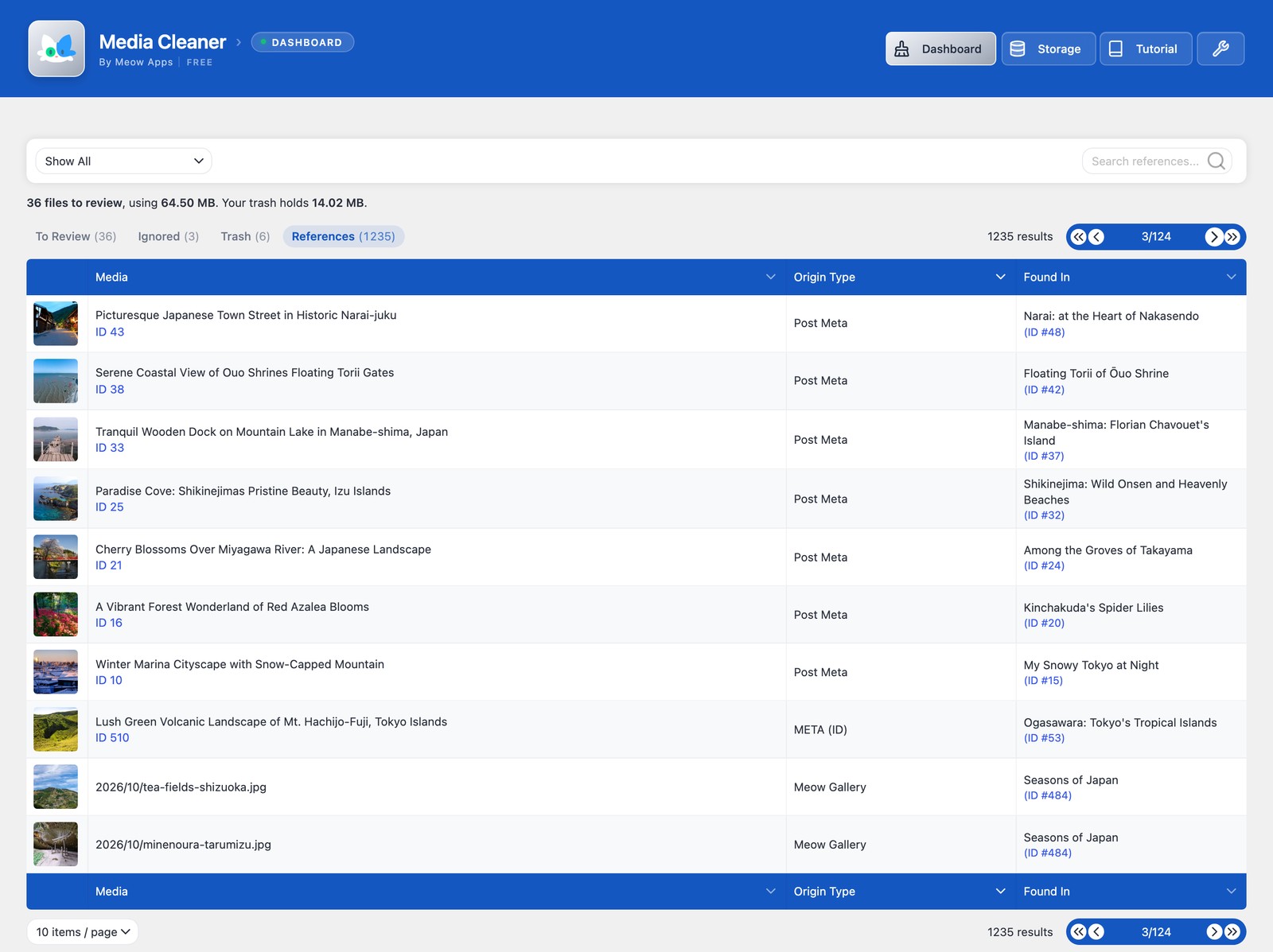
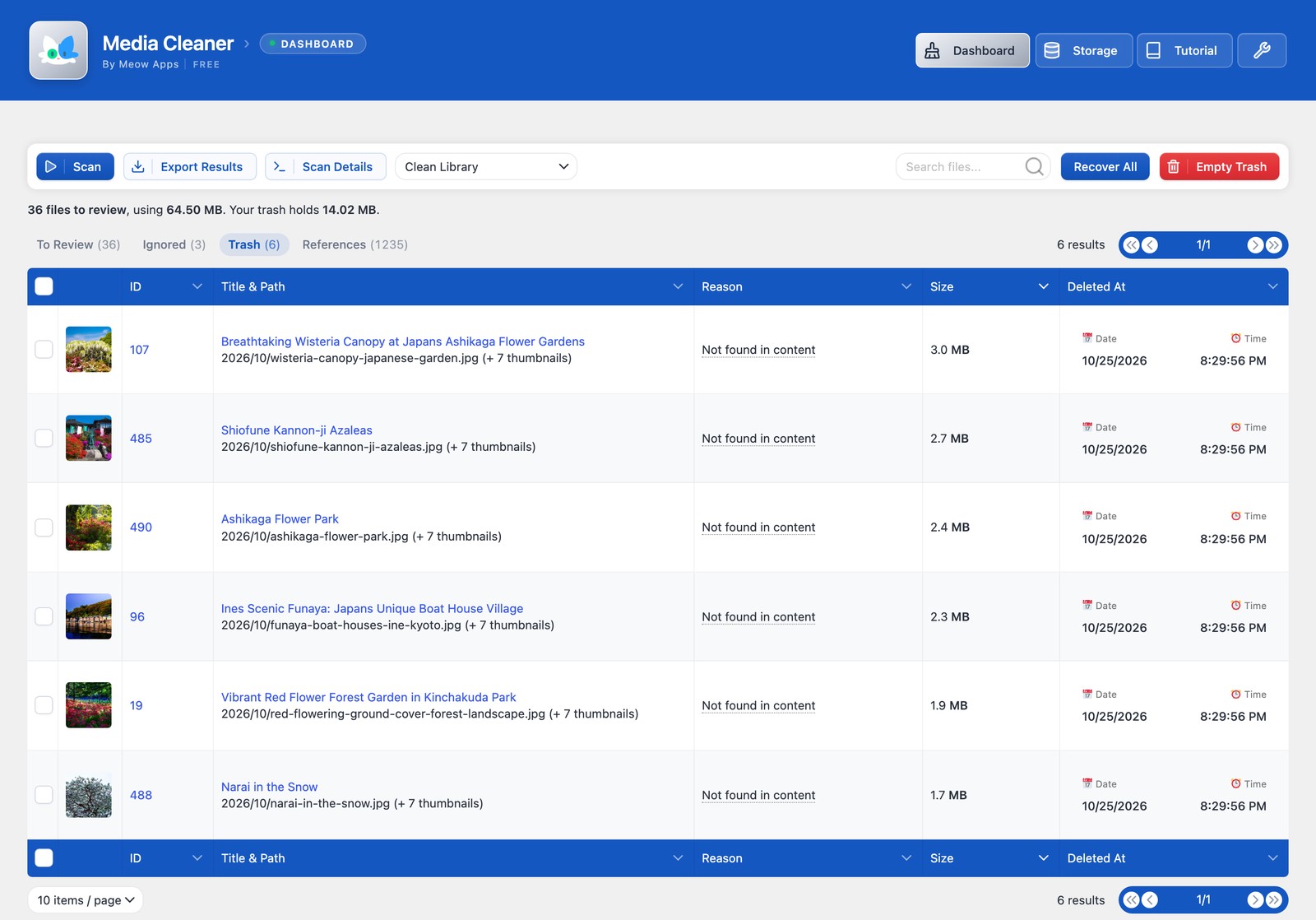
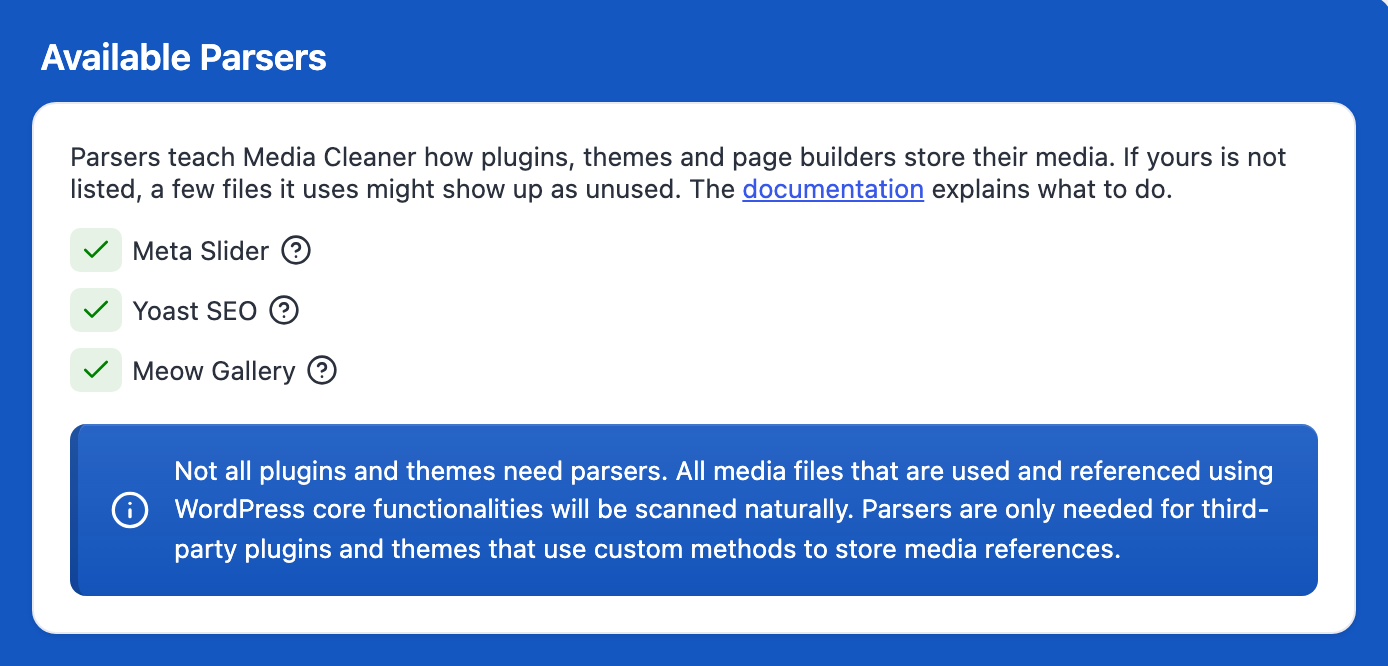
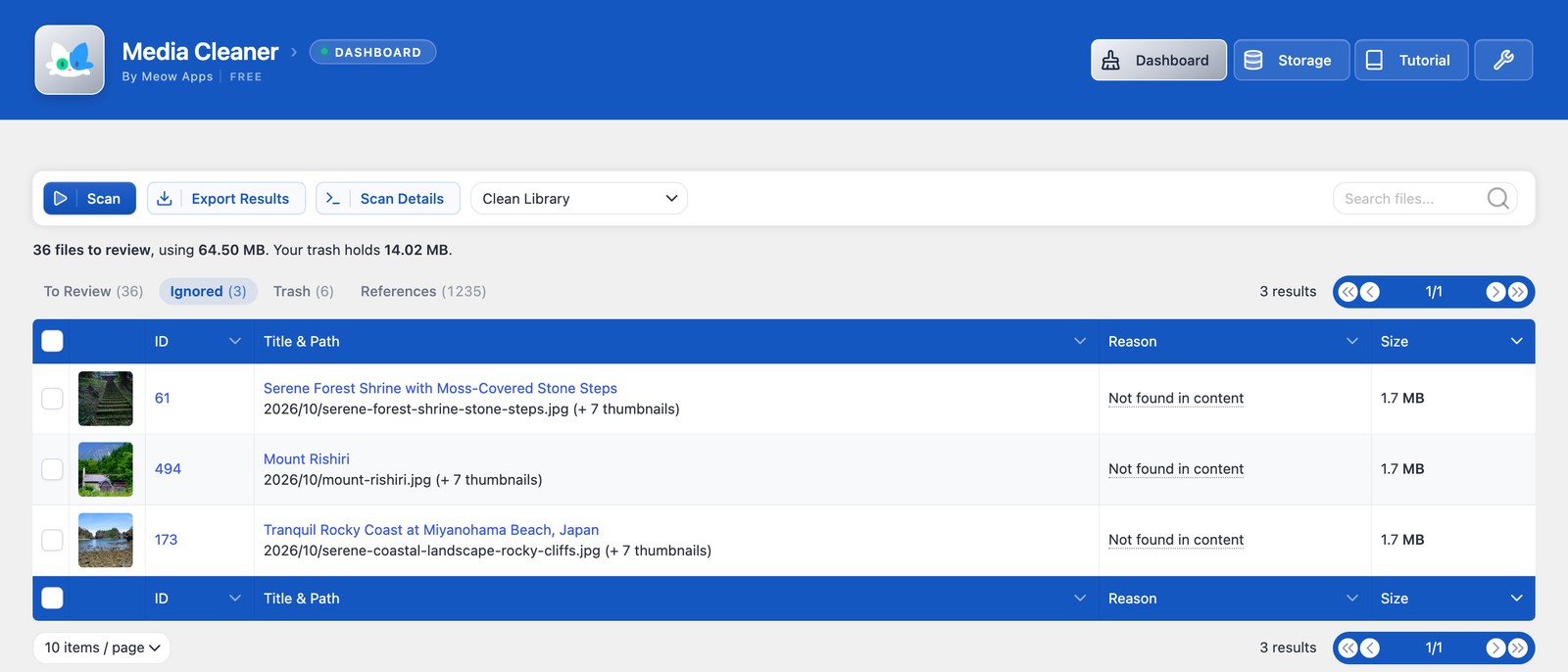
Media Cleaner is a powerful plugin that helps you clean up your WordPress media library by deleting unused media entries and files, as well as fixing broken entries. With an internal trash feature, you can preview and confirm changes before permanently deleting anything. Plus, Media Cleaner uses smart analysis to ensure compatibility with specific plugins and themes.
Use it alongside Database Cleaner for the ultimate clean-up experience.
Media Cleaner is like a ninja assassin for your Media Library – it’ll stealthily take out all the unnecessary media and broken entries that are cluttering up the place. Just make sure you have a solid backup plan in place before you let this bad boy loose.
Read more Show less
To learn more about compatibility, features, and the Pro version, check out the tutorial on the official website.
Media Cleaner can be driven by an AI assistant, through the MCP server of AI Engine. Enable MCP in the Media Cleaner settings, and your assistant (Claude, ChatGPT, and the others) is able to run a scan, read the results, explain why a media was reported, ignore the false positives, and clean up. It is not a black box: the tools tell the assistant which builders and plugins are supported on your site, which ones are not, and what the scan cannot see, so it can warn you and check the doubtful cases instead of trusting the results blindly. Deleted files still go to the trash, and a permanent deletion always requires your explicit confirmation.
This plugin is compatible with all media types, including retina and WebP versions. It has been tested on a wide range of WordPress versions, including the latest version with Gutenberg, as well as on various themes with a large community of users. It also supports WooCommerce. For users with more complex plugins for handling website content, the Pro version may be necessary for optimal compatibility. We are constantly working to increase compatibility with other plugins.
Media Cleaner Pro adds extra features to the free version of Media Cleaner:
Description published by Jordy Meow on WordPress.org, licensed under GPLv2 or later.
Tags
clean
images
media
media library
unused images
Screenshots
Screenshots published by Jordy Meow on WordPress.org, licensed under GPLv2 or later.
Per-version history
Show per-version detail (1 version)
Per-version history
Show per-version detail (1 version)
How the plugin evolves version by version.
| Version | Homepage | Admin | Last scan |
|---|---|---|---|
| v7.3.7 | 1 scan | — | 1 week ago |
Alternatives in the same category
Other media plugins measured by the community, ranked from lightest to heaviest.
Not enough scans yet to publish the score (1 received).
Not enough scans yet to publish the score (3 received).
Not enough scans yet to publish the score (2 received).
Not enough scans yet to publish the score (3 received).
Not enough scans yet to publish the score (3 received).
Scan history
Show individual scan log (1 scans)
Scan history
Show individual scan log (1 scans)
| Date | Version | Context | Score | Grade | Time | Memory |
|---|---|---|---|---|---|---|
| 1 week ago | v7.3.7 | Homepage | 100/100 | A | 171 ms | 0.0 MB |