
Impact score
Footprint Score across the two most representative contexts.
6 scans · last scan 2 months ago
Homepage Score
Impact measured on the public homepage
v3.1.6 · 3 scans · Consolidated score over 90 days · 1 versions
What it adds to every page load
- Added time
- 0 ms
- Added memory
- 0.0 MB
- SQL queries
- +0
- CSS/JS files
- +0
- External calls
- 0
Admin Score
Impact measured in the WordPress admin
v3.1.6 · 2 scans · Consolidated score over 90 days · 1 versions
What it adds to every page load
- Added time
- 10 ms
- Added memory
- 0.0 MB
- SQL queries
- +0
- CSS/JS files
- +0
- External calls
- 0
About
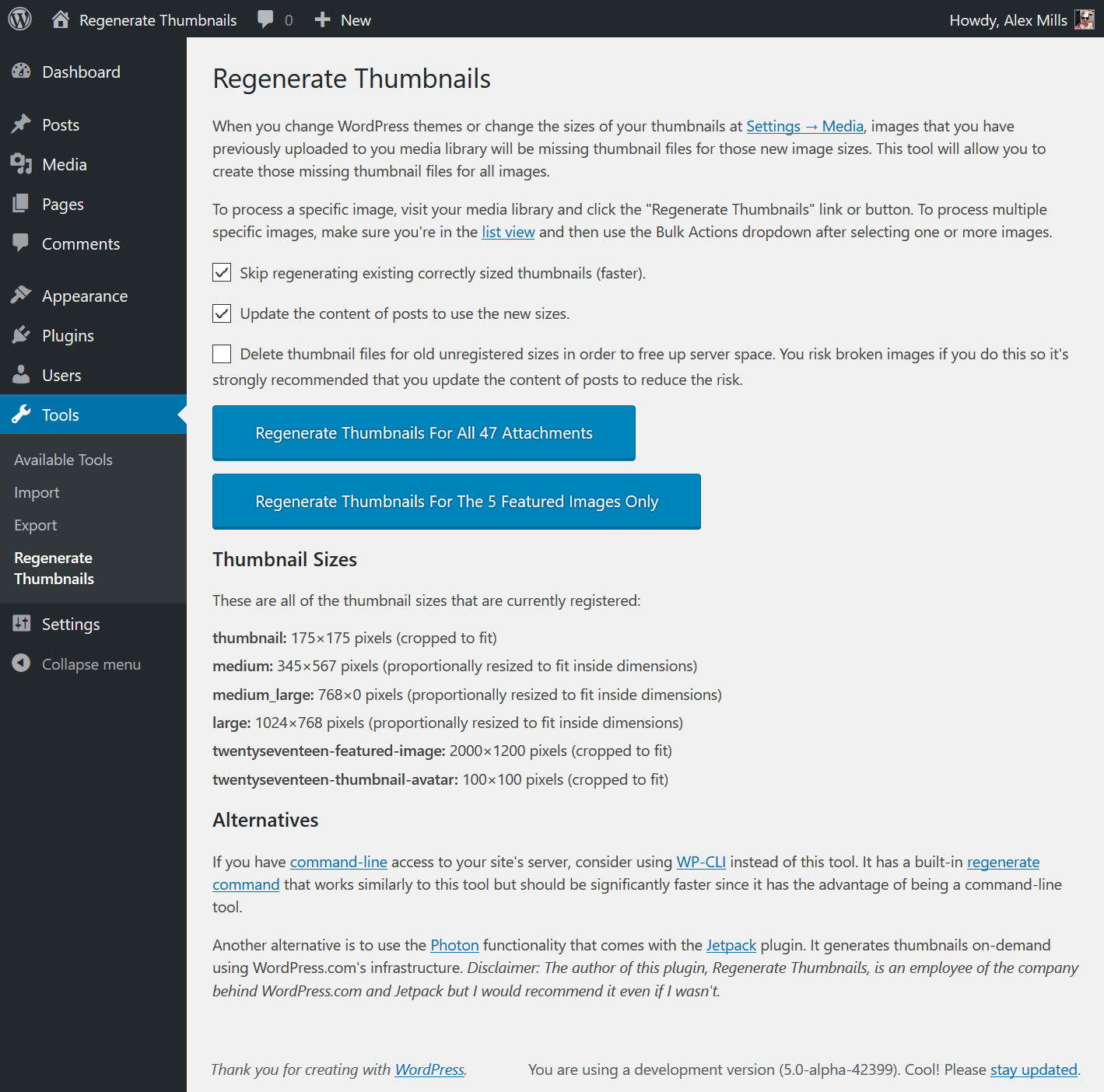
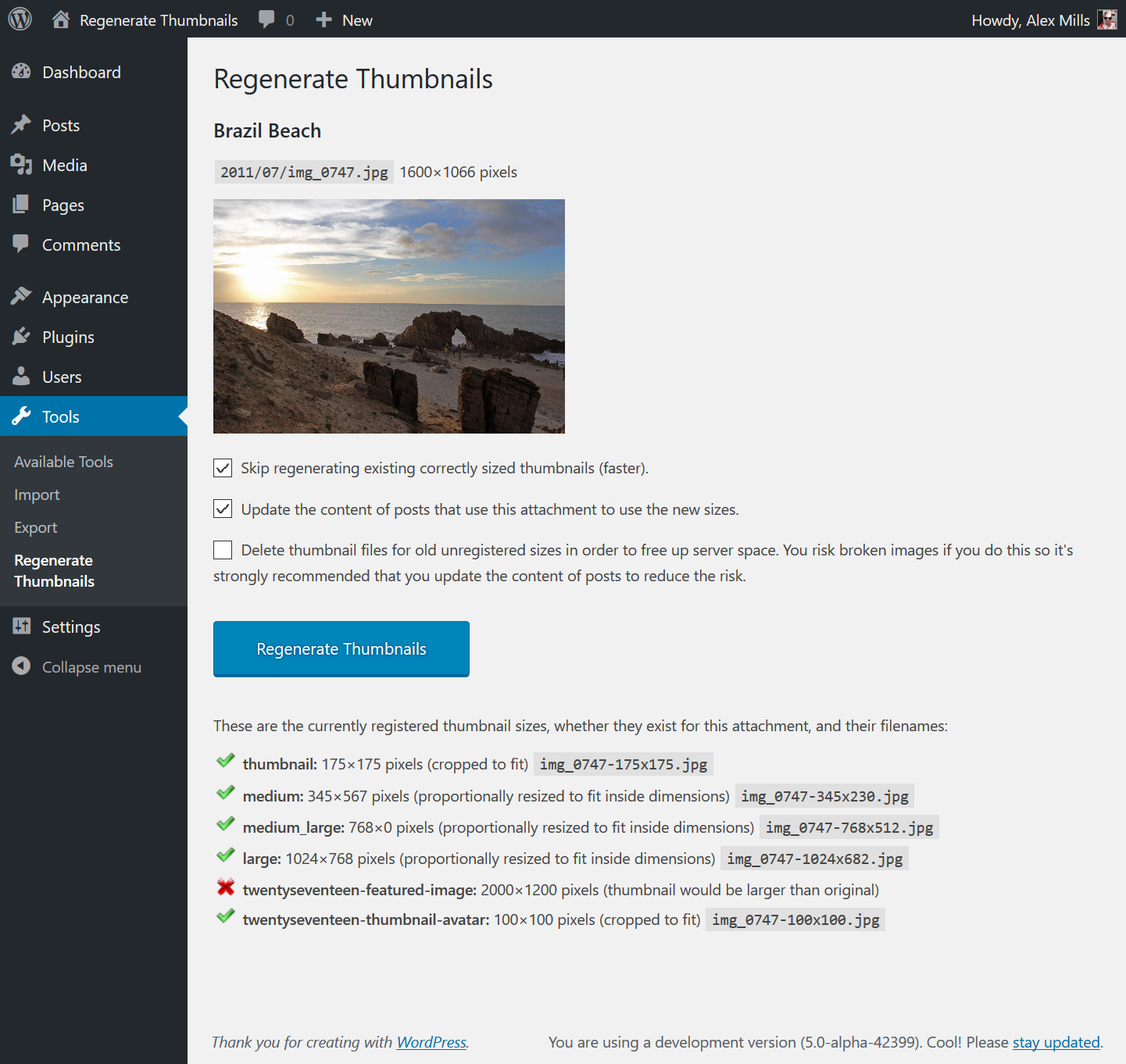
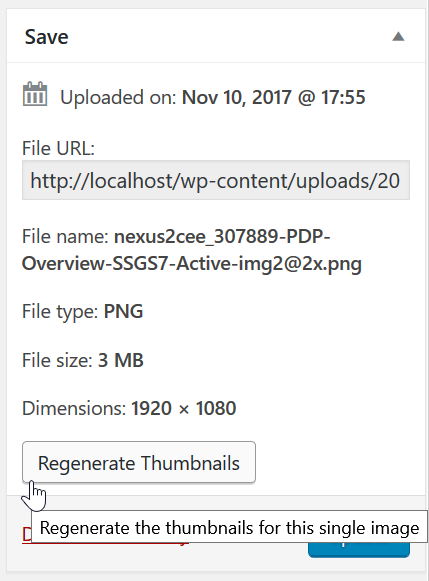
Regenerate Thumbnails allows you to regenerate all thumbnail sizes for one or more images that have been uploaded to your Media Library.
This is useful for situations such as:
It also offers the ability to delete old, unused thumbnails in order to free up server space.
Read more Show less
In February 2019 Alex Mills, the author of this plugin, passed away. He leaves behind a number of plugins which will be maintained by Automattic and members of the WordPress community. If this plugin is useful to you please consider donating to the Oregon Health and Science University. You can find more information here.
WP-CLI
If you have command line access to your server, I highly recommend using WP-CLI instead of this plugin as it’s faster (no HTTP requests overhead) and can be run inside of a screen for those with many thumbnails. For details, see the documentation of its media regenerate command.
Jetpack’s Photon Module
Jetpack is a plugin by Automattic, makers of WordPress.com. It gives your self-hosted WordPress site some of the functionality that is available to WordPress.com-hosted sites.
The Photon module makes the images on your site be served from WordPress.com’s global content delivery network (CDN) which should speed up the loading of images. Importantly though it can create thumbnails on the fly which means you’ll never need to use this plugin.
I personally use Photon on my own website.
Disclaimer: I work for Automattic but I would recommend Photon even if I didn’t.
Support for this plugin is provided via the WordPress.org forums.
The source code for this plugin is available on GitHub.
Description published by Alex Mills on WordPress.org, licensed under GPLv2 or later.
Screenshots
Screenshots published by Alex Mills on WordPress.org, licensed under GPLv2 or later.


Per-version history
Show per-version detail (1 version)
Per-version history
Show per-version detail (1 version)
How the plugin evolves version by version.
| Version | Homepage | Admin | Last scan |
|---|---|---|---|
| v3.1.6 | 3 scans | 2 scans | 2 months ago |
Scan history
Show individual scan log (5 scans)
Scan history
Show individual scan log (5 scans)
| Date | Version | Context | Score | Grade | Time | Memory |
|---|---|---|---|---|---|---|
| 2 months ago | v3.1.6 | Homepage | 100/100 | A | 0 ms | 0.0 MB |
| 3 months ago | v3.1.6 | Homepage | 100/100 | A | 0 ms | 0.0 MB |
| 3 months ago | v3.1.6 | Admin | 100/100 | A | 19 ms | 0.0 MB |
| 3 months ago | v3.1.6 | Admin | 100/100 | A | 0 ms | 0.0 MB |
| 3 months ago | v3.1.6 | Homepage | 93/100 | A | 151 ms | 0.0 MB |