
Not enough scans yet to publish the score (3 received).
About
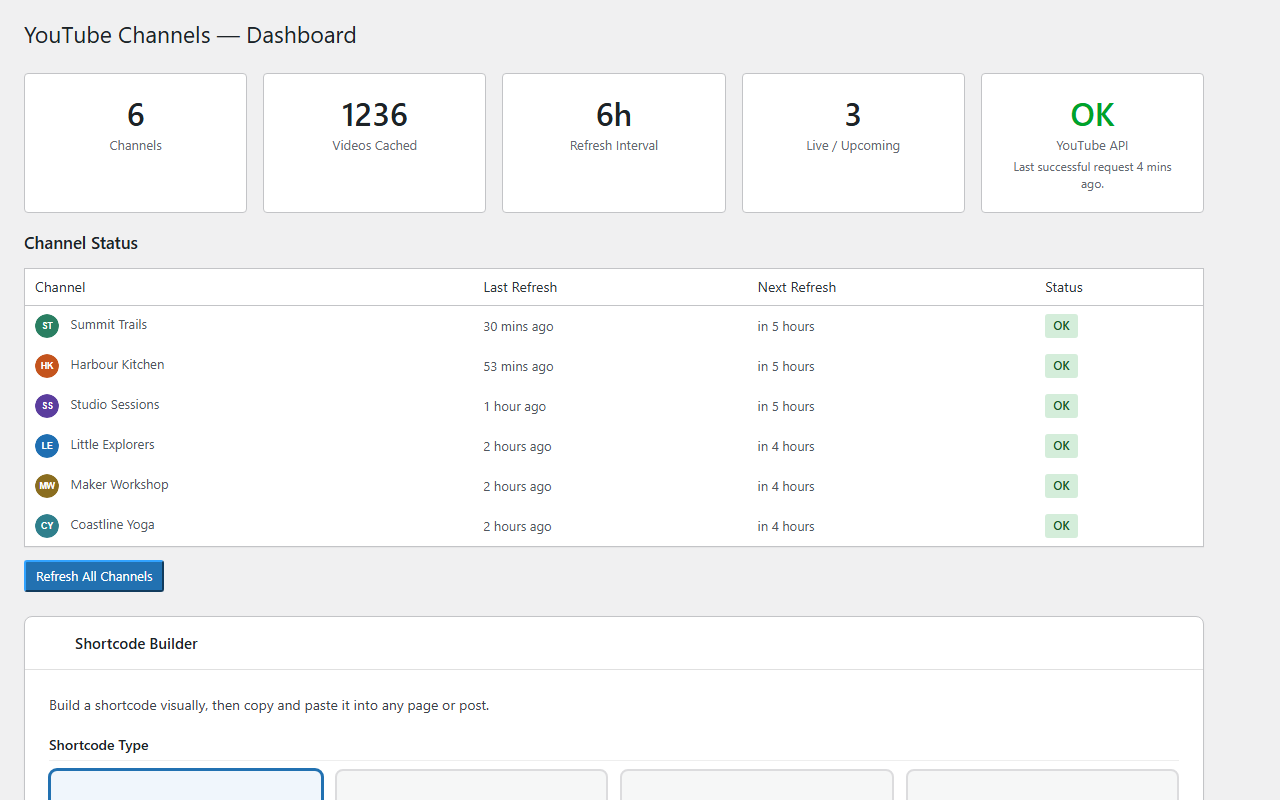
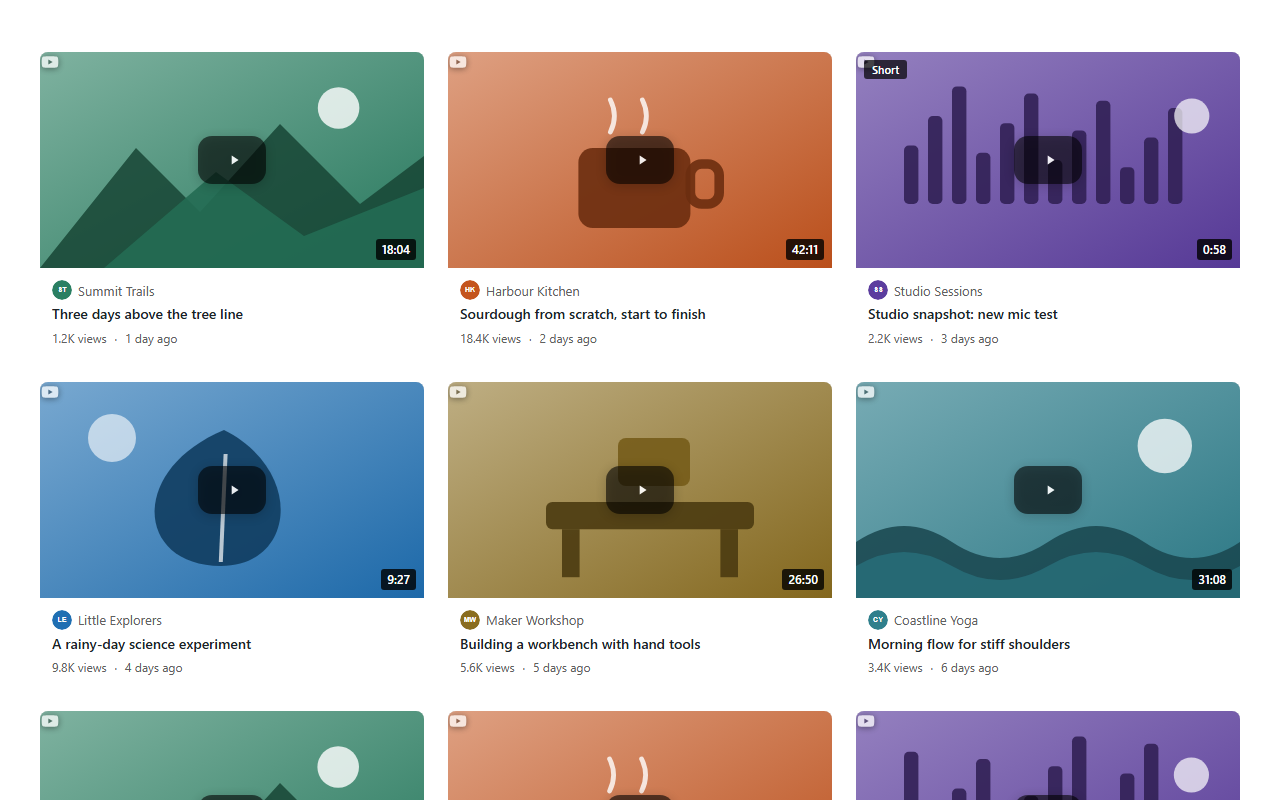
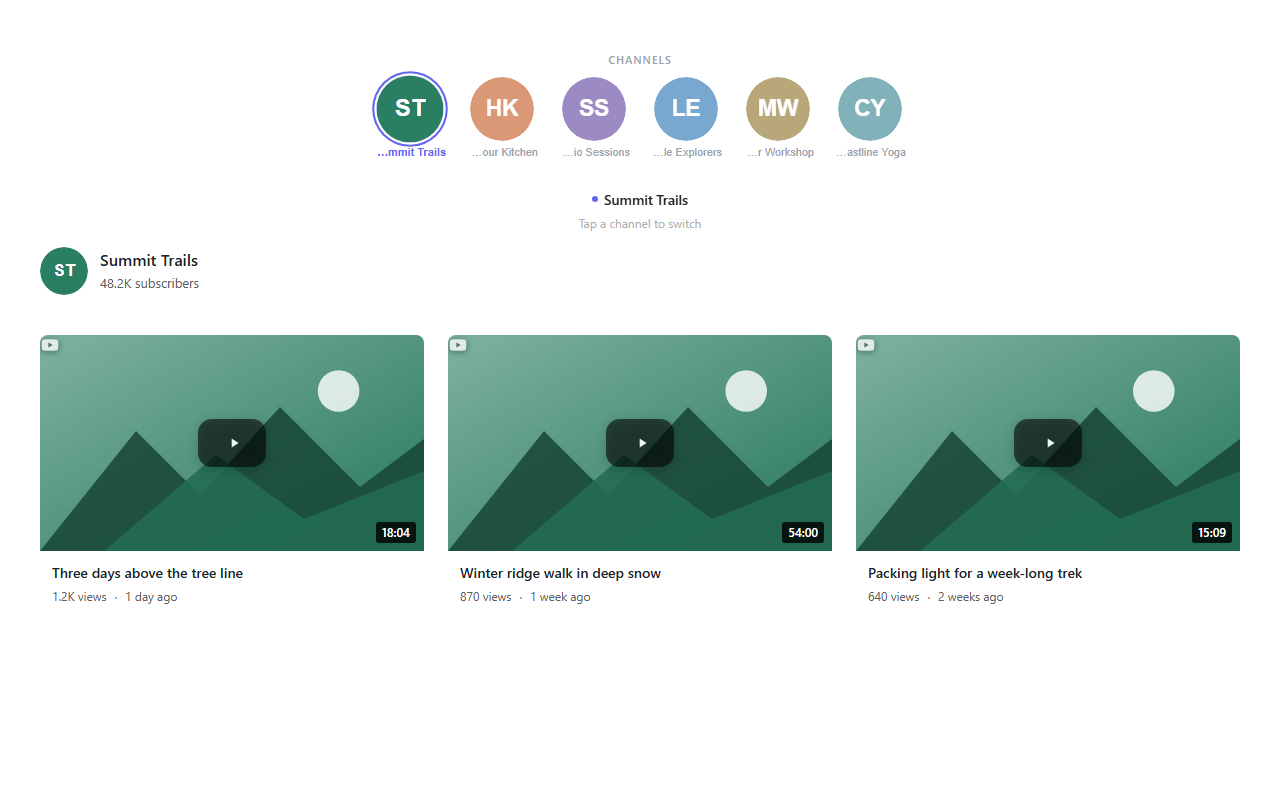
SDAweb Channels for YouTube turns any public YouTube channel into a fast, privacy-friendly video section on your WordPress site. Add channels by pasting their URL, pick a layout, and drop a shortcode or the block into any page. Videos are fetched in the background and stored in your own database, so visitors never trigger a YouTube API call and pages load instantly.
Built and maintained by SDAweb for church, school and community sites that stream regularly, which is why live and upcoming broadcasts are a first-class feature rather than an afterthought.
Common attributes for the first three: count, columns, layout, sort, player, pagination, per_page, show_stats, show_duration, show_channel, show_description, exclude_shorts, live_only and (for multi-channel shortcodes) ids. The live shortcode takes ids, count, columns, player, show_channel, show_stats, show_duration, show_description and empty_message. The Shortcode Builder on the Dashboard writes them for you, and the Settings page has a full reference table with examples.
Read more Show less
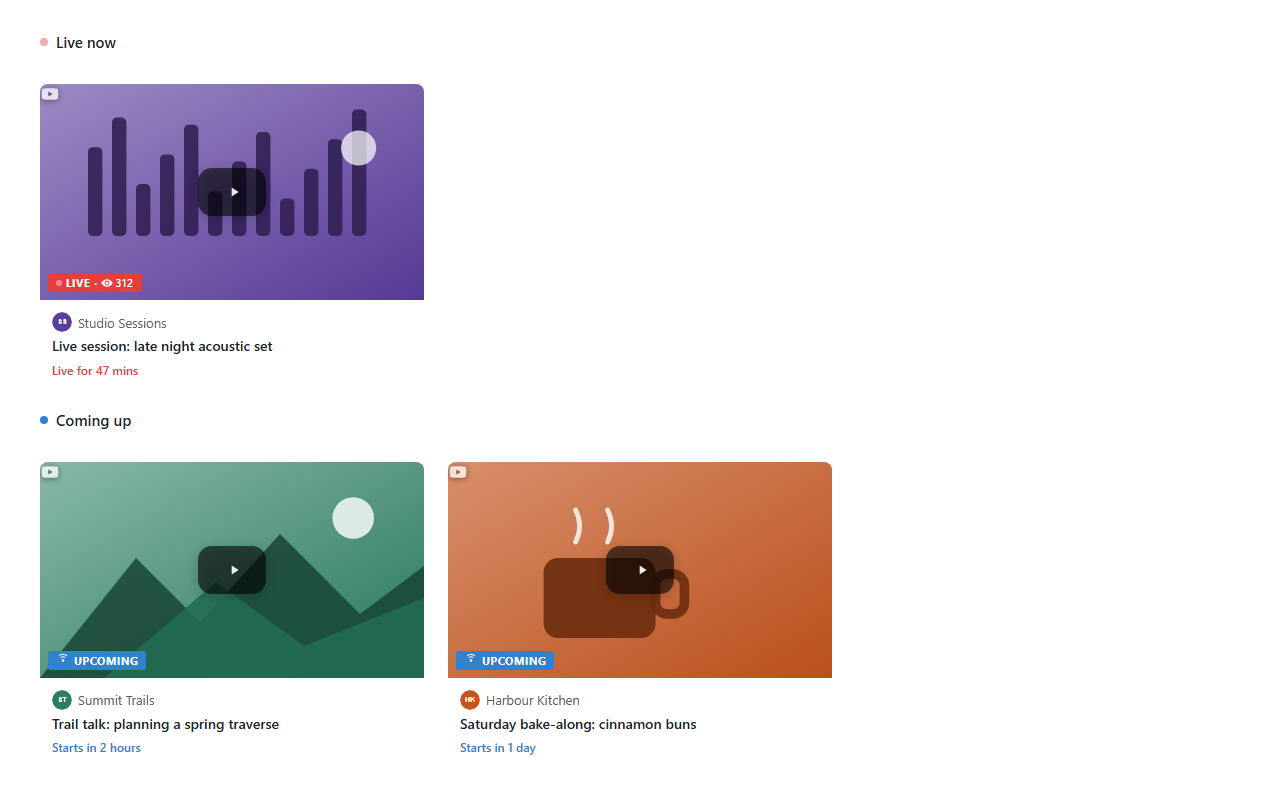
The YouTube Channel block offers the same choices as the shortcodes – channel selection, layout, columns, count, sort, player, pagination, Live Only, Show Description and Exclude Shorts – with a styled live preview in the editor.
This plugin connects to the YouTube Data API v3 to fetch channel information and video data. API calls are made server-side only when:
No API calls are made during normal visitor page views — all data is served from the local cache.
A YouTube Data API v3 key is required. You can obtain one for free from the Google Cloud Console; the Settings page walks you through it.
This plugin fetches public YouTube RSS feeds (https://www.youtube.com/feeds/videos.xml) to discover recently published and scheduled videos. These requests are read-only, use no API quota, and contain only publicly available video IDs.
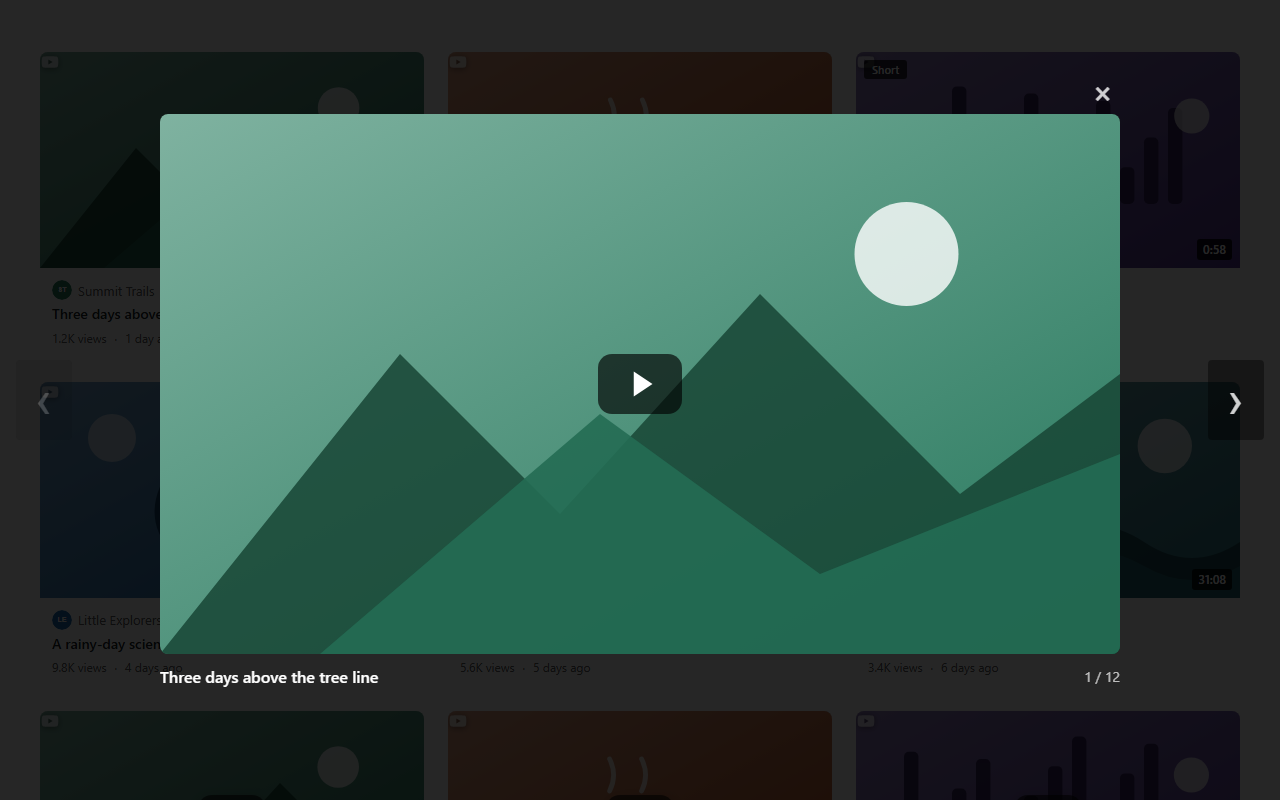
Video thumbnails are loaded in the visitor’s browser from YouTube’s image servers (i.ytimg.com) when a page containing the plugin is shown. When a visitor clicks play, an iframe loads from YouTube’s privacy-enhanced domain (youtube-nocookie.com). No embed loads until the visitor initiates playback.
The colour pickers in the settings use wp-color-picker-alpha (GPL-2.0-or-later). The unminified source is available at that address.
Description published by rstake on WordPress.org, licensed under GPL-2.0-or-later.
Tags
channel
embed
Live Stream
video
youtube
Screenshots
Screenshots published by rstake on WordPress.org, licensed under GPL-2.0-or-later.
Per-version history
Show per-version detail (1 version)
Per-version history
Show per-version detail (1 version)
How the plugin evolves version by version.
| Version | Homepage | Admin | Last scan |
|---|---|---|---|
| v1.5.20 | 5 scans | 1 scan | 1 month ago |
Alternatives in the same category
Other media plugins measured by the community, ranked from lightest to heaviest.
Not enough scans yet to publish the score (1 received).
Not enough scans yet to publish the score (3 received).
Not enough scans yet to publish the score (2 received).
Not enough scans yet to publish the score (3 received).
Not enough scans yet to publish the score (1 received).
Scan history
Show individual scan log (6 scans)
Scan history
Show individual scan log (6 scans)
| Date | Version | Context | Score | Grade | Time | Memory |
|---|---|---|---|---|---|---|
| 1 month ago | v1.5.20 | Homepage | 95/100 | A | 27 ms | 2.0 MB |
| 1 month ago | v1.5.20 | Homepage | 96/100 | A | 46 ms | 0.0 MB |
| 1 month ago | v1.5.20 | Homepage | 99/100 | A | 0 ms | 0.0 MB |
| 1 month ago | v1.5.20 | Homepage | 99/100 | A | 11 ms | 0.0 MB |
| 1 month ago | v1.5.20 | Admin | 100/100 | A | 0 ms | 0.0 MB |
| 1 month ago | v1.5.20 | Homepage | 87/100 | A | 53 ms | 0.0 MB |