
Impact score
Footprint Score across the two most representative contexts.
1 scans · last scan 2 months ago
Homepage Score
Impact measured on the public homepage
v3.2 · 1 scan · Consolidated score over 90 days · 1 versions
What it adds to every page load
- Added time
- 0 ms
- Added memory
- 0.0 MB
- SQL queries
- +0
- CSS/JS files
- +3
- External calls
- 0
Admin Score
Impact measured in the WordPress admin
About
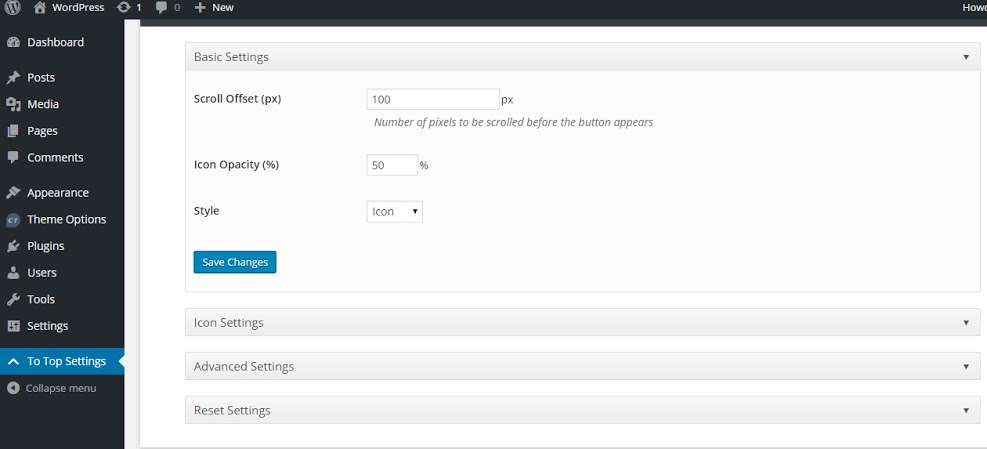
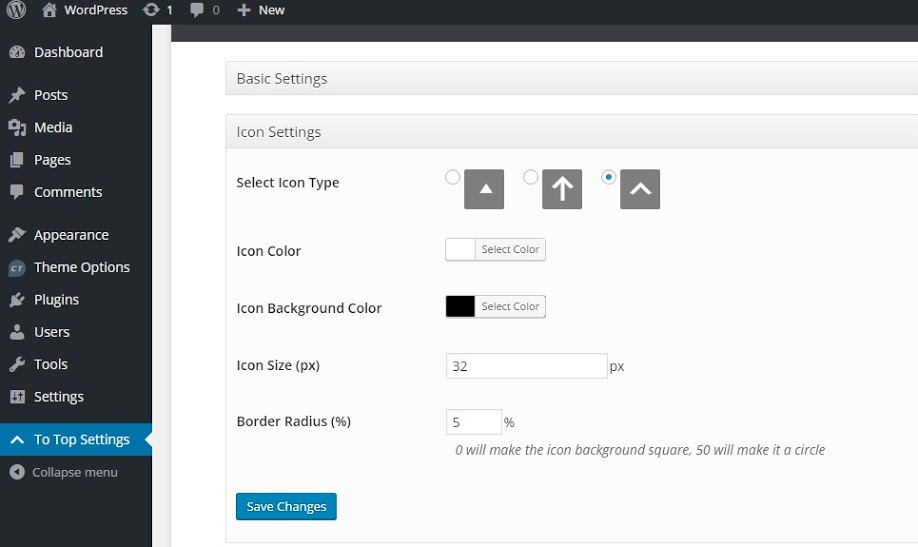
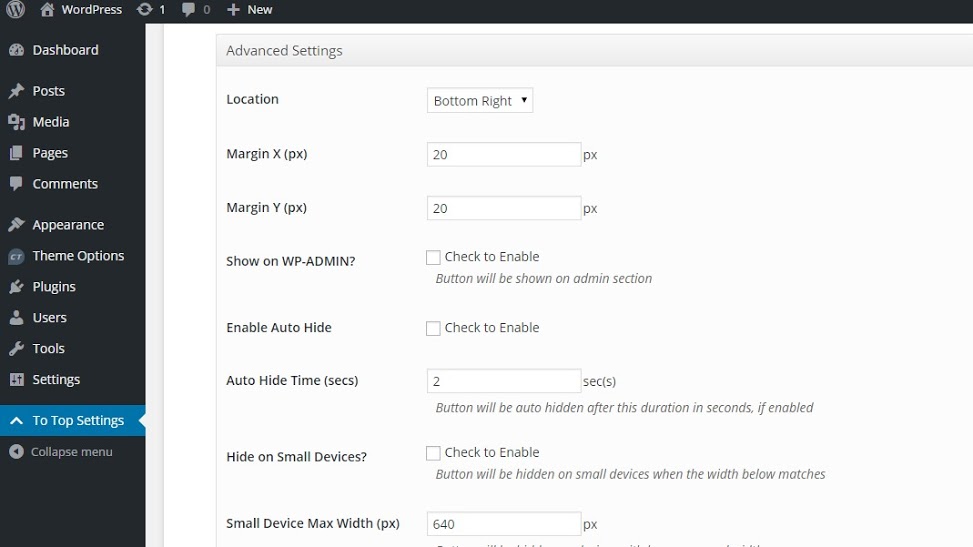
To Top Plugin adds a floating scroll up box at the bottom right side (by default) of the page when scrolled down and, when clicked, rolls smoothly to the top. This is convenient when you have a long page, and you want to give your visitors an easy way to get back to the top.
When a page or post has heaps of content, visitors have to scroll down to read those content. As they scroll below, all the navigational links go up. When visitors are done with the reading, they need to scroll up to see what else is there on your website. This can be very tedious. To Top Plugin adds a scroll up button that quickly gets visitors to the top of the page in a matter of milliseconds. Also, the transition is smooth and improves user experience. The other great thing about this plugin is you don’t have to touch a single code of your template.
Catch Plugins team does not provide support for the To Top plugin on the WordPress.org forums. Support is provided at To Top Support Forum
Read more Show less
To Top plugin is translation ready.
Description published by Catch Themes on WordPress.org, licensed under GPLv3 or later.
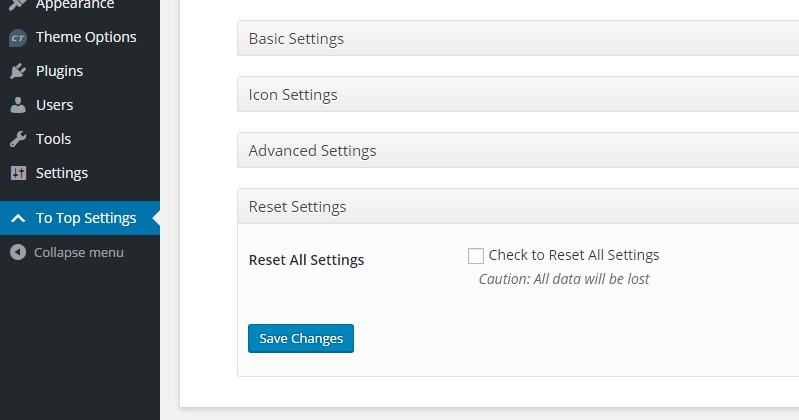
Screenshots
Screenshots published by Catch Themes on WordPress.org, licensed under GPLv3 or later.
Per-version history
Show per-version detail (1 version)
Per-version history
Show per-version detail (1 version)
How the plugin evolves version by version.
| Version | Homepage | Admin | Last scan |
|---|---|---|---|
| v3.2 | 1 scan | — | 2 months ago |
Scan history
Show individual scan log (1 scans)
Scan history
Show individual scan log (1 scans)
| Date | Version | Context | Score | Grade | Time | Memory |
|---|---|---|---|---|---|---|
| 2 months ago | v3.2 | Homepage | 98/100 | A | 0 ms | 0.0 MB |