

- Time
- 0 ms
- Memory
- 0.0 MB
- SQL
- +6
About
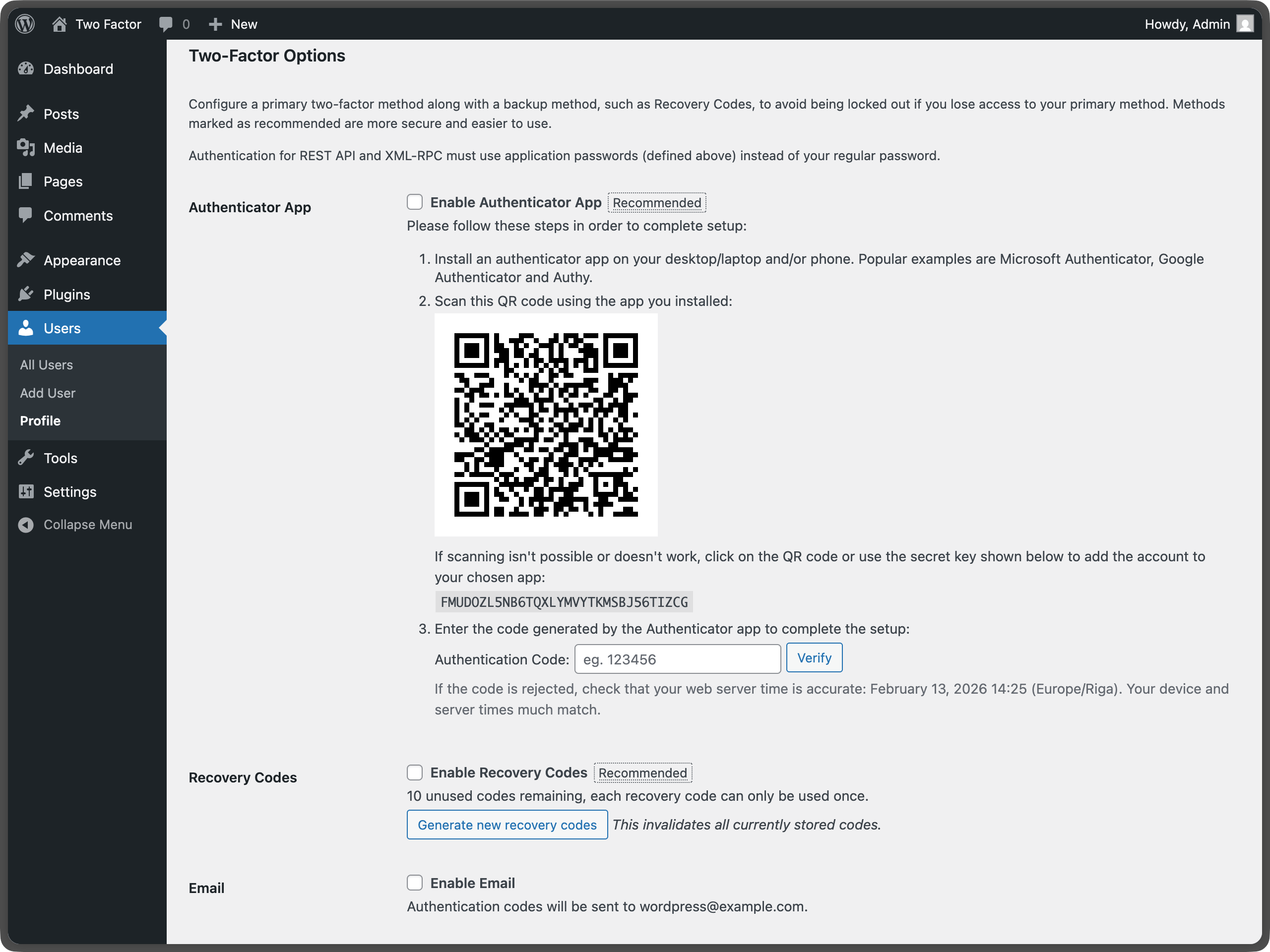
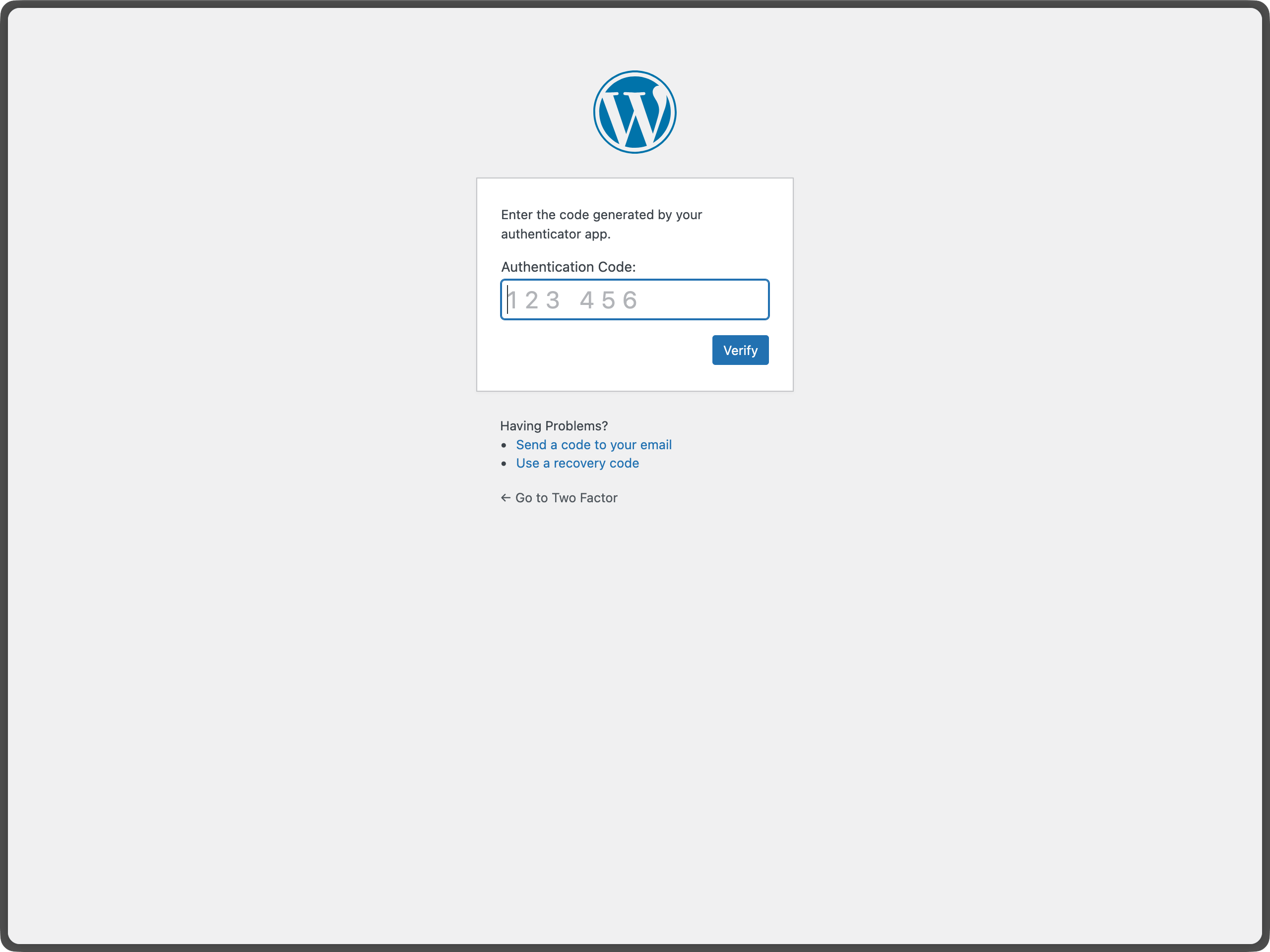
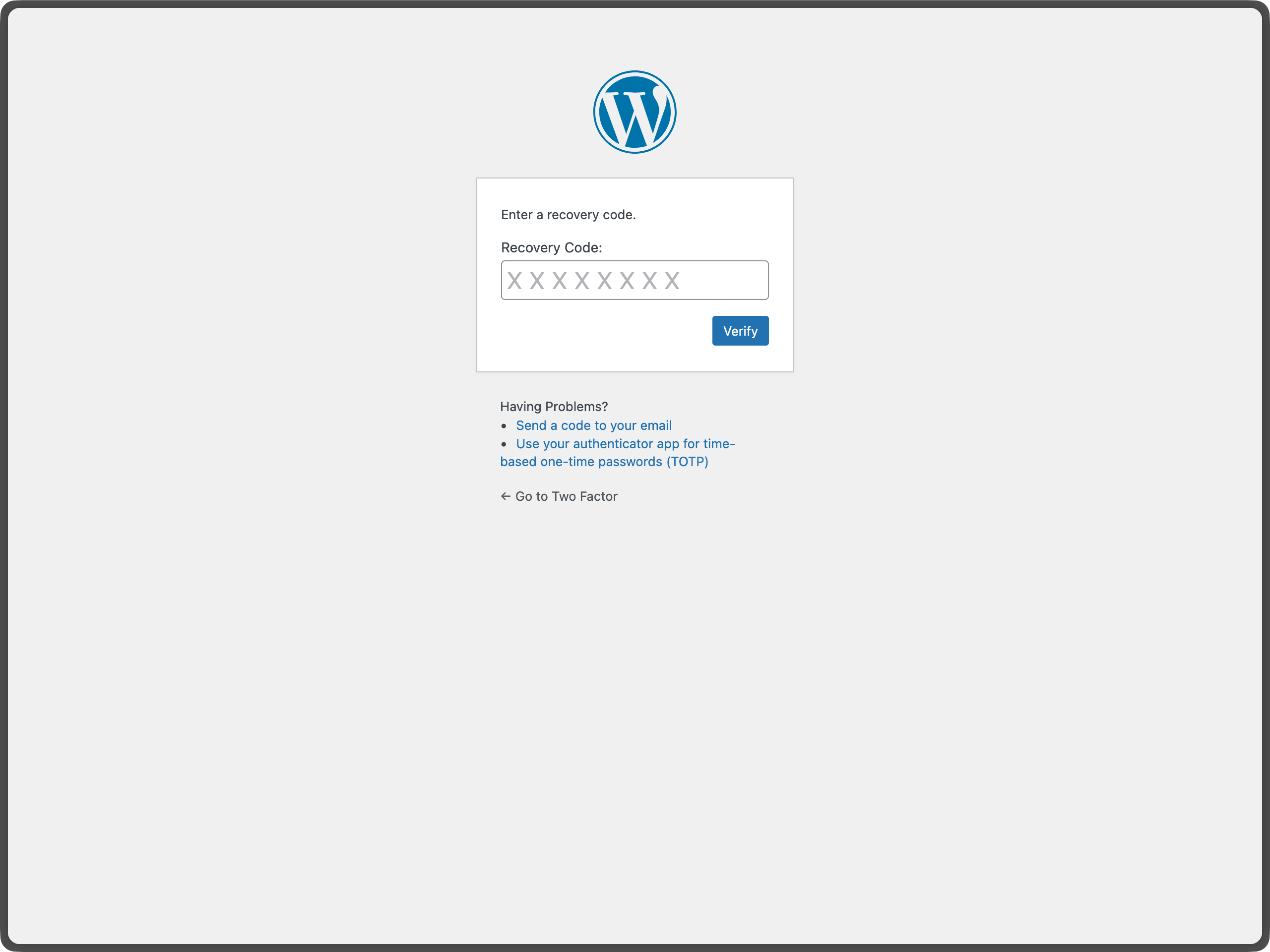
The Two-Factor plugin adds an extra layer of security to your WordPress login by requiring users to provide a second form of authentication in addition to their password. This helps protect against unauthorized access even if passwords are compromised.
Important: Each user must individually configure their two-factor authentication settings.
For more information about two-factor authentication in WordPress, see the WordPress Advanced Administration Security Guide.
Read more Show less
For more history, see this post.
Here is a list of action and filter hooks provided by the plugin:
To redirect users to a specific URL after completing the two-factor challenge, use WordPress Core built-in login_redirect filter. The filter works the same way as in a standard WordPress login flow:
Tags
2FA
authentication
MFA
security
totp
Screenshots
Author-supplied previews from wordpress.org.
Per-version history
Show per-version detail (1 versions)
Per-version history
Show per-version detail (1 versions)
How the plugin evolves version by version.
| Version | Homepage | Admin | Last scan |
|---|---|---|---|
| v0.16.0 | — | 1 scan | 1 month ago |
Alternatives in the same category
Other security plugins measured by the community, ranked from lightest to heaviest.
Not enough scans yet to publish the score (2 received).
Not enough scans yet to publish the score (4 received).
Not enough scans yet to publish the score (2 received).
Not enough scans yet to publish the score (2 received).
Not enough scans yet to publish the score (1 received).
Scan history
Show individual scan log (1 scans)
Scan history
Show individual scan log (1 scans)
| Date | Version | Context | Score | Grade | Time | Memory |
|---|---|---|---|---|---|---|
| 1 month ago | v0.16.0 | Admin | 99/100 | A | 26 ms | 0.0 MB |