


- Time
- 4 ms
- Memory
- 2.0 MB
- SQL
- +1
About
Keep WordPress logs of everything that happens on your sites and multisite networks with WP Activity Log instantly, without writing a line of code.
WP Activity Log is a complete logging solution, helping hundreds of thousands of administrators and security professionals track changes on their websites thanks to real-time user activity monitoring.
💎 Need more extensive features? Unlock advanced reporting, exports/mirroring, session management, and real-time alerts with WP Activity Log premium or enterprise.
Read more Show less
A website activity log is important for improving troubleshooting, compliance, user management, and security.
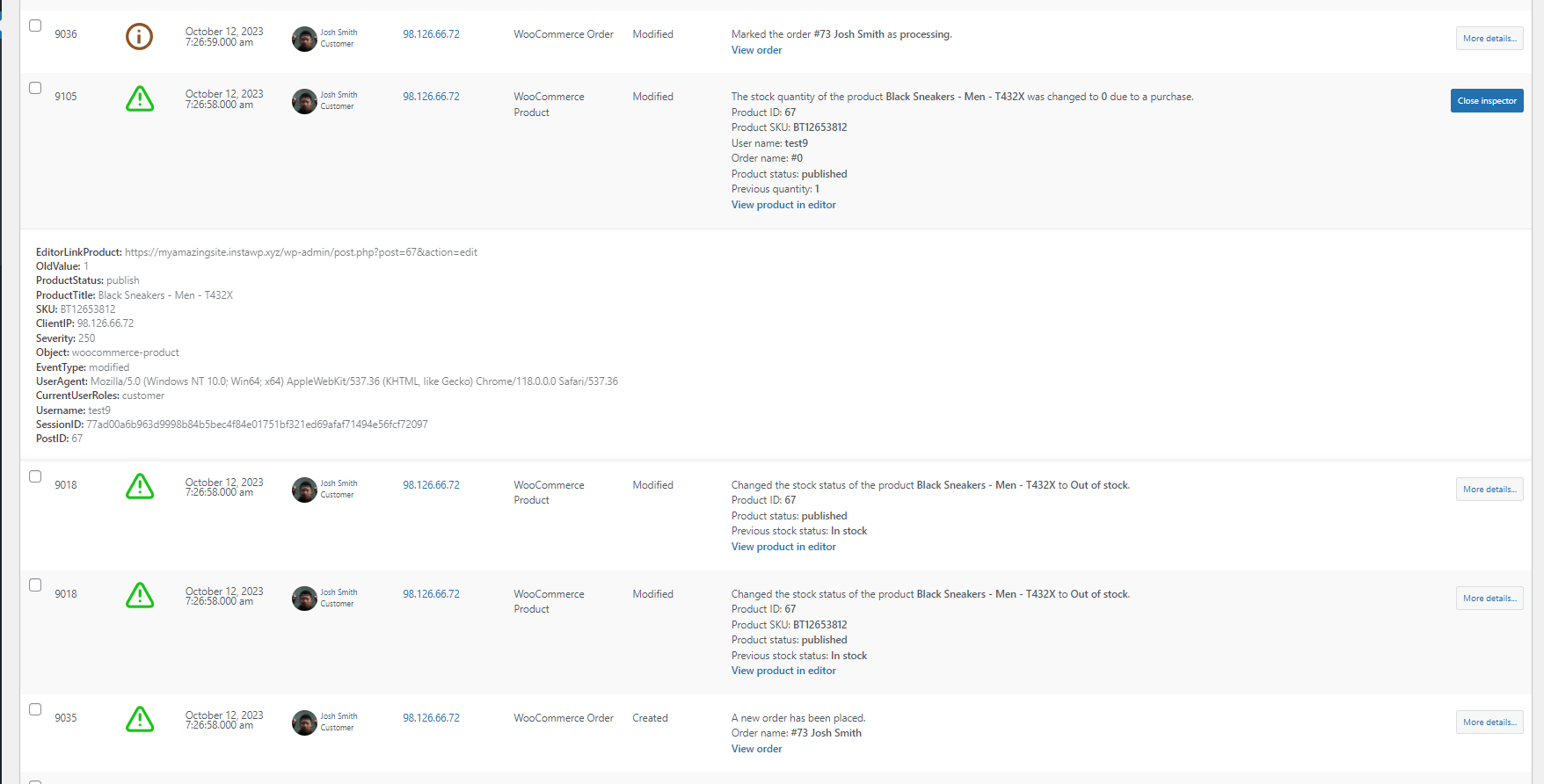
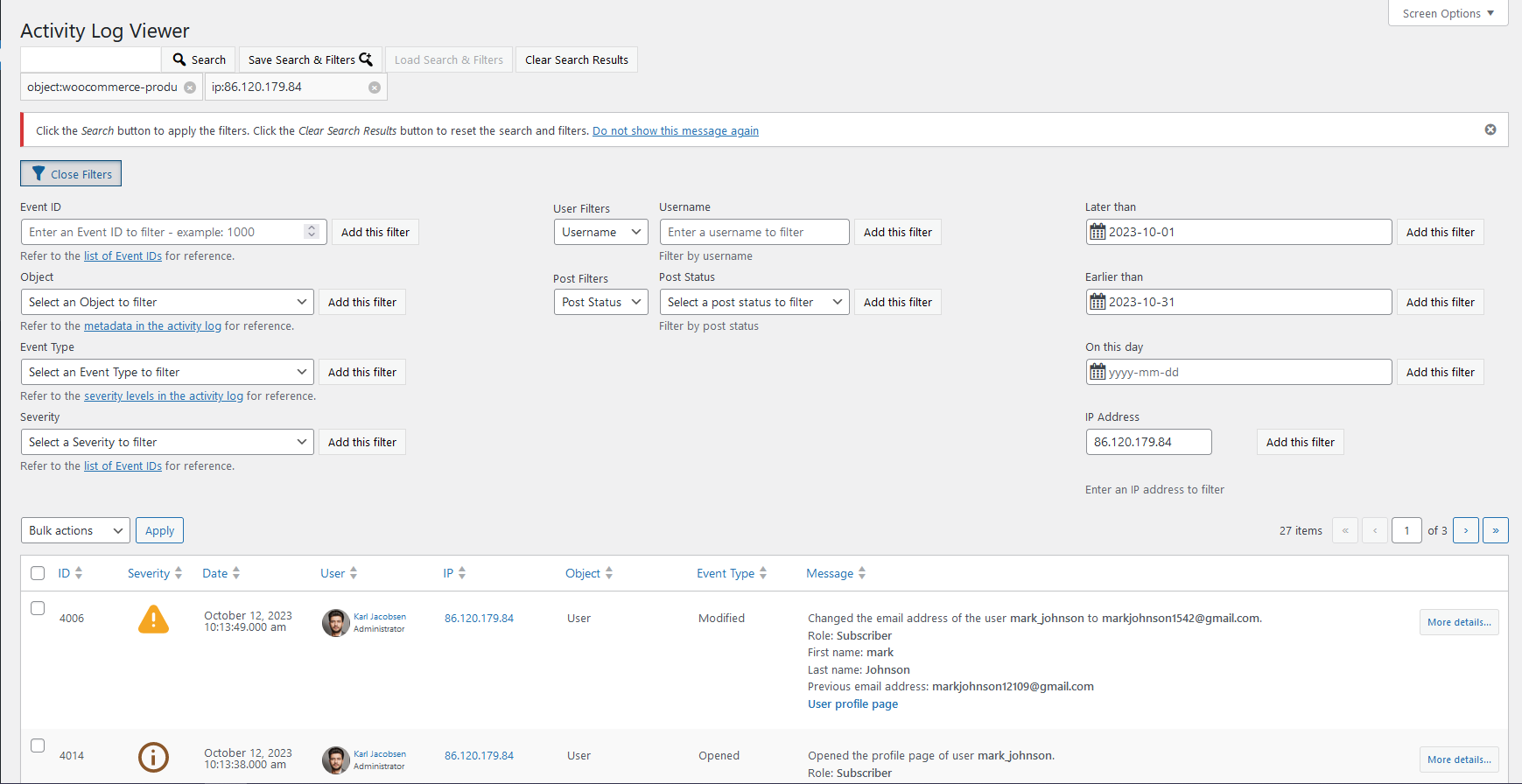
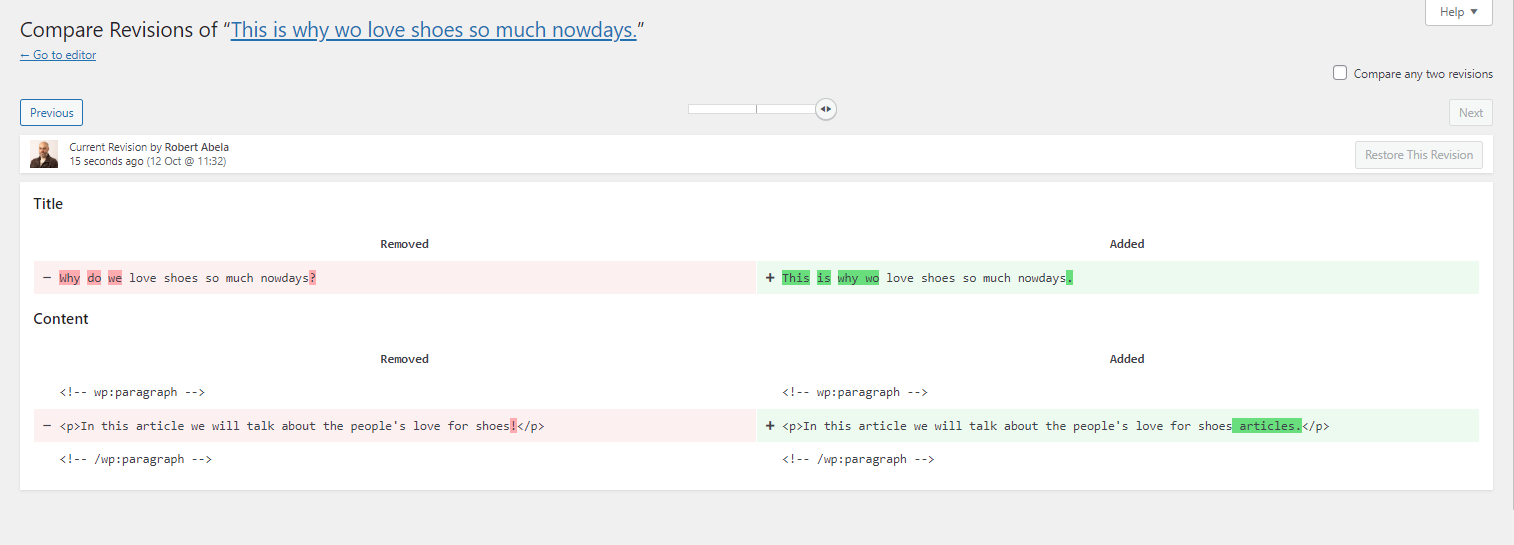
Get WP Activity Log and keep track of events on your site. The log not only tells you that a post, a user profile, or an object was updated, it also lets you know exactly what changed, when, and includes a user log (by whom), so you always have the information you need.
Below is a summary of the changes that the plugin can keep a record of:
Post, page, and custom post type changes: Status, content changes, title, URL, custom field, and other metadata changes
Tags and category changes: Creating, modifying, deleting, and adding/removing them from posts
Widget and menu changes: Creating, modifying, or deleting them
User changes: User created or registered, deleted, or added to a site on multisite network
User profile changes: Password, email, display name, and role changes
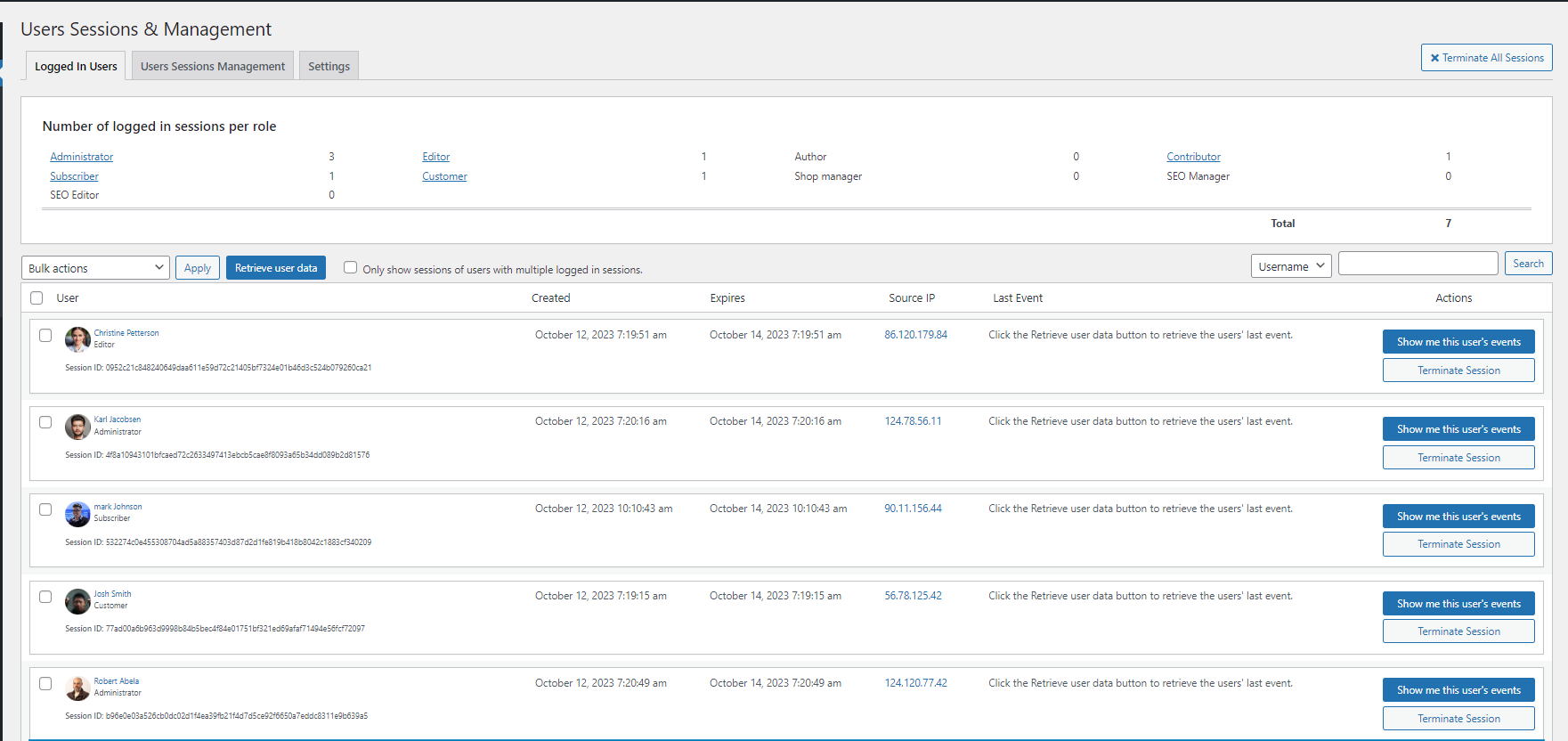
Access logging: User login, logout, failed logins, and terminating other sessions
WordPress core and settings changes: Installed updates, permalinks, default role, URL, and other site-wide changes
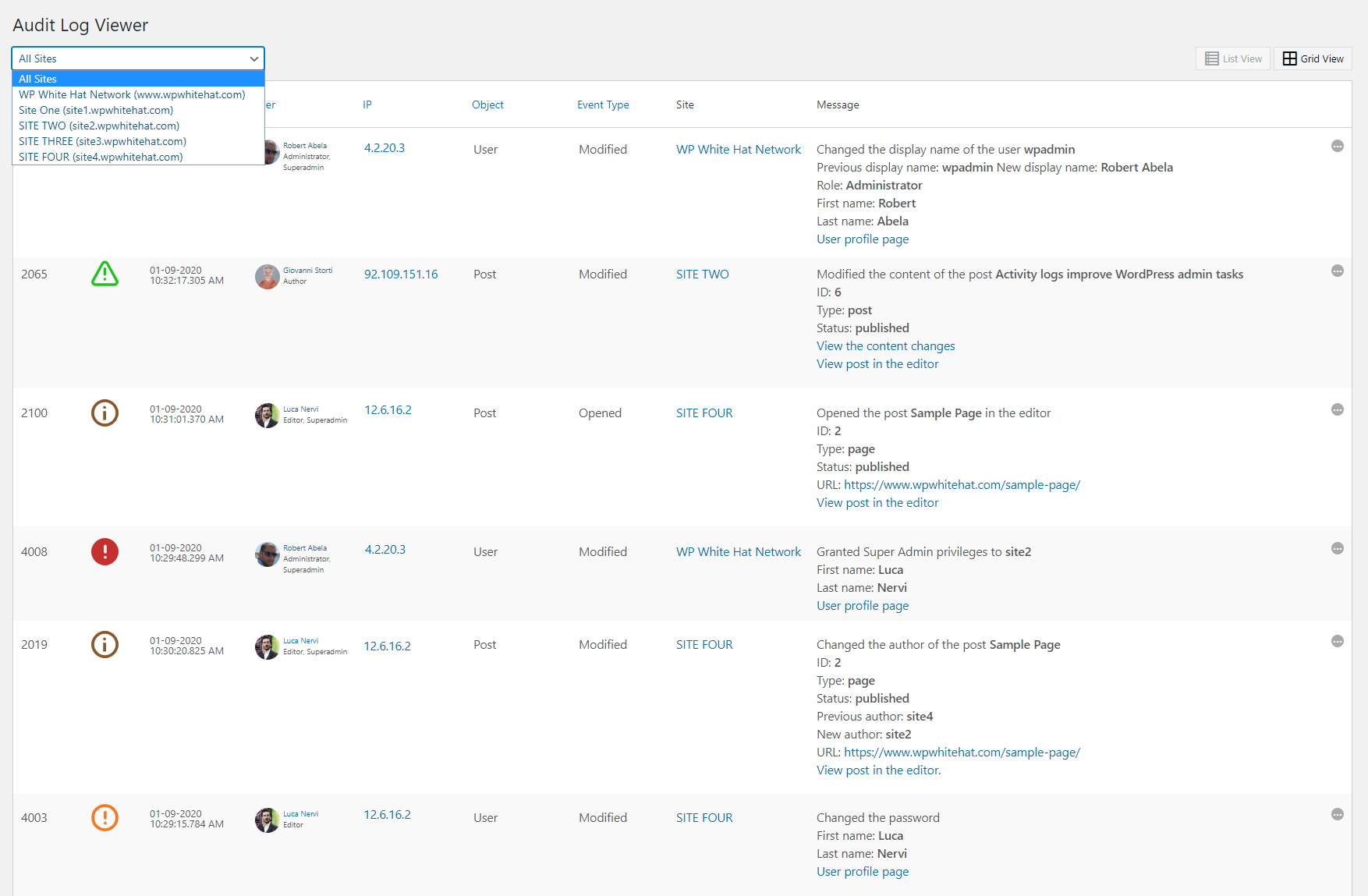
WordPress multisite network changes: Adding, deleting, or archiving sites, adding or removing users from sites, etc.
Plugin and Theme changes: Installing, activating, deactivating, uninstalling, and updating
WordPress database changes: When a plugin adds or removes a table
Third-party plugin changes: WooCommerce Stores & products, Yoast SEO, RankMath, Termly, WPForms, Gravity Forms, Advanced Custom Fields (ACF), MainWP, ManageWP, WP Umbrella, and other popular WordPress plugins
WordPress site file changes: New files added, or existing files modified or deleted.
Detailed event logging ensures that for every event that the plugin records, it reports the:
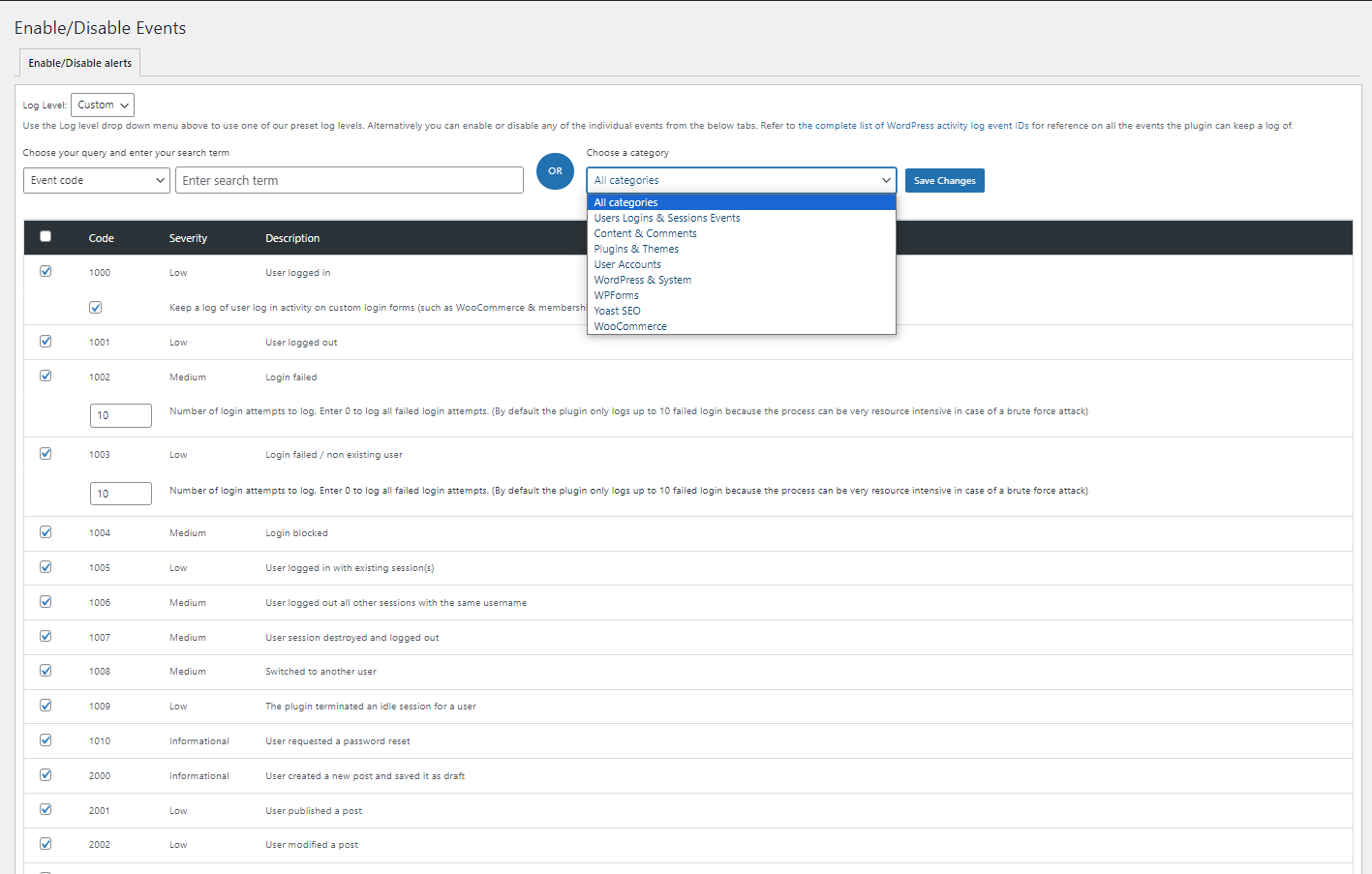
Refer to WordPress activity log event IDs for a complete list of all the changes WP Activity Log can keep a record of and a detailed explanation of what change every event ID represents.
The premium edition of WP Activity Log takes WordPress user activity tracking to the next level. It comes bundled with even more features, including log mirroring, enterprise-grade support, user session management, and much more!
Refer to the WP Activity Log plugin features and benefits page to learn more about the benefits of upgrading to WP Activity Log Premium.
All WP Activity Log editions include activity tracking for third-party plugins, including (in alphabetical order):
Both free and premium editions of WP Activity Log include a number of non-logging specific features that make the plugin a complete WordPress monitoring solution. Here is what is included:
Everything that’s included in the Free edition, plus:
If you encounter any issues with the free edition of WP Activity Log, you can post and get help on the WordPress.org support forums. You can also find more technical information and plugin documentation on the Melapress knowledge base.
Premium plugins include a full year of free updates and dedicated one-to-one premium email support. This means you get direct access to our support team who will assist you with any questions or issues related to the plugins.
Melapress develops high-quality WordPress management and security plugins such as Melapress Login Security, WP 2FA, and Melapress Role Editor.
Browse our list of WordPress security and administration plugins to see how our plugins can help you better manage and improve the security and administration of your WordPress websites and users.
Tags
Activity Log
event log
history
logger
user tracking
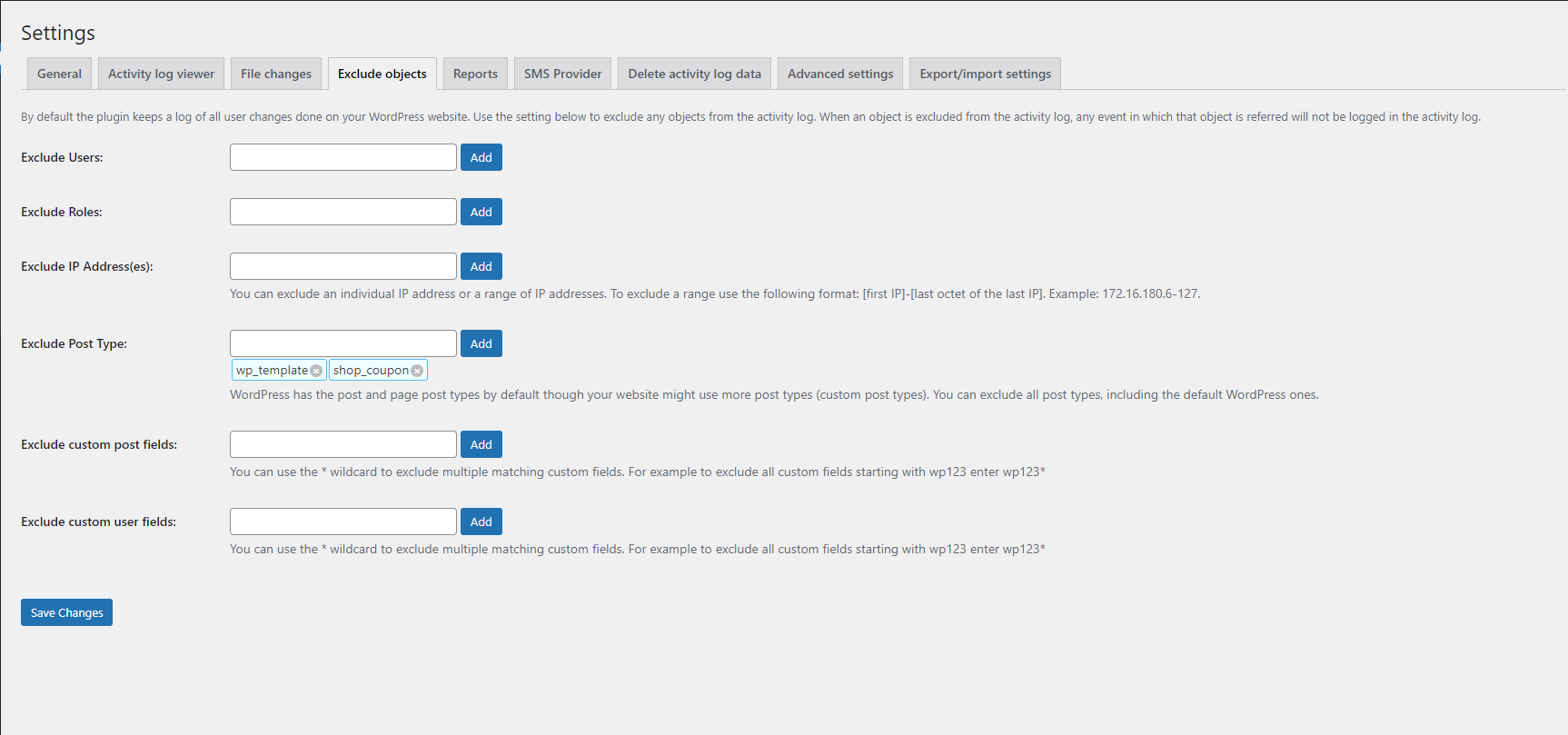
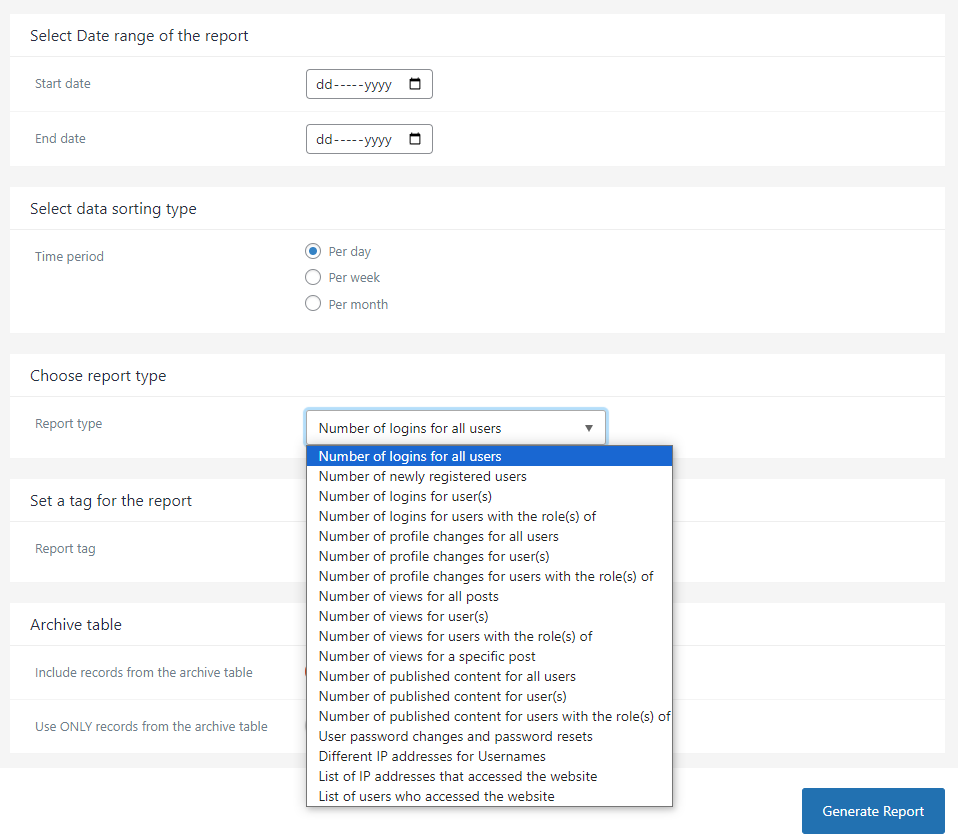
Screenshots
Author-supplied previews from wordpress.org.
Per-version history
Show per-version detail (1 versions)
Per-version history
Show per-version detail (1 versions)
How the plugin evolves version by version.
| Version | Homepage | Admin | Last scan |
|---|---|---|---|
| v5.6.5 | — | 1 scan | 1 month ago |
Alternatives in the same category
Other analytics plugins measured by the community, ranked from lightest to heaviest.
Not enough scans yet to publish the score (3 received).
Not enough scans yet to publish the score (1 received).
Scan history
Show individual scan log (1 scans)
Scan history
Show individual scan log (1 scans)
| Date | Version | Context | Score | Grade | Time | Memory |
|---|---|---|---|---|---|---|
| 1 month ago | v5.6.5 | Admin | 81/100 | B | 72 ms | 4.0 MB |