

Not enough scans yet to publish the score (1 received).
About
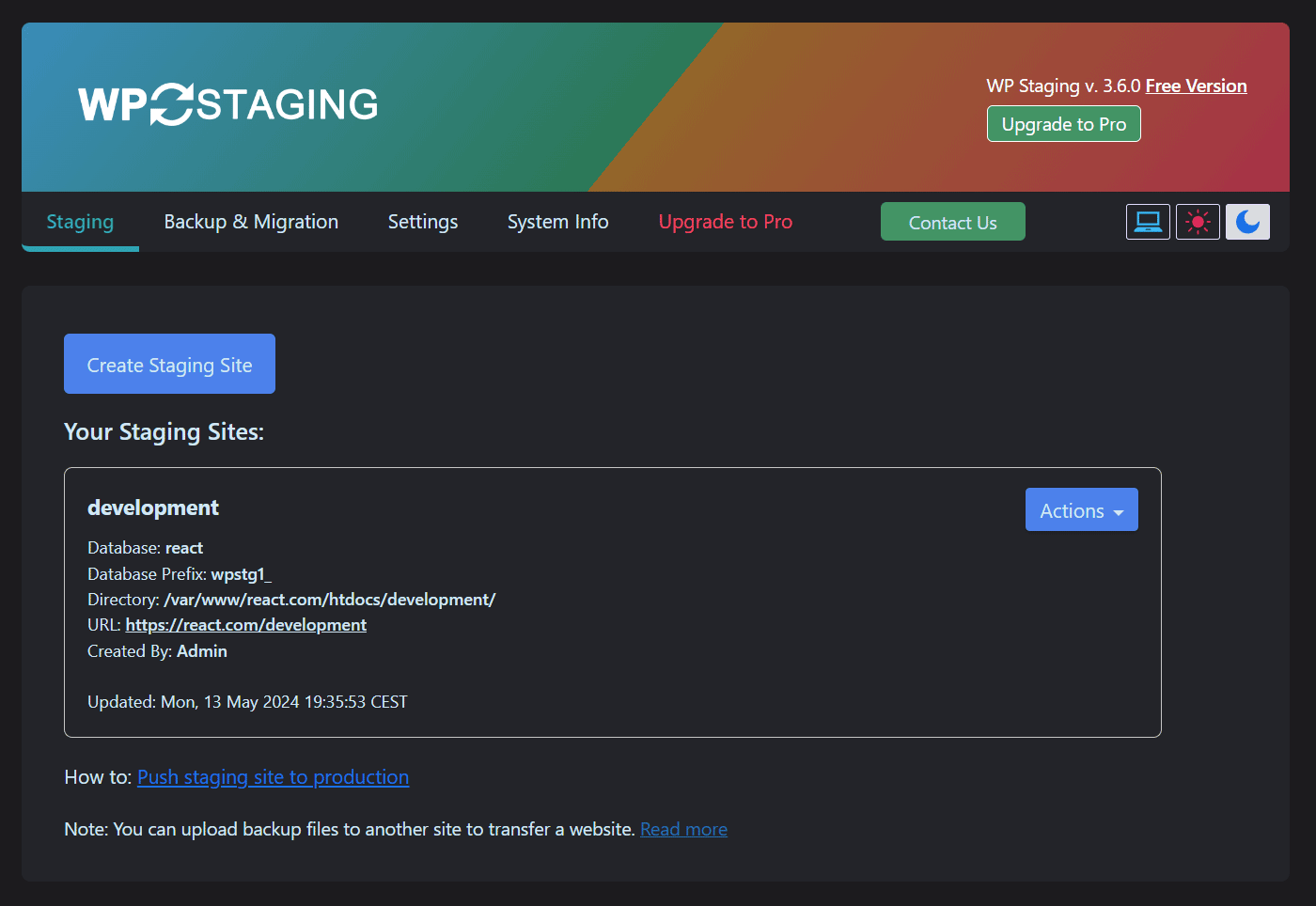
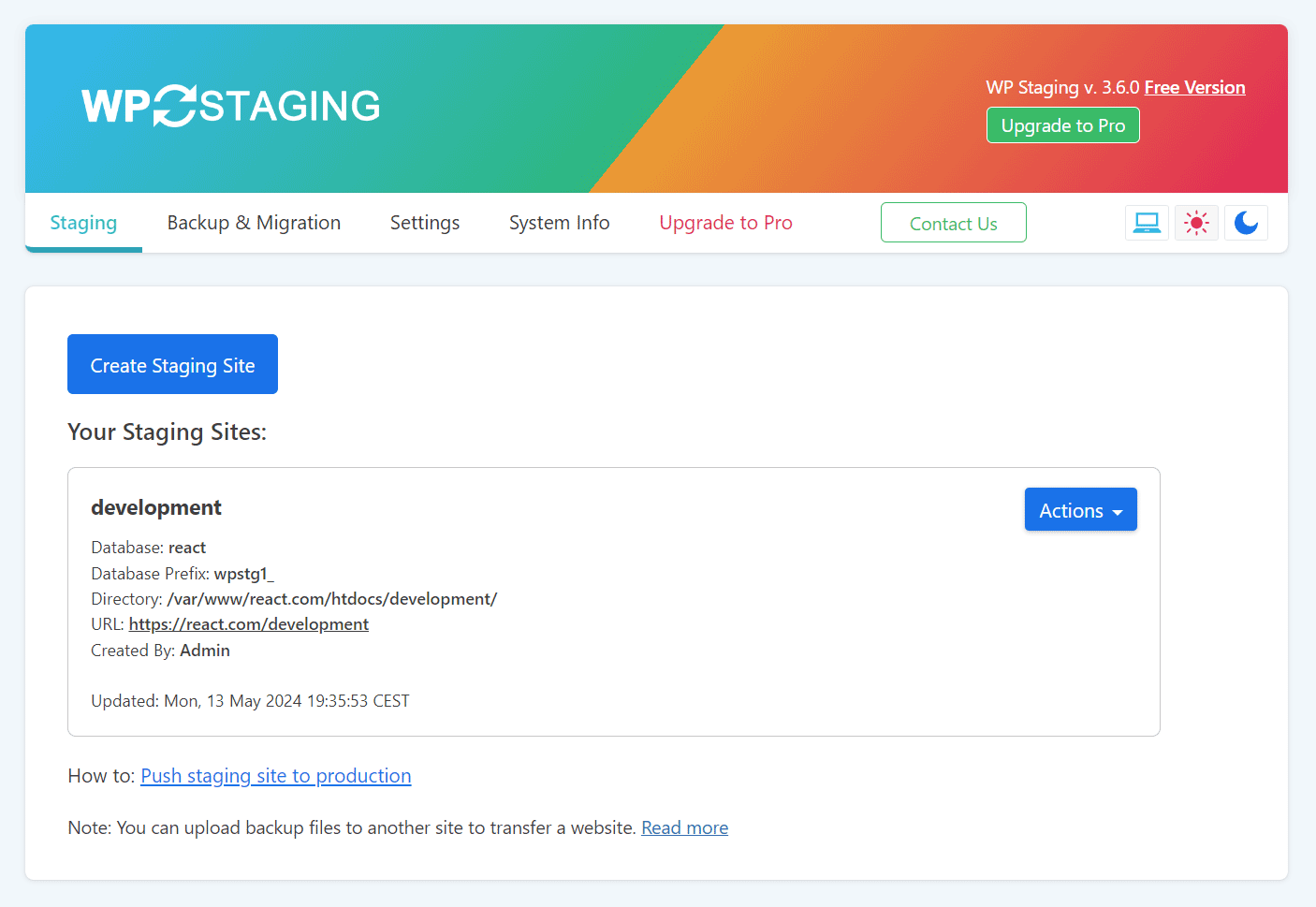
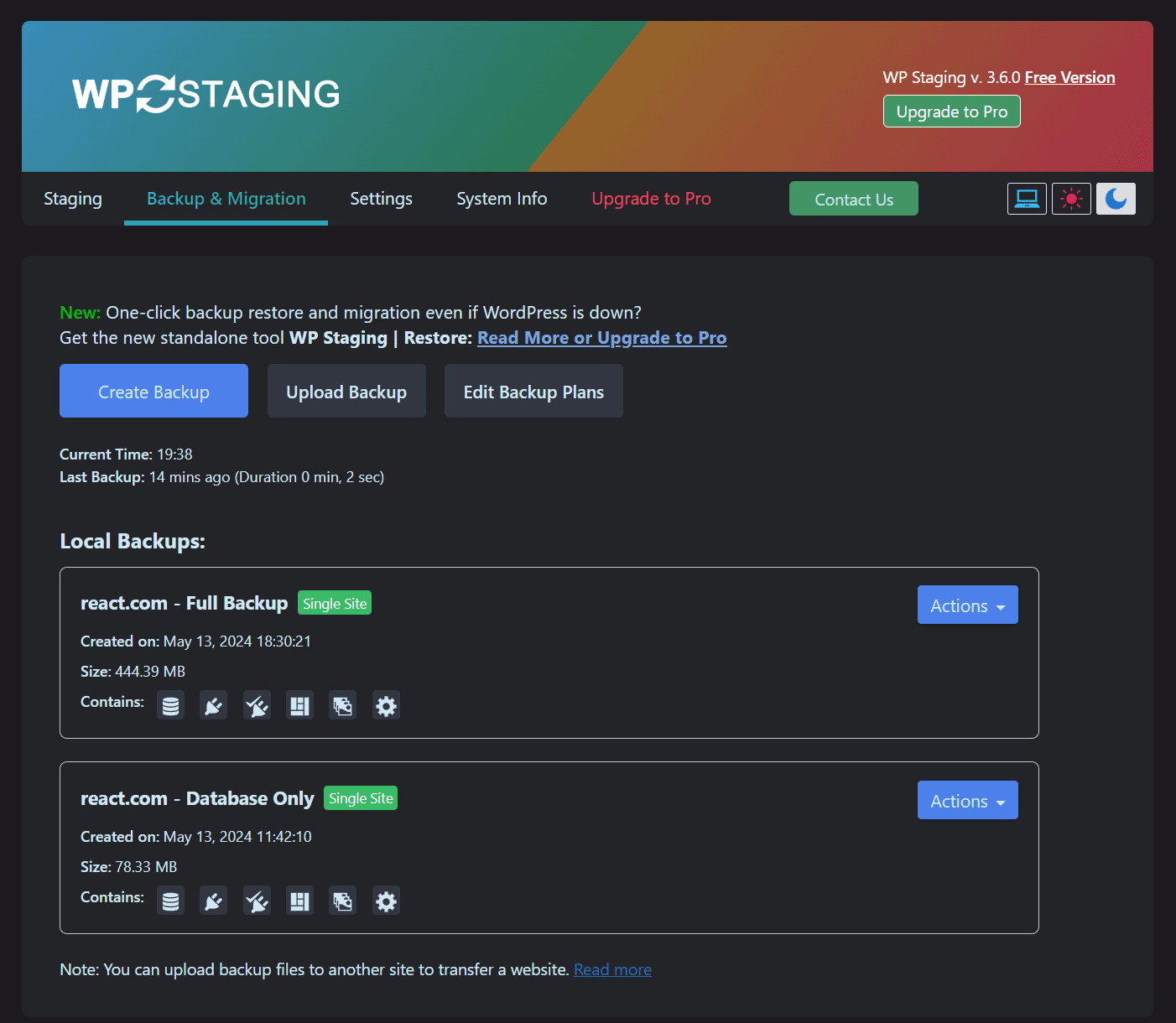
WP STAGING is the all-in-one WordPress backup, restore, staging, cloning, and migration plugin, built for professional workflows with 100% unit-tested code, thousands of automated tests, and extensive end-to-end testing across supported PHP versions.
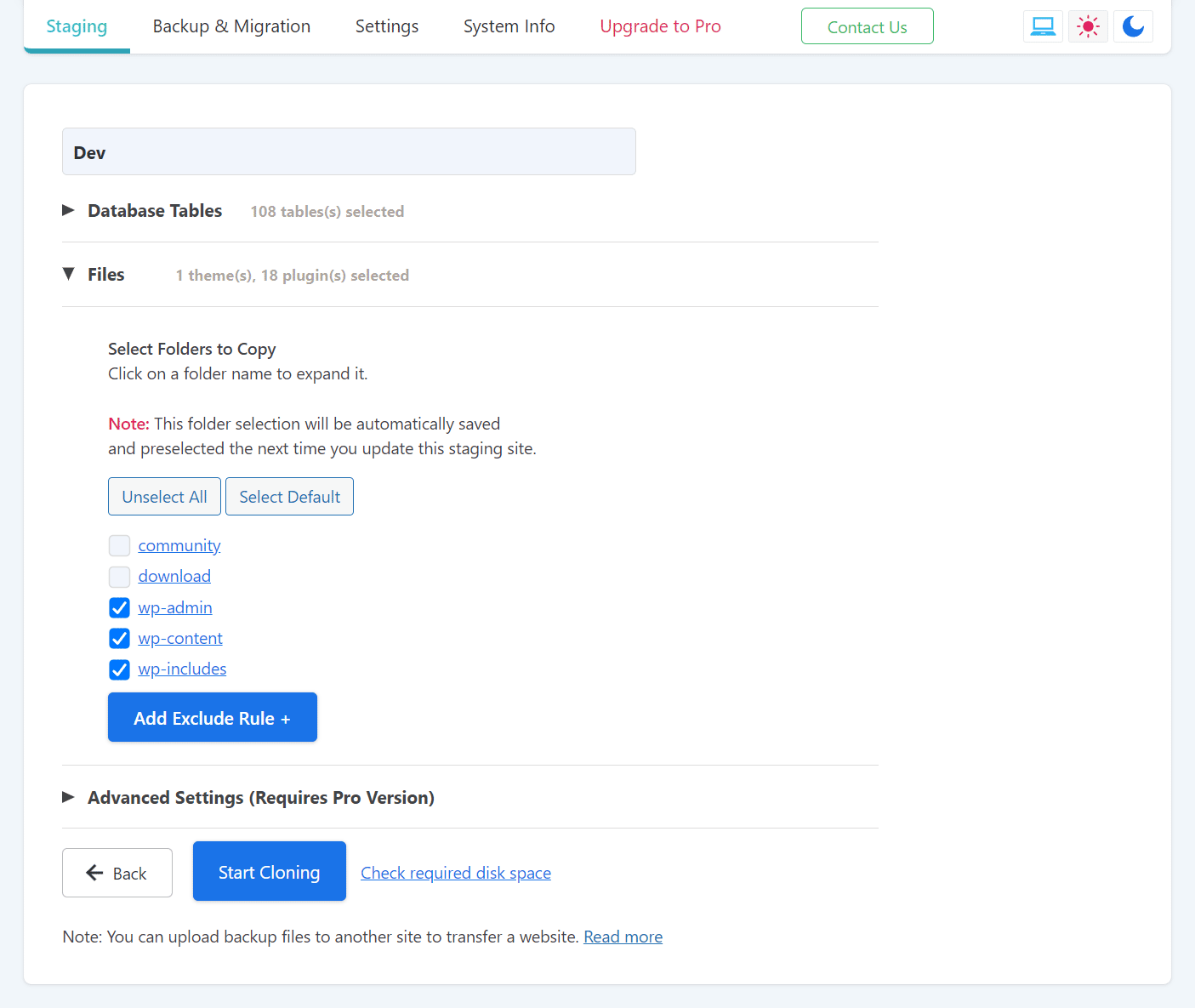
Create a full backup or an exact clone or copy of your website in minutes. Use it to duplicate your site, test plugin and theme updates safely, restore your site when needed, move or migrate WordPress to another server, transfer your site to a new host, or build a staging copy before making changes. WP STAGING also works as a WordPress duplicator, so you do not need a separate duplicator plugin to copy your website.
WP STAGING reliably backs up, clones, and migrates WooCommerce stores too, including orders, products, and customer data.
Read more Show less
WP STAGING is developed in Germany and designed for agencies, developers, and businesses that need reliable WordPress backup, recovery, staging, restore, and migration workflows.
WP STAGING | PRO also includes advanced workflows such as Remote Sync, which lets you pull a WordPress site securely from one server to another using an API key, and WP STAGING CLI, which can turn a WP STAGING backup into a local Docker-based development site.
All data stays on your server unless you choose a transfer or remote storage workflow. WP STAGING is designed for speed, reliability, and low-resource environments, including shared hosting.
WP STAGING automatically performs search and replace for links and paths during cloning, backup, restore, and migration workflows.
This staging and backup plugin can clone your website quickly and efficiently, even if it is running on a weak shared hosting server.
The features below are available in WP STAGING | PRO.
How to Backup and Restore WordPress
Backup and Restore WordPress
Backup & Transfer WordPress Site to Another Host
How to Migrate Your WordPress Site to a New Host
Remote Sync
Pull a WordPress Site from One Server to Another
Local Docker Development with WP STAGING CLI
WP STAGING CLI – Upgrade Now
All Backup Guides
All Backup Guides
Working with Staging Sites
Working with Staging Sites
FAQ for Backup & Cloning
FAQ for Backup & Cloning
Troubleshooting Backup & Cloning
Troubleshooting Backup & Cloning
Description published by Rene Hermenau on WordPress.org, licensed under GPLv2 or later.
Tags
backup
move
restore
transfer
wordpress backup
Screenshots
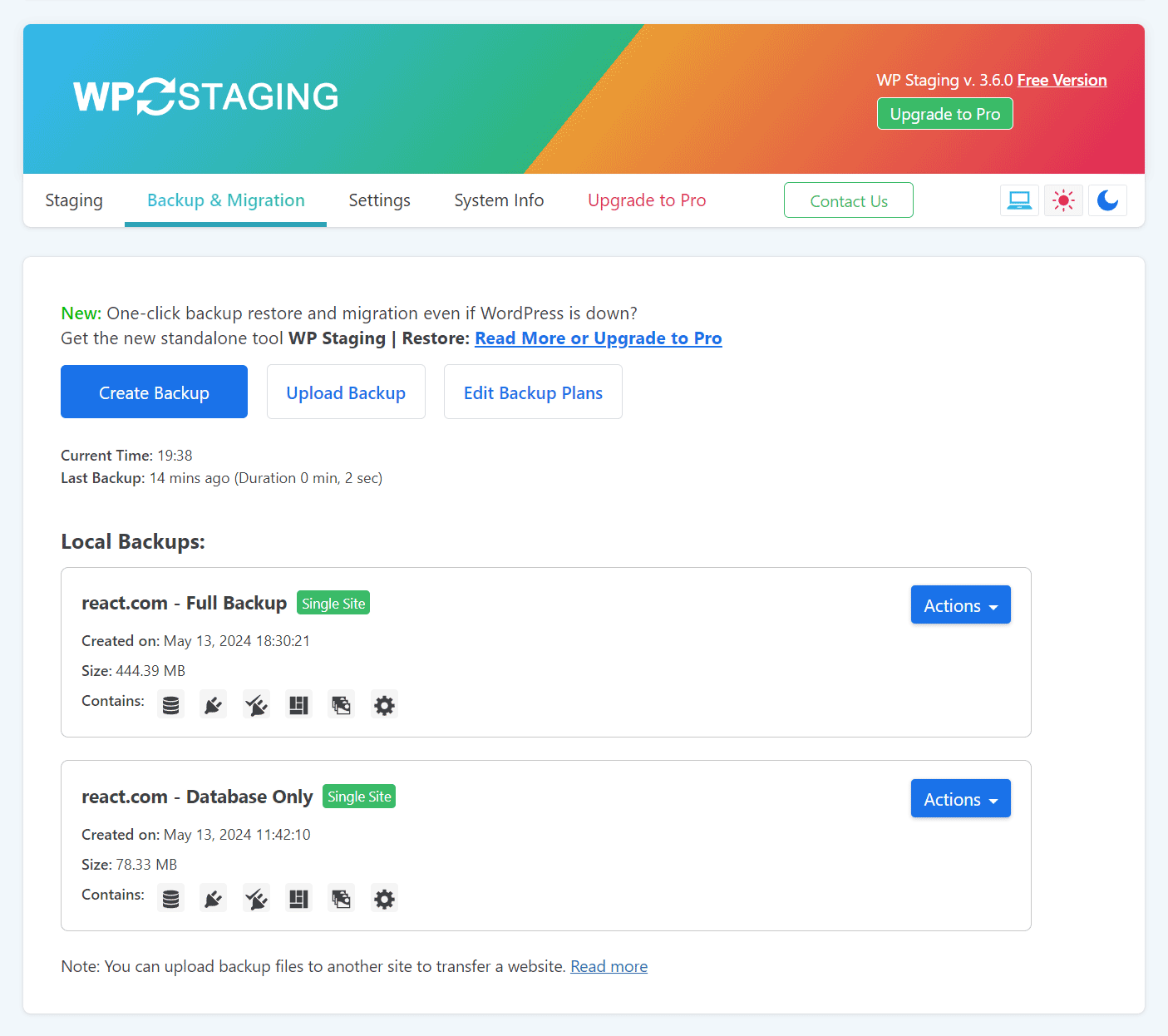
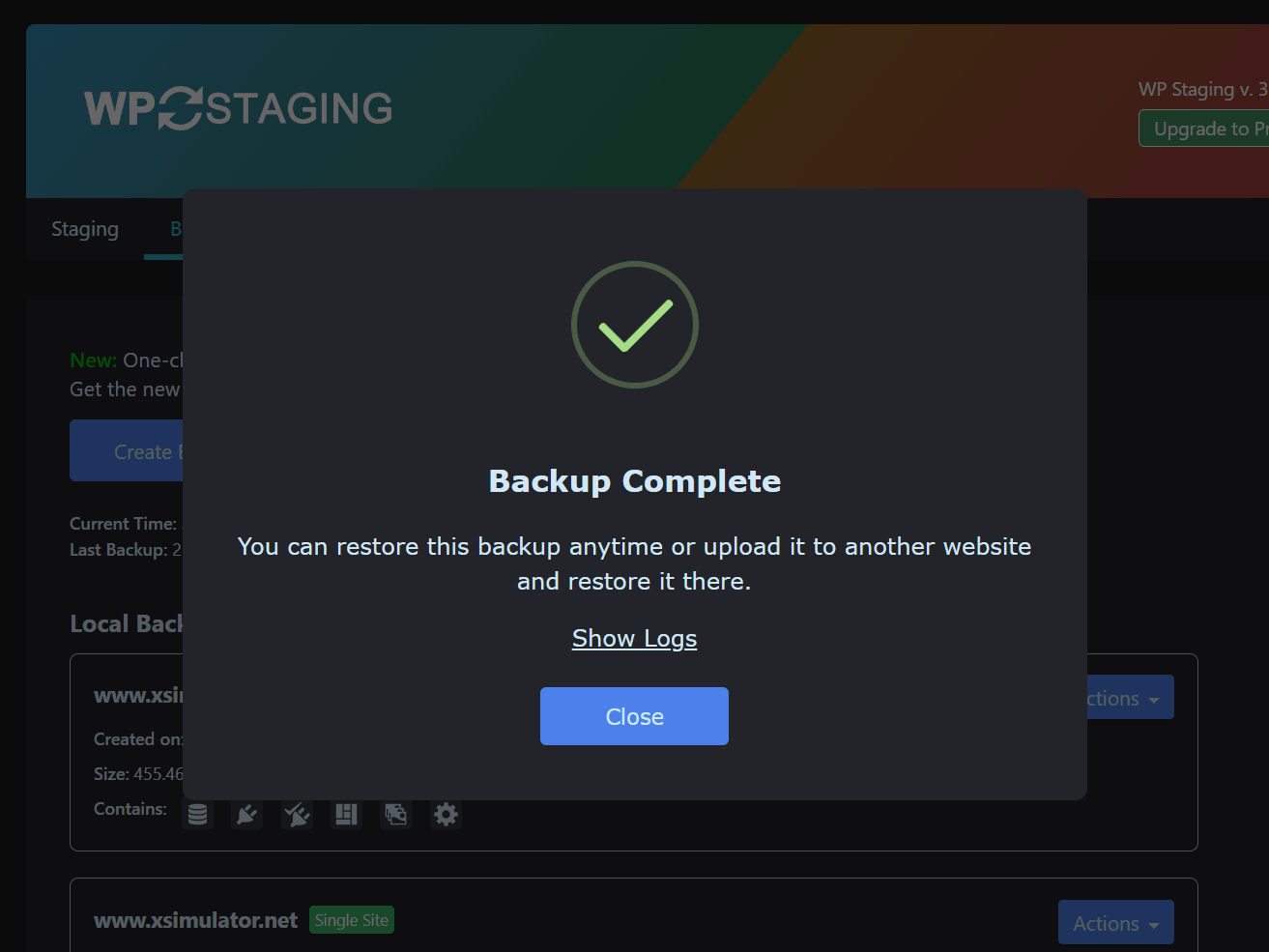
Screenshots published by Rene Hermenau on WordPress.org, licensed under GPLv2 or later.
Per-version history
Show per-version detail (2 versions)
Per-version history
Show per-version detail (2 versions)
How the plugin evolves version by version.
| Version | Homepage | Admin | Last scan |
|---|---|---|---|
| v4.13.1 | 1 scan | — | 1 month ago |
| v4.11.2 | 1 scan | — | 2 months ago |
Alternatives in the same category
Other ecommerce plugins measured by the community, ranked from lightest to heaviest.
Not enough scans yet to publish the score (1 received).
Not enough scans yet to publish the score (1 received).
Not enough scans yet to publish the score (1 received).
Not enough scans yet to publish the score (1 received).
Not enough scans yet to publish the score (1 received).
Scan history
Show individual scan log (2 scans)
Scan history
Show individual scan log (2 scans)
| Date | Version | Context | Score | Grade | Time | Memory |
|---|---|---|---|---|---|---|
| 1 month ago | v4.13.1 | Homepage | 100/100 | A | 2 ms | 0.0 MB |
| 2 months ago | v4.11.2 | Homepage | 96/100 | A | 12 ms | 0.0 MB |