
Impact score
Footprint Score across the two most representative contexts.
1 scans · last scan 2 months ago
Homepage Score
Impact measured on the public homepage
v2.10.2 · 1 scan · Consolidated score over 90 days · 1 versions
What it adds to every page load
- Added time
- 0 ms
- Added memory
- 0.0 MB
- SQL queries
- +0
- CSS/JS files
- +1
- External calls
- 0
Admin Score
Impact measured in the WordPress admin
About
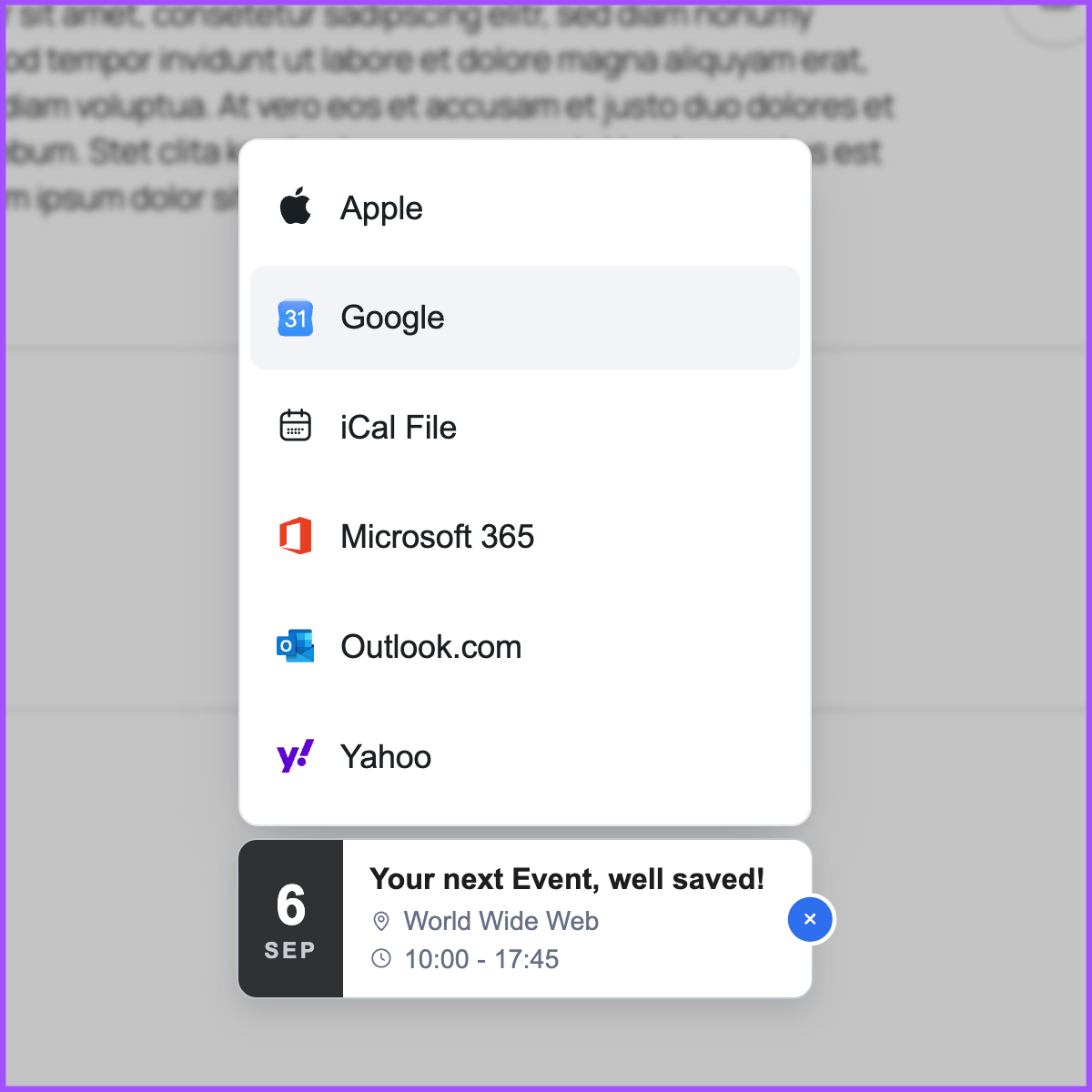
This WordPress plugin lets you create beautiful buttons with calendar links, where people can add events to their calendars.
All of this with just a few clicks and highly customizable, using the popular Add to Calendar Button script.
Check out the official website for a comprehensive demo and overview.
Read more Show less
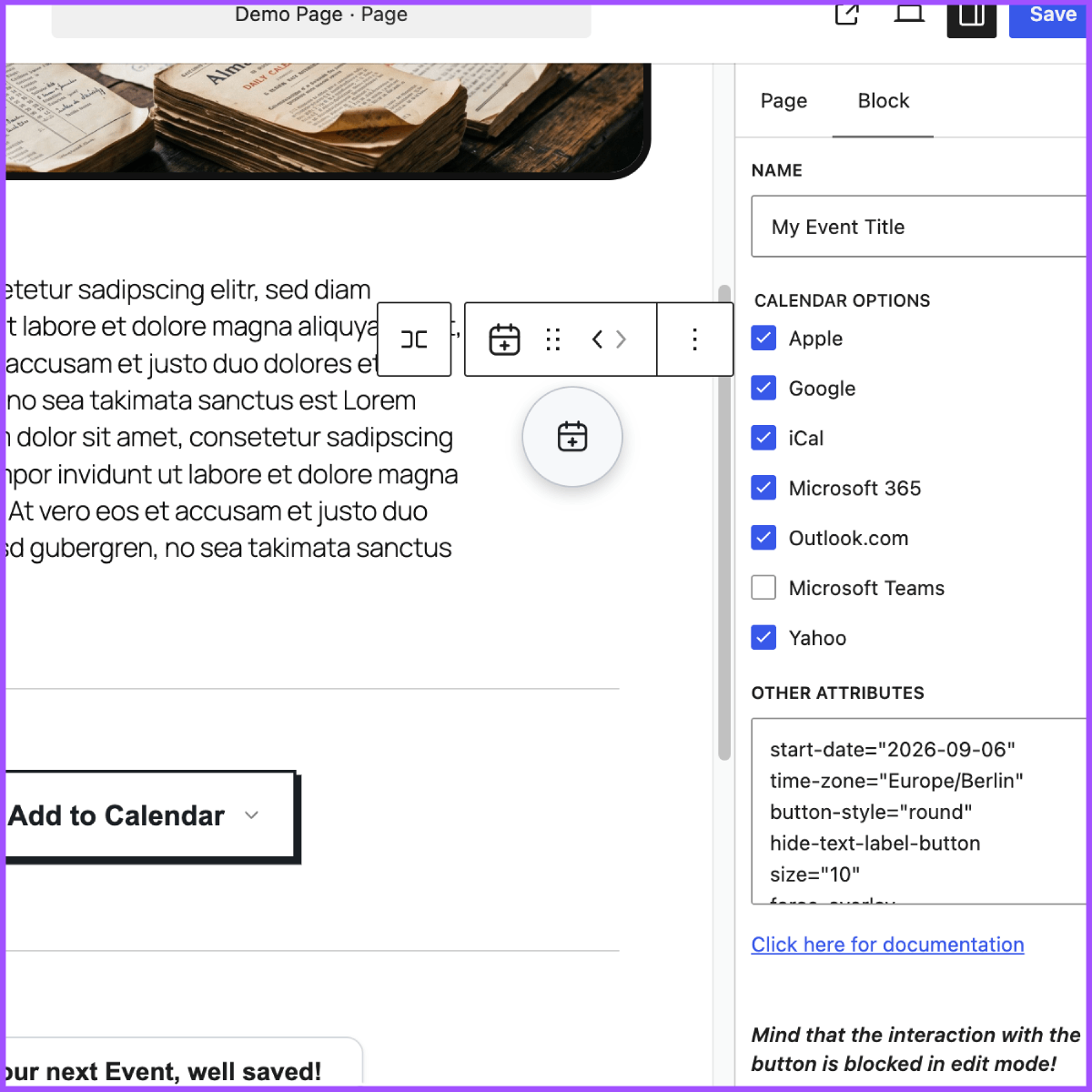
You can either use the shortcode [add-to-calendar-button] or the Gutenberg Block.
With the PRO version, it only takes the ID to make it fly.
In the no-PRO case, you simply place the necessary attributes directly in the shortcode, or at the Gutenberg Block settings.
(Mind that you cannot use ‘[‘ and ‘]’ characters, when going for the shortcode option! For content formatting, you can use {‘{‘}xxx{‘}’} instead of [xxx] there.)
Go even further with the PRO version…
→ Manage all details and styling via a convenient web app.
→ Use the same button to let people RSVP to your events – fully managed.
→ Get auto-generated landing pages and shareable links for your events.
→ Have better guidance for your users, when they add events to their calendars and things don’t go as expected.
👉 Learn more at add-to-calendar-pro.com.
The button comes with multiple themes as well as a dark and light mode.
You can easily adjust almost every element by setting the respective simple attributes.
In case you want to go all-in, you can also manipulate all kinds of colors and further styling.
Mind that the script to actually generate the Add to Calendar Button uses the Elastic License 2.0 (ELv2)!
This usually comes with no restrictions for you, but it forbids you to rework the core script and provide the product (generating an add-to-calendar-button) to others as a managed service.
In almost every case, this will not affect you. If you are not sure, because you are building some kind of SaaS, where you are using the plugin, simply contact us.
Description published by Add to Calendar on WordPress.org, licensed under GPLv3 or later.
Screenshots
Screenshots published by Add to Calendar on WordPress.org, licensed under GPLv3 or later.
Per-version history
Show per-version detail (1 version)
Per-version history
Show per-version detail (1 version)
How the plugin evolves version by version.
| Version | Homepage | Admin | Last scan |
|---|---|---|---|
| v2.10.2 | 1 scan | — | 2 months ago |
Scan history
Show individual scan log (1 scans)
Scan history
Show individual scan log (1 scans)
| Date | Version | Context | Score | Grade | Time | Memory |
|---|---|---|---|---|---|---|
| 2 months ago | v2.10.2 | Homepage | 100/100 | A | 0 ms | 0.0 MB |