



- Time
- 3 ms
- Memory
- 0.0 MB
- SQL
- +5
About
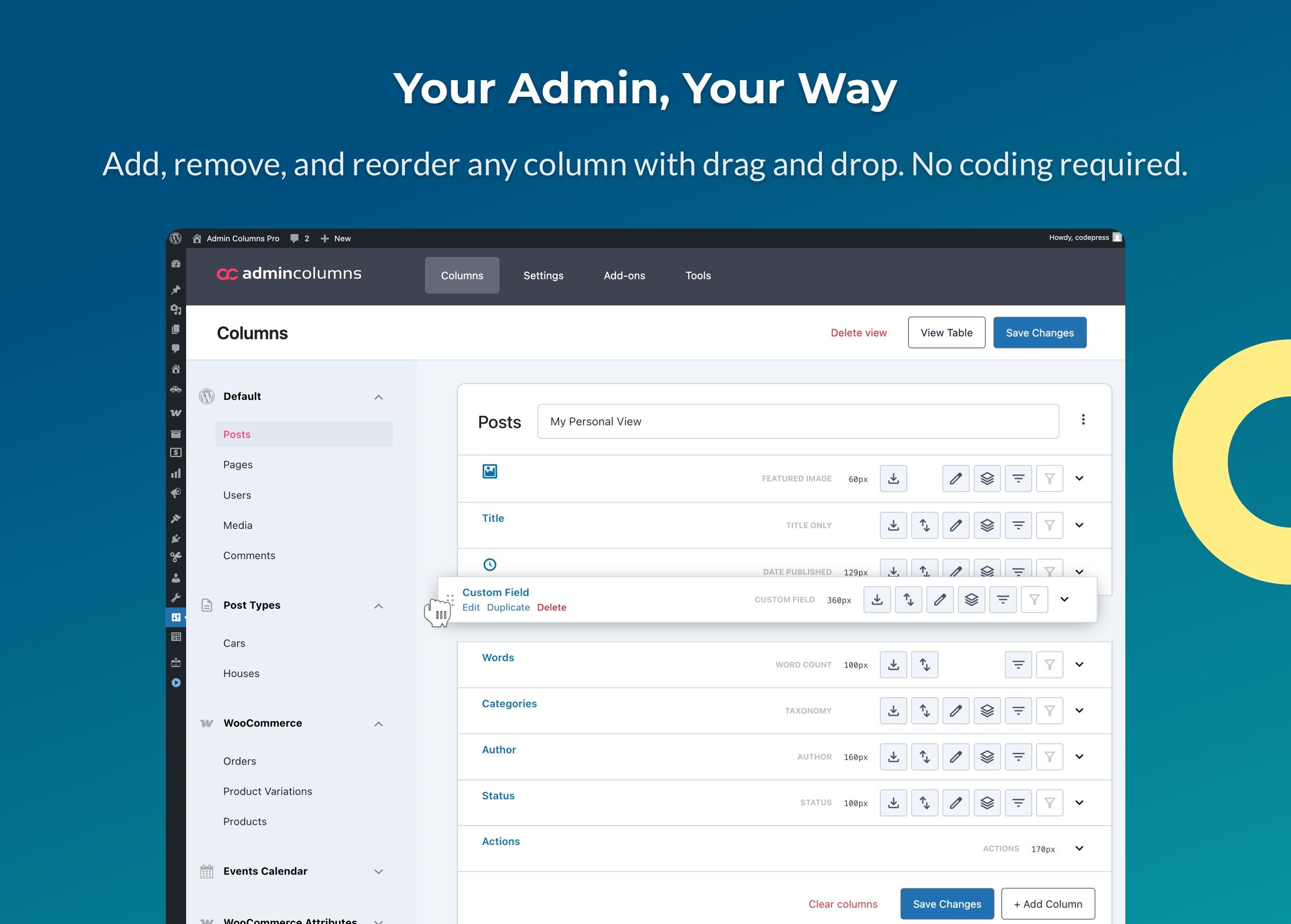
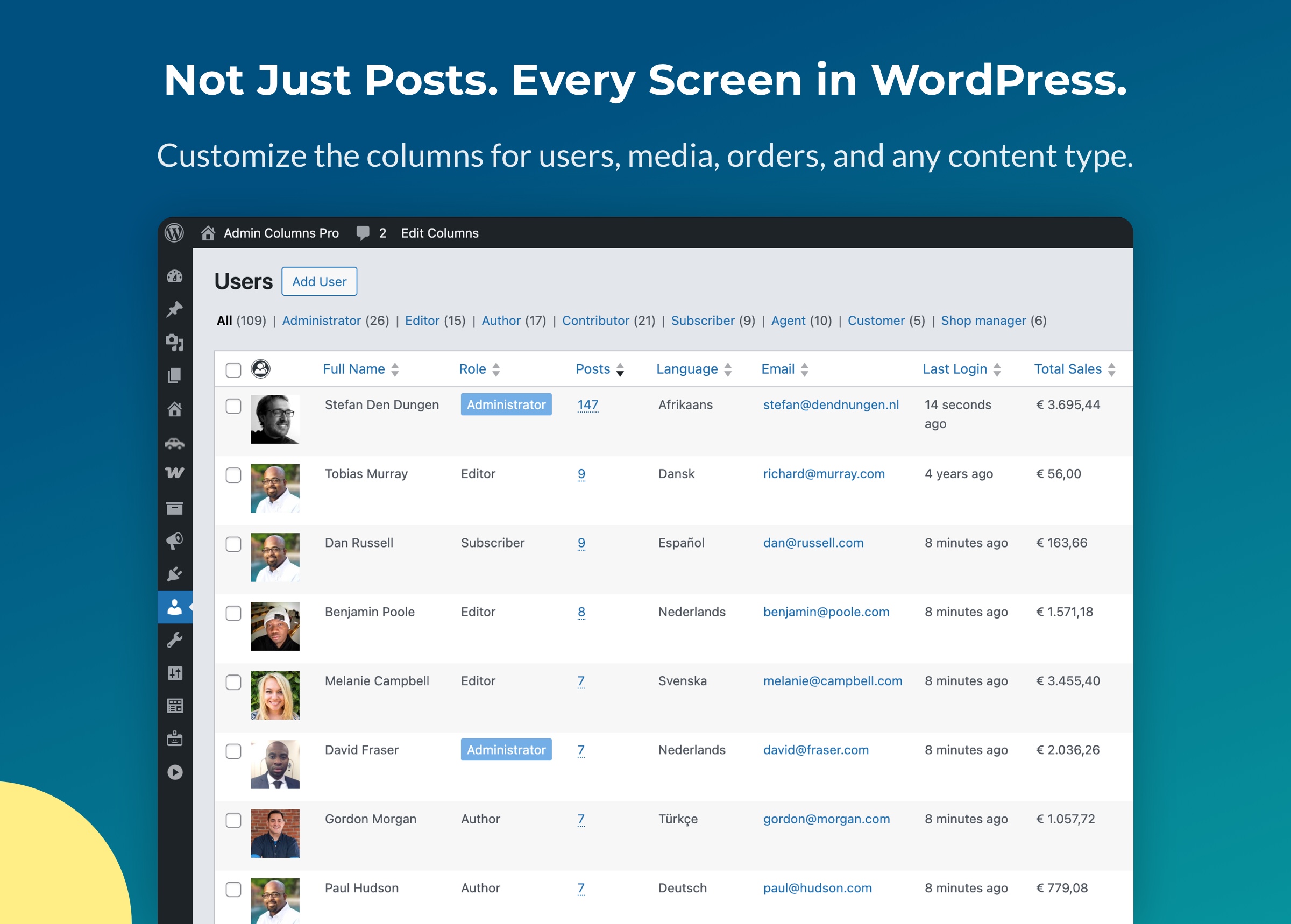
Admin Columns lets you customize and organize the columns displayed in the WordPress admin list tables for posts, pages, users, comments and media.
Instead of the limited default list table, you get to display the information you actually need – like custom fields, featured images, taxonomies, file data and more.
Trusted by 100,000+ WordPress sites worldwide.
Read more Show less
With a simple drag-and-drop interface you can:
It works for any site from simple blogs to large WooCommerce stores.
Default WordPress list tables are limited. They often show only the title, author and date.
Admin Columns turns them into useful management screens that show you what matters.
Examples:
Admin Columns is used by developers, agencies and site owners to manage content more efficiently.
Common setups:
Admin Columns is open source and built to be extended. Use actions and filters to register custom column types, modify output or integrate with your own plugins.
Explore the developer documentation.
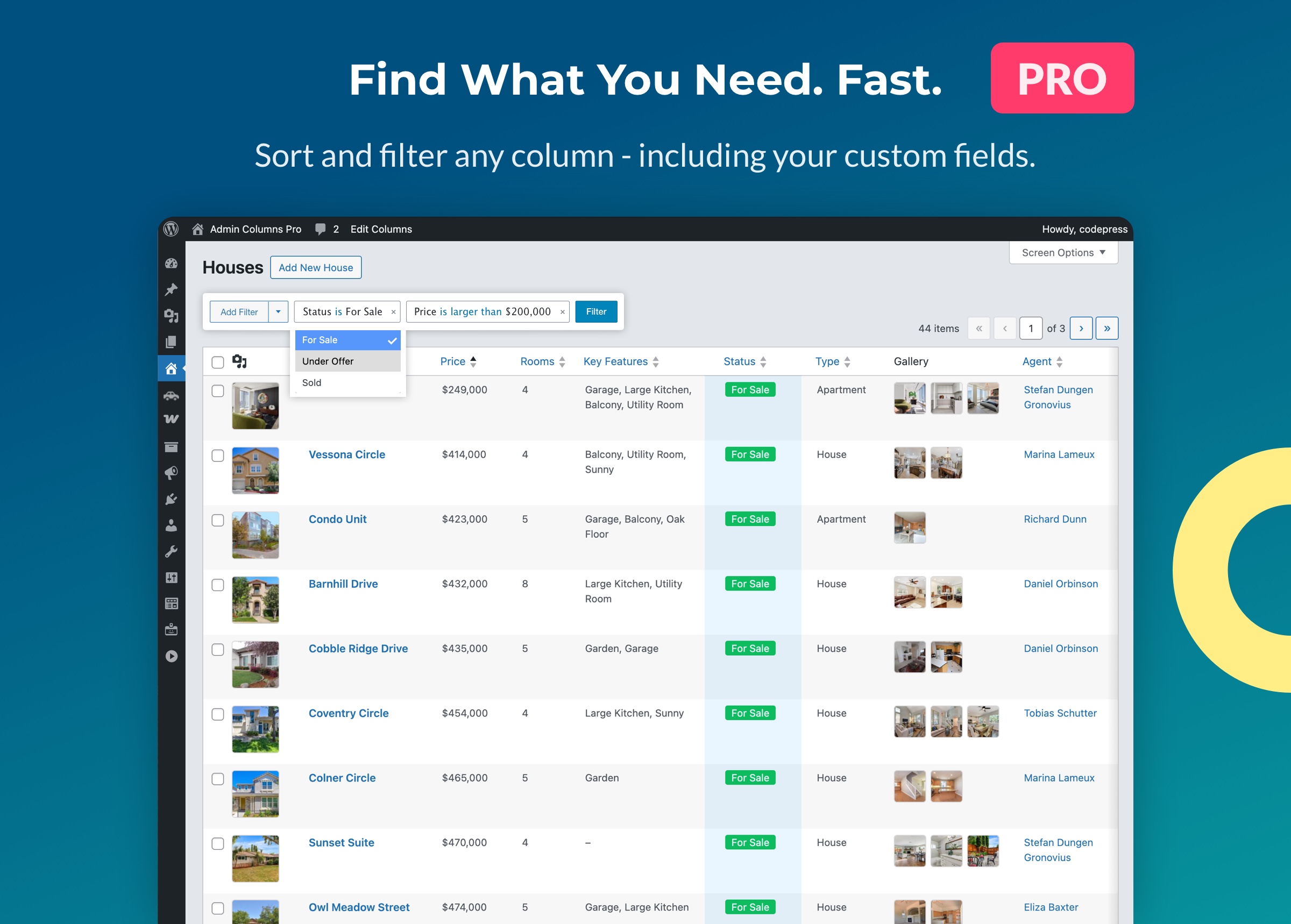
Upgrade to Admin Columns Pro for sorting, filtering, inline editing and more. With Pro you can:
Admin Columns Pro also provides deep integrations with popular plugins:
Learn more about the additional features of Admin Columns Pro on our website:
Admin Columns works with the following WordPress admin screens:
Admin Columns allows you to display custom fields (post meta and user meta) directly in the admin list table.
Supported field formats include:
Is this your first time using Admin Columns? Check out our documentation and guides:
Documentation
Getting Started
Developer documentation
Need help? Please visit the Admin Columns support forums.
Admin Columns is open source and community-driven. There are several ways to contribute:
Description published by Codepress on WordPress.org, licensed under GPLv3.
Tags
admin columns
columns
custom fields
list table
woocommerce
Screenshots
Screenshots published by Codepress on WordPress.org, licensed under GPLv3.
Alternatives in the same category
Other ecommerce plugins measured by the community, ranked from lightest to heaviest.
- Time
- 334 ms
- Memory
- 20.0 MB
- SQL
- +15
Not enough scans yet to publish the score (1 received).
Not enough scans yet to publish the score (1 received).
Not enough scans yet to publish the score (3 received).
Not enough scans yet to publish the score (1 received).