
Not enough scans yet to publish the score (3 received).
About
A Mailchimp integration for Contact Form 7 that also connects forms to Brevo, MailerLite, and Klaviyo. Send form submissions to email marketing lists, audiences, or groups without replacing Contact Form 7 or adding a separate automation platform.
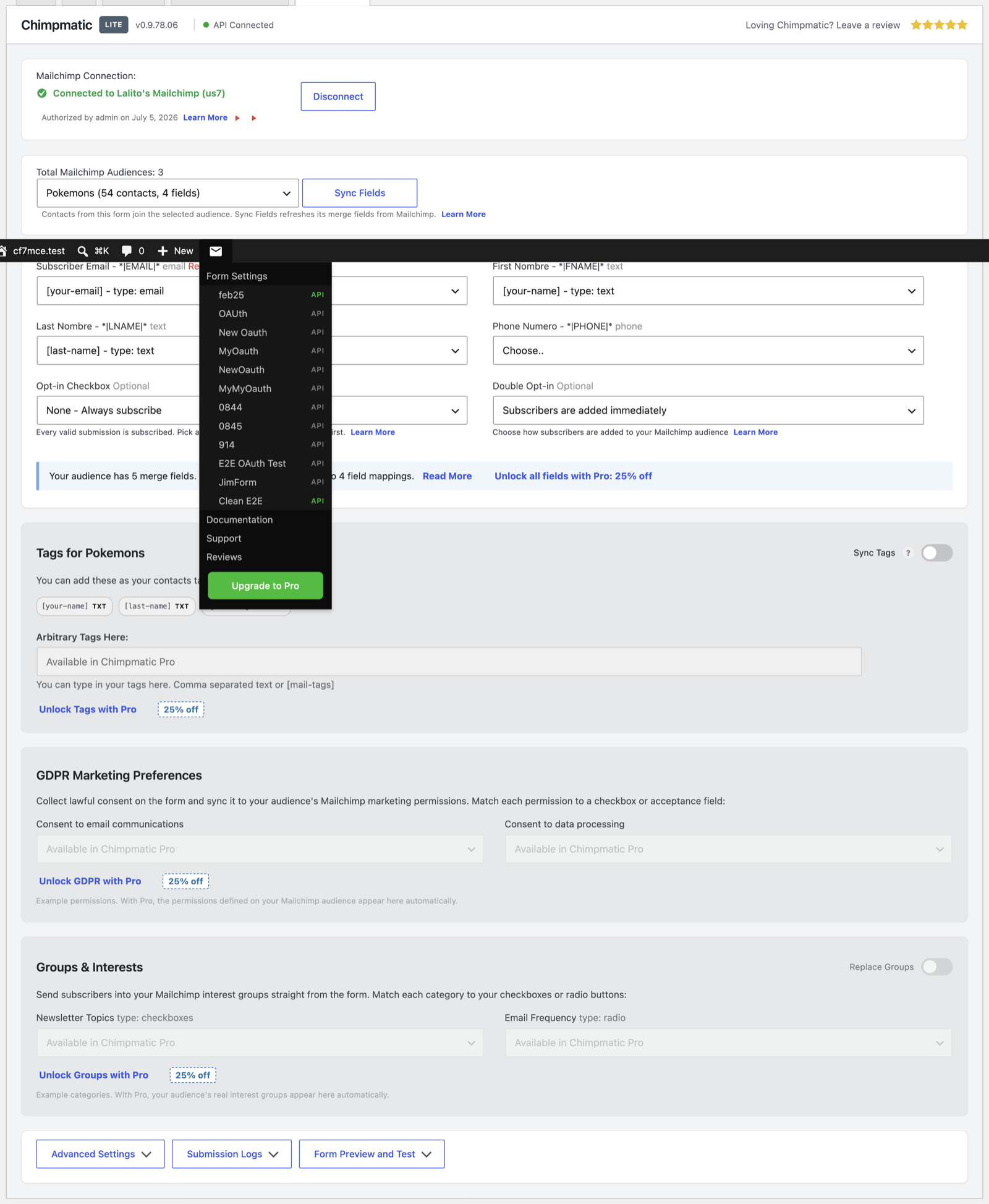
Choose a provider for each form, connect the account, select a destination, and map Contact Form 7 fields to subscriber fields. Existing Mailchimp forms keep their saved audience, field mappings, credentials, and opt-in settings after upgrading.
New to this? Start with the basic setup walkthrough, or read the 2026 guide to Contact Form 7 and Mailchimp automation.
Read more Show less
Choose one provider independently for each Contact Form 7 form. Each integration sends submitted subscriber data directly to the audience, list, or group selected in that form’s settings.
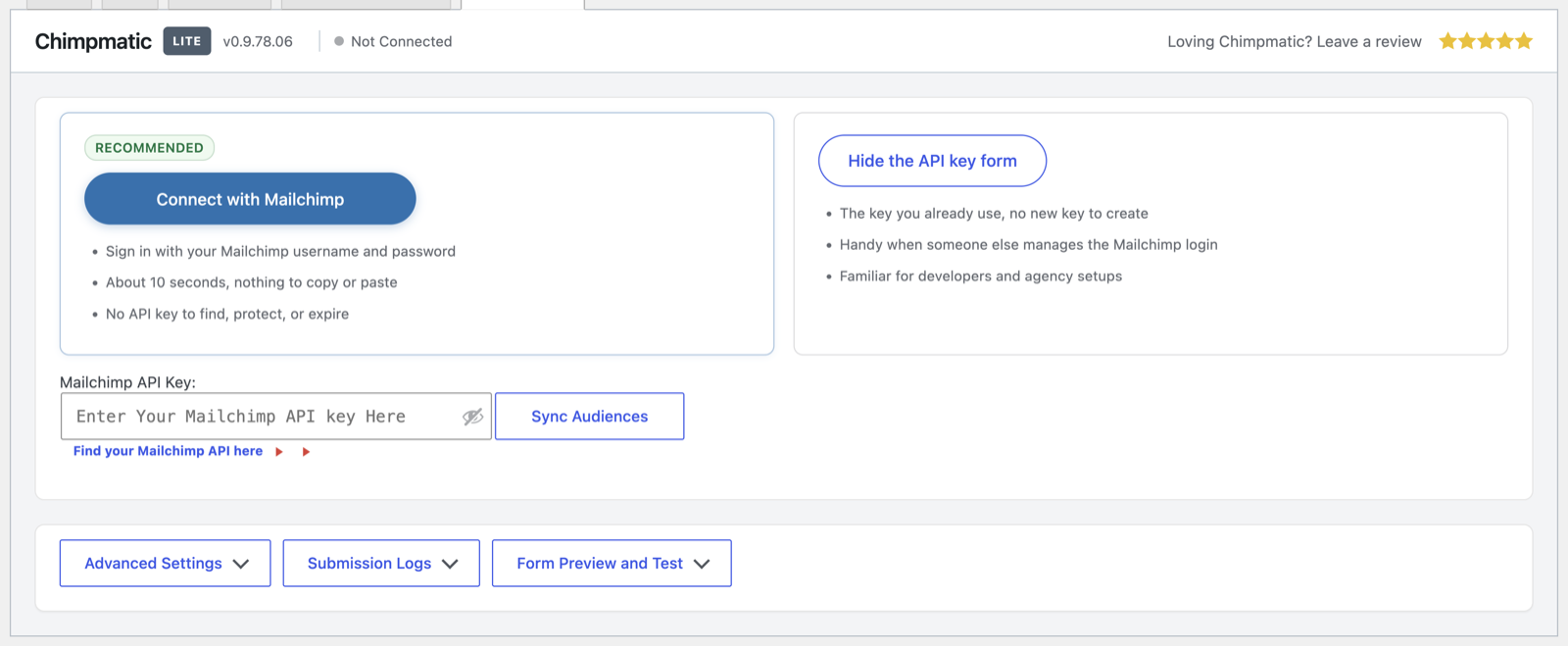
Mailchimp integration for Contact Form 7 – Connect through one-click OAuth or an API key, choose an audience, map merge fields, and select single or double opt-in. Read the Mailchimp setup guide.
Brevo integration for Contact Form 7 – Connect with a Brevo API key, choose a list, map contact attributes, and select direct subscription or a Brevo confirmation email. Read the Brevo setup guide.
MailerLite integration for Contact Form 7 – Connect with a MailerLite API token, choose a group, and map subscriber fields. Double opt-in follows the MailerLite account setting. Read the MailerLite setup guide.
Klaviyo integration for Contact Form 7 – Connect with a Klaviyo private API key, choose a list, and map profile properties. Confirmation behavior follows the selected Klaviyo list. Read the Klaviyo setup guide.
ChimpMatic adds a focused integration panel to each Contact Form 7 form. It does not replace your forms, introduce another form builder, or require a generic automation service between WordPress and your email provider.
Wondering how this compares to the alternatives? We set out the trade-offs in our Mailchimp plugin comparison and our marketing automation comparison.
ChimpMatic Pro is an optional add-on for teams that need advanced provider features, expanded field mapping, advanced consent controls, subscriber tagging, and priority support. ChimpMatic Lite remains a complete Contact Form 7 integration on its own.
Compare ChimpMatic Lite and Pro · Pricing · Installing Pro
ChimpMatic is independently developed and is not affiliated with or endorsed by Mailchimp, Brevo, MailerLite, or Klaviyo. When a configured form is submitted, its email address, mapped fields, destination, and consent choice are sent directly to the provider you selected; an account with that provider is required. Full detail is in our external services disclosure and privacy policy.
Tags
brevo
contact form 7
Klaviyo
mailchimp
mailerlite
Screenshots
Author-supplied previews from wordpress.org.
Alternatives in the same category
Other forms plugins measured by the community, ranked from lightest to heaviest.
Not enough scans yet to publish the score (1 received).
Not enough scans yet to publish the score (3 received).
Not enough scans yet to publish the score (3 received).
Not enough scans yet to publish the score (1 received).
Not enough scans yet to publish the score (1 received).
Scan history
Show individual scan log (1 scans)
Scan history
Show individual scan log (1 scans)
| Date | Version | Context | Score | Grade | Time | Memory |
|---|---|---|---|---|---|---|
| 1 hour ago | v0.9.81.16 | messages.page_type.custom | 72/100 | B | 530 ms | 0.0 MB |