
Impact score
Footprint Score across the two most representative contexts.
3 scans · last scan 1 month ago
Homepage Score
Impact measured on the public homepage
v2.3.0 · 3 scans · Consolidated score over 90 days · 1 versions
What it adds to every page load
- Added time
- 13 ms
- Added memory
- 0.0 MB
- SQL queries
- +0
- CSS/JS files
- +0
- External calls
- 0
Admin Score
Impact measured in the WordPress admin
About
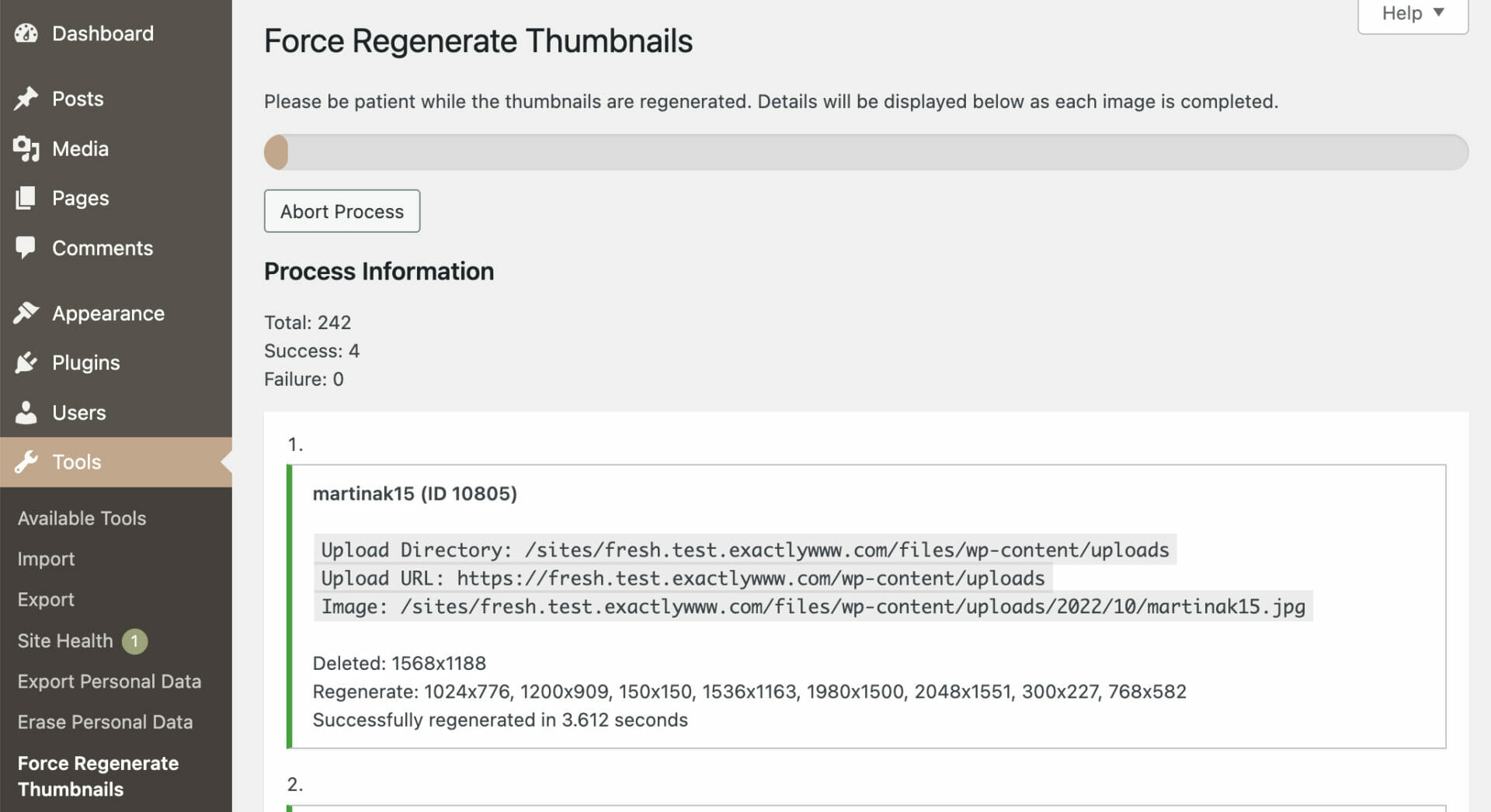
Force Regenerate Thumbnails allows you to delete all old images sizes and REALLY regenerate the thumbnails for your uploads.
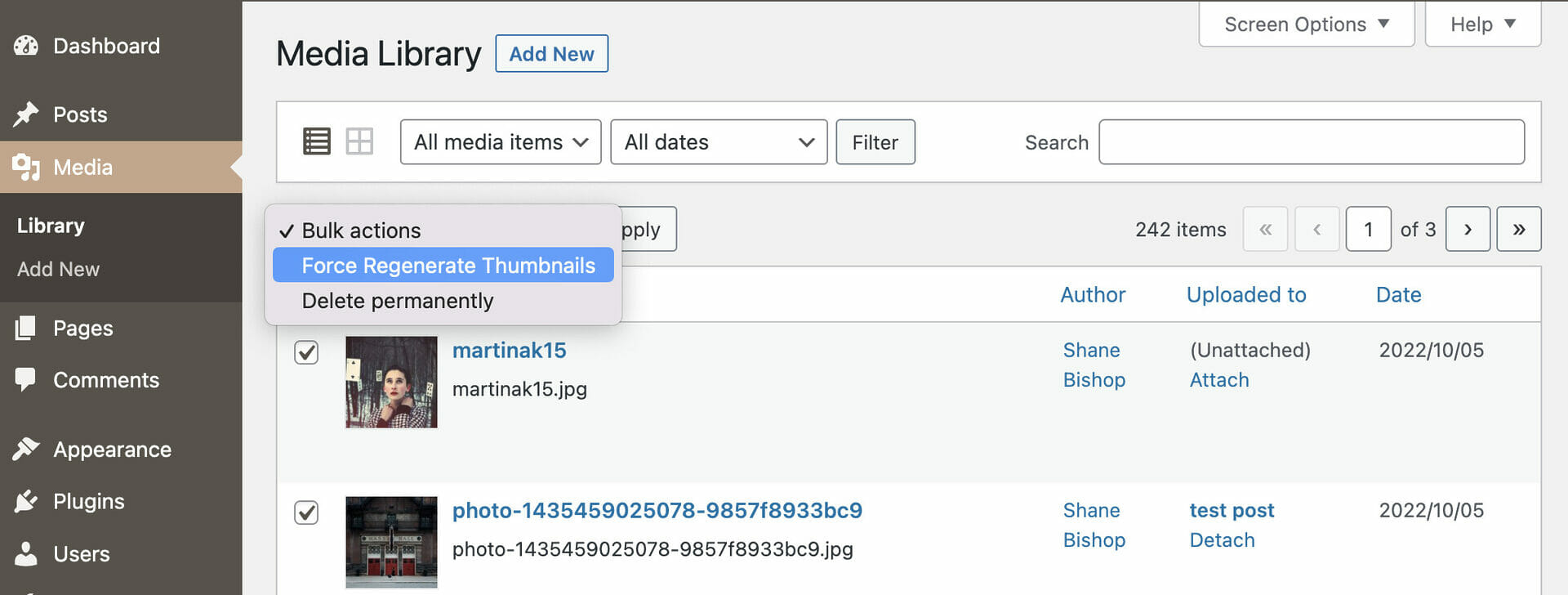
Regenerate all thumbnails from the Tools admin menu. Regenerate batches of images via the Media Library list mode. Select the images to regenerate and then use the Bulk Actions drop-down menu to Force Regenerate Thumbnails. Use attachment actions to regenerate thumbnails for a single image.
Several filters exist for advanced usage. See more via this gist.
Read more Show less
You may report security issues through our Patchstack Vulnerability Disclosure Program. The Patchstack team helps validate, triage and handle any security vulnerabilities. Report a security vulnerability.
Description published by Shane Bishop on WordPress.org, licensed under GPLv2.
Screenshots
Screenshots published by Shane Bishop on WordPress.org, licensed under GPLv2.
Per-version history
Show per-version detail (1 version)
Per-version history
Show per-version detail (1 version)
How the plugin evolves version by version.
| Version | Homepage | Admin | Last scan |
|---|---|---|---|
| v2.3.0 | 3 scans | — | 1 month ago |
Scan history
Show individual scan log (3 scans)
Scan history
Show individual scan log (3 scans)
| Date | Version | Context | Score | Grade | Time | Memory |
|---|---|---|---|---|---|---|
| 1 month ago | v2.3.0 | Homepage | 100/100 | A | 0 ms | 0.0 MB |
| 1 month ago | v2.3.0 | Homepage | 99/100 | A | 13 ms | 0.0 MB |
| 1 month ago | v2.3.0 | Homepage | 95/100 | A | 28 ms | 0.0 MB |