
Not enough scans yet to publish the score (2 received).
About
LiteSpeed Cache for WordPress (LSCWP) is an all-in-one site acceleration plugin, featuring an exclusive server-level cache and a collection of optimization features.
LSCWP supports WordPress Multisite and is compatible with most popular plugins, including WooCommerce, bbPress, and Yoast SEO.
LiteSpeed Cache for WordPress is compatible with ClassicPress.
Read more Show less
General Features may be used by anyone with any web server (LiteSpeed, Apache, NGINX, etc.).
LiteSpeed Exclusive Features require one of the following: OpenLiteSpeed, commercial LiteSpeed products, LiteSpeed-powered hosting, or QUIC.cloud CDN. Why?
+ This service is not provided by the LSCache plugin, nor is it guaranteed to be installed by your service provider. However, the plugin is compatible with the service if it is in use on your site.
* Feature not available in OpenLiteSpeed
The vast majority of plugins and themes are compatible with LSCache. Our API is available for those that are not. Use the API to customize smart purging, customize cache rules, create cache varies, and make WP nonce cacheable, among other things.
This plugin includes some suggested text that you can add to your site’s Privacy Policy via the Guide in the WordPress Privacy settings.
For your own information: LiteSpeed Cache for WordPress potentially stores a duplicate copy of every web page on display on your site. The pages are stored locally on the system where LiteSpeed server software is installed and are not transferred to or accessed by LiteSpeed employees in any way, except as necessary in providing routine technical support if you request it. All cache files are temporary, and may easily be purged before their natural expiration, if necessary, via a Purge All command. It is up to individual site administrators to come up with their own cache expiration rules.
In addition to caching, our WordPress plugin has online features provided by QUIC.cloud for Image Optimization and Page Optimization services. When one of these optimizations is requested, data is transmitted to a remote QUIC.cloud server, processed, and then transmitted back for use on your site. QUIC.cloud keeps copies of that data for up to 7 days and then permanently deletes it. Similarly, the WordPress plugin has a Reporting feature whereby a site owner can transmit an environment report to LiteSpeed so that we may better provide technical support. None of these features collects any visitor data. Only server and site data are involved.
QUIC.cloud CDN, if enabled, uses LSCache technology to access your site, and serve your content from remote global nodes. Your data is not accessed by QUIC.cloud employees in any way, except as necessary in providing maintenance or technical support.
Please see the QUIC.cloud Privacy Policy for our complete Privacy/GDPR statement.
Description published by LiteSpeed Technologies on WordPress.org, licensed under GPLv3.
Tags
caching
Optimize
pagespeed
performance
seo
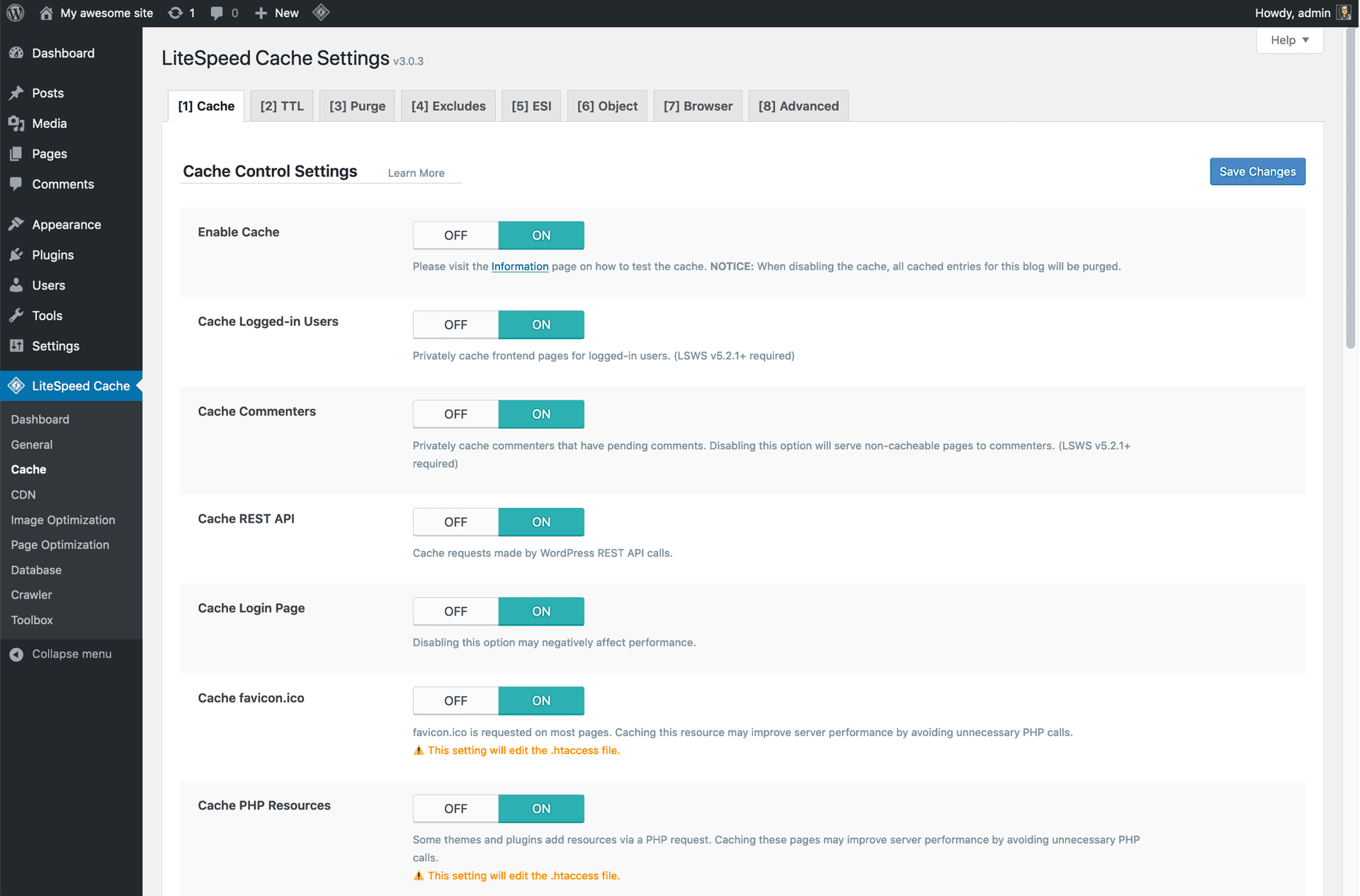
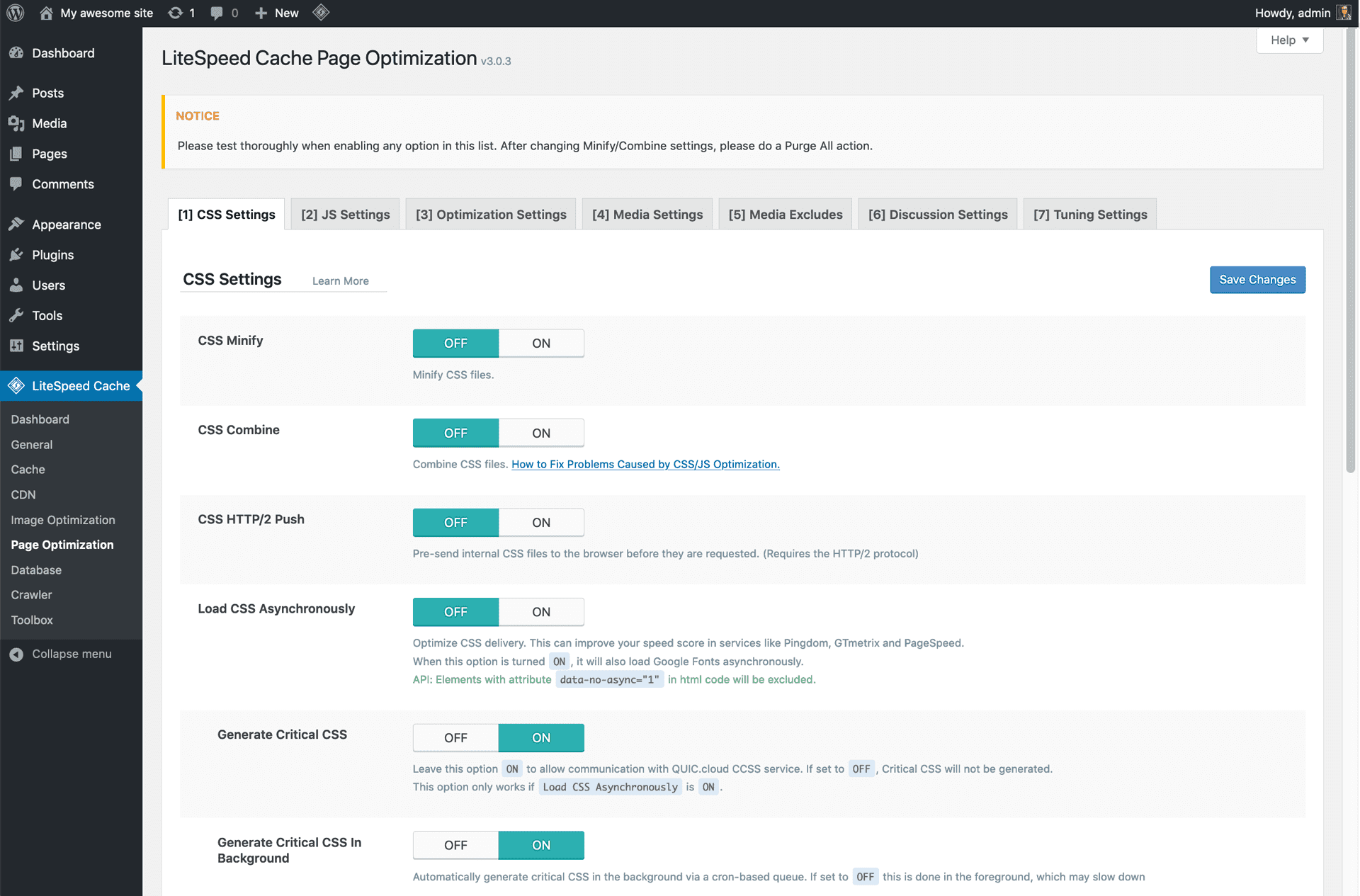
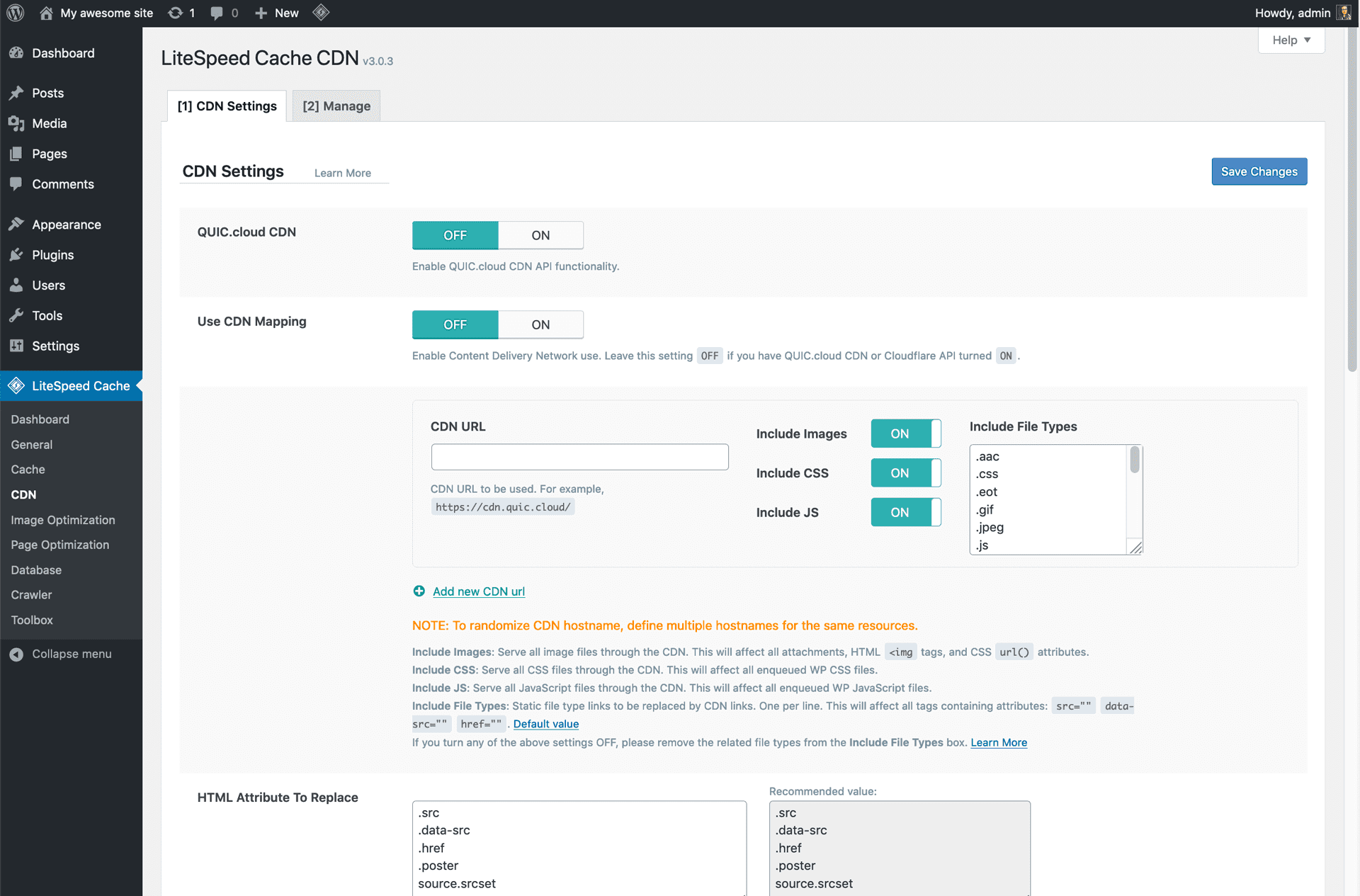
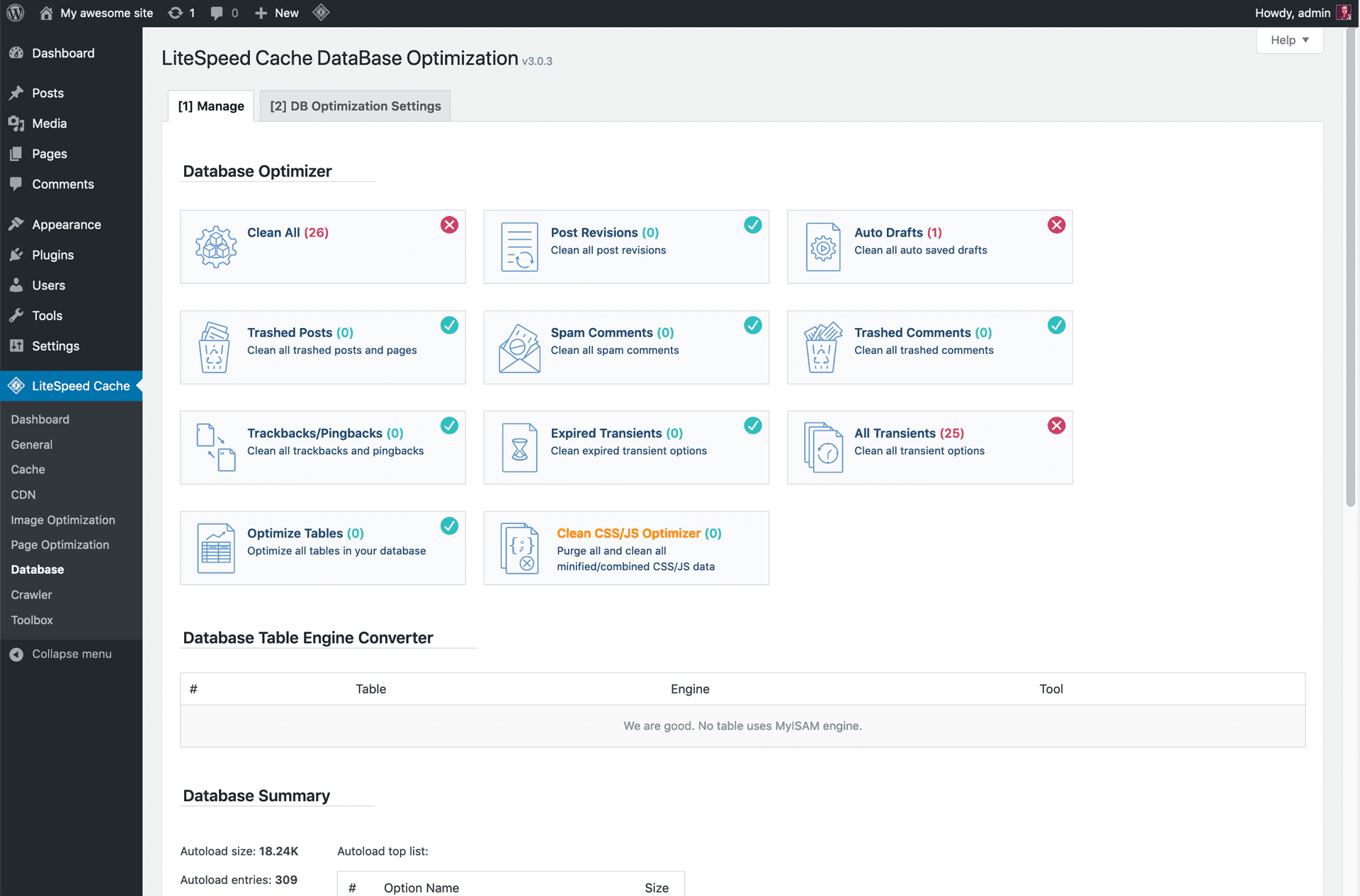
Screenshots
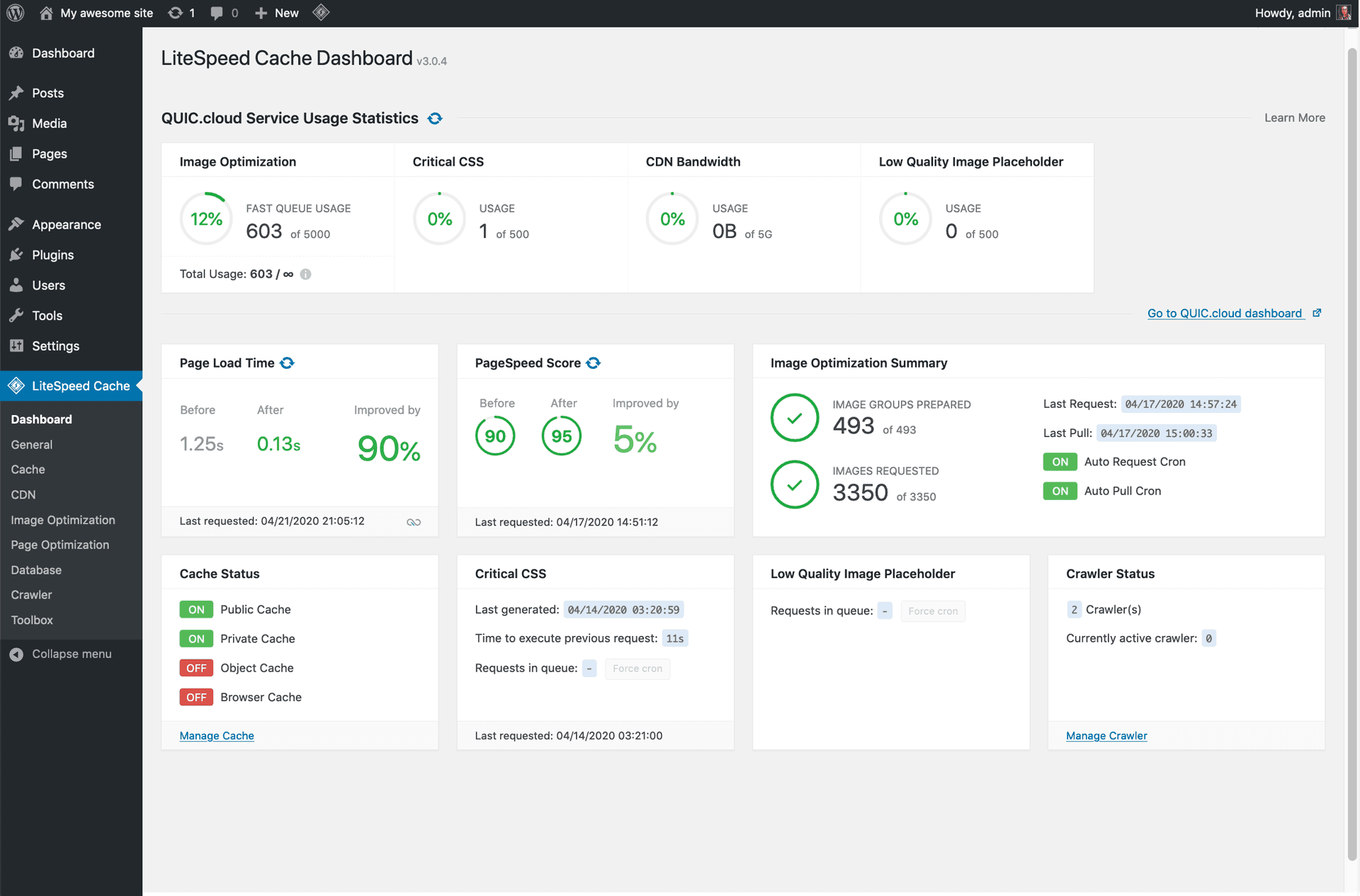
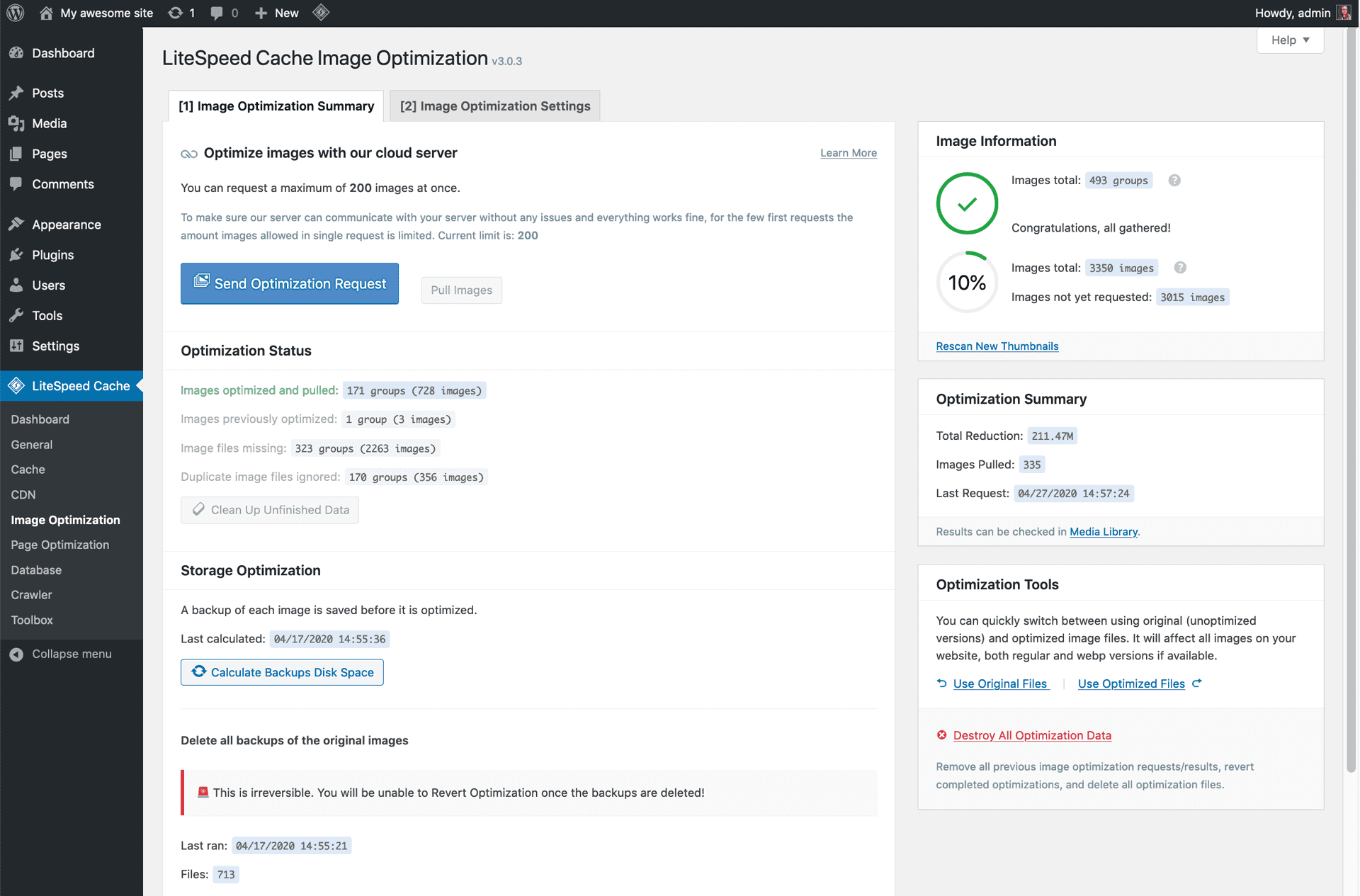
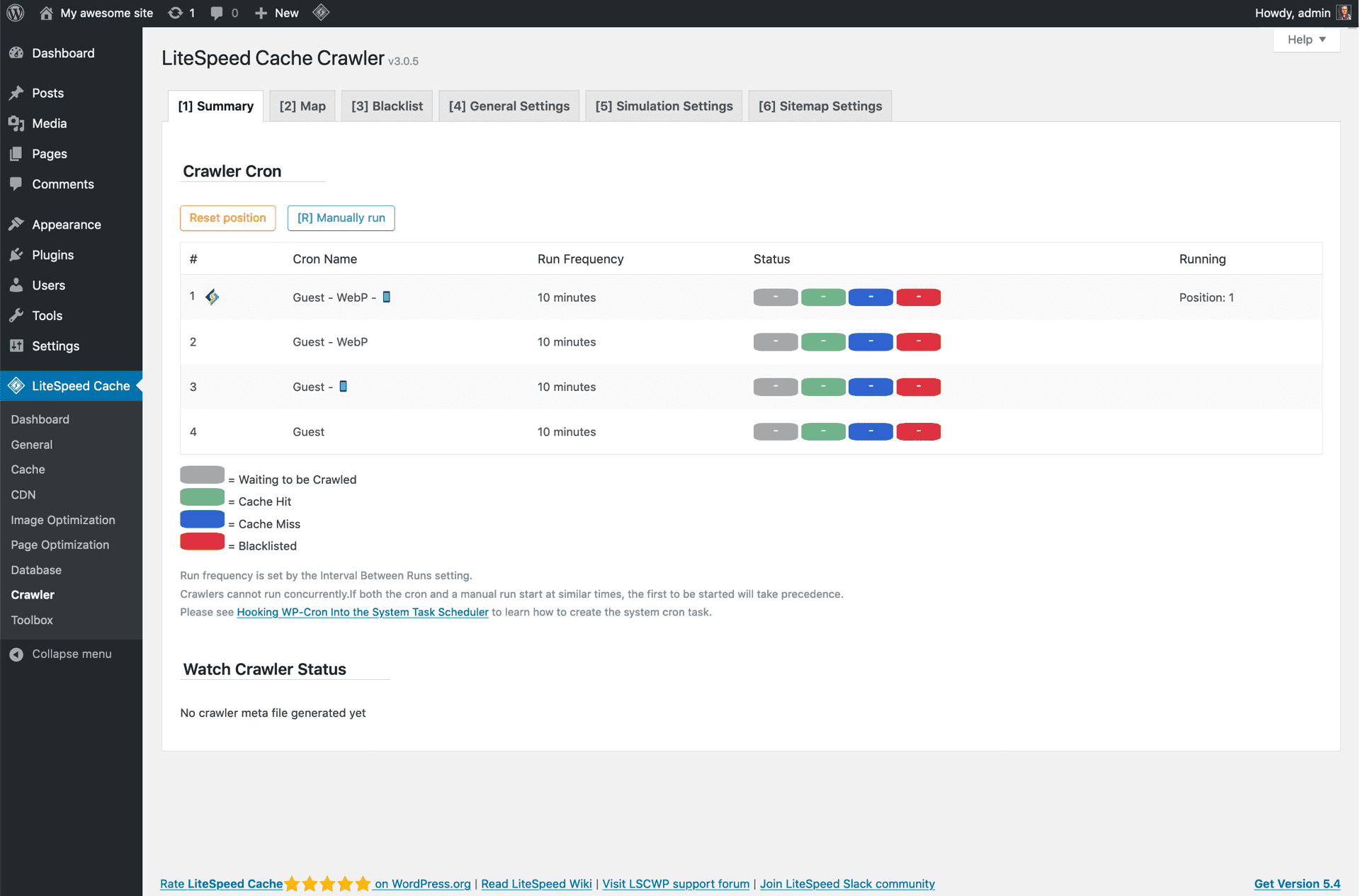
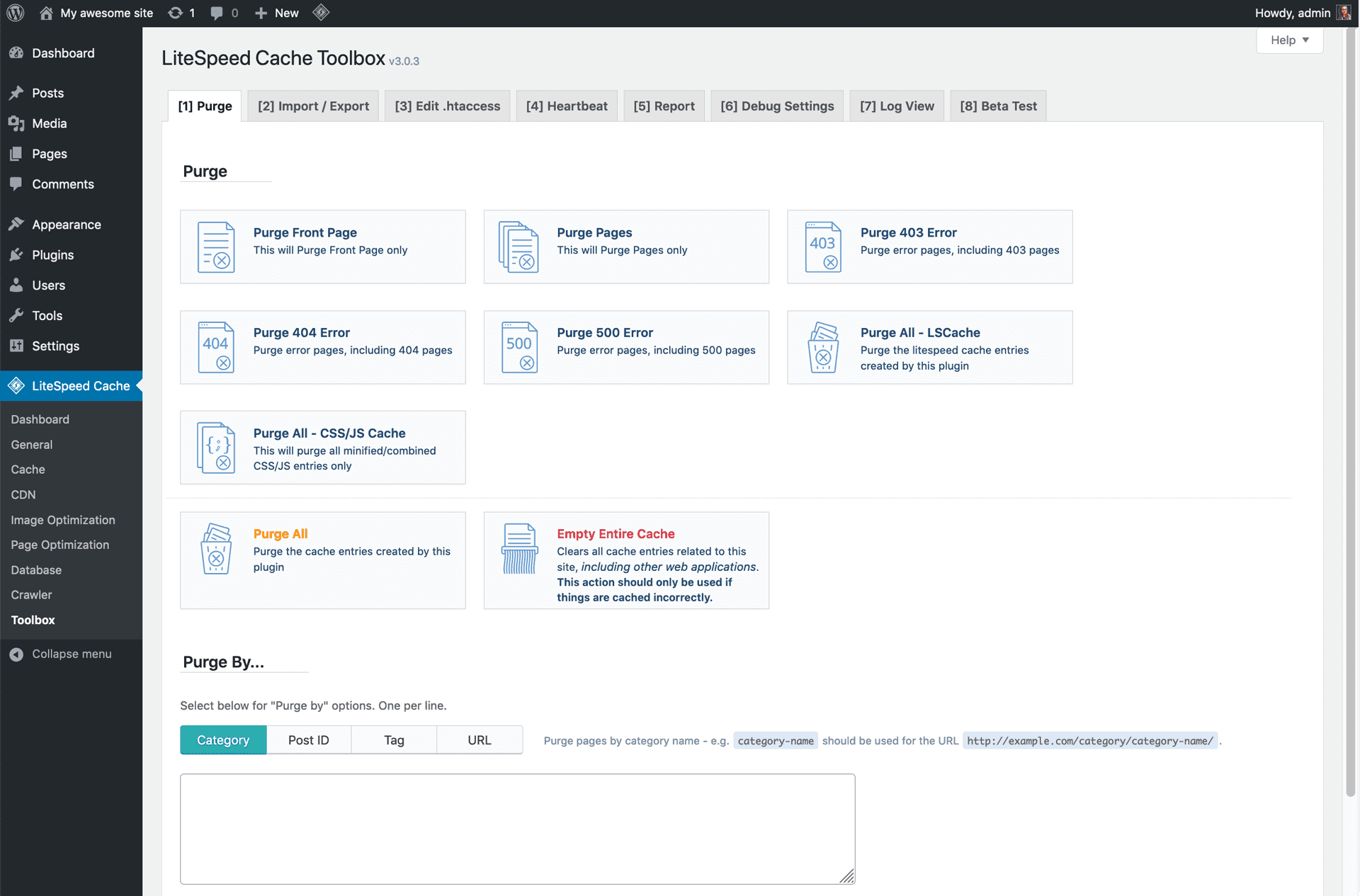
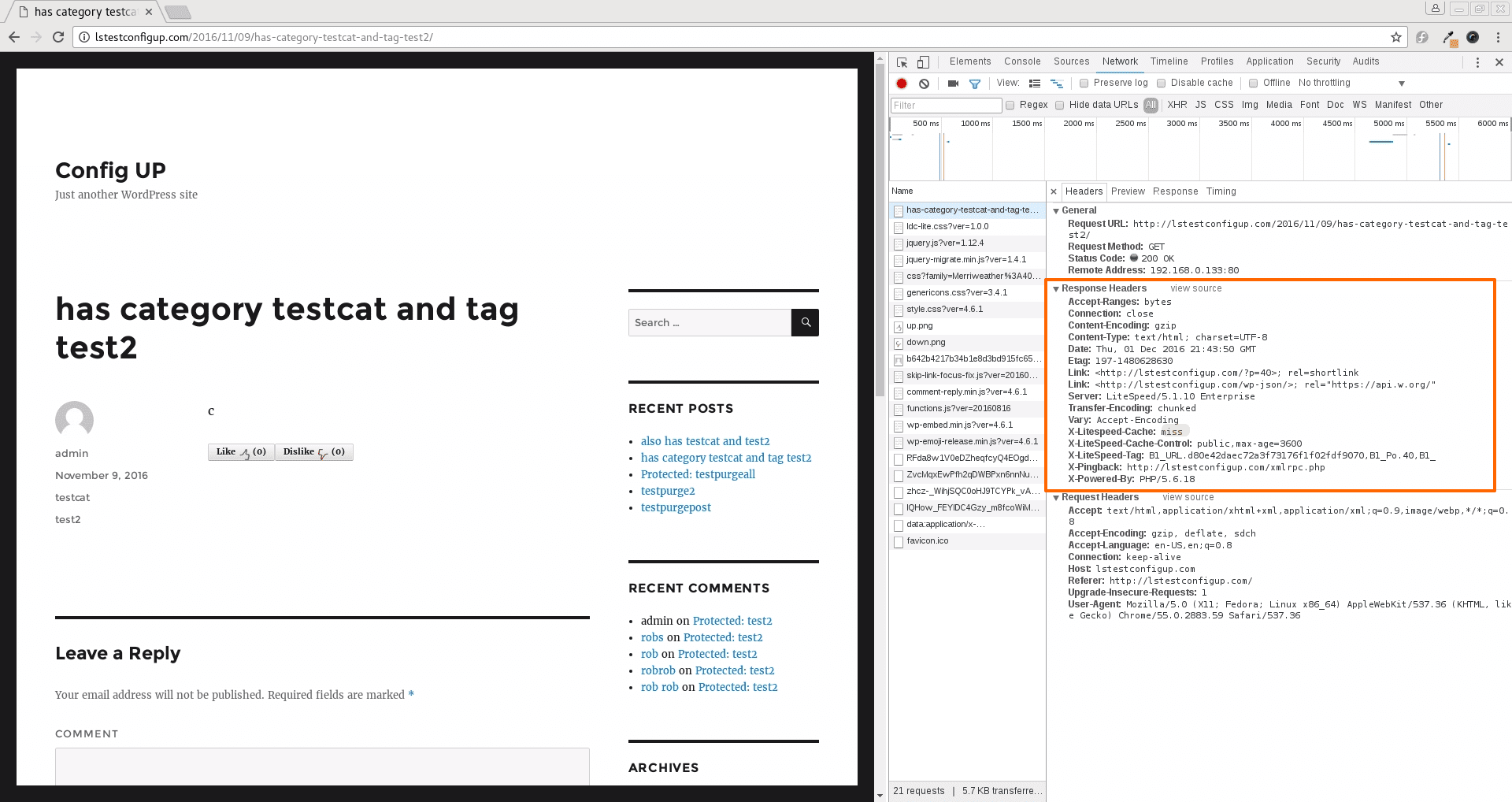
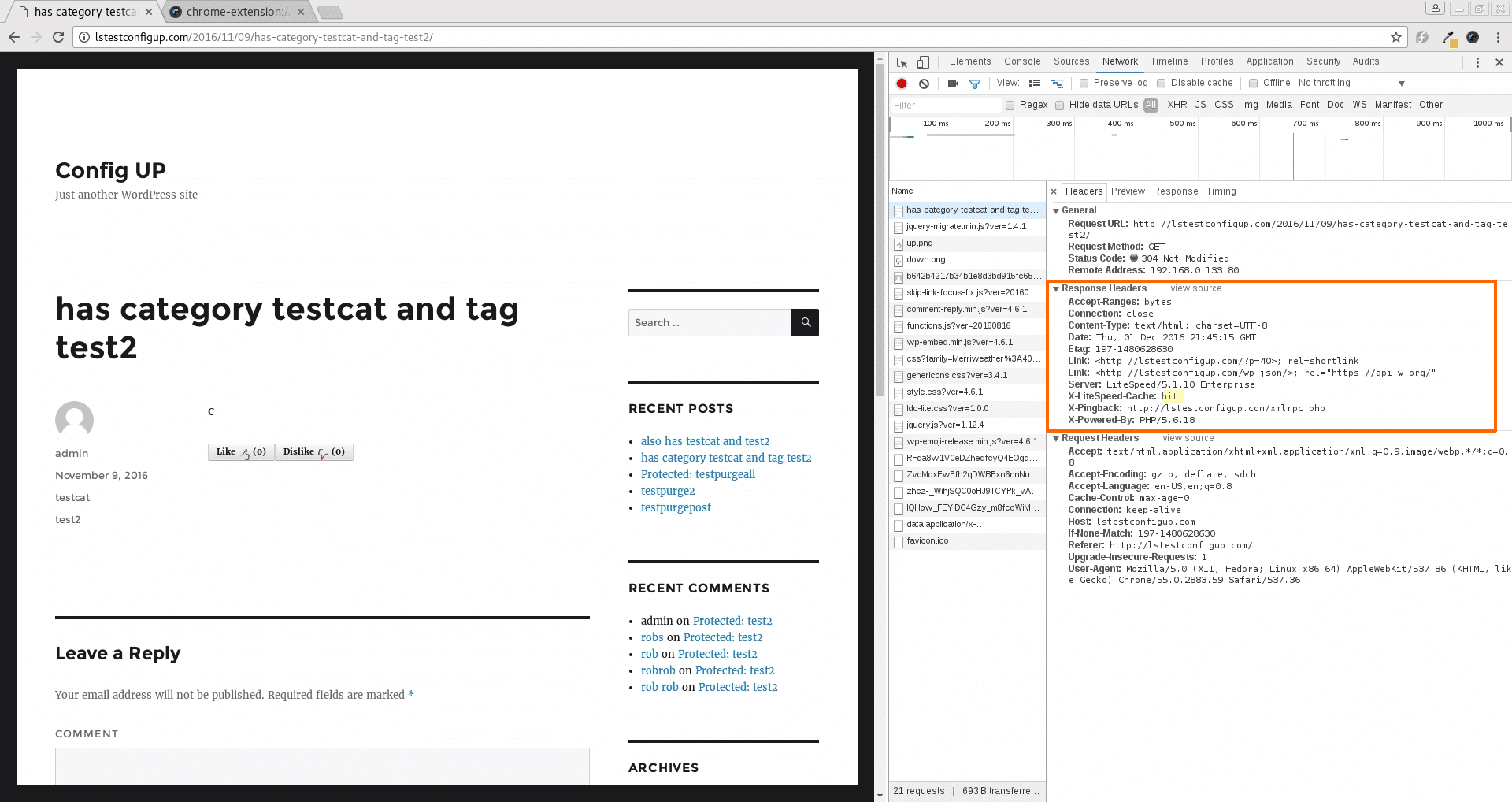
Screenshots published by LiteSpeed Technologies on WordPress.org, licensed under GPLv3.
Per-version history
Show per-version detail (1 version)
Per-version history
Show per-version detail (1 version)
How the plugin evolves version by version.
| Version | Homepage | Admin | Last scan |
|---|---|---|---|
| v7.9.2 | 1 scan | — | 1 week ago |
Alternatives in the same category
Other seo plugins measured by the community, ranked from lightest to heaviest.
Not enough scans yet to publish the score (3 received).
Not enough scans yet to publish the score (2 received).
Not enough scans yet to publish the score (3 received).
Not enough scans yet to publish the score (1 received).
Not enough scans yet to publish the score (1 received).
In-depth comparisons
Reasoned verdicts to help choose between LiteSpeed Cache and its direct competitors.
Scan history
Show individual scan log (1 scans)
Scan history
Show individual scan log (1 scans)
| Date | Version | Context | Score | Grade | Time | Memory |
|---|---|---|---|---|---|---|
| 1 week ago | v7.9.2 | Homepage | 98/100 | A | 0 ms | 0.0 MB |