

Not enough scans yet to publish the score (2 received).
About
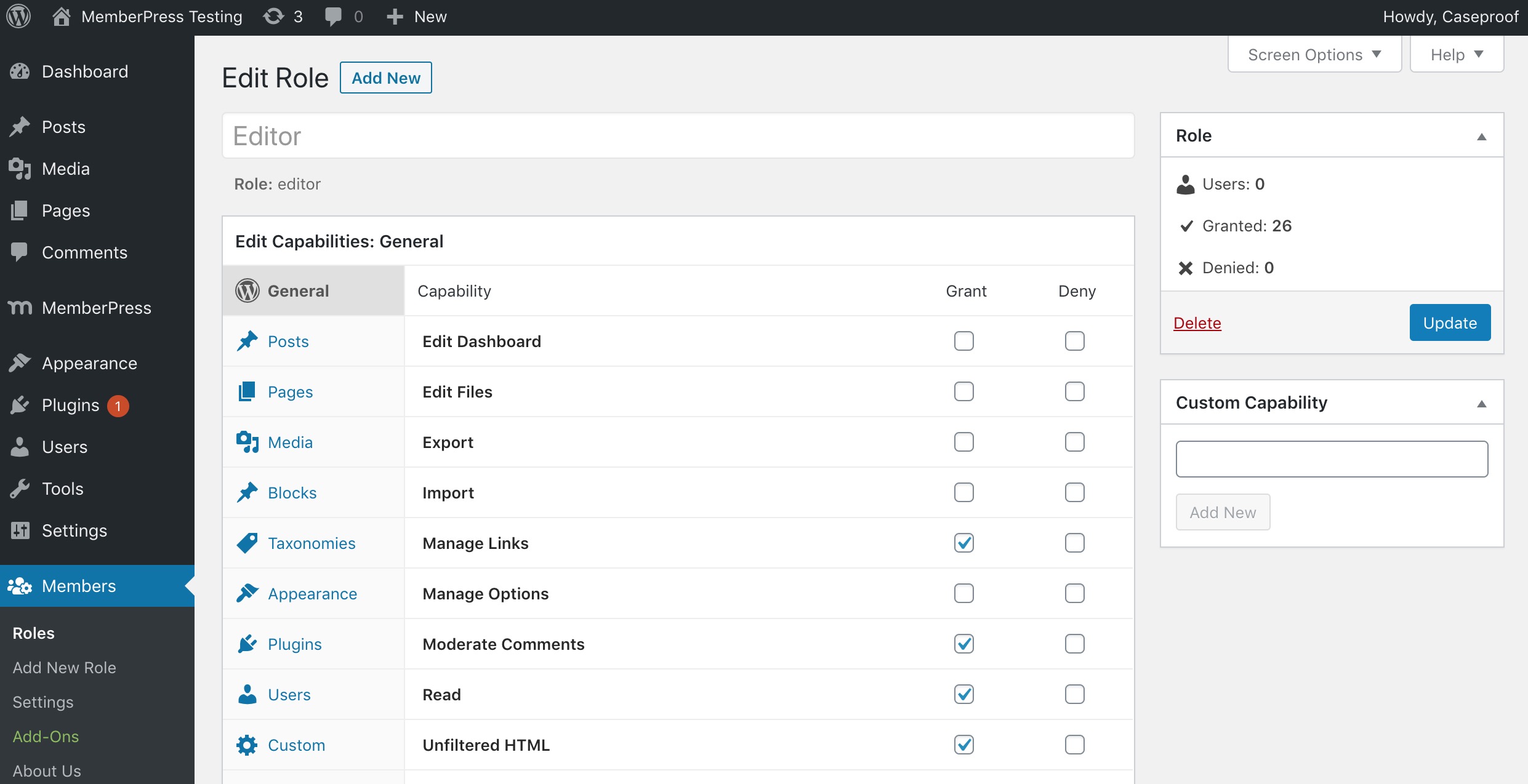
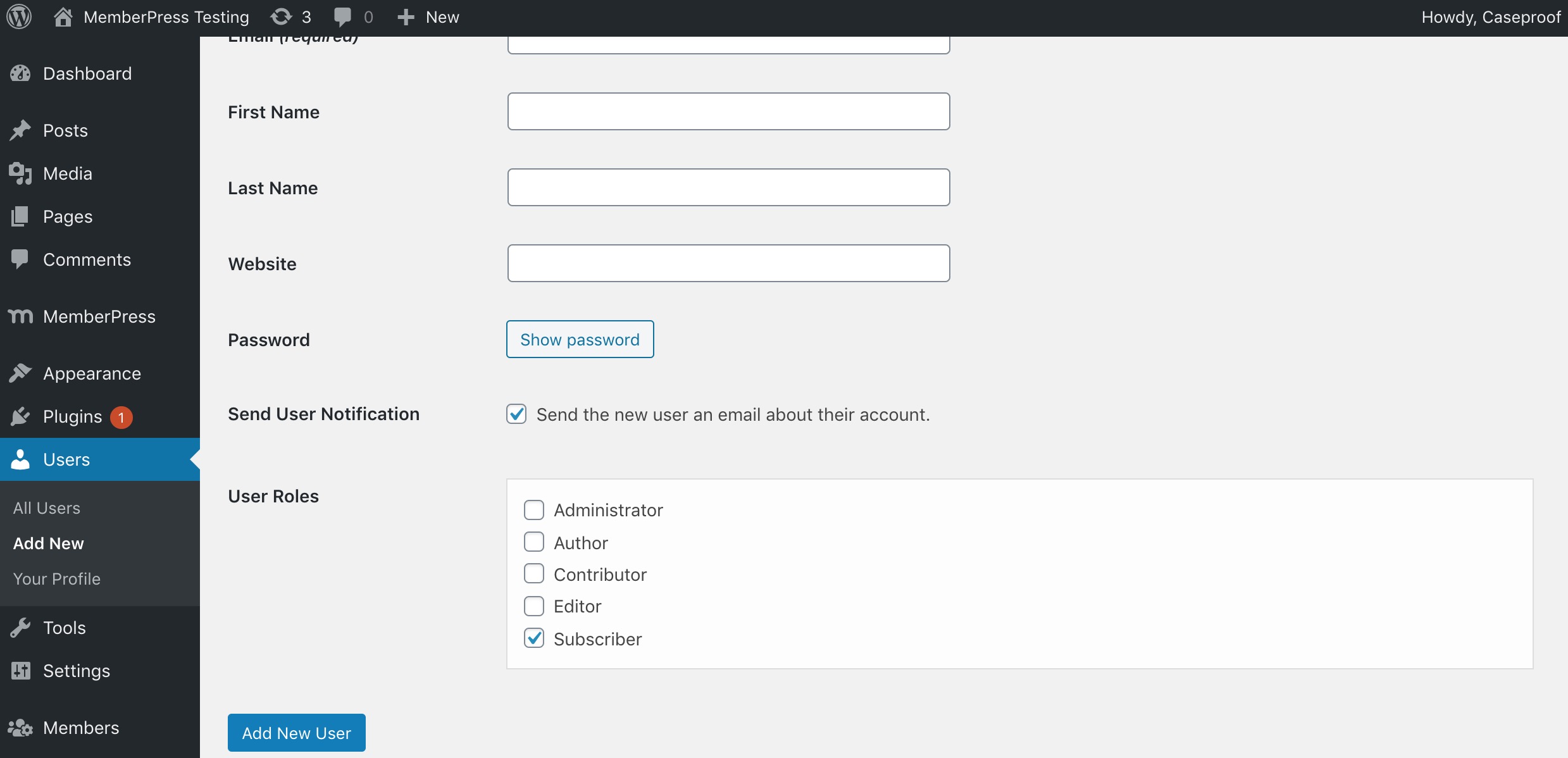
Members is a roles and capabilities based WordPress membership plugin. It gives your users the ultimate member experience by giving you powerful tools to add roles and capabilities and assign them to your users.
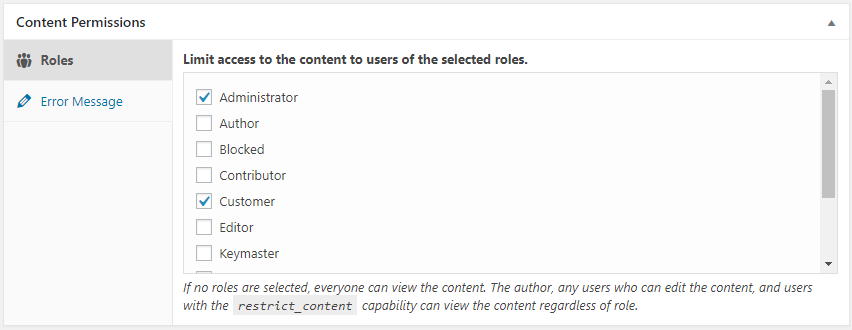
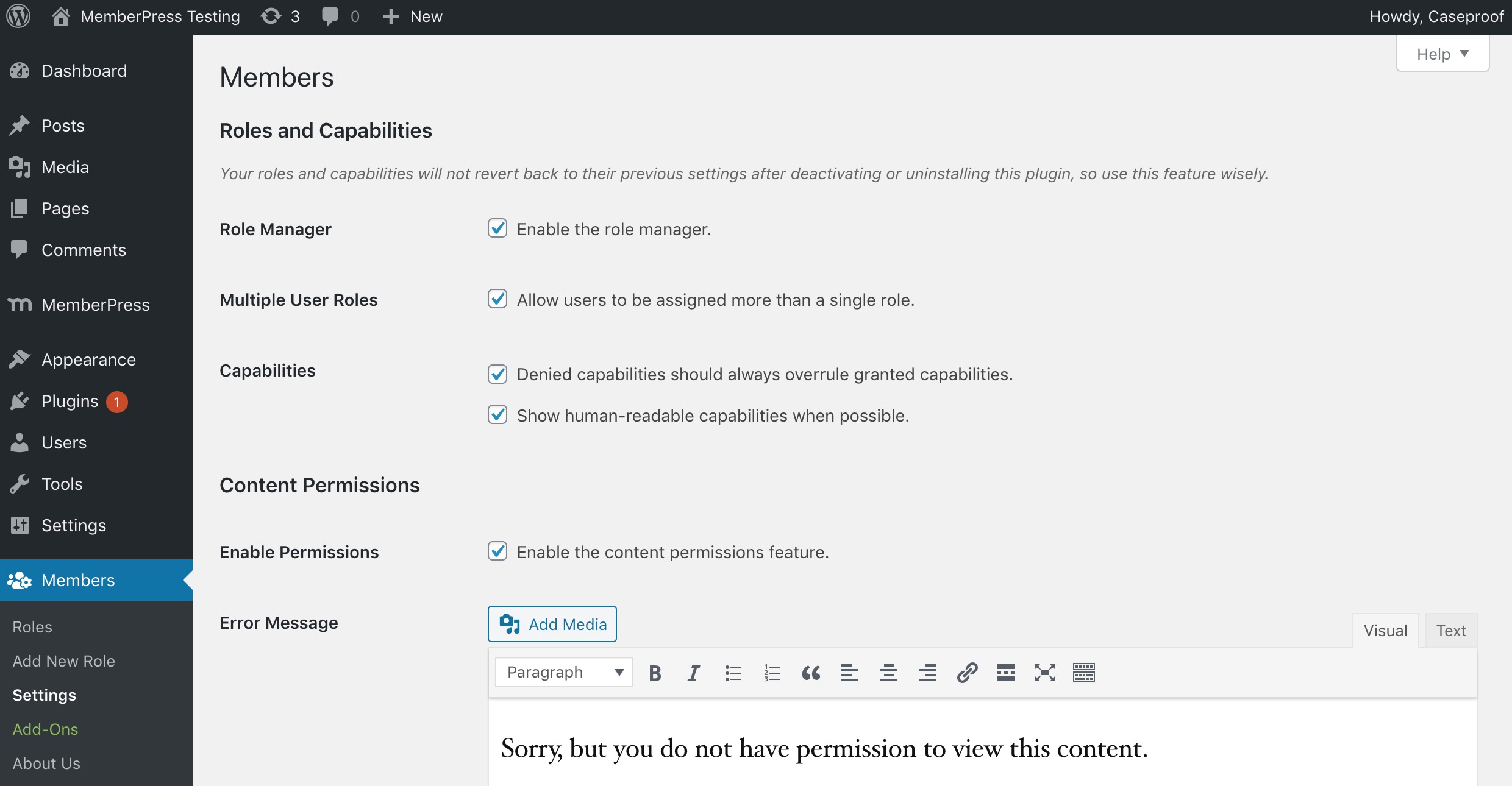
Members allows you to set permissions to restrict content on your site by providing a simple user interface (UI) for WordPress’ powerful roles and capabilities system, which has traditionally only been available to developers who know how to code this by hand.
You can now ask an AI assistant to handle your roles, capabilities and content restrictions for you. Members works with Claude Desktop, Claude Code, Cursor, VS Code, OpenAI Codex and other apps that can run local MCP (Model Context Protocol) servers. Connect it once, then just ask:
Read more Show less
It all happens on your own WordPress site, using your own account’s permissions.
Already connected Claude or another assistant to your WordPress site? Then you’re done. Members shows up there on its own.
It’s free, and you stay in charge:
To set it up, go to Members → Settings → AI (MCP), install the MCP Adapter plugin, click Create password & fill it in, and paste the result into your assistant. It takes a couple of minutes. Needs WordPress 6.9 or newer.
If you’re looking to build a business out of your membership site by creating paid memberships there’s no better way than to use MemberPress. Members and MemberPress work together to provide the ultimate member experience and will help you start and profit from your amazing WordPress membership sites!
Members now includes ALL of its add-ons completely free of charge! Turn on the ones you need under Members > Add-Ons:
See what each add-on does in the docs.
For more info, visit the Members plugin home page.
The Members plugin is a massive project with 1,000s of lines of code to maintain. A major update can take weeks or months of work. We don’t make any money directly from this plugin while other, similar plugins charge substantial fees to even download them or get updates. Please consider helping the cause by:
Read the full documentation. Good places to start:
If you need plugin support from us, you can visit our support page. Please include your WordPress and Members versions, what you expected, and what happened instead.
If you’re a theme author, plugin author, or just a code hobbyist, you can follow the development of this plugin on its GitHub repository.
Description published by Blair Williams on WordPress.org, licensed under GPLv2 or later.
Tags
AI
capabilities
memberships
permissions
roles
Screenshots
Screenshots published by Blair Williams on WordPress.org, licensed under GPLv2 or later.
Per-version history
Show per-version detail (1 version)
Per-version history
Show per-version detail (1 version)
How the plugin evolves version by version.
| Version | Homepage | Admin | Last scan |
|---|---|---|---|
| v3.2.26 | 4 scans | 1 scan | 1 month ago |
Alternatives in the same category
Other membership plugins measured by the community, ranked from lightest to heaviest.
Not enough scans yet to publish the score (1 received).
U
Ultimate Member – User Profile, Registration, Login, Member Directory, Content Restriction & Membership Plugin
···
ultimate-member
Not enough scans yet to publish the score (6 received).
Scan history
Show individual scan log (5 scans)
Scan history
Show individual scan log (5 scans)
| Date | Version | Context | Score | Grade | Time | Memory |
|---|---|---|---|---|---|---|
| 1 month ago | v3.2.26 | Homepage | 98/100 | A | 8 ms | 2.0 MB |
| 1 month ago | v3.2.26 | Homepage | 100/100 | A | 0 ms | 0.0 MB |
| 1 month ago | v3.2.26 | Homepage | 100/100 | A | 0 ms | 0.0 MB |
| 1 month ago | v3.2.26 | Homepage | 100/100 | A | 0 ms | 0.0 MB |
| 1 month ago | v3.2.26 | Admin | 91/100 | A | 0 ms | 2.0 MB |