
- Time
- 445 ms
- Memory
- 44.0 MB
- SQL
- +73
About
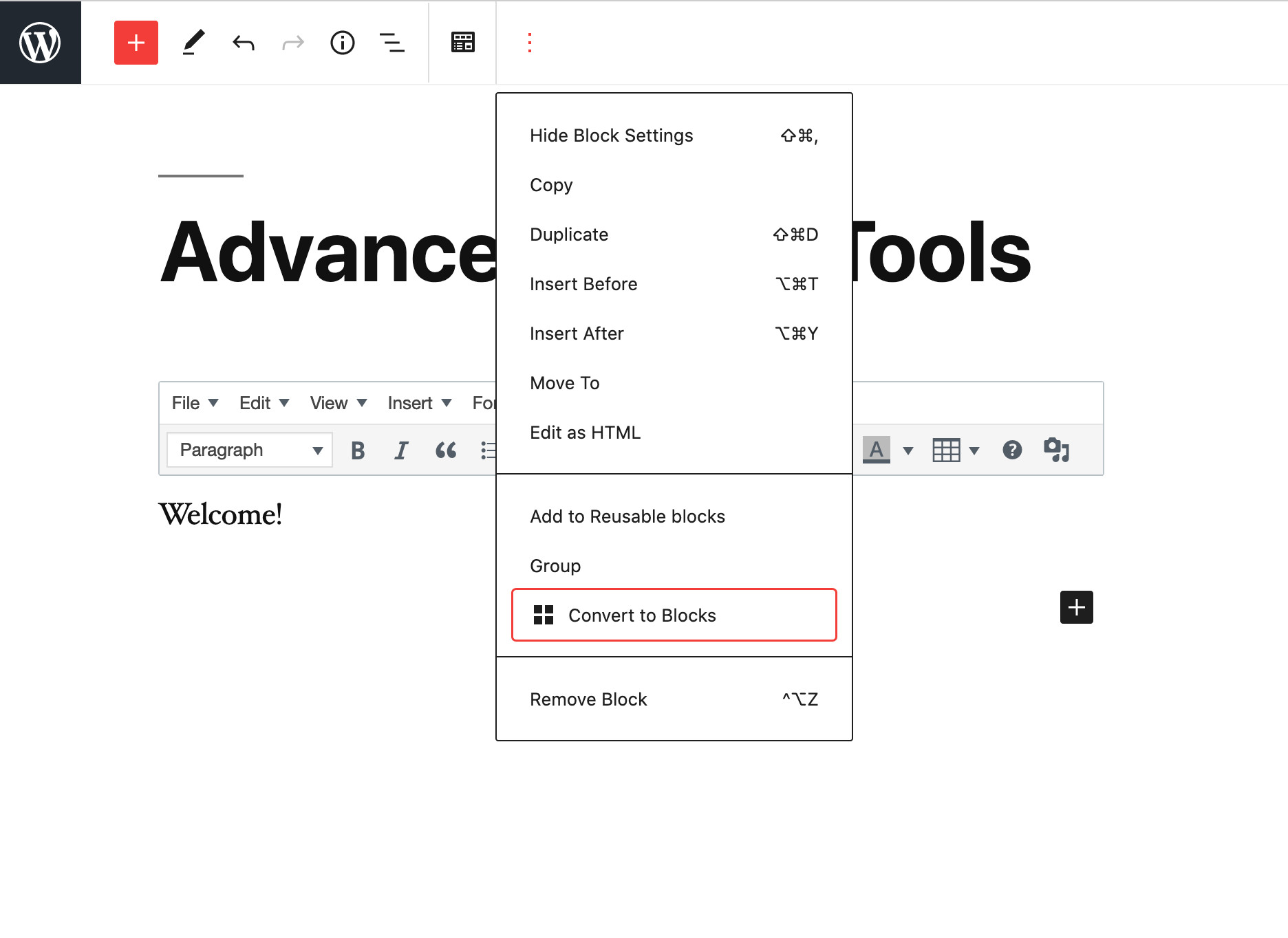
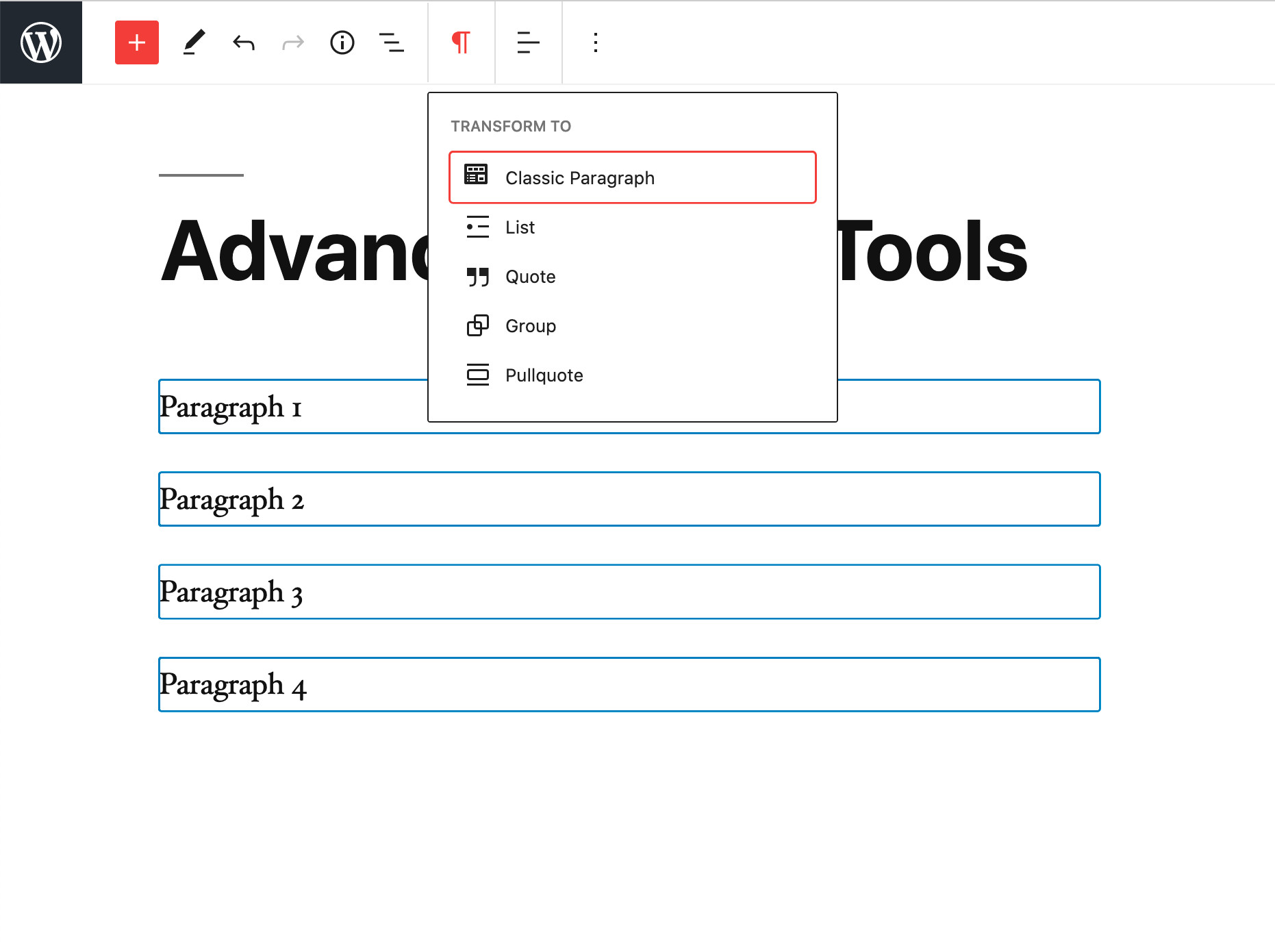
Advanced Editor Tools (previously TinyMCE Advanced) introduces a “Classic Paragraph” block for the block editor (Gutenberg).
If you are not quite ready to switch to the block editor, or have plugins that cannot be used there (yet), using the Classic Paragraph block is your best option. It lets you to continue to use the familiar TinyMCE editor for most tasks, and at the same time gives you full access to all blocks and new features in the block editor.
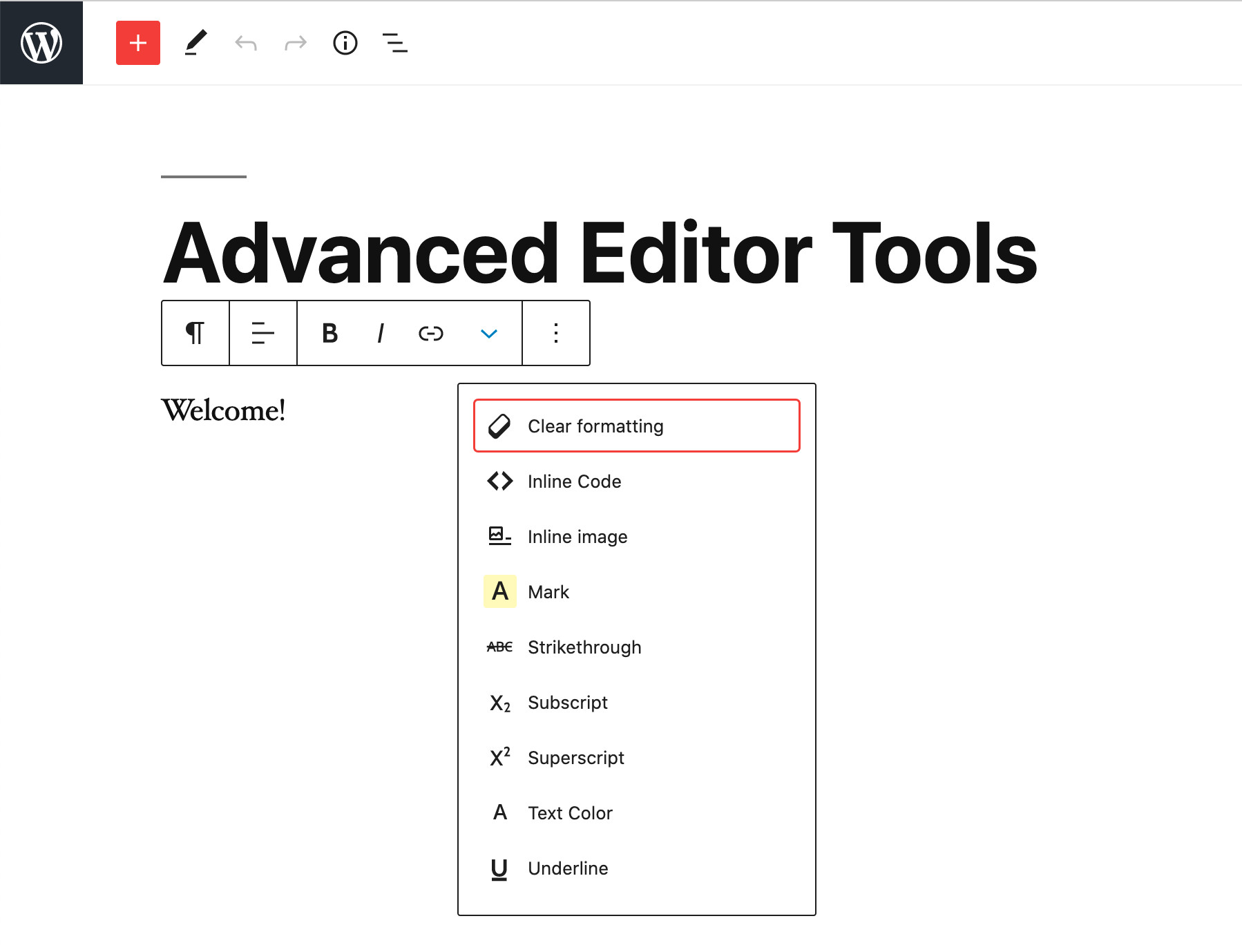
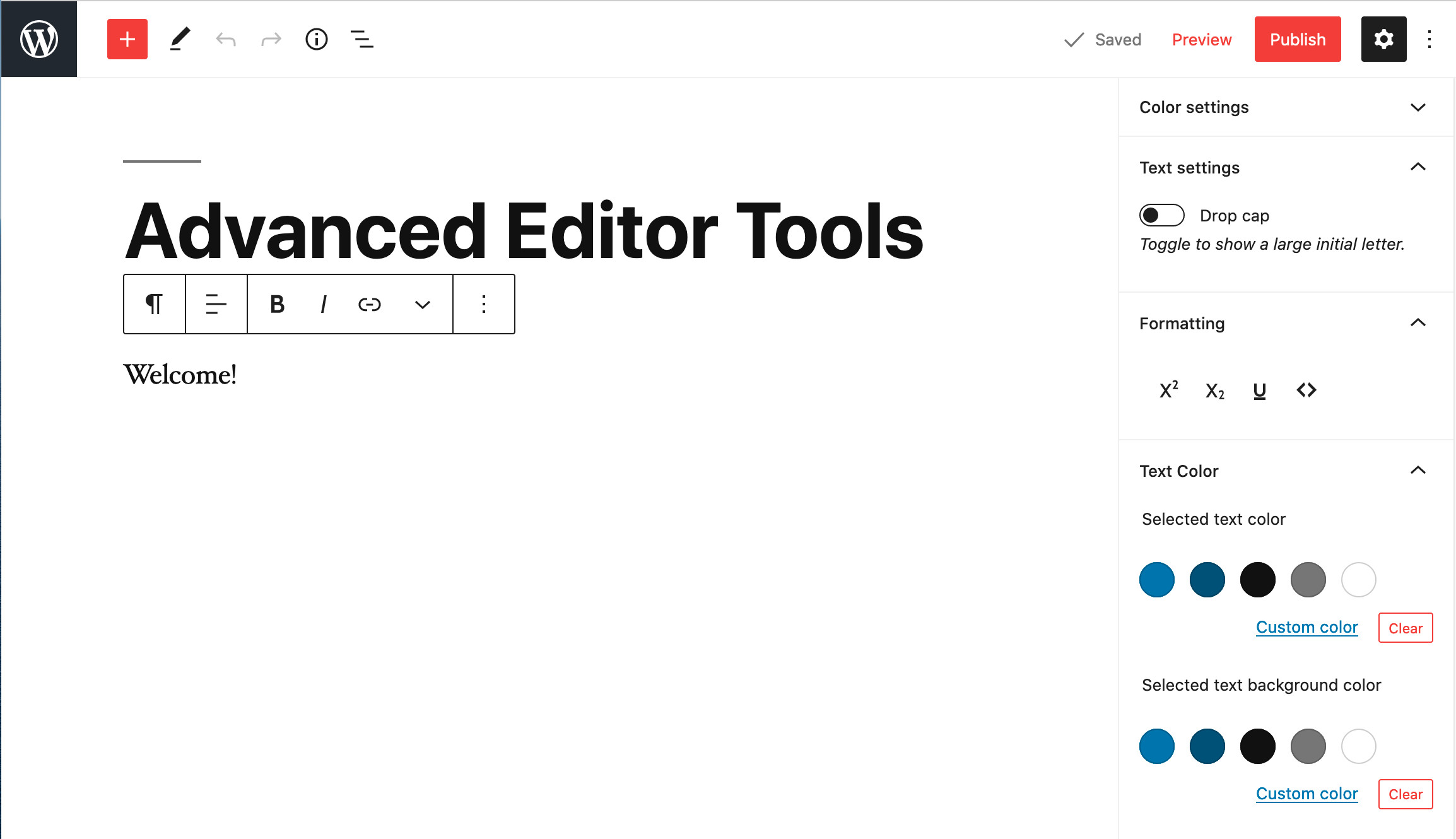
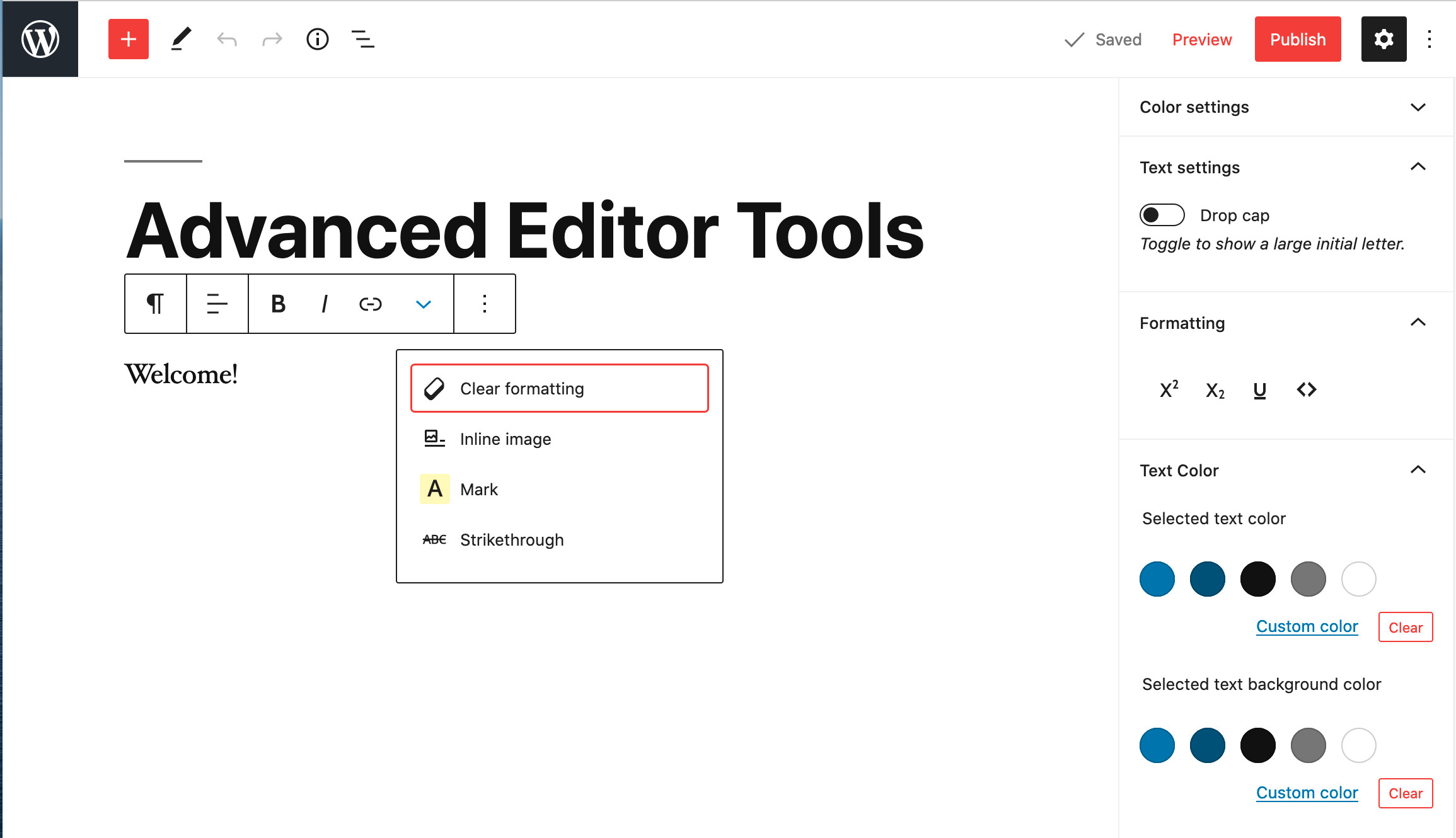
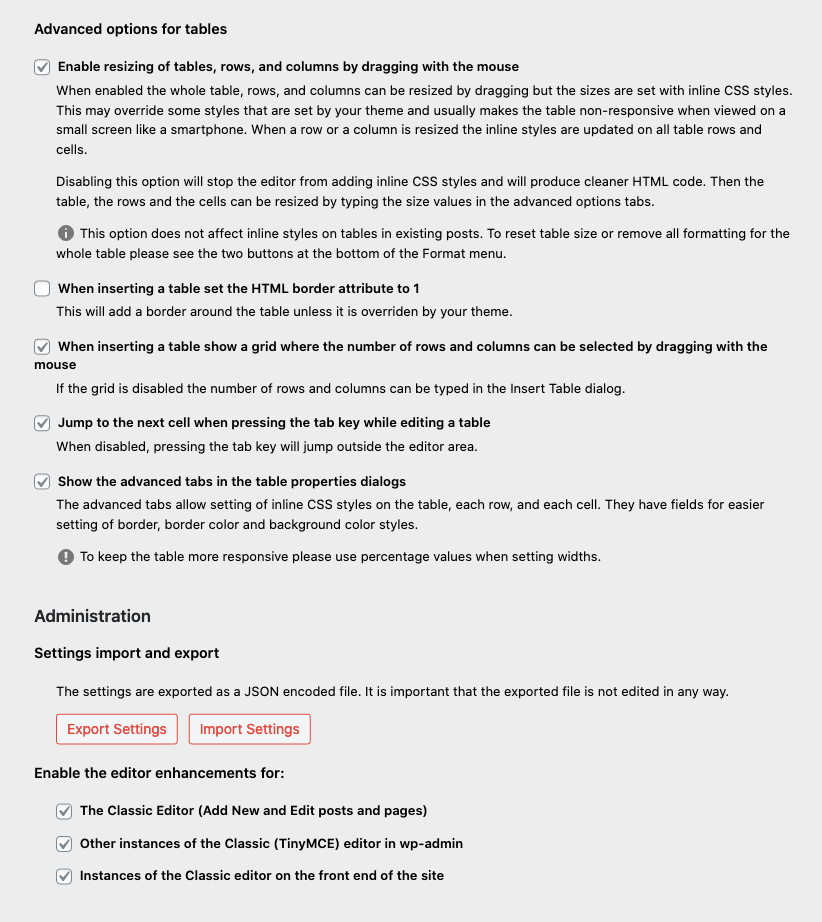
Version 5.5 continues to improve and enhance the new features introduced in version 5.0 of the plugin. It includes an improved “Clear Formatting” button, several advanced settings for tables, and importing and exporting of the settings to a file.
If you want to continue to use the previous (“classic”) editor in WordPress 5.0 and newer, this plugin has an option to replace the new editor with the previous one. If you prefer to have access to both editors side by side or to allow your users to switch editors, it would be better to install the Classic Editor plugin. Advanced Editor Tools is fully compatible with the classic editor plugin and similar plugins that restore use of the previous WordPress editor.
Read more Show less
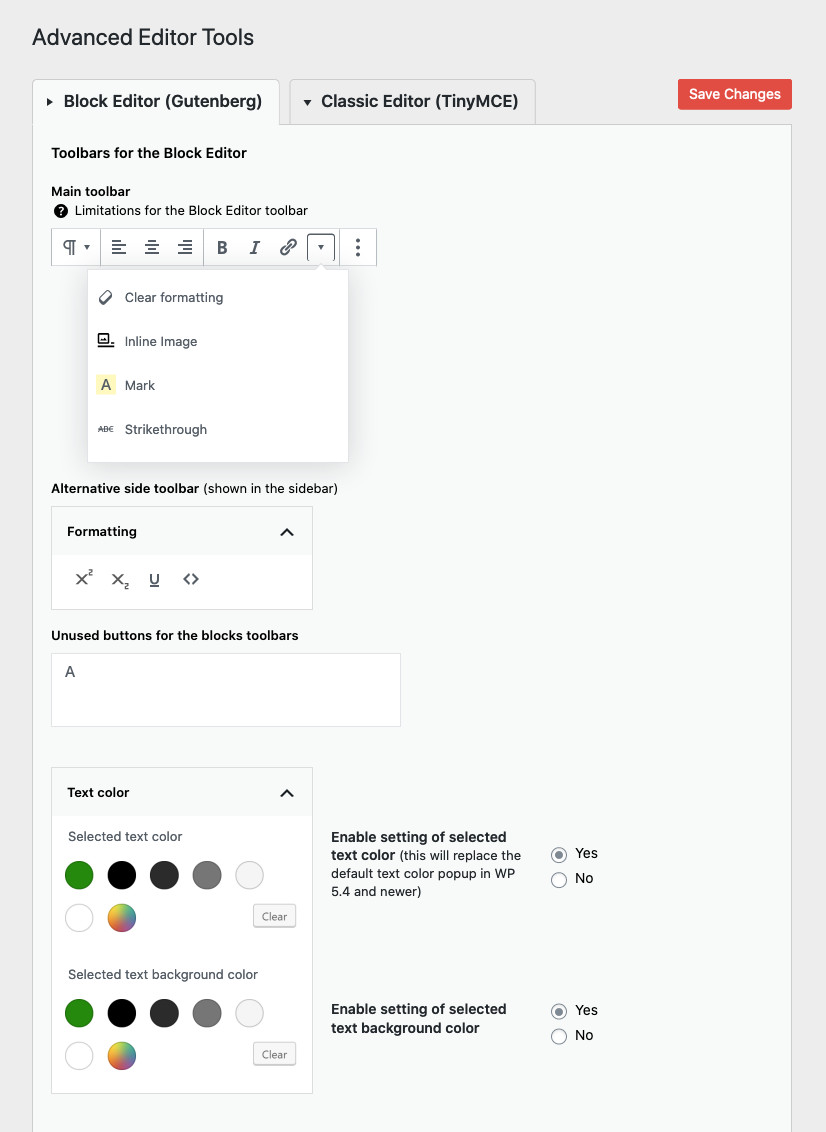
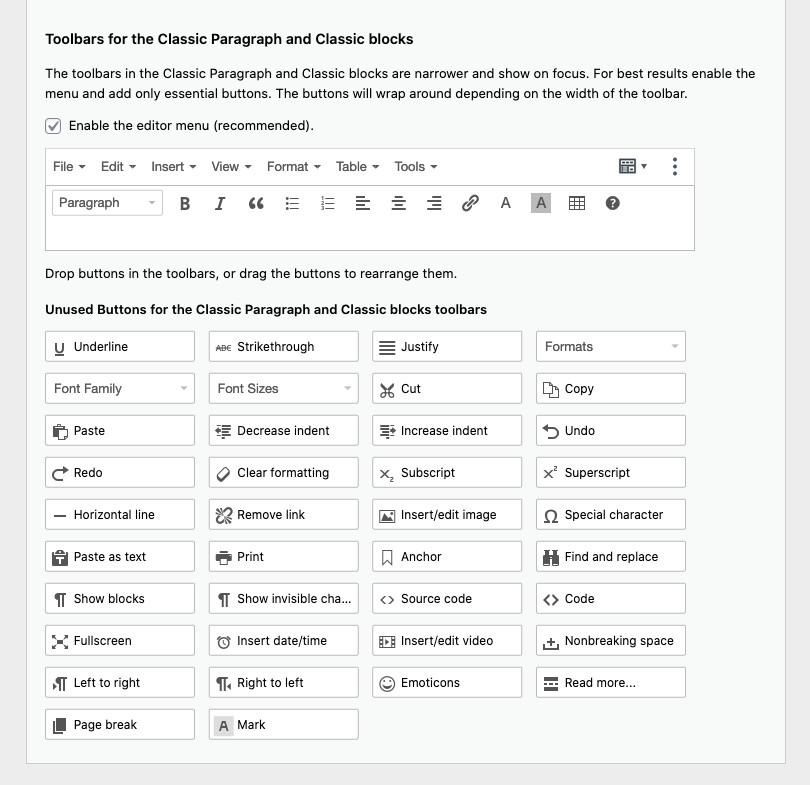
As always this plugin will let you add, remove and arrange the buttons that are shown on the Visual Editor toolbar in the Classic Paragraph and Classic blocks in the block editor, and in the classic editor (when enabled by a plugin). There you can configure up to four rows of buttons including Font Sizes, Font Family, text and background colors, tables, etc.
It includes 15 plugins for TinyMCE that are automatically enabled or disabled depending on the buttons you have chosen.
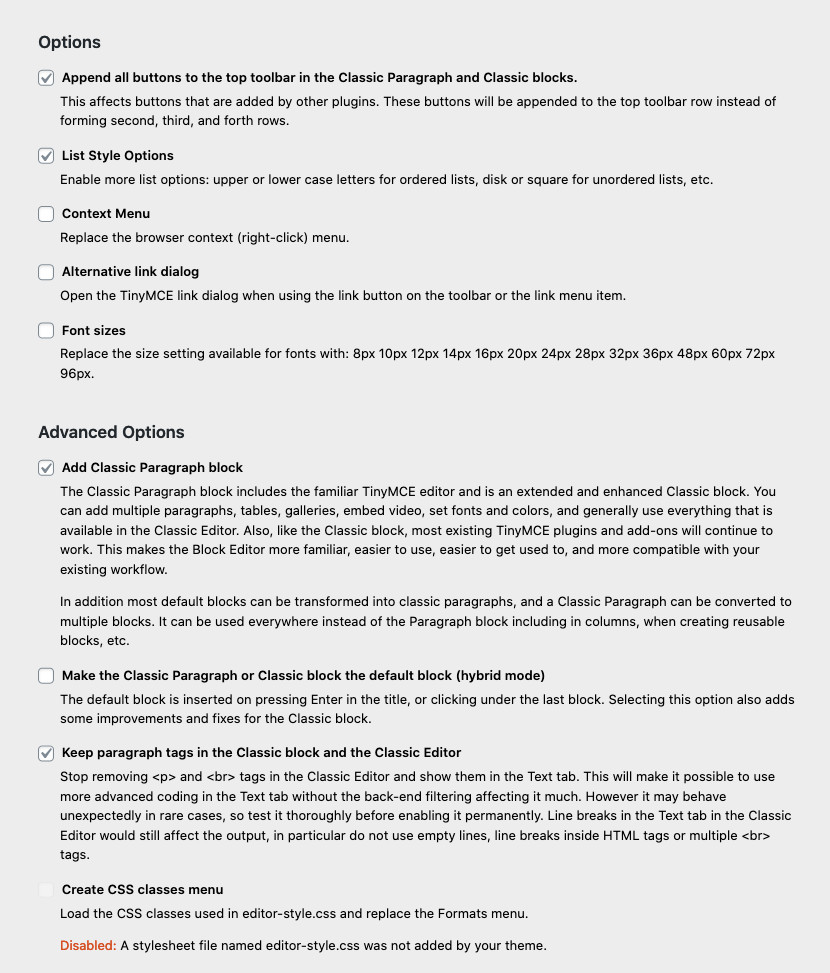
In addition this plugin adds options for keeping the paragraph tags in text mode and importing the CSS classes from the theme’s editor-style.css.
Advanced Editor Tools does not collect or store any user related data. It does not set cookies, and it does not connect to any third-party websites. It only uses functionality that is available in WordPress, and in the TinyMCE editor.
In that terms Advanced Editor Tools does not affect your website’s user privacy in any way.
Tags
block-editor
classic editor
editor
gutenberg
tinyMCE
Screenshots
Author-supplied previews from wordpress.org.
Per-version history
Show per-version detail (1 versions)
Per-version history
Show per-version detail (1 versions)
How the plugin evolves version by version.
| Version | Homepage | Admin | Last scan |
|---|---|---|---|
| v5.10.1 | 2 scans | — | 1 hour ago |
Alternatives in the same category
Other page builder plugins measured by the community, ranked from lightest to heaviest.
- Time
- 0 ms
- Memory
- 0.0 MB
- SQL
- +2
Not enough scans yet to publish the score (3 received).
Not enough scans yet to publish the score (1 received).
Not enough scans yet to publish the score (4 received).
F
···
Not enough scans yet to publish the score (2 received).
Scan history
Show individual scan log (2 scans)
Scan history
Show individual scan log (2 scans)
| Date | Version | Context | Score | Grade | Time | Memory |
|---|---|---|---|---|---|---|
| 1 hour ago | v5.10.1 | Homepage | 100/100 | A | 0 ms | 0.0 MB |
| 2 hours ago | v5.10.1 | Homepage | 100/100 | A | 0 ms | 0.0 MB |