Impact score
Footprint Score across the two most representative contexts.
0 scans · last scan 22 hours ago
Homepage Score
Impact measured on the public homepage
Admin Score
Impact measured in the WordPress admin
About
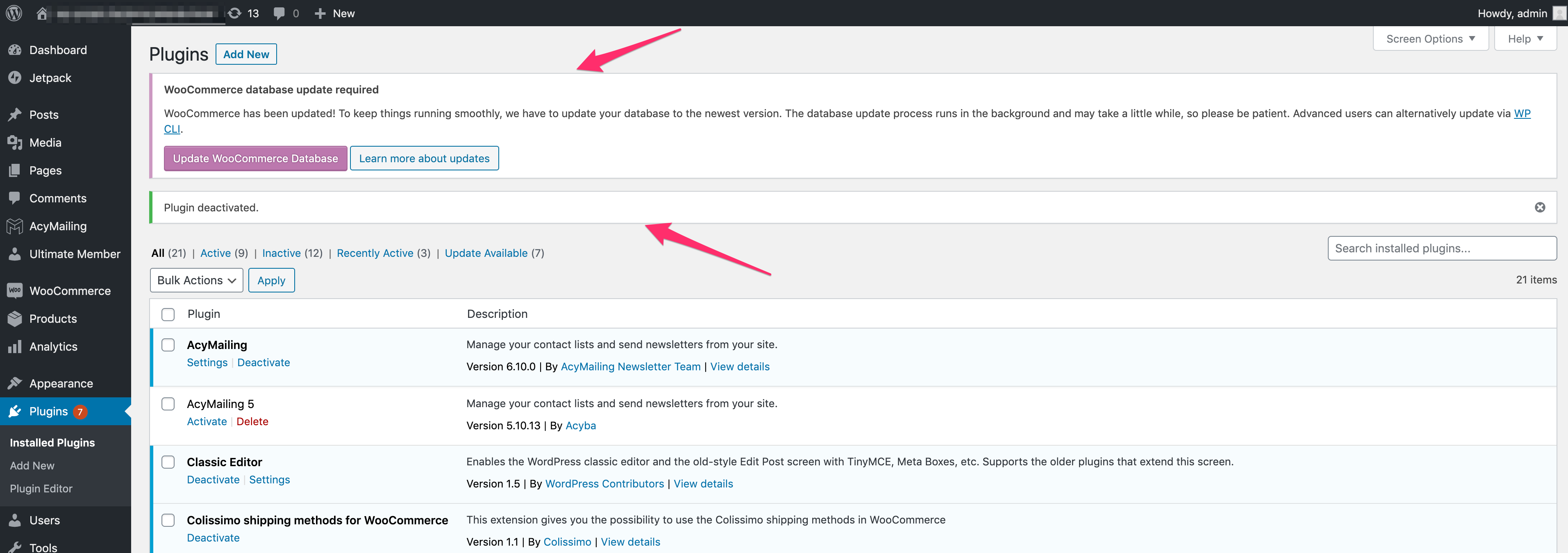
Tired of having the top of your screen full of notifications coming from all the plugins you’ve installed?
Here is what you will be able to:
* Display or not the notifications depending on users roles.
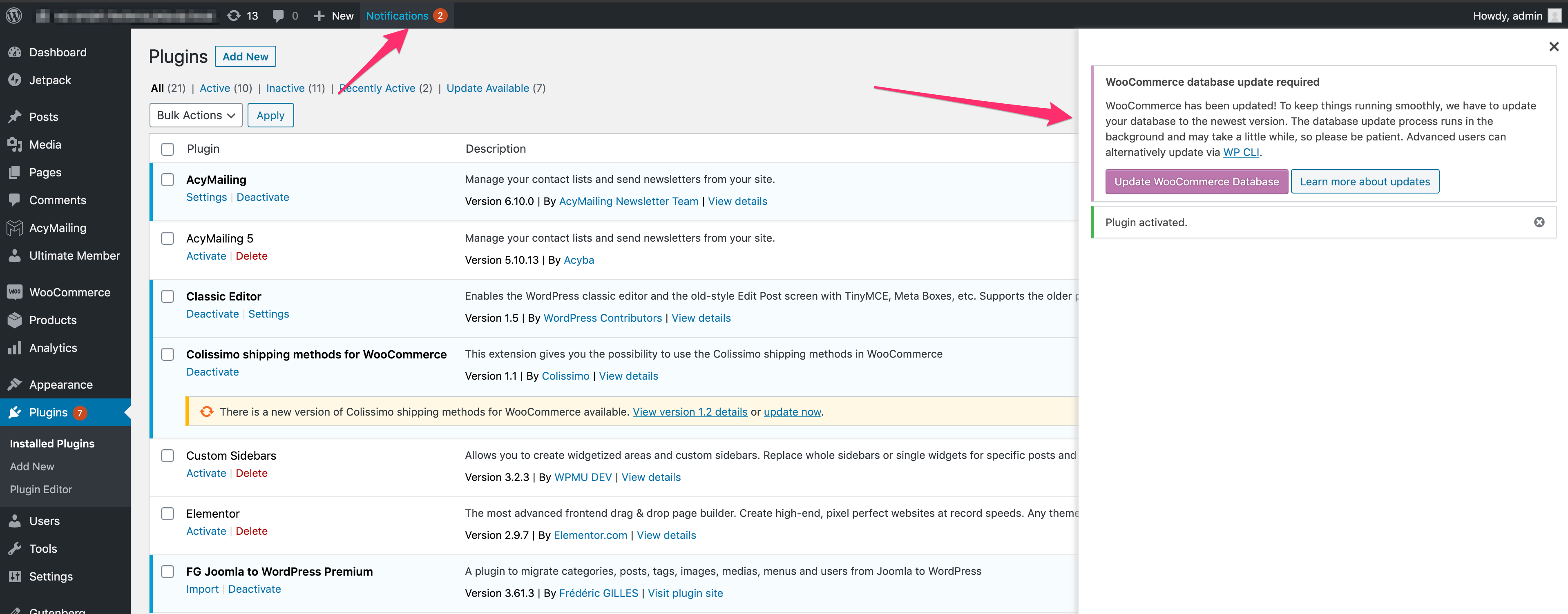
* Group all your notifications in a notification center located at the right of your page.
* Use the bouton on the top bar to display / hide this notification center.
* Be informed when a new notification is present (thanks to a badge displayed on your admin bar)
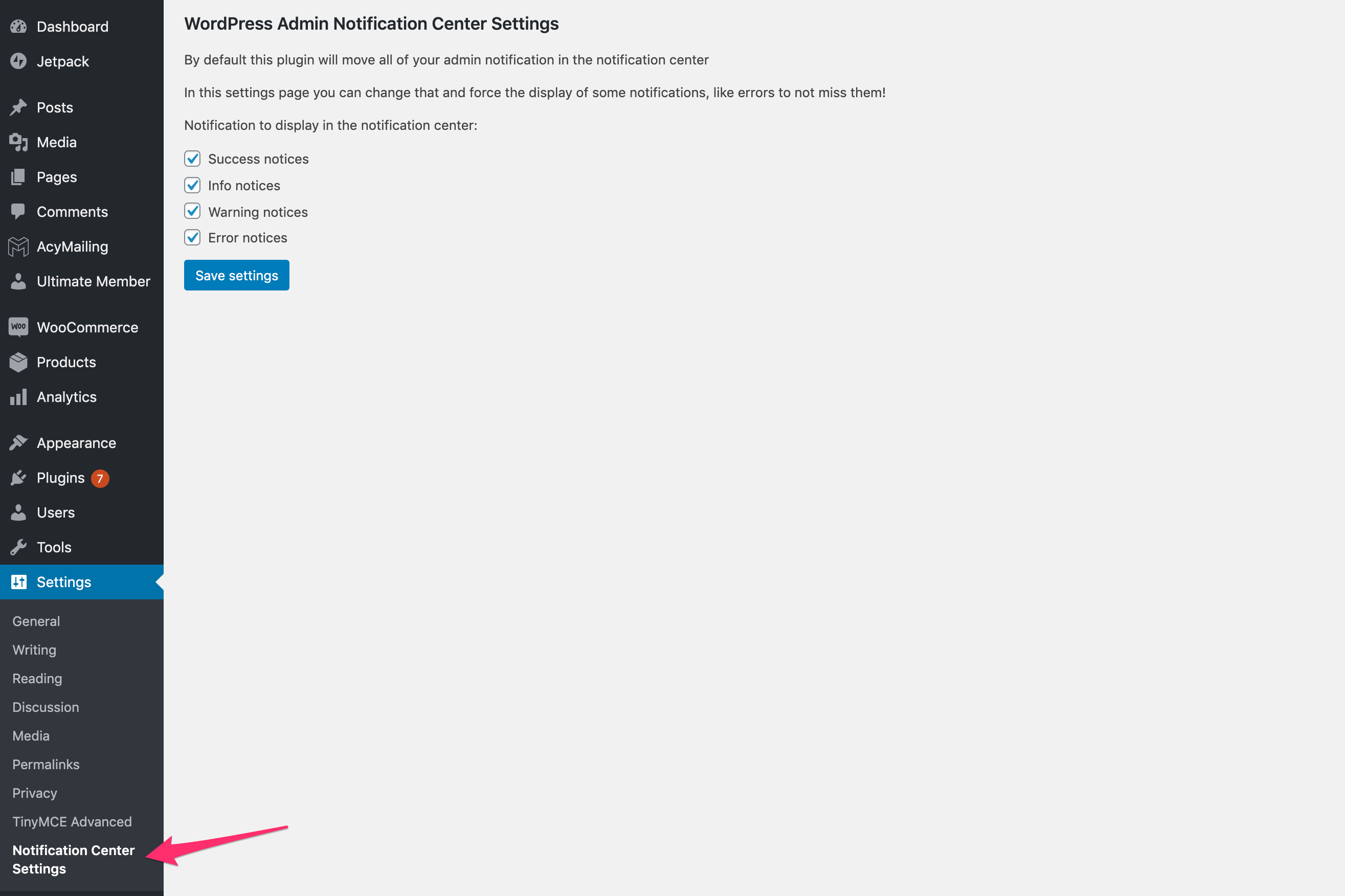
* Select the notification types (information/warning/error) you want to be displayed in the notification center. And the ones you would like to be displayed at the top of your screen
* Don’t display notification containing spam words set by the user
Description published by roumi on WordPress.org, licensed under GPLv2 or later.
Screenshots
Screenshots published by roumi on WordPress.org, licensed under GPLv2 or later.