
Impact score
Footprint Score across the two most representative contexts.
12 scans · last scan 6 days ago
Homepage Score
Impact measured on the public homepage
v4.10.1 · 8 scans · Consolidated score over 90 days · 3 versions
What it adds to every page load
- Added time
- 11 ms
- Added memory
- 0.0 MB
- SQL queries
- +1
- CSS/JS files
- +0
- External calls
- 0
Admin Score
Impact measured in the WordPress admin
v4.9.0 · 1 scan · Consolidated score over 90 days · 1 versions
What it adds to every page load
- Added time
- 107 ms
- Added memory
- 0.0 MB
- SQL queries
- +8
- CSS/JS files
- +5
- External calls
- 0
About
Is your WordPress site not sending emails? You’re not alone. 4+ million websites use WP Mail SMTP to send emails reliably.
Our goal is to make email deliverability easy so that your emails reach the inbox.
WP Mail SMTP fixes your email deliverability issues by reconfiguring WordPress to use a proper SMTP provider when sending emails.
Read more Show less
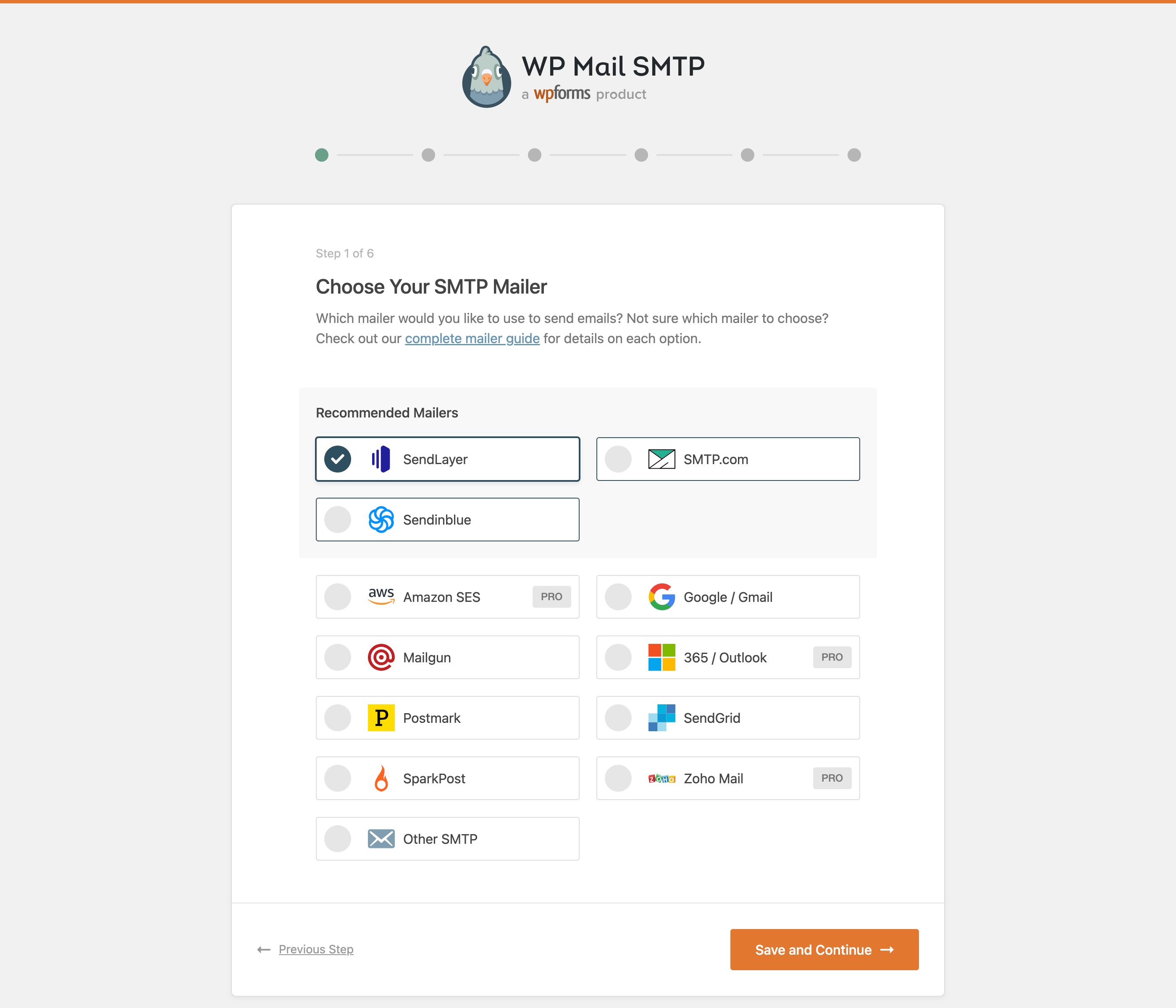
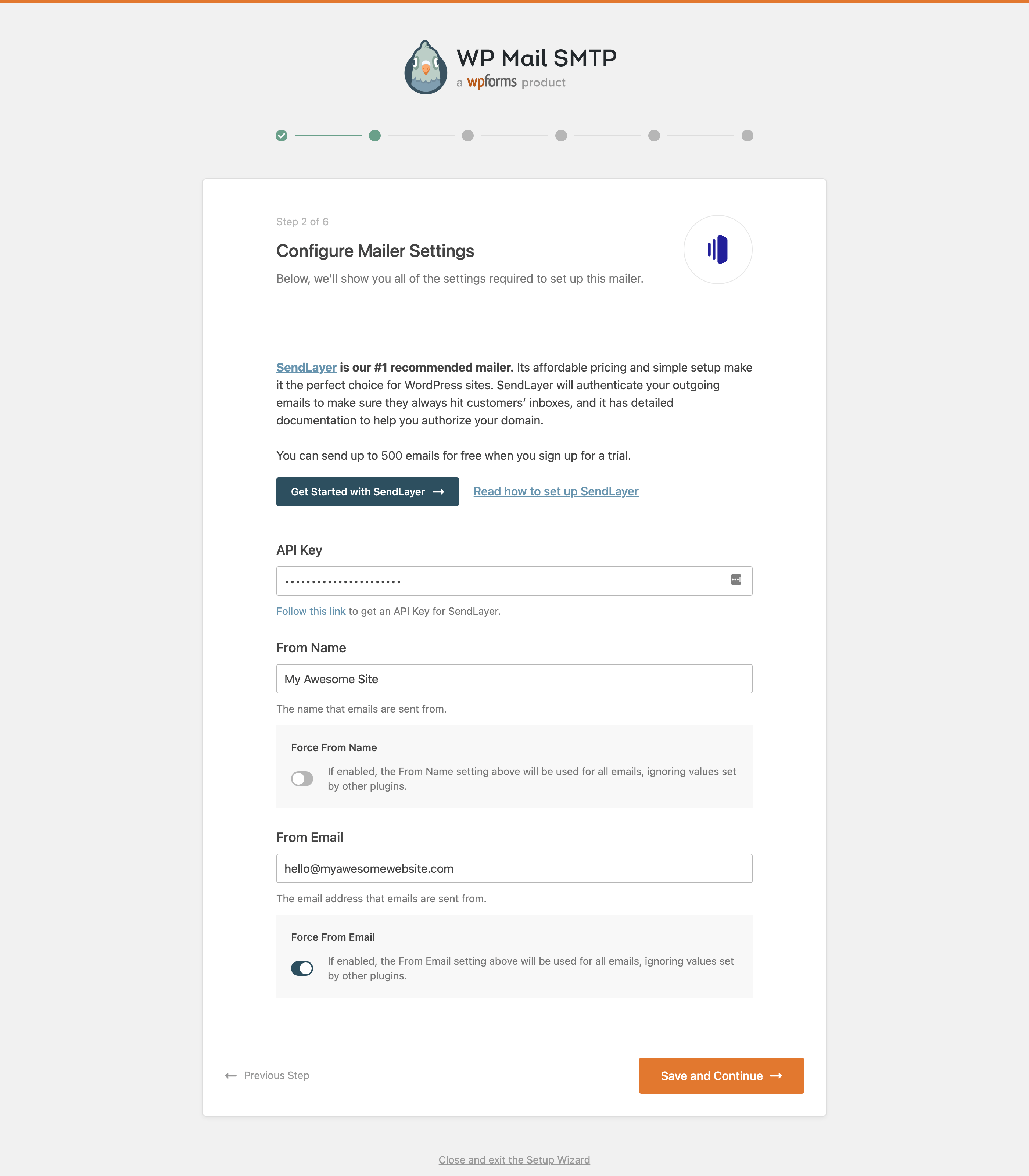
Best of all, our easy-to-use Setup Wizard and detailed documentation guide you through the process.
WP Mail SMTP is free and has everything you need to reliably send your WordPress emails!
WP Mail SMTP Pro adds even more powerful features like email logging, advanced email reporting and stats, backup connections, email alerts, smart conditional routing, and much more.
SMTP (Simple Mail Transfer Protocol) is an industry-standard for sending emails. Proper SMTP configuration helps increase email deliverability by adding authentication to the emails sent from your site.
Popular email clients like Gmail, Yahoo, Office 365, and Zoho are in a constant battle with email spammers, so they check whether emails are originating from a genuine sender. If the proper authentication isn’t there, emails either go in the SPAM folder or, worse, disappear.
This is a problem for a lot of WordPress sites. By default, WordPress uses the PHP mail function to send emails generated by WordPress or any contact form plugin like WPForms.
But most WordPress hosting companies don’t have their servers properly configured for sending PHP emails.
This is why WordPress emails aren’t delivered.
WP Mail SMTP plugin easily resolves email delivery problems by changing the way your WordPress site sends email. We reconfigure the wp_mail() function to use proper SMTP host credentials or an SMTP mail provider.
With our built-in SMTP mail provider integrations (recommended), emails are sent using the provider’s direct API. This works even if your web host is blocking SMTP ports.
This helps you fix common WordPress not sending email issues.
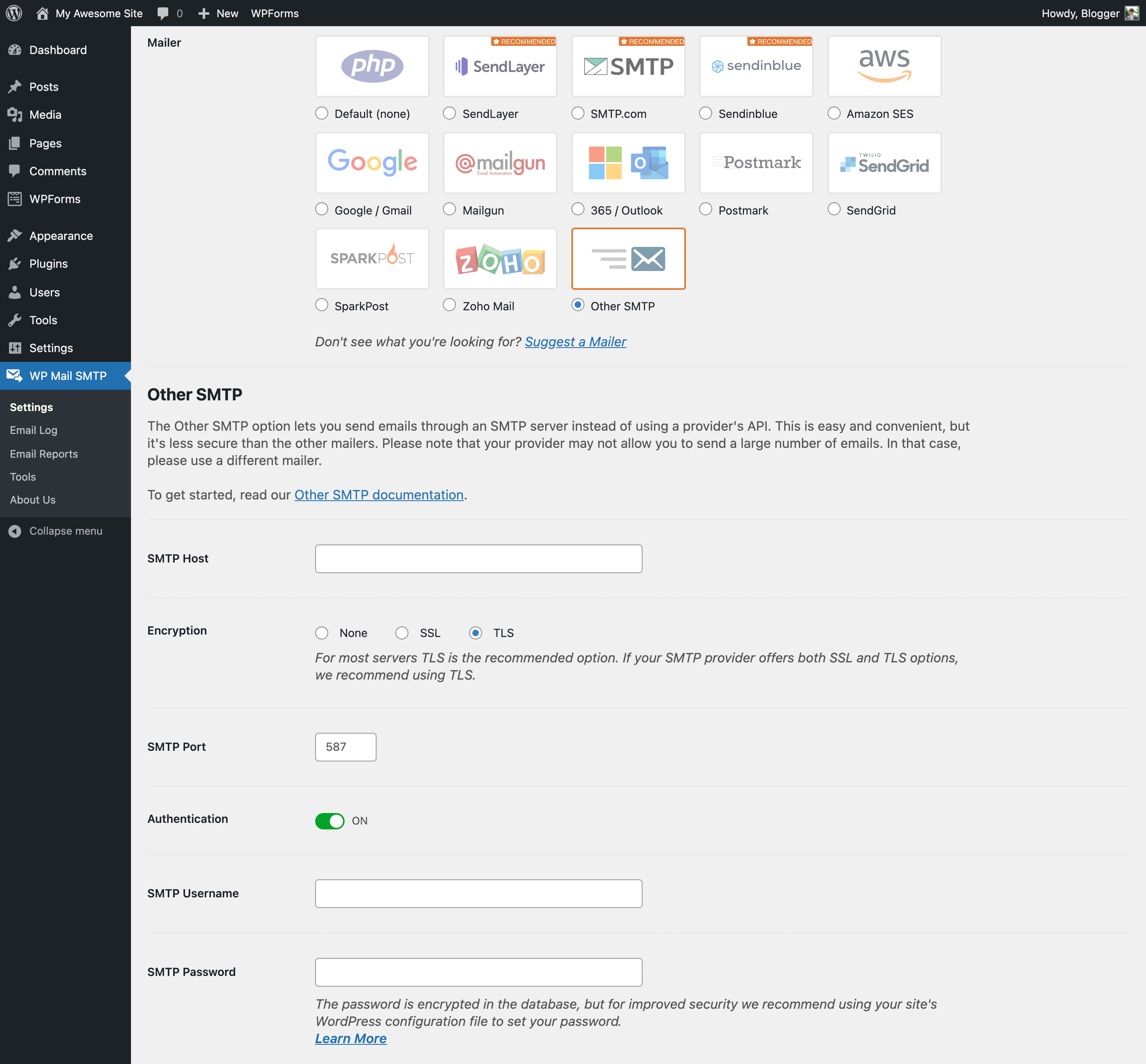
WP Mail SMTP plugin includes many different SMTP mailers:
For most options, you can specify the “from name” and “email address” for outgoing emails too.
If you don’t know which mailer to choose, see our Complete Guide to WP Mail SMTP Mailers.
SendLayer is our recommended transactional email service.
Its affordable pricing and super fast setup make it a great choice for sending emails from WordPress. It also has open and click tracking and email logs.
SendLayer is reliable, fast, and easy to set up. You can send hundreds of emails for free when you sign up for a trial.
Read our SendLayer documentation for more details.
SMTP.com is a recommended transactional email service.
With over 22 years of email delivery expertise, SMTP.com has a reputation as a reliable sender.
You can start sending emails in minutes and benefit from 50,000 free emails in your first 30 days.
Read our SMTP.com documentation for more details.
Brevo is a recommended transactional email service. It serves 80,000+ companies worldwide.
Brevo is reliable, fast, and gives you 300 free emails per day.
Read our Brevo documentation for more details.
WP Mail SMTP Pro is a separate paid plugin. Everything in this section is only available in Pro and isn’t part of this free plugin. In addition to native Microsoft, Amazon SES, and Zoho Mail integrations, Pro includes:
Click here to purchase WP Mail SMTP Pro now!
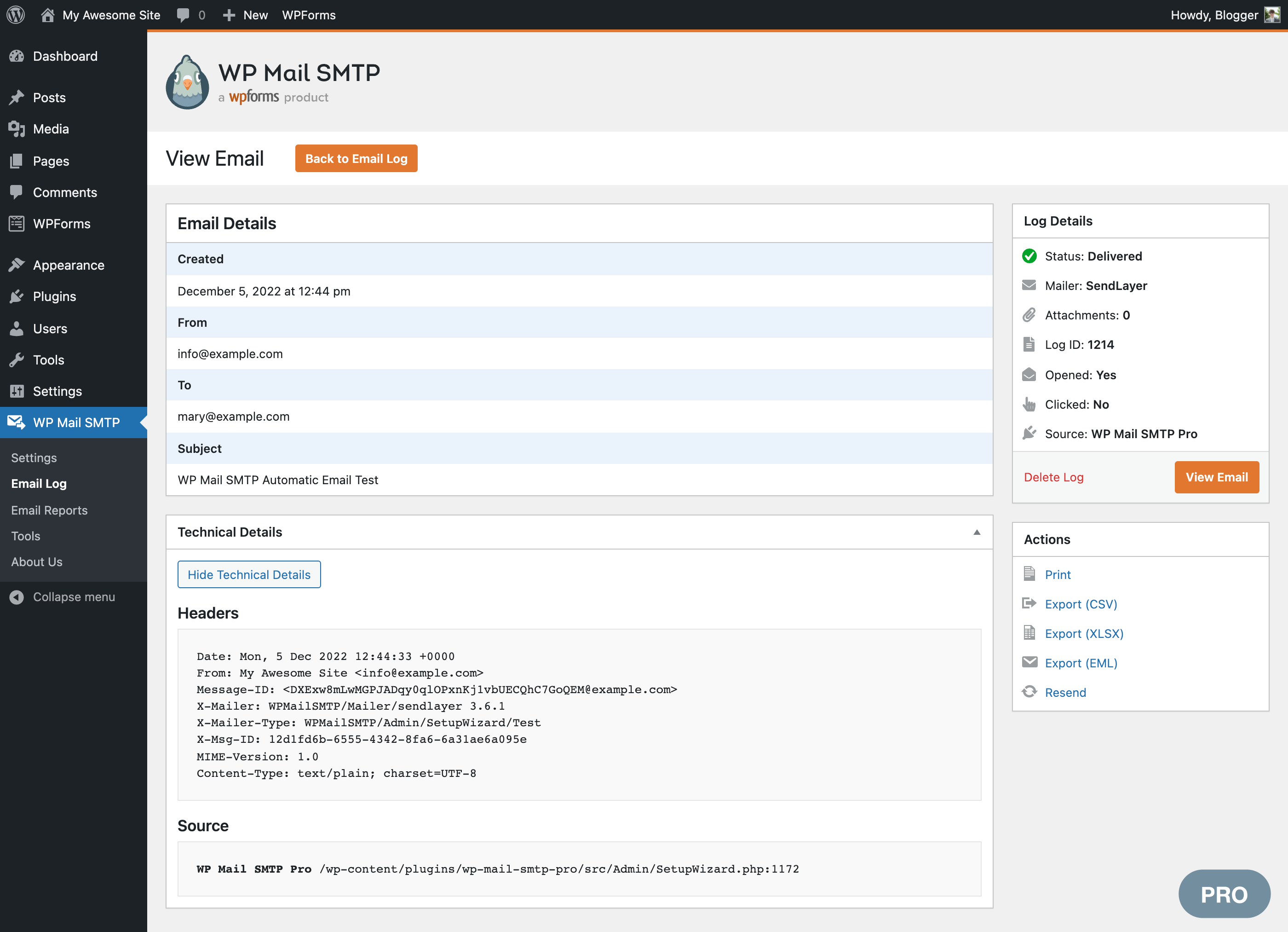
Email logging is a powerful feature that keeps a record of all sent emails in WordPress. Email logging helps you to archive, audit, resend, or test email delivery and formatting.
Our WordPress email logs also include:
Our email logs provide a complete history of all emails sent from WordPress. View the subject, sender, recipients, content, headers, open and click rates, delivery status, source plugin, and more!
Resend emails individually or in bulk, whether they failed or were delivered successfully. You can also forward important emails to an alternative email address.
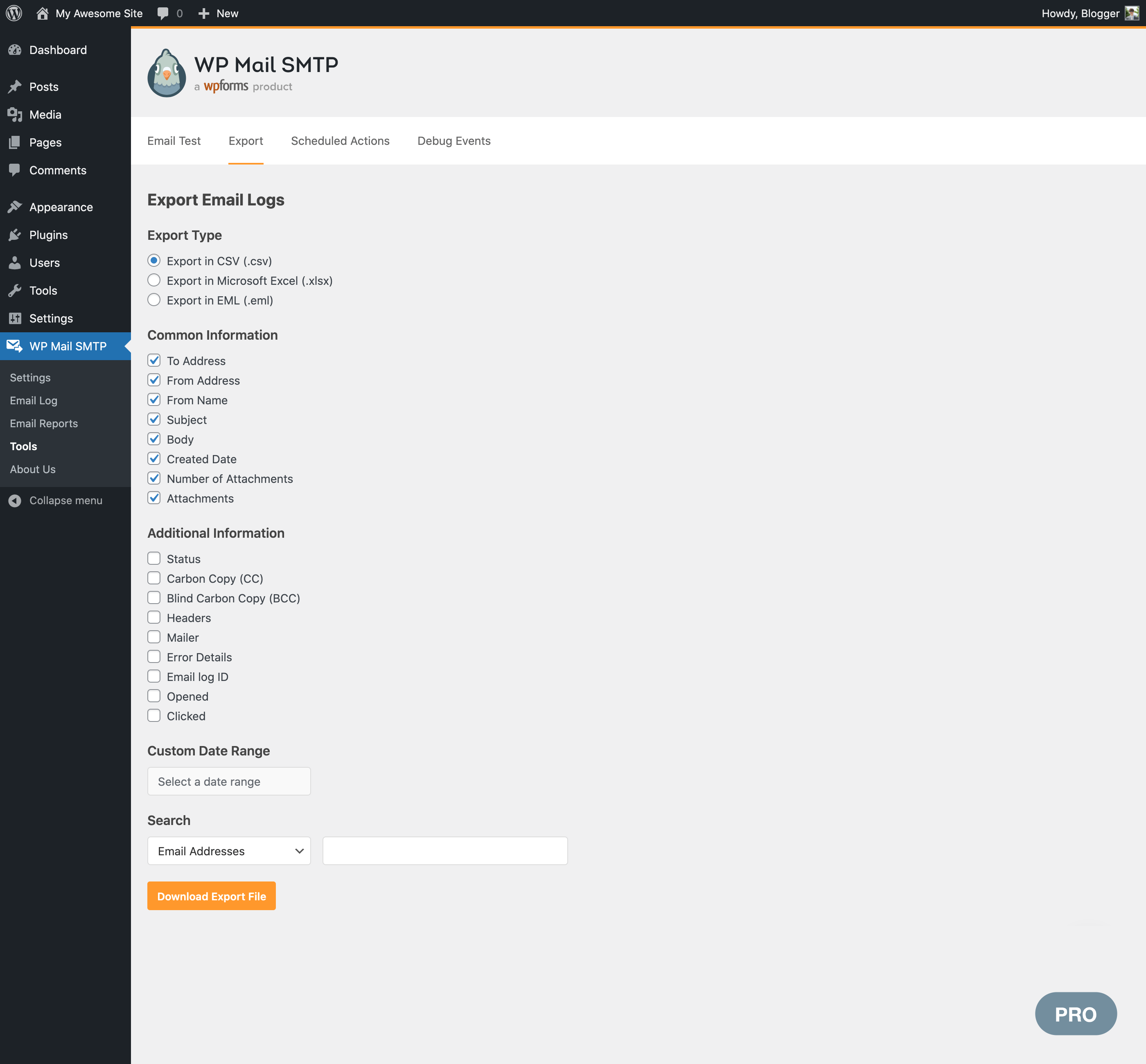
Store all email attachments, export email logs, print emails, see delivery status, and more.
Review weekly sent and failed emails in a dashboard chart.
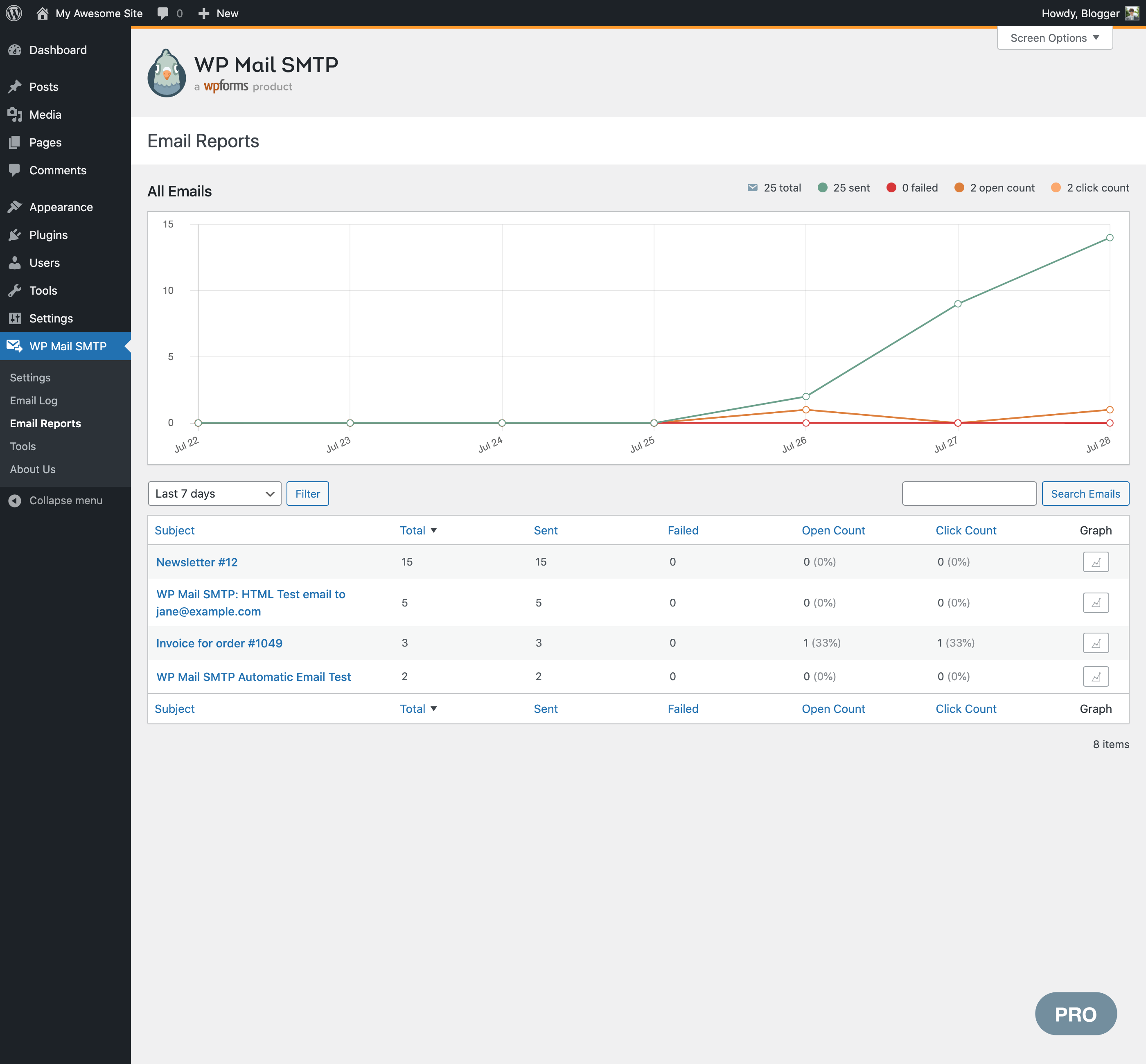
Email reports make it easy to track deliverability and engagement. Open rates and click-through rates are grouped by subject line, making it easy to see the performance of your campaigns or notifications.
Get statistics about WordPress emails, including how many emails are being sent and which ones are being opened and clicked. The Summary also shows you deliverability statistics without the need to log in to WordPress to check them.
View open and click stats for WordPress emails, grouped by subject line in your Email Report.
If your emails stop sending, get notified instantly via Slack, Microsoft Teams, Discord, SMS/ Twilio, webhooks, or email (via secure API).
In combination with our email logging and resending features, Email Alerts help make sure important emails don’t go missing.
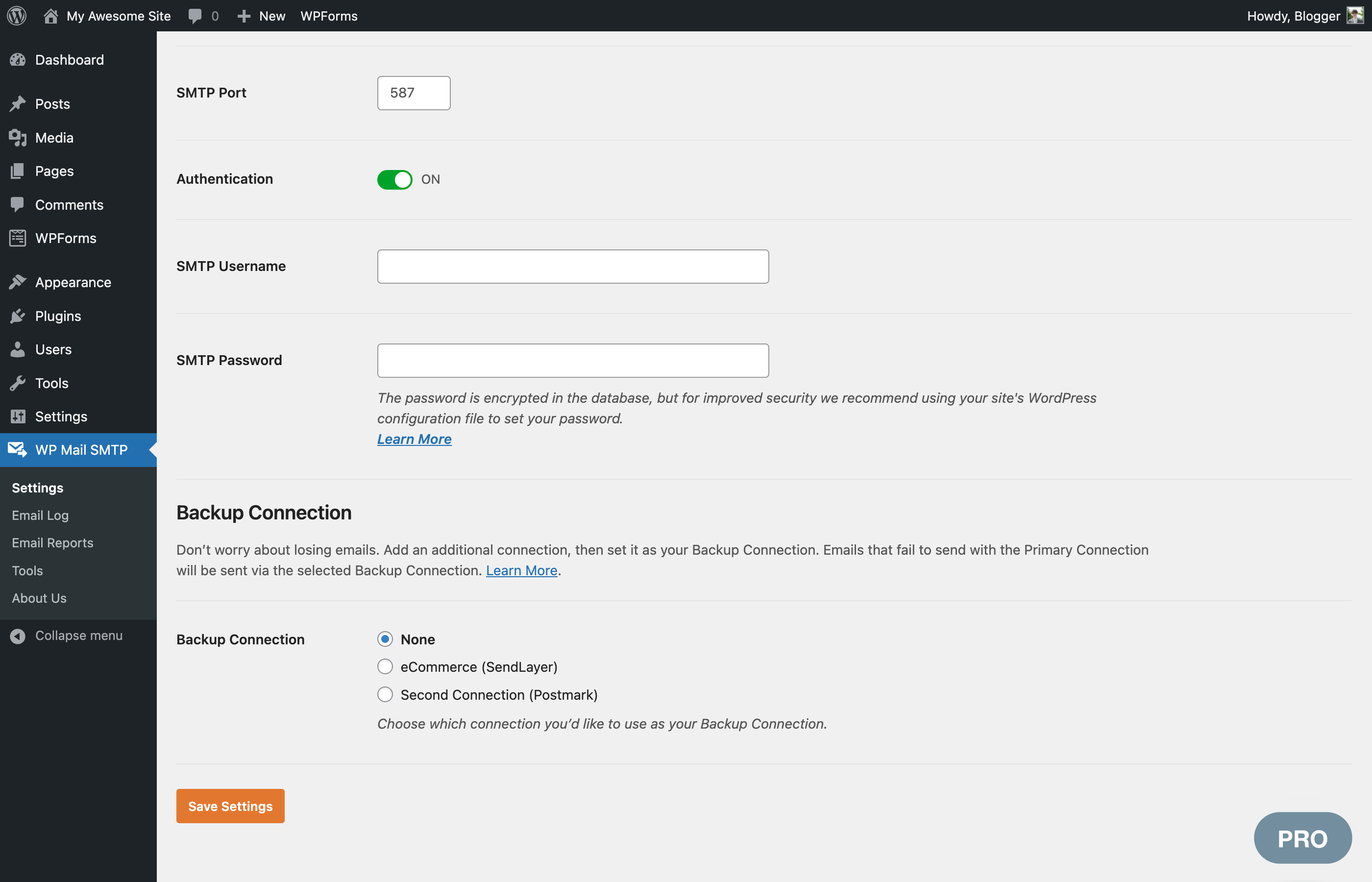
Configure an extra connection that kicks in if your primary connection fails. WP Mail SMTP automatically detects connection issues and automatically switches to the backup mailer. It will also automatically retry emails that failed.
Create criteria to send different types of emails using different mailers. Filter by the contents of the email Subject or Message, From or To addresses, the plugin that generated the email, and more.
This allows you to mix transactional and marketing providers to improve deliverability.
Control the number of emails your WordPress site sends in a specific amount of time so you stay within your SMTP provider’s rate limits.
WP Mail SMTP allows you to specify the maximum number of emails that will be sent every minute, hour, day, week, or month and automatically queues emails to stay within those limits.
Are emails slowing down your site? Let WP Mail SMTP queue your emails for better performance.
With optimized sending, emails are queued in the background and sent when your server has sufficient resources, avoiding bottlenecks that can slow down your site.
Control the default notifications WordPress sends. Use a simple switch to disable specific types of notifications if you don’t want to receive them.
For users running a multisite network, save time with a centralized location to easily configure your SMTP settings for all sites.
Network Admins can view and manage email logs for subsites with easy switching and dashboard views.
We provide limited support on the WordPress.org forums. One-on-one email support is available to WP Mail SMTP Pro users.
If you’re not sure how to fix your emails, sit back and relax. We’ll set up WP Mail SMTP for you!
White Glove Setup includes installation, configuration in WordPress, DNS configuration, full mailer setup, and testing. White Glove Setup is available for our recommended mailers: SendLayer, Brevo, and SMTP.com.
WP Mail SMTP plugin was originally created by Callum Macdonald. It is now owned and maintained by the team behind WPForms – a drag & drop form builder for WordPress.
You can try the free version of WPForms plugin to give your visitors an easy way to contact you.
WP Mail SMTP connects to the external services listed below. Each entry explains what is sent and when. Unless an entry says otherwise, requests to WP Mail SMTP services identify only the plugin version (for example WPMailSMTP/4.10.0). If you turn on usage tracking, they also include your WordPress version, site URL and license type.
Your emails are sent through the mailer you choose in WP Mail SMTP > Settings. When WordPress sends an email, the message (recipients, subject, content, headers and attachments) and the credentials you entered are sent to that provider. Connecting an account (for example SendLayer Quick Connect or signing in with Google) and checking your mailer settings in the Setup Wizard also contact the provider you selected. No provider is contacted until you select and configure it.
Depending on the email provider you connect, the email data is sent using their SMTP servers subject to their respective Terms of Service and Privacy Policy which you can review individually by looking at respective integration provider you choose to connect with.
Terms: https://wpmailsmtp.com/terms/
Privacy policy: https://wpmailsmtp.com/privacy-policy/
Terms: https://wpmailsmtp.com/terms/
Privacy policy: https://wpmailsmtp.com/privacy-policy/
Only when you turn on “Allow Usage Tracking” in WP Mail SMTP > Settings > Misc, which is off by default. If enabled, the plugin sends us relevant product usage diagnostics to help us improve the plugin and our service.
Terms: https://wpmailsmtp.com/terms/
Privacy policy: https://wpmailsmtp.com/privacy-policy/
When you run a deliverability test on the Email Detective page, your site sends a test email through your mailer to an address the service provides, and the result of that send (success, or the error message) is reported back. To perform this test, your site URL, mailer, plugin version and license type are sent to this service. If you ask for the report by email, the email address you enter is sent too.
Terms: https://sendlayer.com/terms-of-service/
Privacy policy: https://sendlayer.com/privacy-policy/
When you open the Code Snippets page and the WPCode plugin isn’t active, a list of email-related code snippets is downloaded. The request identifies only the plugin version, unless usage tracking is on. Results are cached for one day.
Terms: https://wpcode.com/terms-of-service/
Privacy policy: https://wpcode.com/privacy-policy/
Description published by Syed Balkhi on WordPress.org, licensed under GNU General Public License v3.0 or later.
Screenshots
Screenshots published by Syed Balkhi on WordPress.org, licensed under GNU General Public License v3.0 or later.

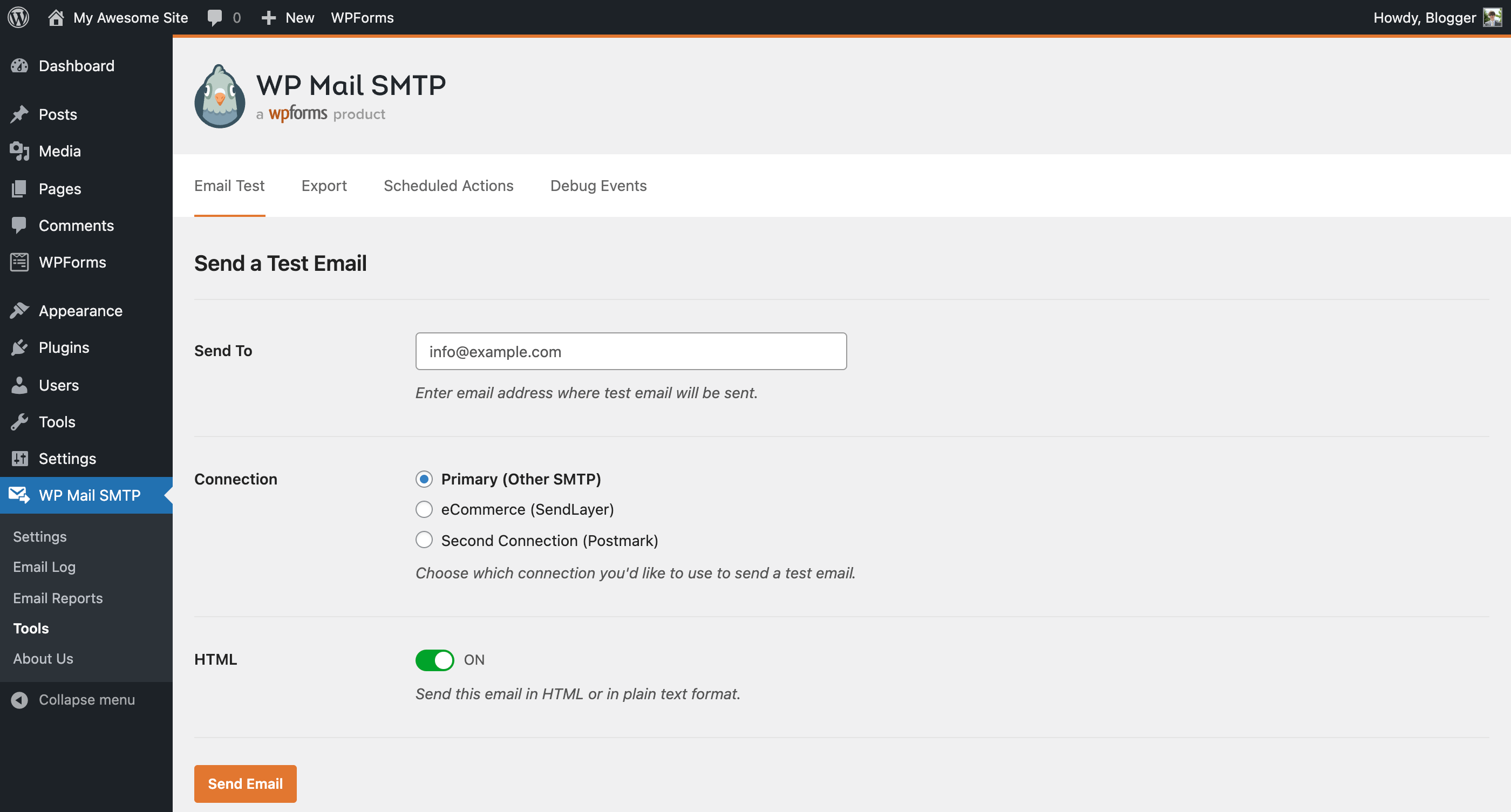
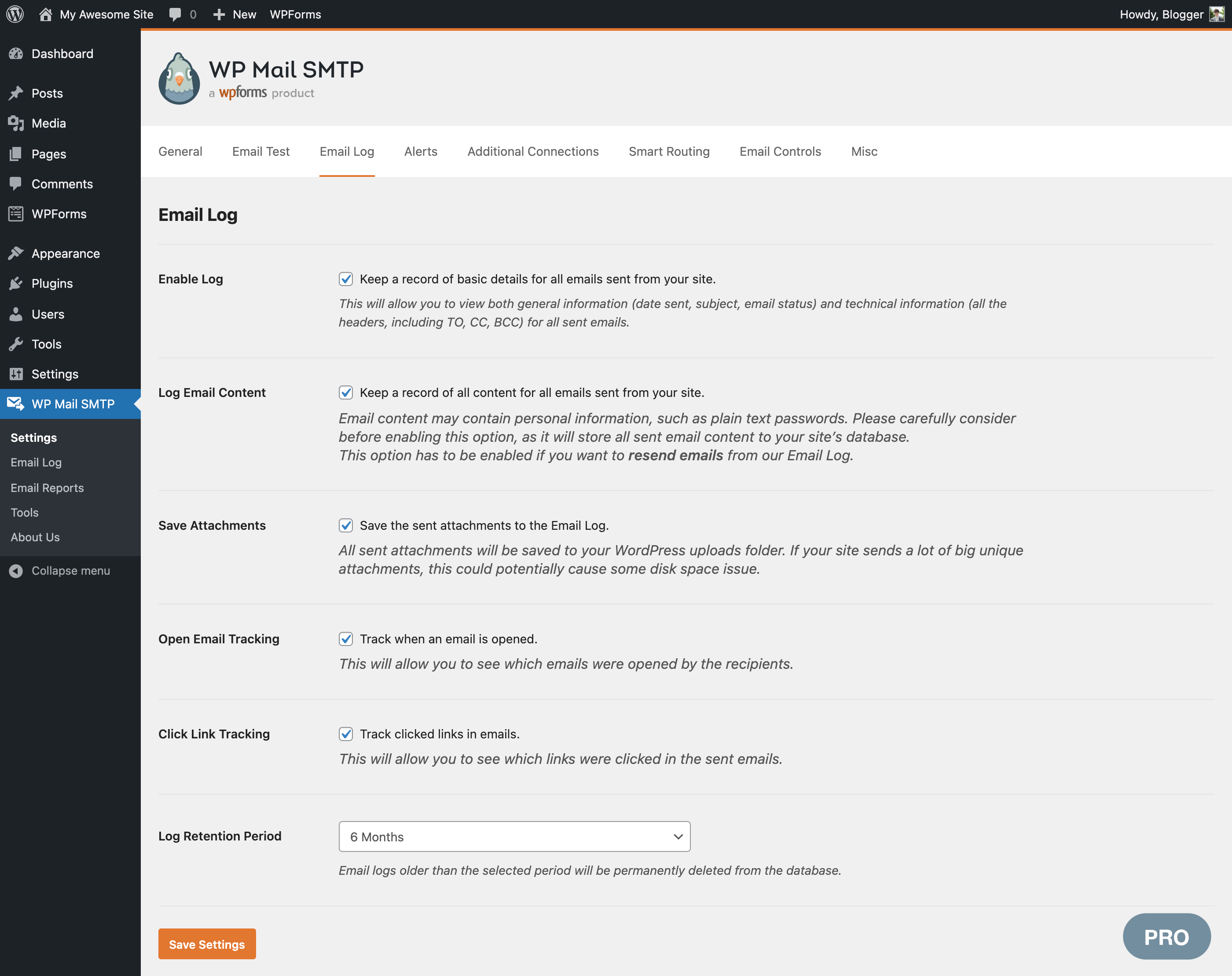
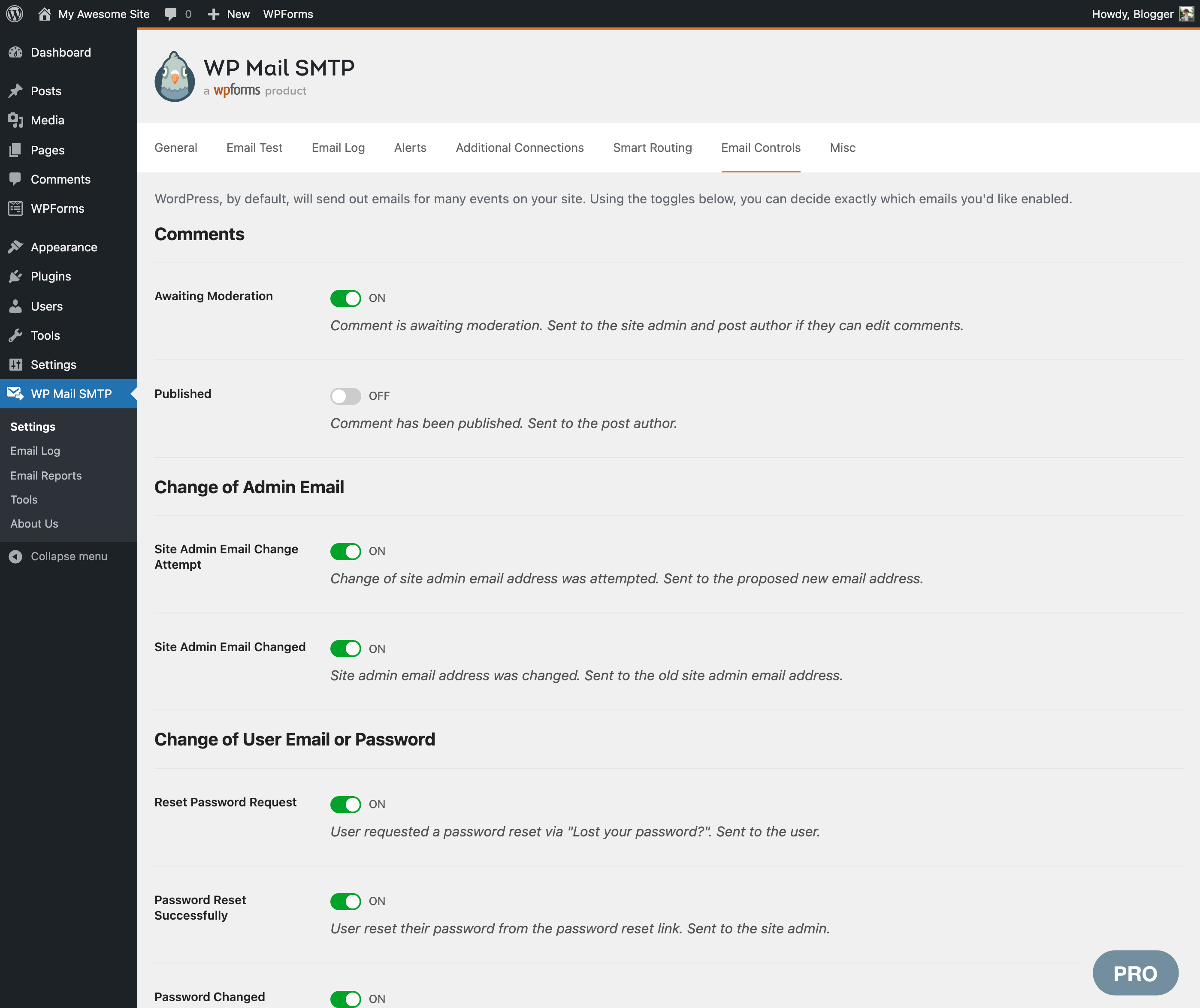
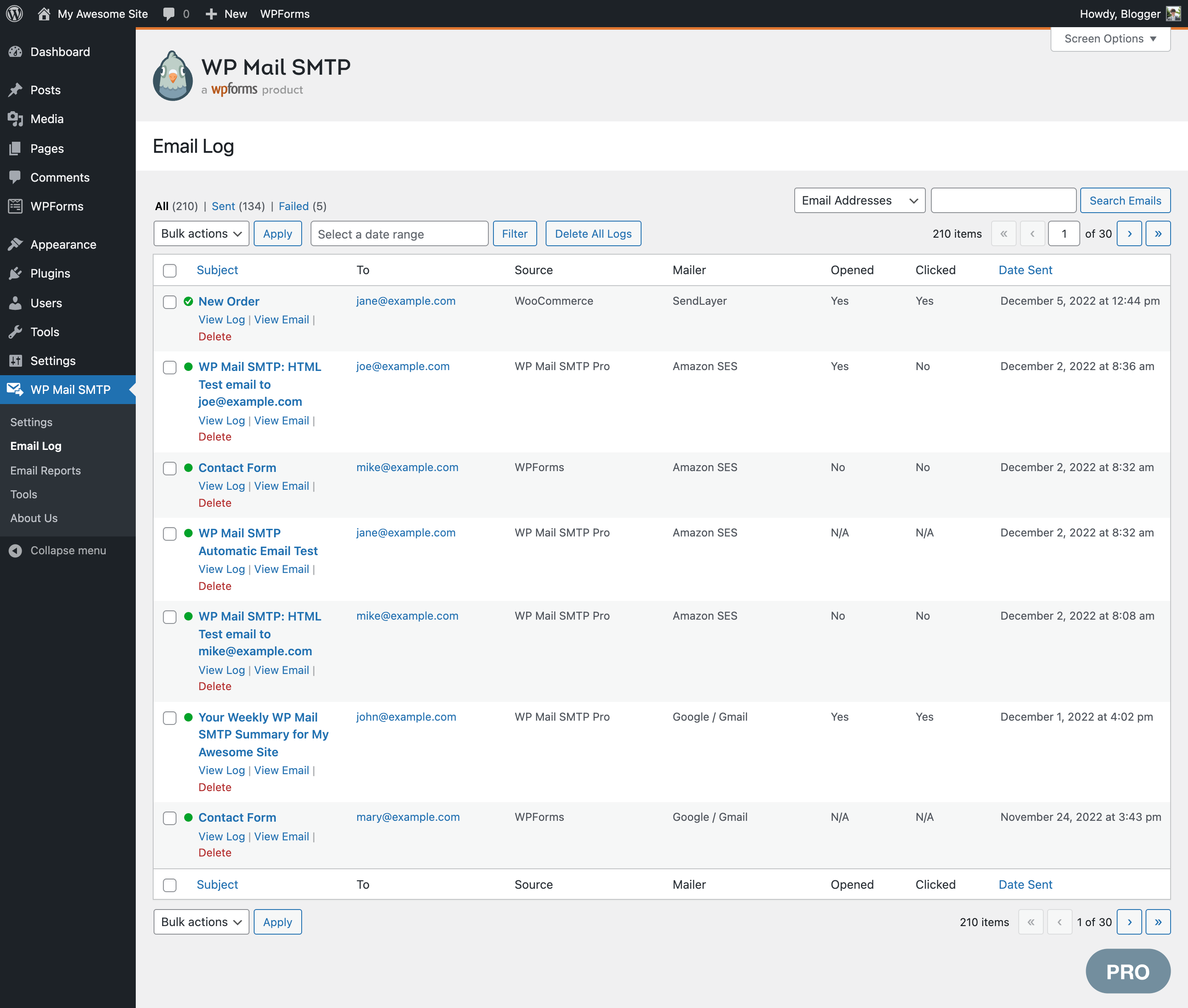
Per-version history
Show per-version detail (3 versions)
Per-version history
Show per-version detail (3 versions)
How the plugin evolves version by version.
| Version | Homepage | Admin | Last scan |
|---|---|---|---|
| v4.10.1 | 3 scans | — | 6 days ago |
| v4.10.2 | 1 scan | — | 2 weeks ago |
| v4.9.0 | 4 scans | 1 scan | 1 month ago |
Scan history
Show individual scan log (10 scans)
Scan history
Show individual scan log (10 scans)
| Date | Version | Context | Score | Grade | Time | Memory |
|---|---|---|---|---|---|---|
| 6 days ago | v4.10.1 | messages.page_type.custom | 100/100 | A | 0 ms | 0.0 MB |
| 6 days ago | v4.10.1 | Homepage | 91/100 | A | 337 ms | 0.0 MB |
| 1 week ago | v4.10.1 | Homepage | 84/100 | B | 744 ms | 0.0 MB |
| 1 week ago | v4.10.1 | Homepage | 100/100 | A | 0 ms | 0.0 MB |
| 2 weeks ago | v4.10.2 | Homepage | 97/100 | A | 0 ms | 2.0 MB |
| 1 month ago | v4.9.0 | Homepage | 100/100 | A | 0 ms | 0.0 MB |
| 1 month ago | v4.9.0 | Homepage | 100/100 | A | 0 ms | 0.0 MB |
| 1 month ago | v4.9.0 | Homepage | 95/100 | A | 27 ms | 0.0 MB |
| 1 month ago | v4.9.0 | Homepage | 100/100 | A | 21 ms | 0.0 MB |
| 1 month ago | v4.9.0 | Admin | 79/100 | B | 107 ms | 0.0 MB |