
Punteggio di impatto
Footprint Score sui due contesti più rappresentativi.
5 scansioni · ultima scansione 1 settimana fa
Score Homepage
Impatto misurato sulla home page pubblica
v4.1.1 · 4 scansioni · Punteggio consolidato su 90 giorni · 2 versioni
Cosa aggiunge a ogni caricamento di pagina
- Tempo aggiunto
- 31 ms
- Memoria aggiunta
- 6.0 MB
- Query SQL
- +3
- File CSS/JS
- +0
- Chiamate esterne
- 0
Score Admin
Impatto misurato nell'amministrazione WordPress
v4.0.7 · 1 scansione · Punteggio consolidato su 90 giorni · 1 versioni
Cosa aggiunge a ogni caricamento di pagina
- Tempo aggiunto
- 33 ms
- Memoria aggiunta
- 0.0 MB
- Query SQL
- +0
- File CSS/JS
- +0
- Chiamate esterne
- 0
Informazioni
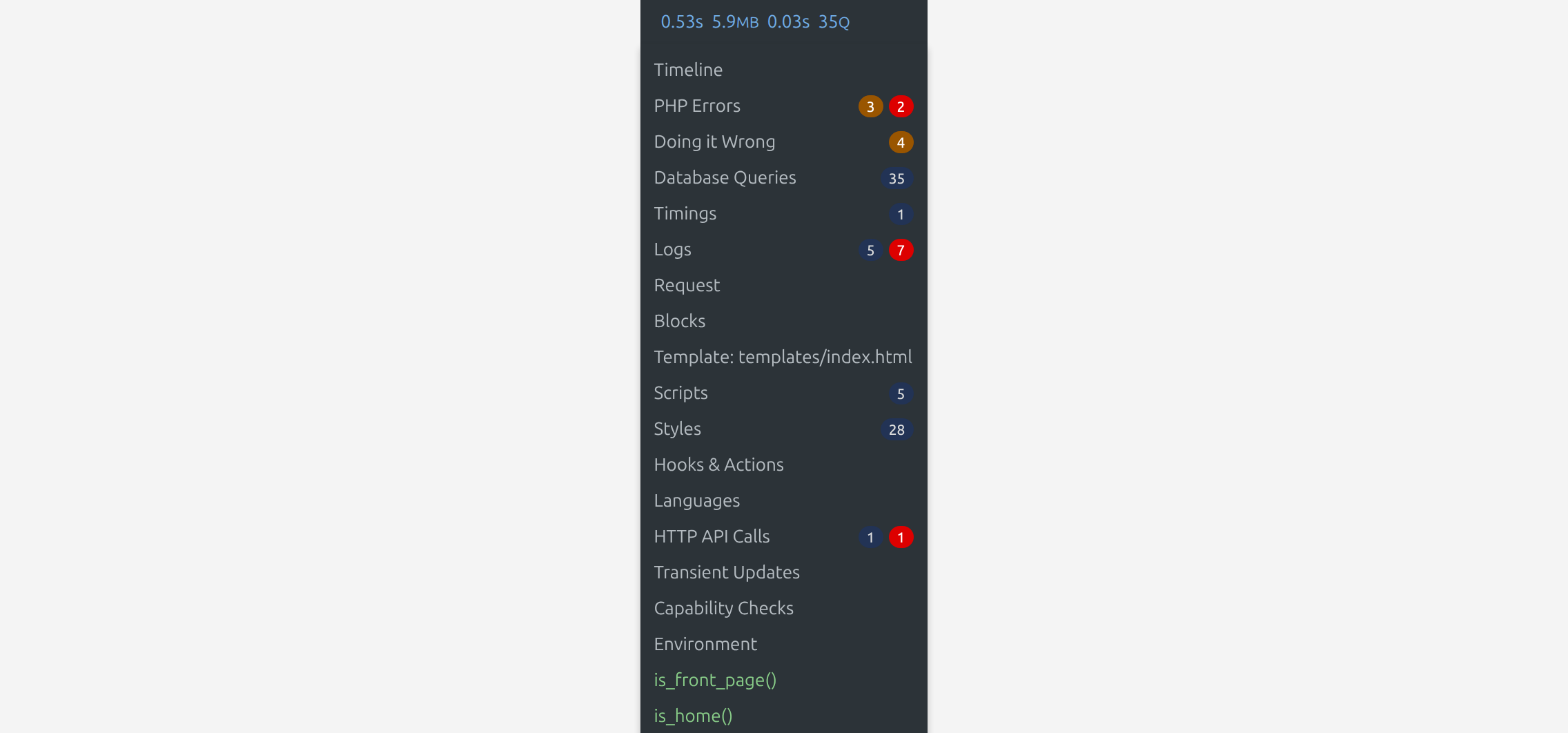
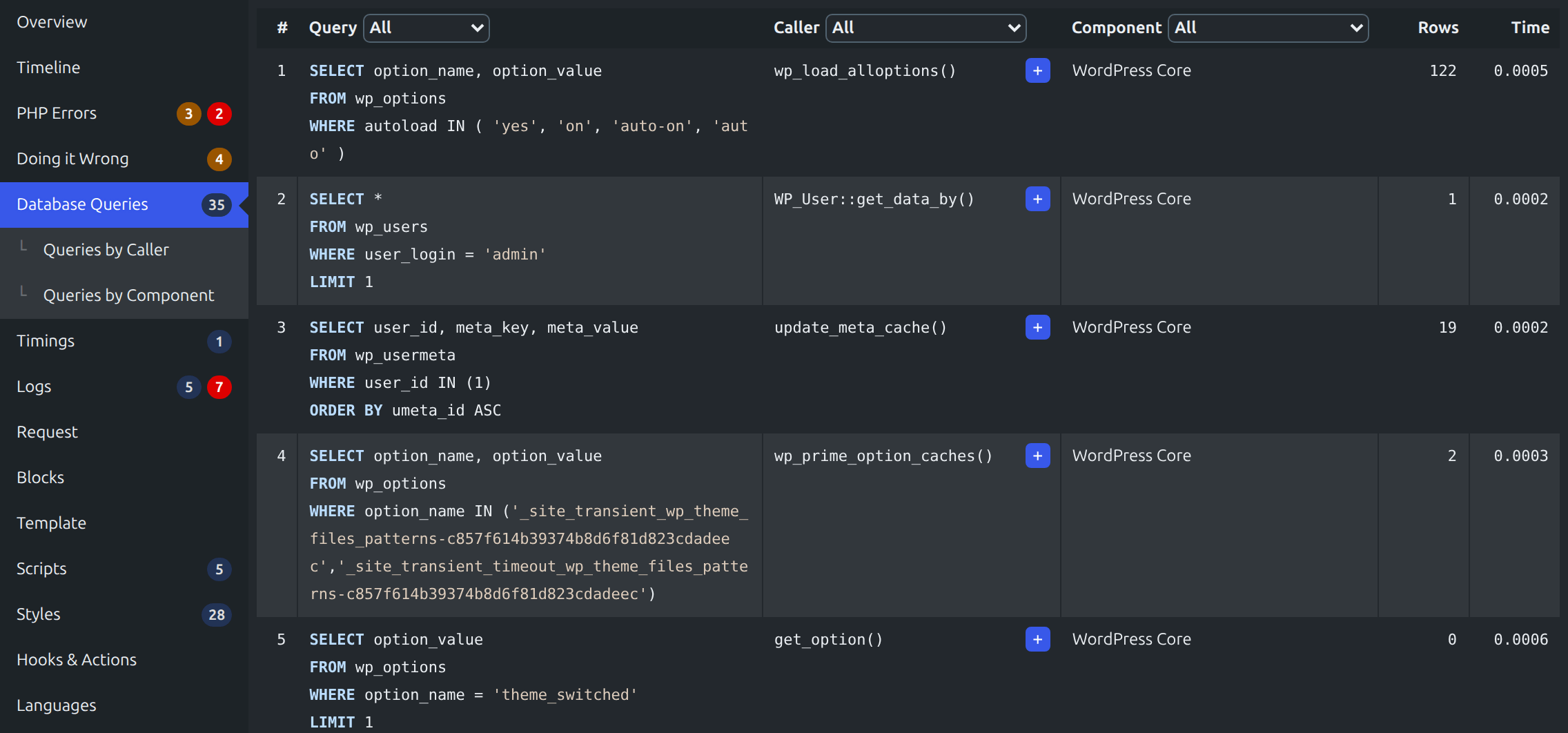
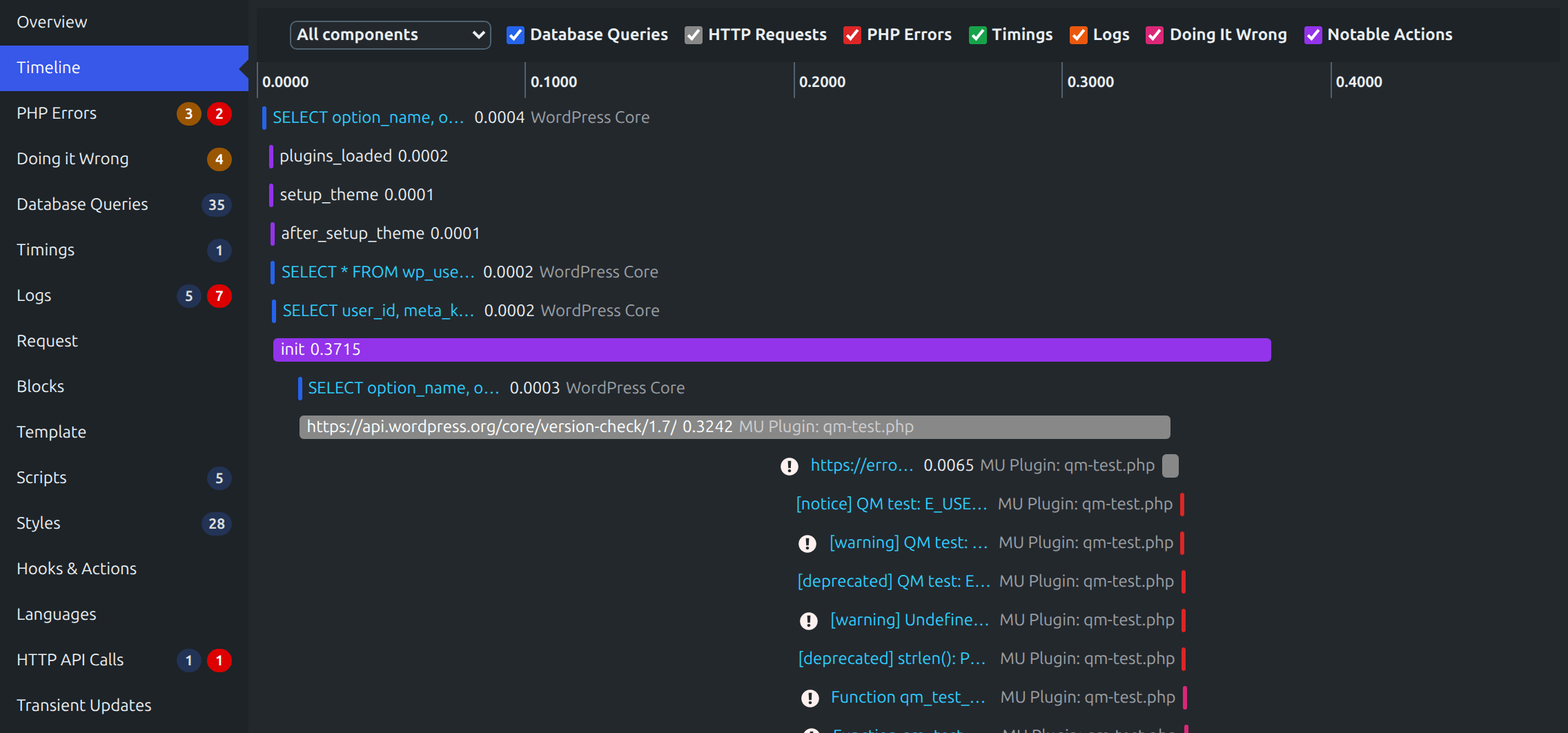
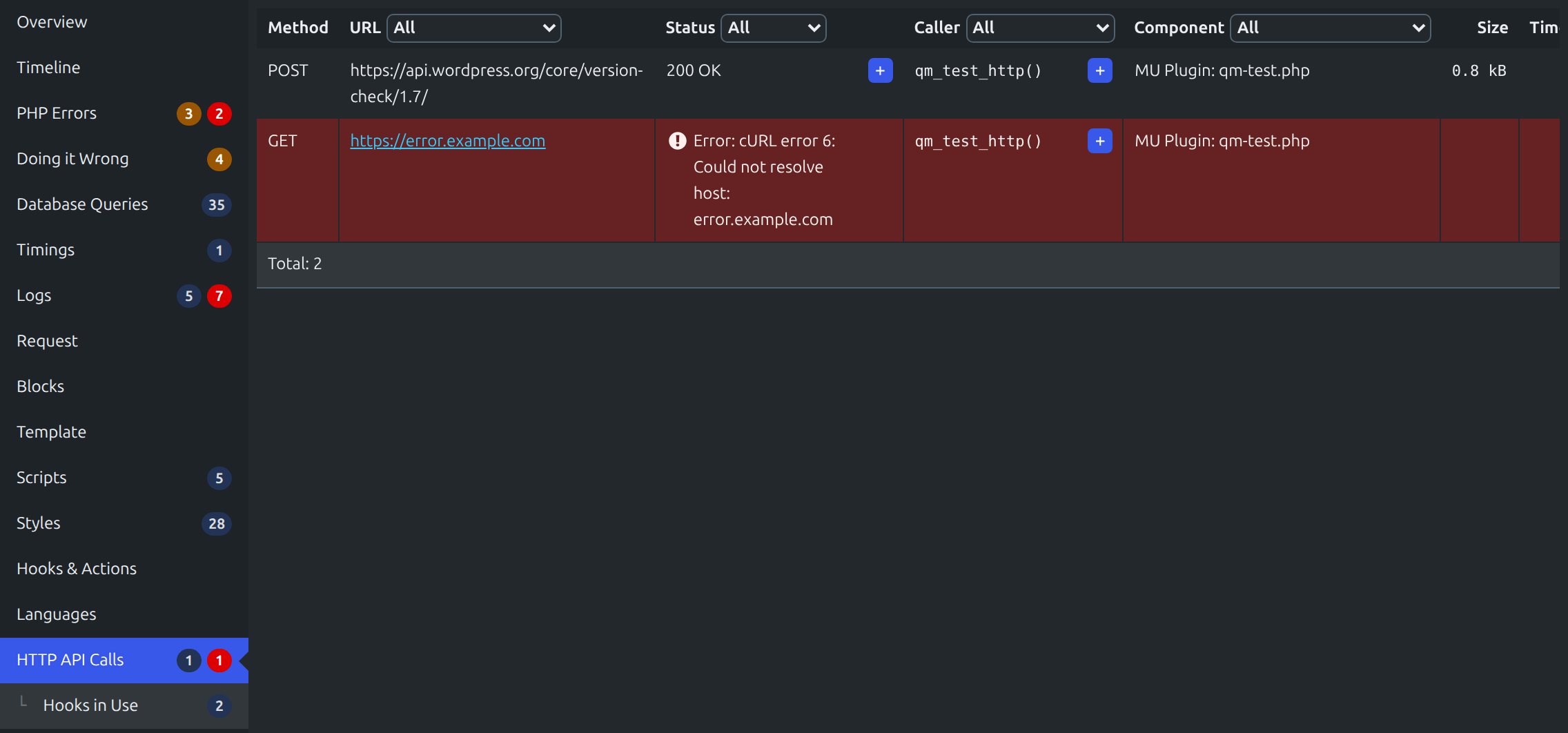
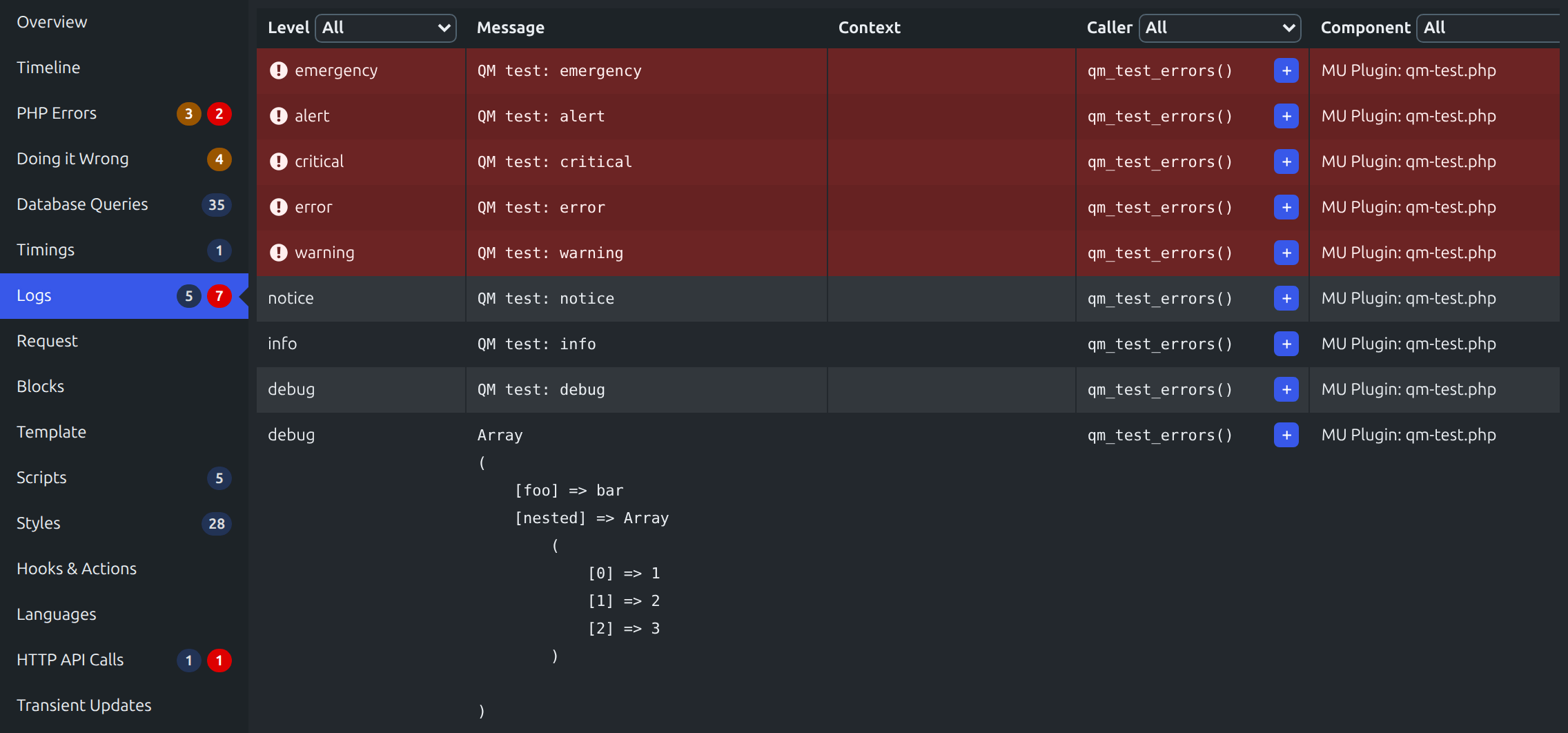
Query Monitor is the developer tools panel for WordPress and WooCommerce. It enables debugging of database queries, PHP errors, hooks and actions, block editor blocks, enqueued scripts and stylesheets, HTTP API calls, and more.
It includes some advanced features such as debugging of Ajax calls, REST API calls, user capability checks, and full support for block themes and full site editing. It includes the ability to narrow down much of its output by plugin or theme, allowing you to quickly determine poorly performing plugins, themes, or functions.
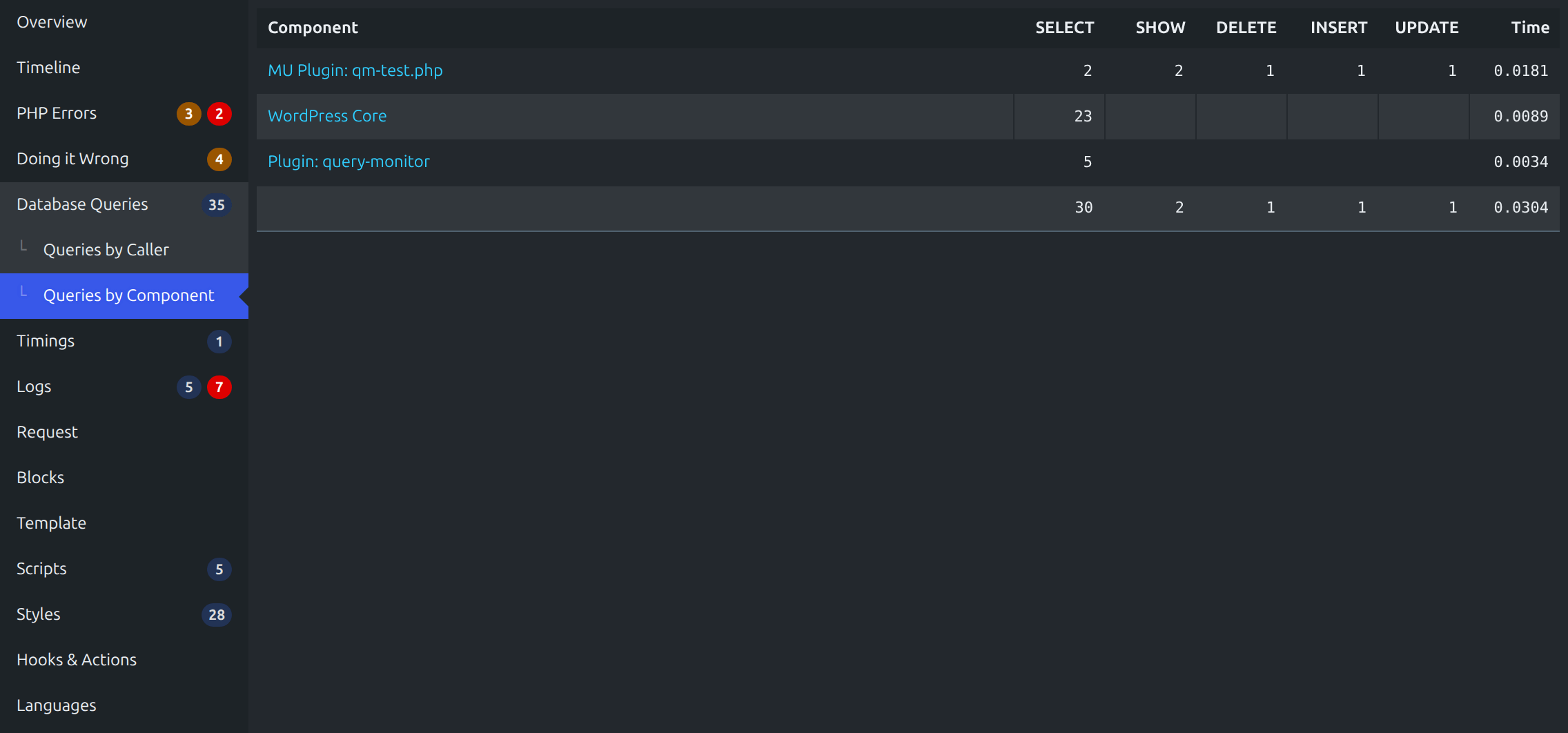
Query Monitor focuses heavily on presenting its information in a useful manner, for example by showing aggregate database queries grouped by the plugins, themes, or functions that are responsible for them. It adds an admin toolbar menu showing an overview of the current page, with complete debugging information shown in panels once you select a menu item.
Leggi tutto Mostra meno
Query Monitor supports versions of WordPress up to three years old, and PHP version 7.4 or higher.
For complete information, please see the Query Monitor website.
Ecco una panoramica di quello che viene mostrato per ogni caricamento di pagina:
Inoltre:
By default, Query Monitor’s output is only shown to Administrators on single-site installations, and Super Admins on Multisite installations.
In addition to this, you can set an authentication cookie which allows you to view Query Monitor output when you’re not logged in (or if you’re logged in as a non-Administrator). See the Settings panel for details.
Gestisco molti altri plugin per gli sviluppatori. Dai un’occhiata a questi:
Il tempo che dedico alla manutenzione di questo plugin e di altri plugin è in parte sponsorizzato da:
Query Monitor is private by default and always will be. It does not persistently store any of the data that it collects. It does not send data to any third party, nor does it include any third party resources. Query Monitor’s full privacy statement can be found here.
Query Monitor aims to be fully accessible to all of its users. Query Monitor’s full accessibility statement can be found here.
Descrizione pubblicata da John Blackbourn su WordPress.org, con licenza GPL v2 or later.
Schermate
Schermate pubblicate da John Blackbourn su WordPress.org, con licenza GPL v2 or later.

Storico per versione
Mostra il dettaglio per versione (2 versioni)
Storico per versione
Mostra il dettaglio per versione (2 versioni)
Come evolve il plugin di versione in versione.
| Versione | Homepage | Admin | Ultima scansione |
|---|---|---|---|
| v4.1.1 | 3 scansioni | — | 1 settimana fa |
| v4.0.7 | 1 scansione | 1 scansione | 1 mese fa |
Storico delle scansioni
Mostra il registro delle singole scansioni (5 scansioni)
Storico delle scansioni
Mostra il registro delle singole scansioni (5 scansioni)
| Data | Versione | Contesto | Punteggio | Grade | Tempo | Memoria |
|---|---|---|---|---|---|---|
| 1 settimana fa | v4.1.1 | Homepage | 99/100 | A | 35 ms | 6.0 MB |
| 1 settimana fa | v4.1.1 | Homepage | 94/100 | A | 98 ms | 6.0 MB |
| 1 settimana fa | v4.1.1 | Homepage | 99/100 | A | 23 ms | 6.0 MB |
| 1 mese fa | v4.0.7 | Homepage | 100/100 | A | 26 ms | 0.0 MB |
| 1 mese fa | v4.0.7 | Admin | 99/100 | A | 33 ms | 0.0 MB |